VectorStyler
    • Categories
    • Unread
    • Recent
    • Tags
    • Popular
    • Register
    • Login

    Some Distortion tools not working
    Scheduled Pinned Locked Moved VectorStyler 1.1 Bugs
    22 Posts 5 Posters 34.3k Views 4 Watching
    Loading More Posts
    • Oldest to Newest
    • Newest to Oldest
    • Most Votes
    Reply
    • Reply as topic
    Log in to reply
    This topic has been deleted. Only users with topic management privileges can see it.
    • DazmondoD Offline
      Dazmondo @VectorStyler
      last edited by

      @VectorStyler Damn ---- heres another vid: https://drive.google.com/file/d/1N4Flbov1s7s88hdBz9No776AhrH1ewzW/view?usp=sharing

      VectorStylerV b77B 2 Replies Last reply Reply Quote 0
      • VectorStylerV Offline
        VectorStyler @Dazmondo
        last edited by VectorStyler

        @Dazmondo said in Some Distortion tools not working:

        @VectorStyler Damn ---- heres another vid: https://drive.google.com/file/d/1N4Flbov1s7s88hdBz9No776AhrH1ewzW/view?usp=sharing

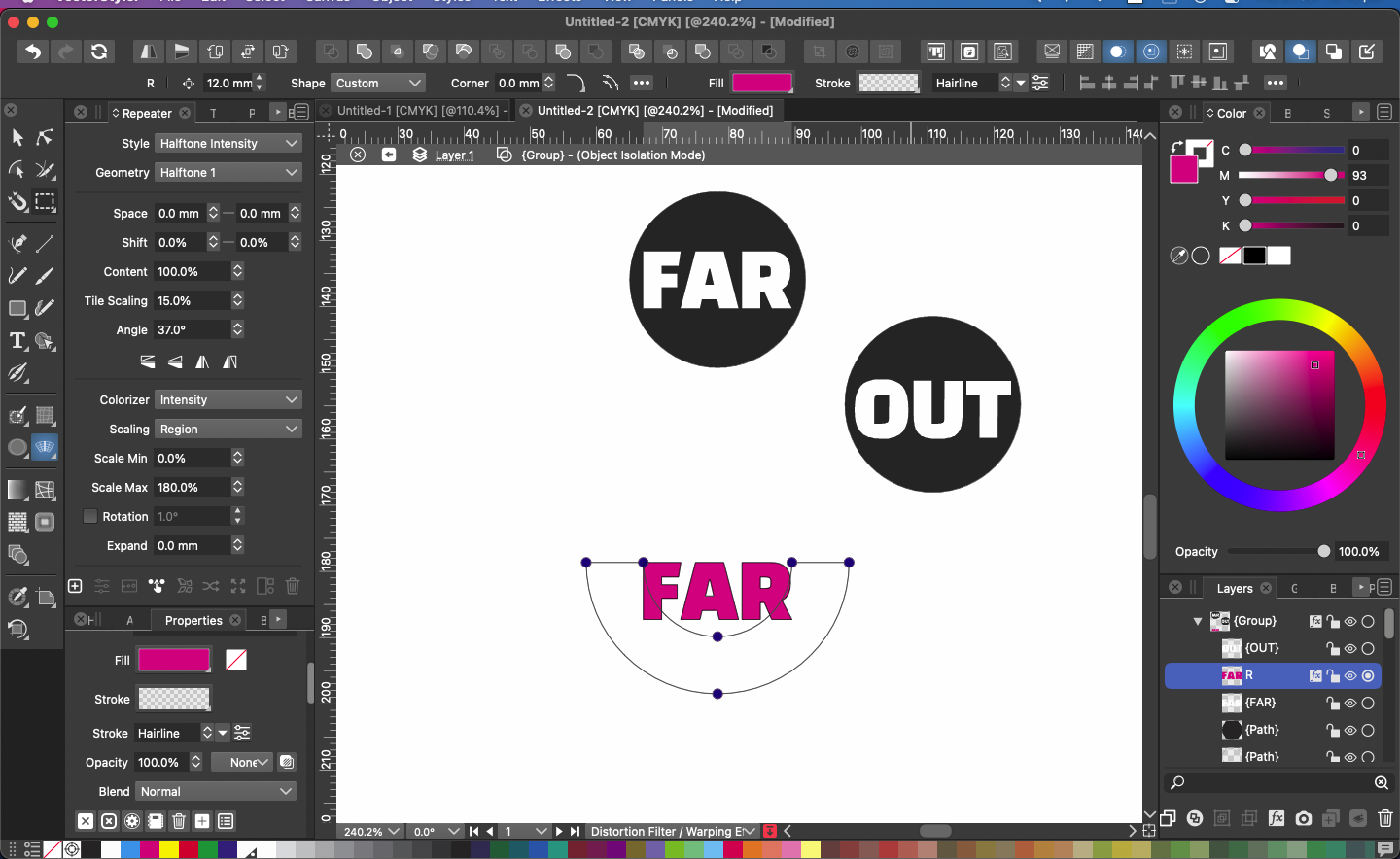
        There seems to be some issue with showing and updating the handles in those editors. I added this to the backlog.

        EDIT: try a Command+R for refresh / update if the handles are off.

        b77B DazmondoD 2 Replies Last reply Reply Quote 0
        • b77B Offline
          b77 @VectorStyler
          last edited by

          @VectorStyler Could be some glitch related to some setting in @Dazmondo 's Preferences.

          MacBook Pro (Intel) running Monterey 12.6.4

          VectorStylerV 1 Reply Last reply Reply Quote 1
          • VectorStylerV Offline
            VectorStyler @b77
            last edited by

            @b77 said in Some Distortion tools not working:

            @VectorStyler Could be some glitch related to some setting in @Dazmondo 's Preferences.

            Yes, it could be. But I would need the settings file to see that.

            1 Reply Last reply Reply Quote 0
            • b77B Offline
              b77 @Dazmondo
              last edited by b77

              @Dazmondo Switch to Finder > click the 'Go' menu > Go to Folder…

              Paste this:

              ~/Library/Application Support/NumericPath/VectorStyler1.0/vector/data/resources

              Hit Enter.

              Send the two files (settings.xml and workspace.xml) to the developer.

              MacBook Pro (Intel) running Monterey 12.6.4

              1 Reply Last reply Reply Quote 2
              • DazmondoD Offline
                Dazmondo @VectorStyler
                last edited by

                @VectorStyler said in Some Distortion tools not working:

                EDIT: try a Command+R for refresh / update if the handles are off.

                I've found the problem: For some unknown reason Direct preview of changes was unticked --- now ticked and working as normal

                b77B VectorStylerV 3 Replies Last reply Reply Quote 2
                • b77B Offline
                  b77 @Dazmondo
                  last edited by

                  @Dazmondo Just found the same here.

                  MacBook Pro (Intel) running Monterey 12.6.4

                  1 Reply Last reply Reply Quote 0
                  • DazmondoD Offline
                    Dazmondo
                    last edited by

                    Thanks guys πŸ‘ πŸ‘ πŸ‘ 😌

                    1 Reply Last reply Reply Quote 0
                    • VectorStylerV Offline
                      VectorStyler @Dazmondo
                      last edited by

                      @Dazmondo said in Some Distortion tools not working:

                      I've found the problem: For some unknown reason Direct preview of changes was unticked --- now ticked and working as normal

                      Ok, but this could also be a bug. When the mouse is released, the effect should apply.

                      1 Reply Last reply Reply Quote 0
                      • VectorStylerV Offline
                        VectorStyler @Dazmondo
                        last edited by

                        @Dazmondo said in Some Distortion tools not working:

                        I've found the problem: For some unknown reason Direct preview of changes was unticked --- now ticked and working as normal

                        Yes, now I can replicate and it is a bug.

                        DazmondoD 1 Reply Last reply Reply Quote 1
                        • DazmondoD Offline
                          Dazmondo @VectorStyler
                          last edited by

                          @VectorStyler said in Some Distortion tools not working:

                          @Dazmondo said in Some Distortion tools not working:

                          I've found the problem: For some unknown reason Direct preview of changes was unticked --- now ticked and working as normal

                          Yes, now I can replicate and it is a bug.

                          πŸ‘

                          BoldlineB 1 Reply Last reply Reply Quote 0
                          • BoldlineB Offline
                            Boldline @Dazmondo
                            last edited by Boldline

                            The next bug fix build release is hereby dedicated to @Dazmondo for the numerous recent Bug discoveries both intentional and the inadvertent!
                            Special thanks to @VectorStyler for hitting clean-up πŸ˜ƒ

                            🍎 macOS Tahoe 26.2, Mac mini (M1, 2020), Chip Apple M1, Memory 16 GB
                            Cintiq 27QHD Display and LG Ultra HD Display

                            1 Reply Last reply Reply Quote 2
                            • First post
                              Last post
