Eraser Tool on Filled Object
-
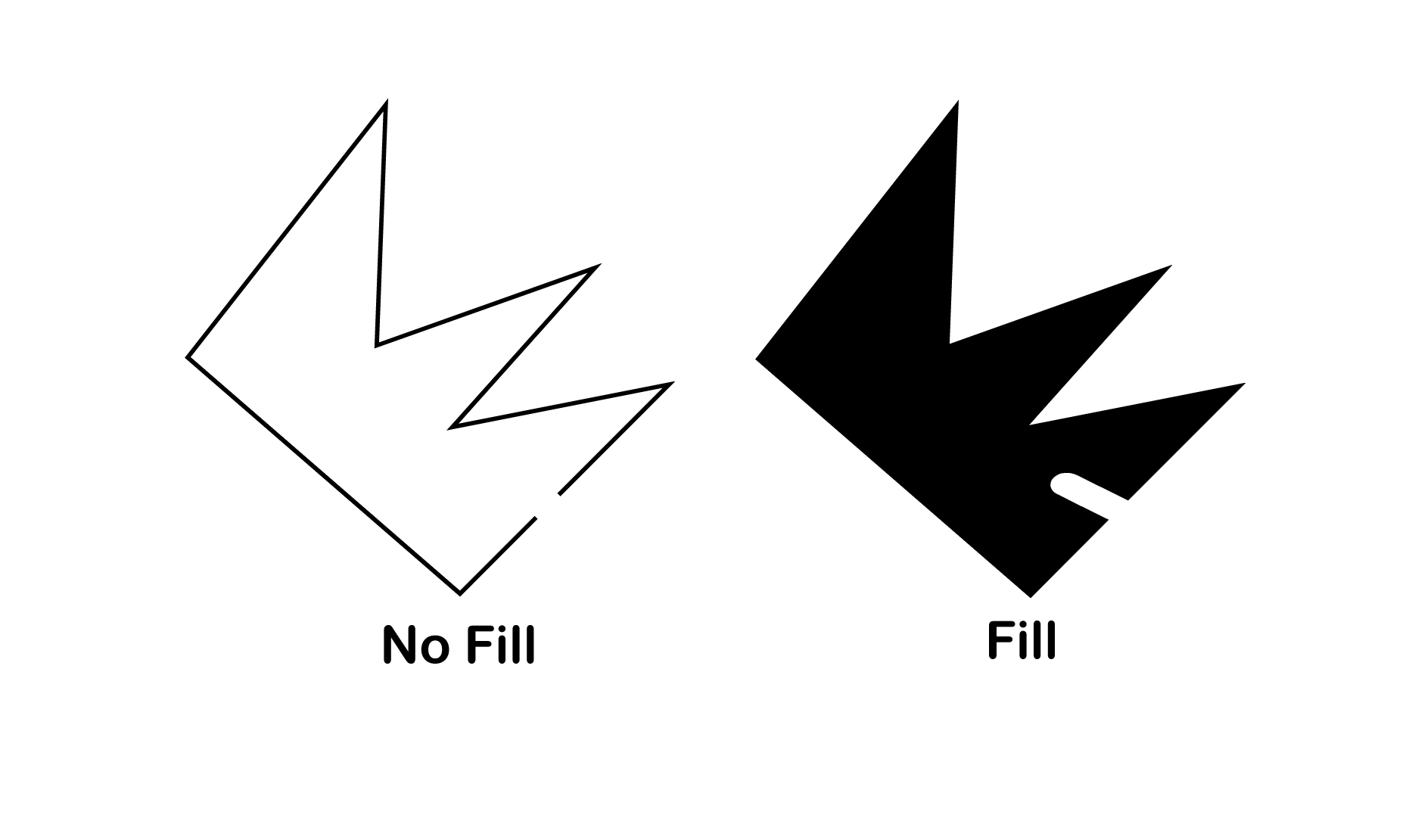
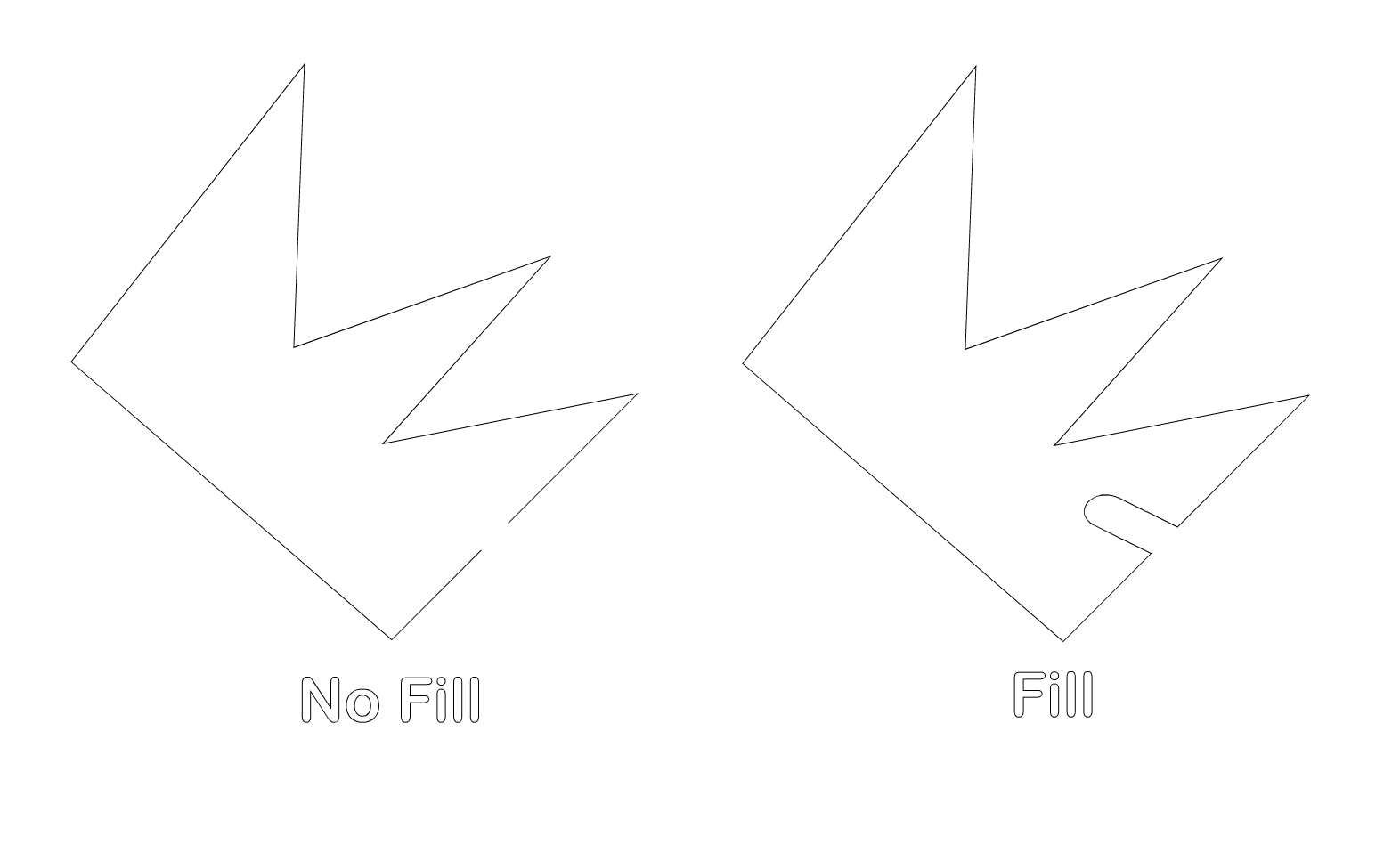
Just noticed that if a closed path has a fill, the eraser tool doesn't delete that section of path conforming to the diameter of the eraser (pic attached).
This is with Prefrences/Editing Options 2/Separate Path with Eraser Tool checked.
Neil
iMac 27" 2015 Catalina 32Gb, MacBook Pro 13" 2016 Monterey 8Gb, Mac Mini M2 2023 8Gb
-
seems to be normal behavior to me
in a case of a filland I do not quite understand why an open path should be filled then
but ok could be discussed if that Setting you
mentioned is setWin 11
CPU: AMD Ryzen 5 9600X, 6-core.
GPU: Nvidia Geforce RTX 5070. -
@Igull This is by design. The eraser (brush) cuts out the erased region from the filled area.
-
@VectorStyler said in Eraser Tool on Filled Object:
@Igull This is by design. The eraser (brush) cuts out the erased region from the filled area.
OK, I can understand that. It only came about as all my stuff to be cut never has a fill - I thought it was a remnant of the issue with closed paths being auto closed when cut. It's not an issue now that I know the score.
Thanks
Neil
-
@Subpath said in Eraser Tool on Filled Object:
seems to be normal behavior to me
in a case of a fillI'm OK with that now.
and I do not quite understand why an open path should be filled then
but ok could be discussed if that Setting you
mentioned is setI use the eraser tool to break paths at a specific size to create a "tab" (to stop parts from falling out of a laser cut sheet), originally, the path by default was healed after erasing rather than removing a piece. It is now possible to do that (on an unfilled closed path - it always worked on an open path) . I only noticed this effect as I had been drawing up some parts (closed paths) and they must have had a fill and then when creating tabs, I noticed the original effect happening again - I assumed a bug rather than a feature of course

So, all OK now, danger averted LOL
Neil
-
Thanks for the inside information. It is always interesting for me to hear other use cases.
My profession was digital printing but we also had some plotters for cutting foil.But I have always been interested in areas that are related in the broadest sense.
So I know a thing or two about laser cutting. My team leader once brought some
very impressive samples from a print show.
For example, an apple with a laser cutting Motif on it.

