VectorStyler
    • Categories
    • Unread
    • Recent
    • Tags
    • Popular
    • Register
    • Login

    Sometimes live preview is not handy lol
    Scheduled Pinned Locked Moved General Discussion
    19 Posts 4 Posters 19.1k Views 3 Watching
    Loading More Posts
    • Oldest to Newest
    • Newest to Oldest
    • Most Votes
    Reply
    • Reply as topic
    Log in to reply
    This topic has been deleted. Only users with topic management privileges can see it.
    • BoldlineB Online
      Boldline @Subpath
      last edited by

      @Subpath said in Sometimes live preview is not handy lol:

      I'm not sure if a delay would be helpful and how long it should be.
      And it finally does not solve the problem with a lot of objects.

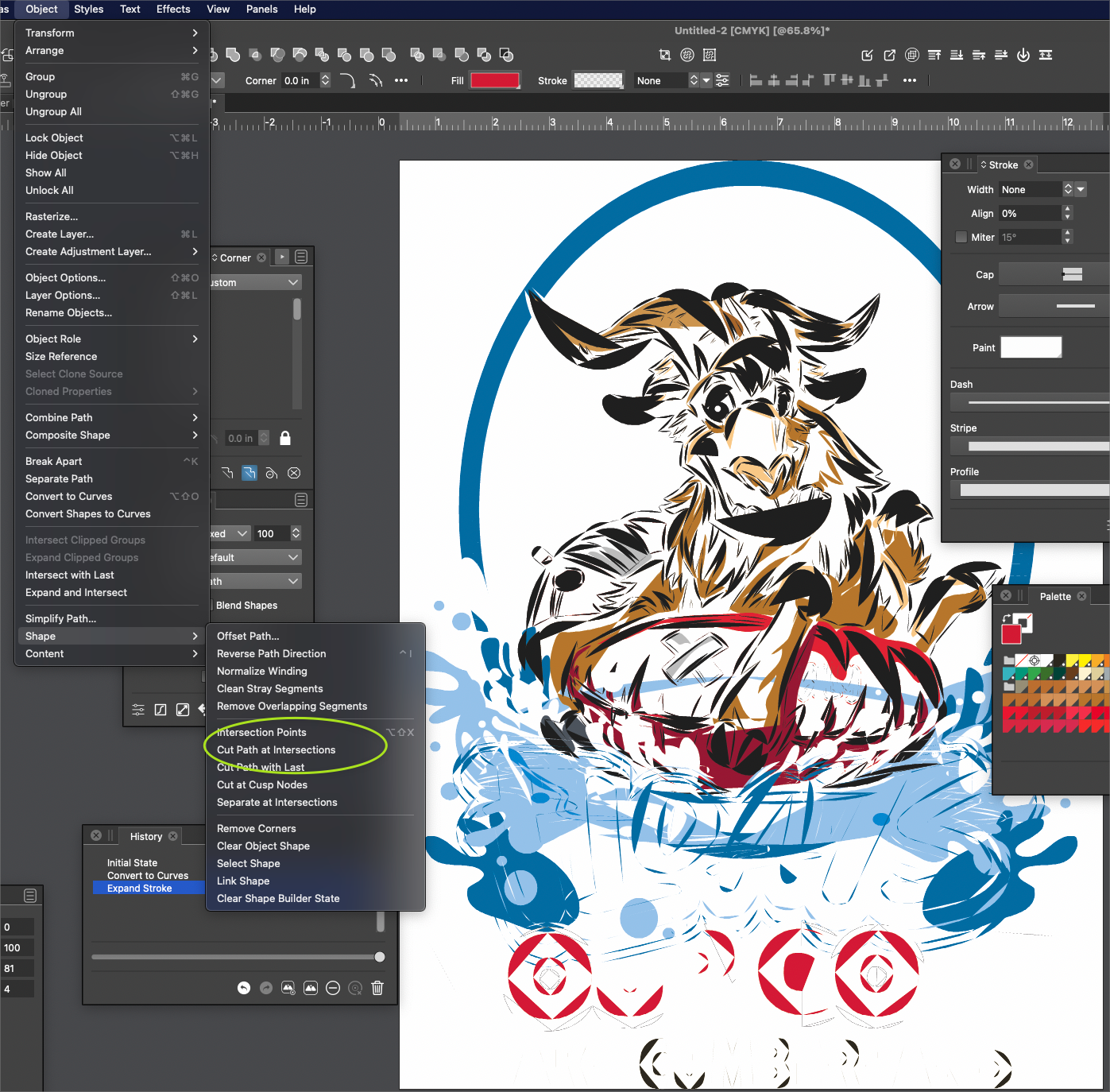
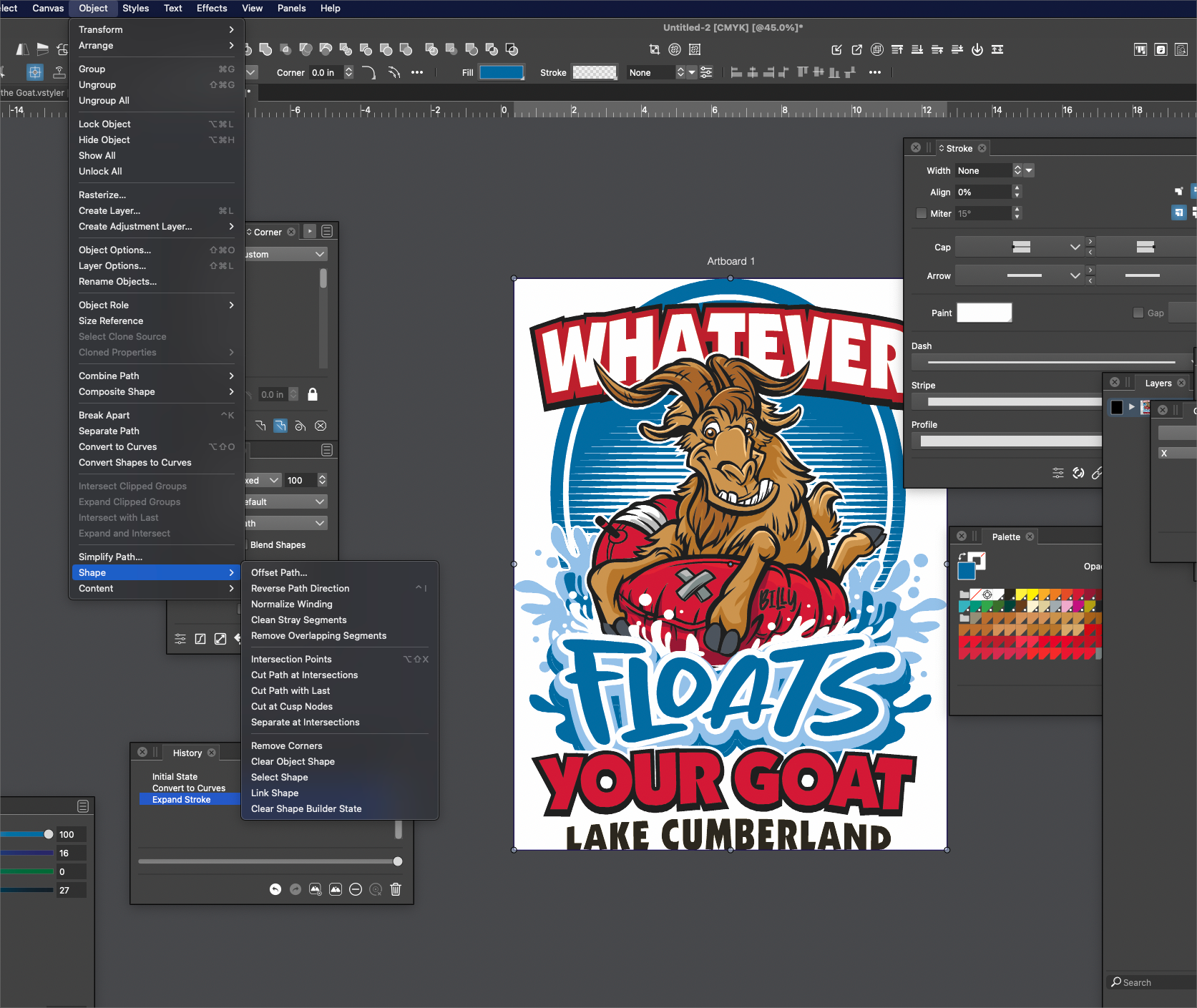
      I agree that nothing will solve the delay when dealing with a large selection of objects. I'm more talking about avoid the needless previews when you are scrolling down a list of actions to find the right one and the cursor triggers a preview of a complicated task - combine that with a complex art file and you sit there waiting needlessly for 2-4 minutes while it processes.
      I'm not talking as much about the boolean operations - more like the things listed in the object>shape submenu for example
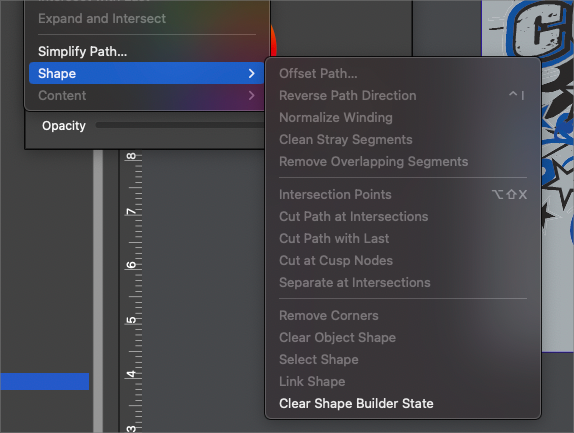
      0_1667931222637_608372e9-0ce1-4845-b5d1-e033df532993-BLD 2022-11-08 at 13.13.26.png
      I was thinking a short delay, long enough to move the cursor down a list of actions without triggering them until you get to the one you want would help avoid needless preview actions from slowing things down. i don't know what it's set to now by default, but maybe increase it a little and see if that allows for unimpeded scrolling of items in a list?

      🍎 macOS Tahoe 26.2, Mac mini (M1, 2020), Chip Apple M1, Memory 16 GB
      Cintiq 27QHD Display and LG Ultra HD Display

      1 Reply Last reply Reply Quote 0
      • b77B Offline
        b77
        last edited by b77

        As suggested by @Subpath, limiting the preview to work only under an object count limit would be best IMO.

        MacBook Pro (Intel) running Monterey 12.6.4

        BoldlineB 1 Reply Last reply Reply Quote 0
        • BoldlineB Online
          Boldline @b77
          last edited by Boldline

          @b77 said in Sometimes live preview is not handy lol:

          As suggested by @Subpath, limiting the preview to work only under an object count limit would be best IMO.

          I don't understand what that means, to be honest . are you saying a limited number of items would be affected initially by the preview?

          🍎 macOS Tahoe 26.2, Mac mini (M1, 2020), Chip Apple M1, Memory 16 GB
          Cintiq 27QHD Display and LG Ultra HD Display

          b77B 1 Reply Last reply Reply Quote 0
          • b77B Offline
            b77 @Boldline
            last edited by b77

            @Boldline Sorry, reformulating:

            Preview could work for a limited number of objects. Not just three or four, but not 24 either, I guess.

            MacBook Pro (Intel) running Monterey 12.6.4

            BoldlineB 1 Reply Last reply Reply Quote 1
            • BoldlineB Online
              Boldline @b77
              last edited by

              @b77 ok, I think that could be a good solution as it allows for previewing and it helps me with larger projects not getting slowed down for previews I didn't want - my only concern with @Subpath 's idea is that it looks right when partially done. Right now for example, with the selection box, there are a limited number of nodes that get selected and light up - sometimes that causes me confusion in knowing what is truly selected - sometimes it's a large patch of lit up nodes and nothing else in the rest of the selection lol. I know @vectorstyler had improvements for that in the queue

              🍎 macOS Tahoe 26.2, Mac mini (M1, 2020), Chip Apple M1, Memory 16 GB
              Cintiq 27QHD Display and LG Ultra HD Display

              b77B 1 Reply Last reply Reply Quote 0
              • b77B Offline
                b77 @Boldline
                last edited by b77

                The node highlight limit is 500, meaning when you hover an object with under 500 nodes
                (and 'Show Nodes when Hovering' is enabled in Prefs > Editing Options 2) you will see
                its nodes and if they are more than 500 you won't — they are not highlighted.

                Similar to this, the node count could be used instead of object count for limiting
                the previewing of these operations you mention.

                MacBook Pro (Intel) running Monterey 12.6.4

                BoldlineB 1 Reply Last reply Reply Quote 0
                • BoldlineB Online
                  Boldline @b77
                  last edited by

                  @b77 - I'm not against it if @VectorStyler can pull it off. I can potentially see it going well. I just also see potential for a lot of confusion when part of a design is edited by the action preview and the rest is not.

                  🍎 macOS Tahoe 26.2, Mac mini (M1, 2020), Chip Apple M1, Memory 16 GB
                  Cintiq 27QHD Display and LG Ultra HD Display

                  b77B 1 Reply Last reply Reply Quote 0
                  • b77B Offline
                    b77 @Boldline
                    last edited by b77

                    @Boldline Previewing would be off for all selected shapes, not just for some.
                    Otherwise it would be confusing indeed. 😅

                    MacBook Pro (Intel) running Monterey 12.6.4

                    BoldlineB 1 Reply Last reply Reply Quote 0
                    • BoldlineB Online
                      Boldline @b77
                      last edited by

                      @b77 I'm pretty lost at this point on what this solution will look like - so I'll just see what @VectorStyler figures out in due time

                      🍎 macOS Tahoe 26.2, Mac mini (M1, 2020), Chip Apple M1, Memory 16 GB
                      Cintiq 27QHD Display and LG Ultra HD Display

                      b77B 1 Reply Last reply Reply Quote 0
                      • b77B Offline
                        b77 @Boldline
                        last edited by

                        @Boldline It would look just like when 'Preview Shape Combine' is disabled in
                        Prefs > Document Editor — no preview of Booleans or other operation.

                        MacBook Pro (Intel) running Monterey 12.6.4

                        1 Reply Last reply Reply Quote 1
                        • S Offline
                          Subpath
                          last edited by Subpath

                          @Boldline

                          @b77 has already explained it correctly what i meant.

                          Of course, it would be nice if you could specify the number of objects from
                          which no live preview would be displayed.

                          One thing that came to my mind about the delay solution was that with this solution
                          would affect every boolean operation. No matter how many objects are used for it.

                          I also see the possibility to link the delay to the number of objects.

                          Win 11
                          CPU: AMD Ryzen 5 9600X, 6-core.
                          GPU: Nvidia Geforce RTX 5070.

                          1 Reply Last reply Reply Quote 0
                          • First post
                            Last post