VectorStyler
    • Categories
    • Unread
    • Recent
    • Tags
    • Popular
    • Register
    • Login

    1-bit Bitmap export been added to VS?
    Scheduled Pinned Locked Moved Questions and Support
    6 Posts 2 Posters 5.6k Views 1 Watching
    Loading More Posts
    • Oldest to Newest
    • Newest to Oldest
    • Most Votes
    Reply
    • Reply as topic
    Log in to reply
    This topic has been deleted. Only users with topic management privileges can see it.
    • BoldlineB Offline
      Boldline
      last edited by

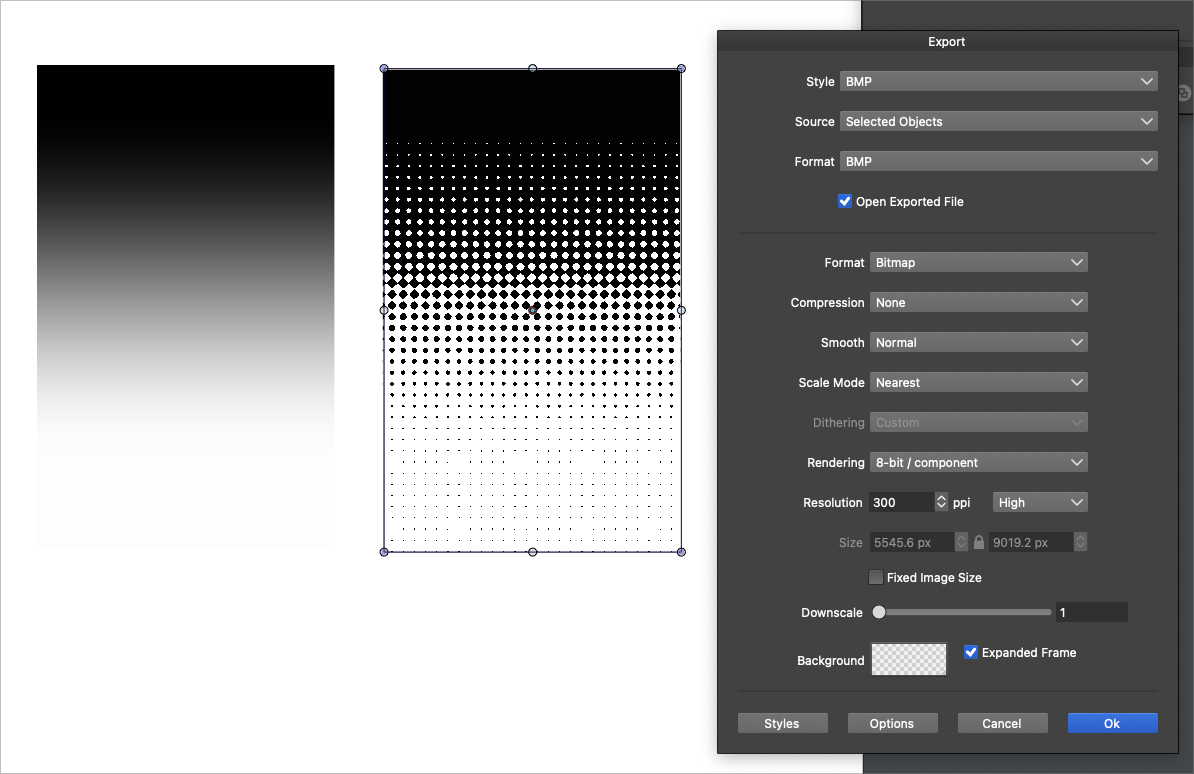
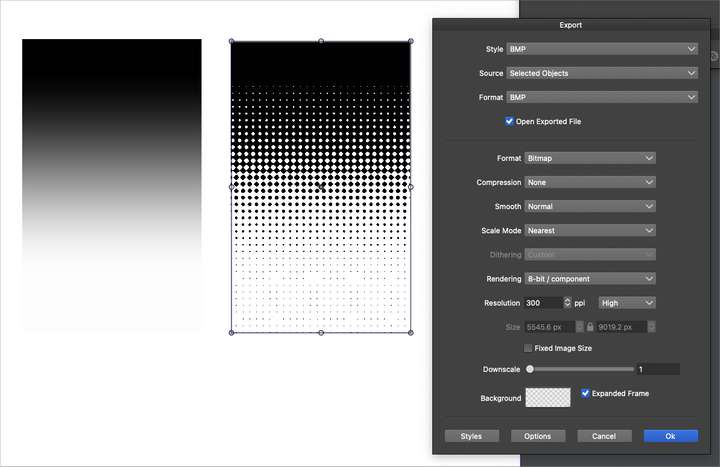
      I was wanting to add a 1-bit bitmap halftone gradient to a design in VS and in checking up on this feature already discussed at length - returned to an old thread from last year,
      @b77 had helped in explaining the gradient could not be lowered below 100% opacity on either side - and that helped get rid of one issue.
      Was this feature added to the BMP export? If so, would someone be able to show me where, because I did a lot of searching without success.
      thanks!
      0_1670380145483_0ae8705a-031a-410b-a338-40d9f63d617e-BLD 2022-12-06 at 21.28.51.png

      🍎 macOS Tahoe 26.2, Mac mini (M1, 2020), Chip Apple M1, Memory 16 GB
      Cintiq 27QHD Display and LG Ultra HD Display

      VectorStylerV 1 Reply Last reply Reply Quote 0
      • VectorStylerV Offline
        VectorStyler @Boldline
        last edited by

        @Boldline Select "Dithered Bitmap" in Format, and in Dithering select "Ordered" (or try the others to see what fits best).

        BoldlineB 1 Reply Last reply Reply Quote 0
        • BoldlineB Offline
          Boldline @VectorStyler
          last edited by

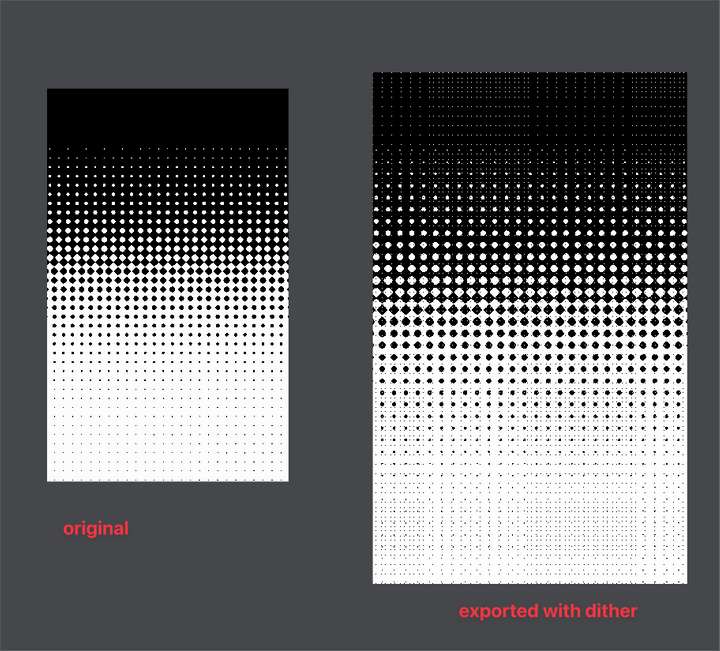
          @VectorStyler Thanks - I tried those settings and the final result was still a bitmap with a solid white background and a lot of artifacts. I will try some of the other settings under "dither"
          When I made the source gradient, I initially made what is white, 0% opacity and left what is black at 100% opacity. All I wanted was what is black to be the bitmap and to essentially have a transparent background. This caused the black to also be less than 100% (the black itself ended up having a halftone pattern inside it) so I had to scrap that idea.

          By using 100% white and 100% black in the gradient fade eliminated the black itself from having a halftone in it, but now when I export it as a BMP, I am getting white and black in that result as shown in the image below. It also seems to have a lot of artifacts. How do I remove the white in the bmp and just have the black?
          0_1670389341101_ad3c4d17-5ac1-4519-a74d-53b031ded5a6-BLD 2022-12-06 at 23.55.00.png

          🍎 macOS Tahoe 26.2, Mac mini (M1, 2020), Chip Apple M1, Memory 16 GB
          Cintiq 27QHD Display and LG Ultra HD Display

          VectorStylerV 1 Reply Last reply Reply Quote 0
          • VectorStylerV Offline
            VectorStyler @Boldline
            last edited by

            @Boldline From what I understand, you need a bitmap with transparency?
            I'm not sure that is possible with 1-Bit BMP.

            If you could send me an example BMP (exported from an other app) that should be the result, it would help.

            BoldlineB 1 Reply Last reply Reply Quote 0
            • BoldlineB Offline
              Boldline @VectorStyler
              last edited by

              @VectorStyler Just sent you two emails with all the info you probably need.

              🍎 macOS Tahoe 26.2, Mac mini (M1, 2020), Chip Apple M1, Memory 16 GB
              Cintiq 27QHD Display and LG Ultra HD Display

              VectorStylerV 1 Reply Last reply Reply Quote 0
              • VectorStylerV Offline
                VectorStyler @Boldline
                last edited by

                @Boldline Got it!

                1 Reply Last reply Reply Quote 1
                • First post
                  Last post
