VectorStyler
    • Categories
    • Unread
    • Recent
    • Tags
    • Popular
    • Register
    • Login

    Color slider in color palette does not function properly
    Scheduled Pinned Locked Moved VectorStyler 1.1 Bugs
    4 Posts 2 Posters 4.4k Views 2 Watching
    Loading More Posts
    • Oldest to Newest
    • Newest to Oldest
    • Most Votes
    Reply
    • Reply as topic
    Log in to reply
    This topic has been deleted. Only users with topic management privileges can see it.
    • 861475_VctSt8 Away
      861475_VctSt
      last edited by

      Environment Overview
      MacBook Air Mid 2012 / OS 10.15.7
      VS: 1.1.095

      My document settings are as follows,
      Document>Color: CMYK / JapanColor 2001 Corted
      The issue will happen with any setting except CMYK.

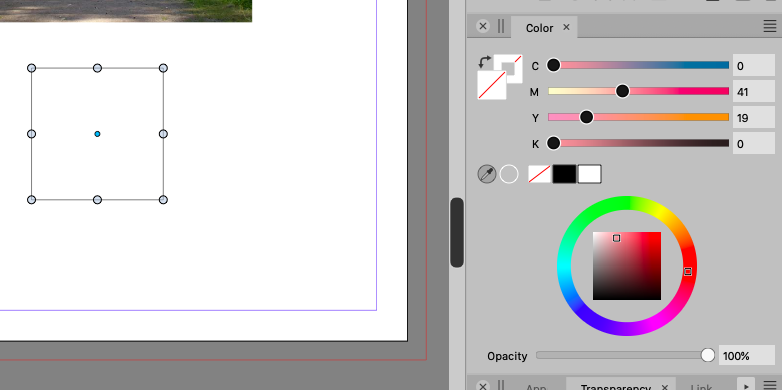
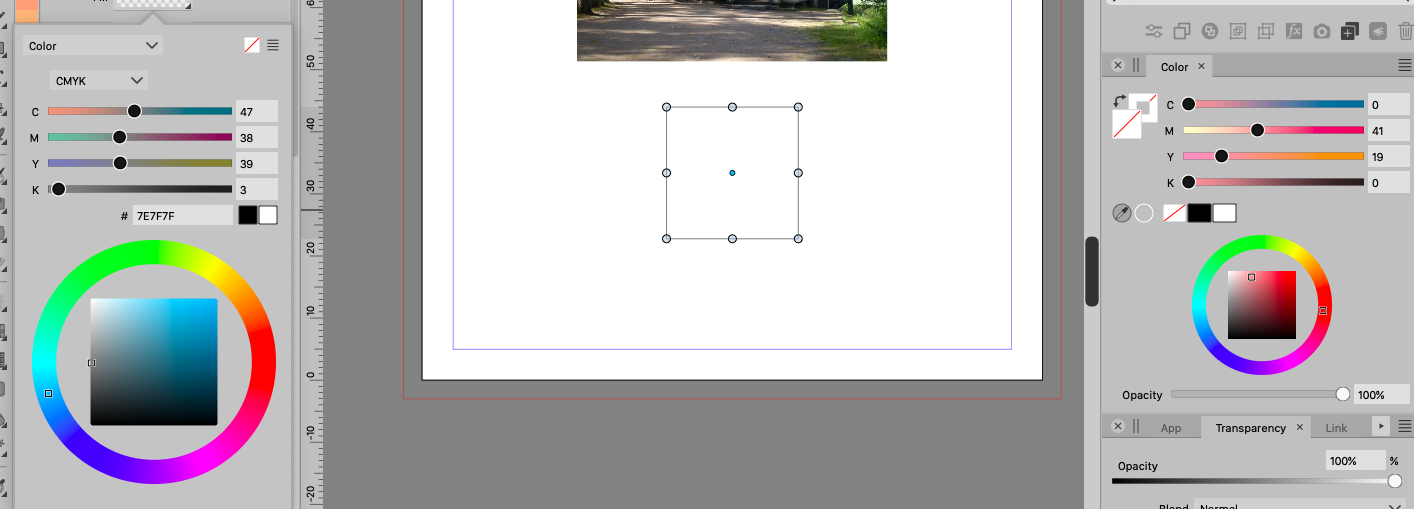
      I use the remove button to remove the square fill and stroke.
      Then, the slider does not move and the original values are still displayed.

      fig. A
      0_1690958887112_A.png

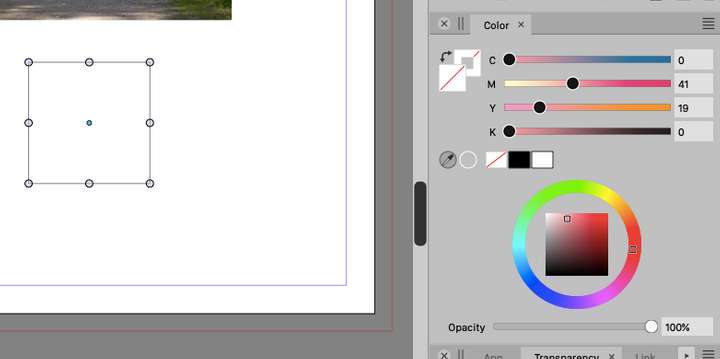
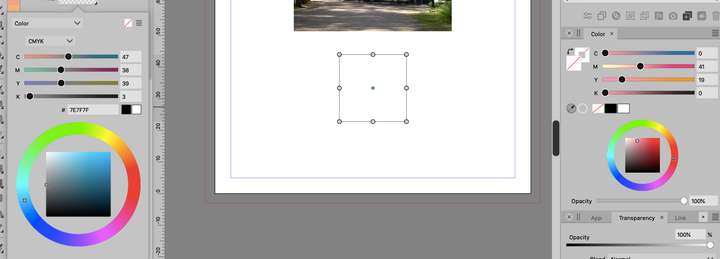
      Check this state in the Propaties palette,
      The tip seems to be transparent.
      Fill and Stroke display different values from those in the color palette.

      fig. B
      0_1690958907807_B.png

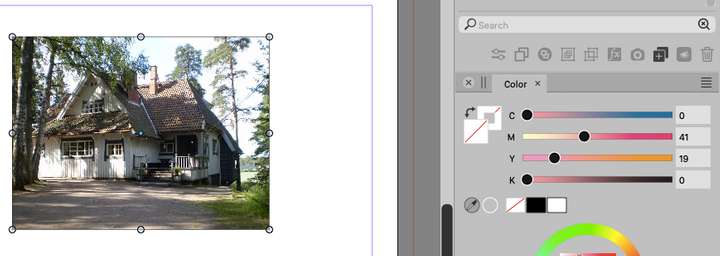
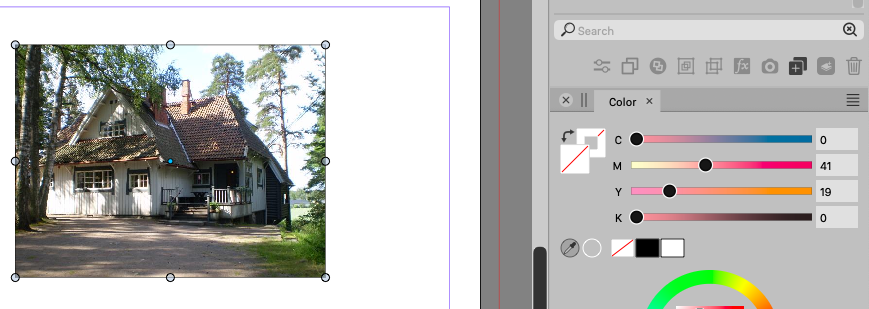
      Now another work. Import an image.
      When you select the image, the tip seems to be transparent, but it is filled in the color palette.
      When I look at the fill in the properties palette, I see that tip is transparent,
      When you push the slider, the slider shows a puzzling value.

      fig. C
      0_1690958930929_C.png

      LIc. 0 OS10.15.8
      MacBook Air (13-inch, Mid 2012) / Intel Core i5, 8GB / Intel HD Graphics 4000
      LIc. 1 OS15.7.4
      MacBook Pro (14-inch, 2023) / Apple M2 Pro, 16GB / Apple GPU

      VectorStylerV 1 Reply Last reply Reply Quote 0
      • VectorStylerV Offline
        VectorStyler @861475_VctSt
        last edited by

        @861475_VctSt Yes, this can be replicated here also.

        But it is not a bug, the different color selectors show a default color value, while the color panel keeps the last valid color. I would like to keep this unchanged for now.

        861475_VctSt8 1 Reply Last reply Reply Quote 0
        • 861475_VctSt8 Away
          861475_VctSt @VectorStyler
          last edited by

          @VectorStyler

          If this is the spec, I will just have to get used to it.

          I understand about shape, etc.
          However, it is my opinion that it does not make sense to have the most recent FILL value in the imported image.
          Please consider this in the future.

          The following operations are completely useless.
          Import the image.
          Remove cololer because you are concerned about the color slider value.
          The image disappears.
          undo.
          Move the slider to 0 manually.

          LIc. 0 OS10.15.8
          MacBook Air (13-inch, Mid 2012) / Intel Core i5, 8GB / Intel HD Graphics 4000
          LIc. 1 OS15.7.4
          MacBook Pro (14-inch, 2023) / Apple M2 Pro, 16GB / Apple GPU

          VectorStylerV 1 Reply Last reply Reply Quote 1
          • VectorStylerV Offline
            VectorStyler @861475_VctSt
            last edited by

            @861475_VctSt said in Color slider in color palette does not function properly:

            However, it is my opinion that it does not make sense to have the most recent FILL value in the imported image.
            Please consider this in the future.

            I will try to fix this later.

            1 Reply Last reply Reply Quote 0
            • First post
              Last post