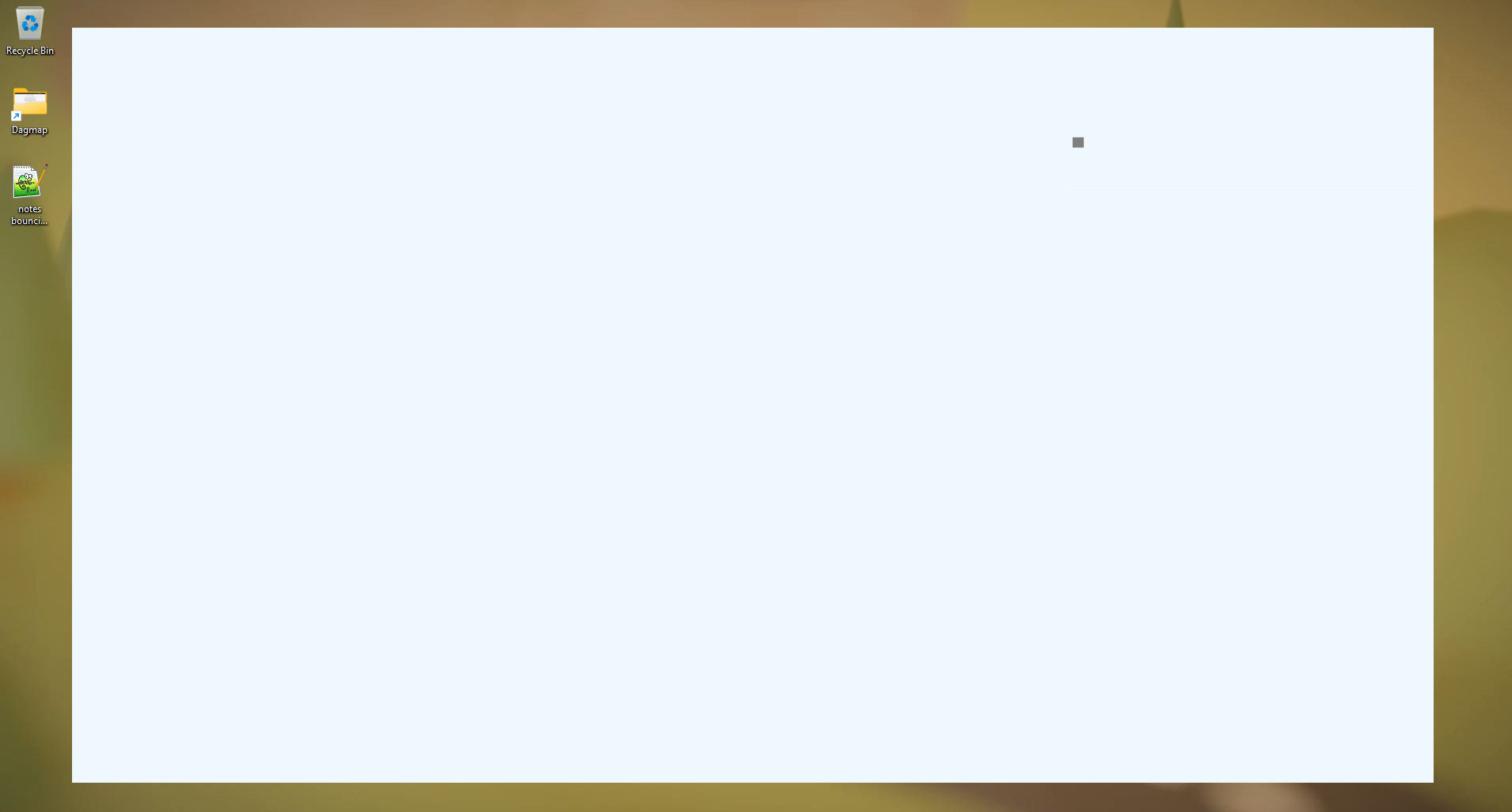
Suddenly the whole UI is blank and won't restore :(
-
Not sure what exactly is going on here, but I wouldn't expect a working installation to suddenly only show a completely white interface when starting Vectorstyler. And have never seen this with any software. This doesn't feel very stable tbh
Because there is no visible UI I cannot see what version this is, but I keep software up to date, so I'm pretty sure it's still the last version.
This now happens everytime when starting Vectorstyler. So it's just broke and completely unusable like a brick.
The tooltips still work tho, so it seems like it's not painting the interface, but it's still there somewhere.Nothing wrong with the system here. It's a powerful machine, still new, runs many graphical/3d software etc.
Windows 11 pro.
-
@maarten Could be a broken theme file or some settings.
Find the user folder of VectorStyler at c:\Users<user name>\AppData\Roaming\NumericPath\VectorStyler1.0\ and remove all
