Layer highlight selection color
-
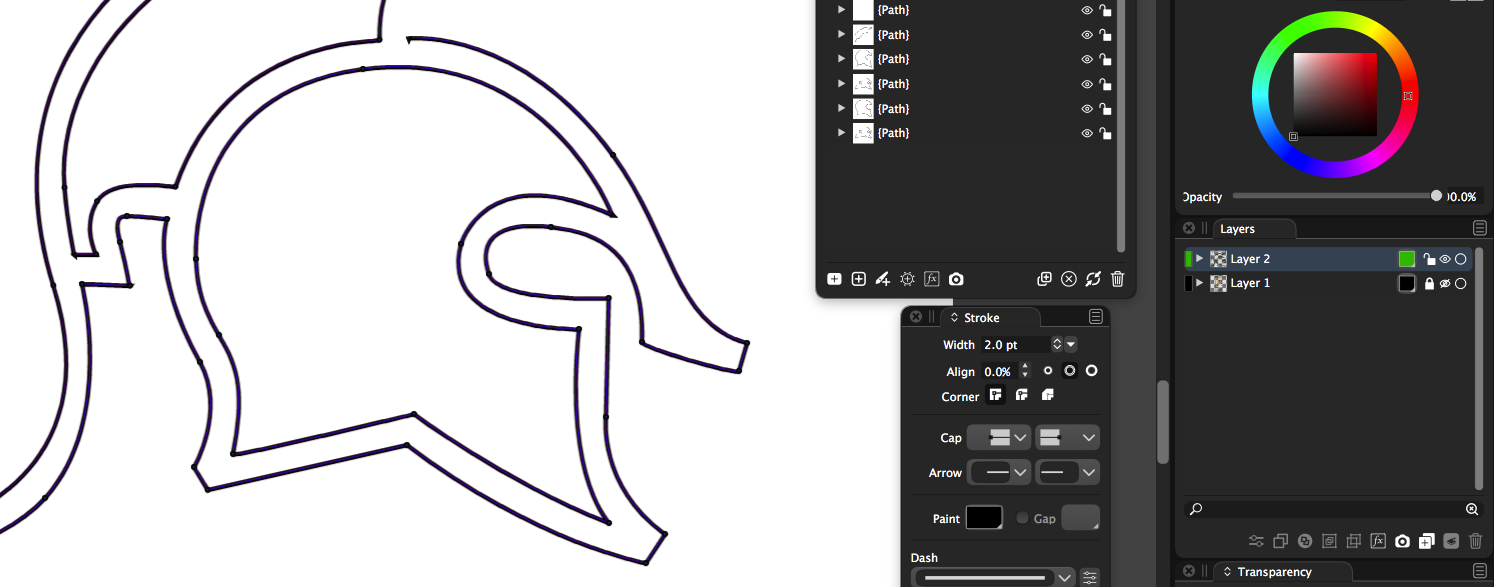
When I change the color in the layers panel of a layer - as I did from black to green, is that not supposed to change the color of the nodes and path when selected in that layer?
In this pic attached, the layer was originally color labeled with black, and I made it green, but nothing changed when I went over and selected the design.
Is there somehting else I need to do?
-
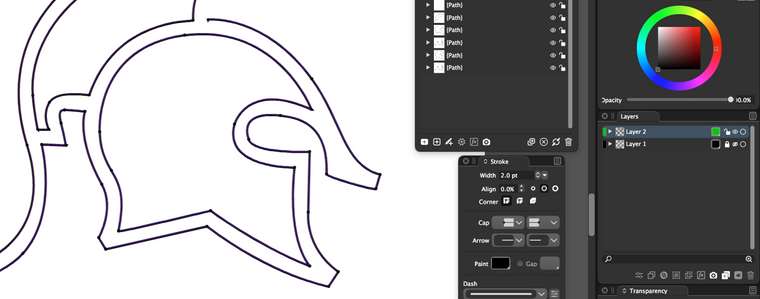
update: So I see green when I am editing in that layer using one of the arrow tools - but if I go back to my pen tool, it's in blue as I use it. Could the pen tool selection color be the same color as the color designated for the layer label?
-
@Boldline I think this can be done. Was that the Node tool or the Pen tool used to edit the path?
-
@vectoradmin So when I created the path with the pen tool, it was always a default blue color (nodes and highlighted selection). When i switched over to the node tool (white arrow tool) then I saw the color label of the layer used to highlight the selection of nodes. The path created itself was black (or any color I choose in the stroke panel) and this is good
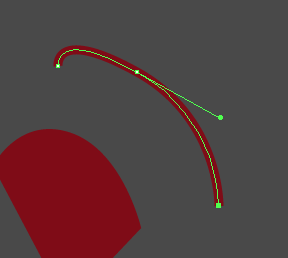
I attached a screenshot from illustrator showing how a stroke is maroon but the pen tool uses the layer color label when showing the active highlighted section
🍎 macOS Tahoe 26.2, Mac mini (M1, 2020), Chip Apple M1, Memory 16 GB
Cintiq 27QHD Display and LG Ultra HD Display -
@Boldline Got it.
-
@Boldline The highlight color issue has been fixed in the new build, to use the current layer color. (can also be customized in preferences along with many other highlight colors/widths).
-
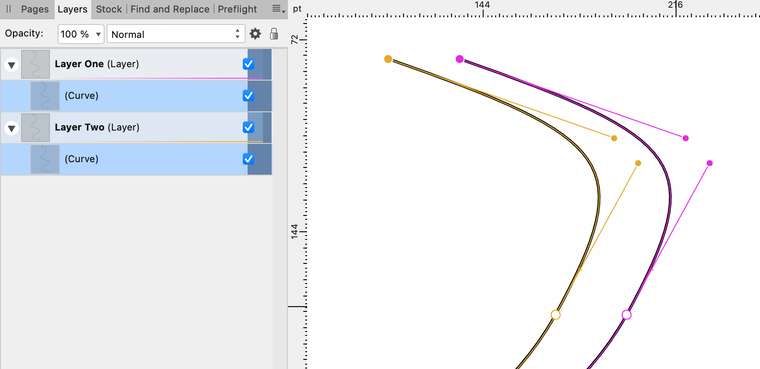
Is it possible to have nodes marked in layer color? I think that is more important than the hairline defining the segment (as it often does not show because of the color of the path itself). Illustrator and Affinity apps have this feature (note that layer node color is specified separately from the color that can be given to layers and objects in the layer list itself):
-
@Arde These colors can be customized: in Preferences the User Interface section lists all the indicators that can be changed.
Node Editing Tangent Node and Node Editing Tangent Line are of interest in this case (and Node Editing Selected Tangent Node if the selected not is also with the layer color).
Change the Indicator Fill from Color to LayerWill set the default it to layer in the next build.
-
@vectoradmin said in Layer highlight selection color:
@Arde These colors can be customized:
Thanks, I had completely missed that dropdown control. Huge level of customizability you have! Yes, I think there might be point in using defaults that are close to ones used in Illustrator or Affinity apps.

