VectorStyler
    • Categories
    • Unread
    • Recent
    • Tags
    • Popular
    • Register
    • Login

    Contour around object creating extra lines in certain width/step count
    Scheduled Pinned Locked Moved Resolved 1.2 bugs
    9 Posts 3 Posters 8.4k Views 3 Watching
    Loading More Posts
    • Oldest to Newest
    • Newest to Oldest
    • Most Votes
    Reply
    • Reply as topic
    Log in to reply
    This topic has been deleted. Only users with topic management privileges can see it.
    • LoginErrorL Offline
      LoginError
      last edited by

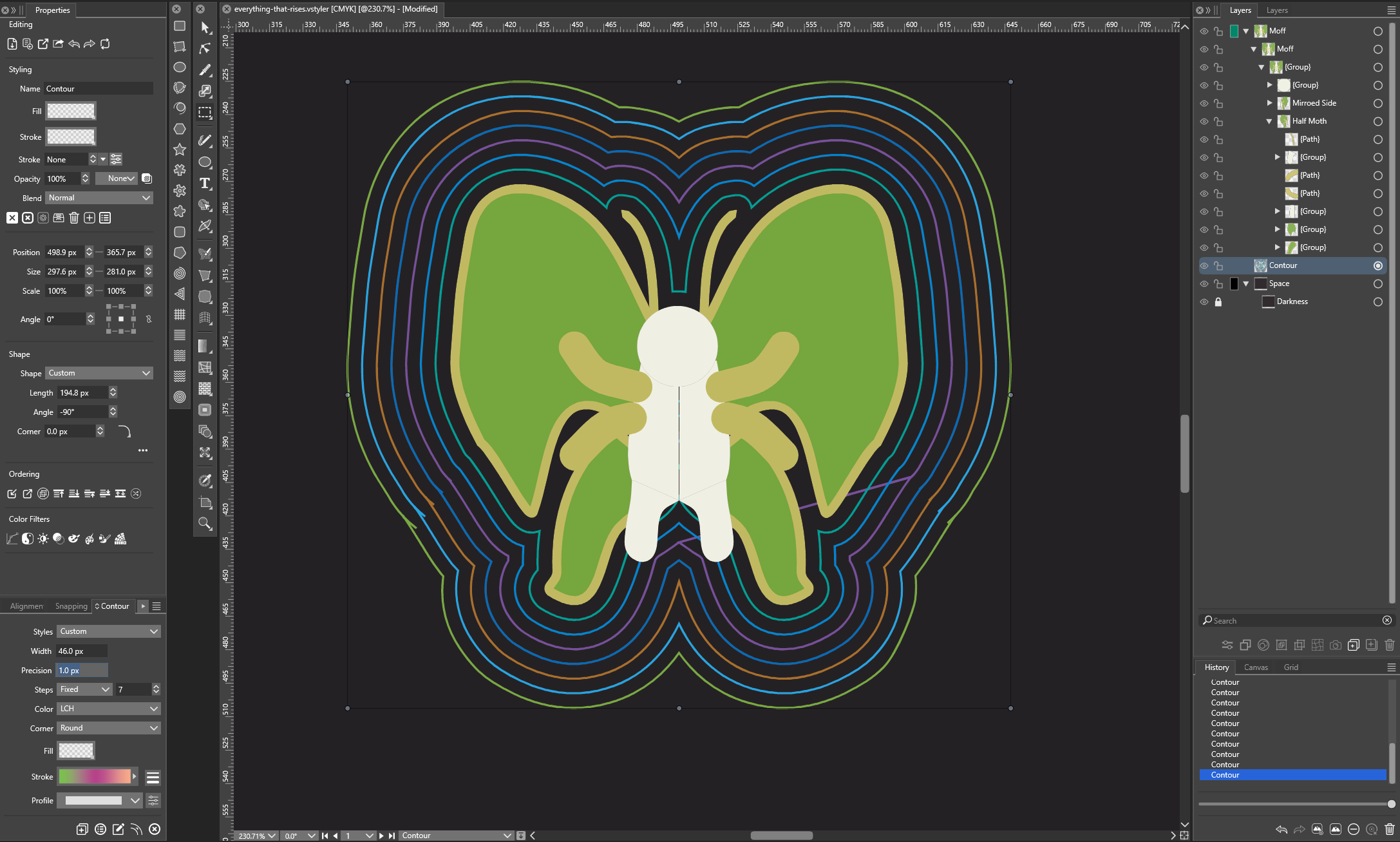
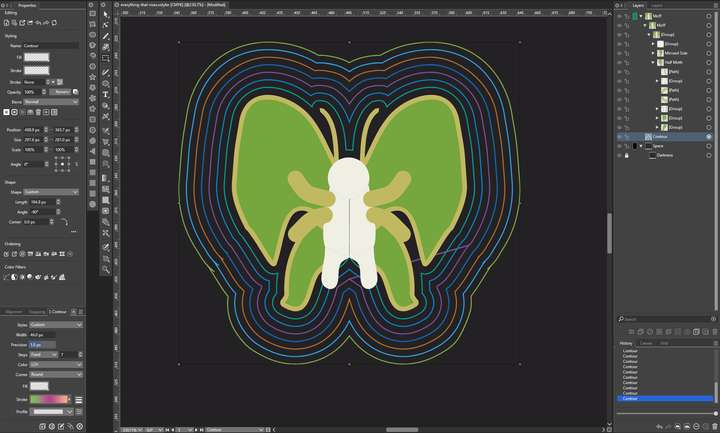
      When creating a contour around a group I get additional lines appearing at certain width and step combinations. Notably the purple line on the right.

      Decreasing the precision to 0px resolves this, but it seems like unintended behavior.

      Of note, this group contains a cloned object that has been mirrored horizontally in case that is relevant.
      0_1711128488112_46-7.png

      S VectorStylerV 2 Replies Last reply Reply Quote 1
      • S Offline
        Subpath @LoginError
        last edited by Subpath

        @LoginError

        i know what contoure means, but just to clarify
        you have used the Offset Shape Effect to get this
        contoure ?

        Because in VS exist also a Contoure Tool.
        which look different

        Win 11
        CPU: AMD Ryzen 5 9600X, 6-core.
        GPU: Nvidia Geforce RTX 5070.

        LoginErrorL 1 Reply Last reply Reply Quote 0
        • VectorStylerV Offline
          VectorStyler @LoginError
          last edited by

          @LoginError Send me that vstyler file by email. I will try to find out what could cause this.

          LoginErrorL 1 Reply Last reply Reply Quote 0
          • LoginErrorL Offline
            LoginError @Subpath
            last edited by

            @Subpath This was created with the Contour Tool with no fill and the stroke set to a gradient pattern. The settings for this contour are shown in the contour panel in the bottom left of my screenshot.

            S 1 Reply Last reply Reply Quote 2
            • LoginErrorL Offline
              LoginError @VectorStyler
              last edited by

              @VectorStyler Done!

              VectorStylerV 1 Reply Last reply Reply Quote 1
              • VectorStylerV Offline
                VectorStyler @LoginError
                last edited by

                @LoginError Got it. The problem can be replicated here also.

                I noticed that the group contains a number of open shapes. Although VS can offset open shapes, offsetting works much better with closed shapes.

                1 Reply Last reply Reply Quote 0
                • LoginErrorL Offline
                  LoginError
                  last edited by

                  That makes sense. I was mostly doodling and experimenting with effects.

                  It would make sense to close the shapes in the future, or maybe create a single stroke around the group, expand that and then use the contour on that stroke. VectorStyler lets me achieve the same effect in a lot of different ways, and some work much better than others.

                  1 Reply Last reply Reply Quote 0
                  • S Offline
                    Subpath @LoginError
                    last edited by

                    @LoginError said in Contour around object creating extra lines in certain width/step count:

                    @Subpath This was created with the Contour Tool with no fill and the stroke set to a gradient pattern. The settings for this contour are shown in the contour panel in the bottom left of my screenshot.

                    thank you, got it

                    Win 11
                    CPU: AMD Ryzen 5 9600X, 6-core.
                    GPU: Nvidia Geforce RTX 5070.

                    1 Reply Last reply Reply Quote 1
                    • VectorStylerV Offline
                      VectorStyler
                      last edited by

                      This issue should be fixed in build 1.2.019

                      1 Reply Last reply Reply Quote 0
                      • First post
                        Last post
