strange bug
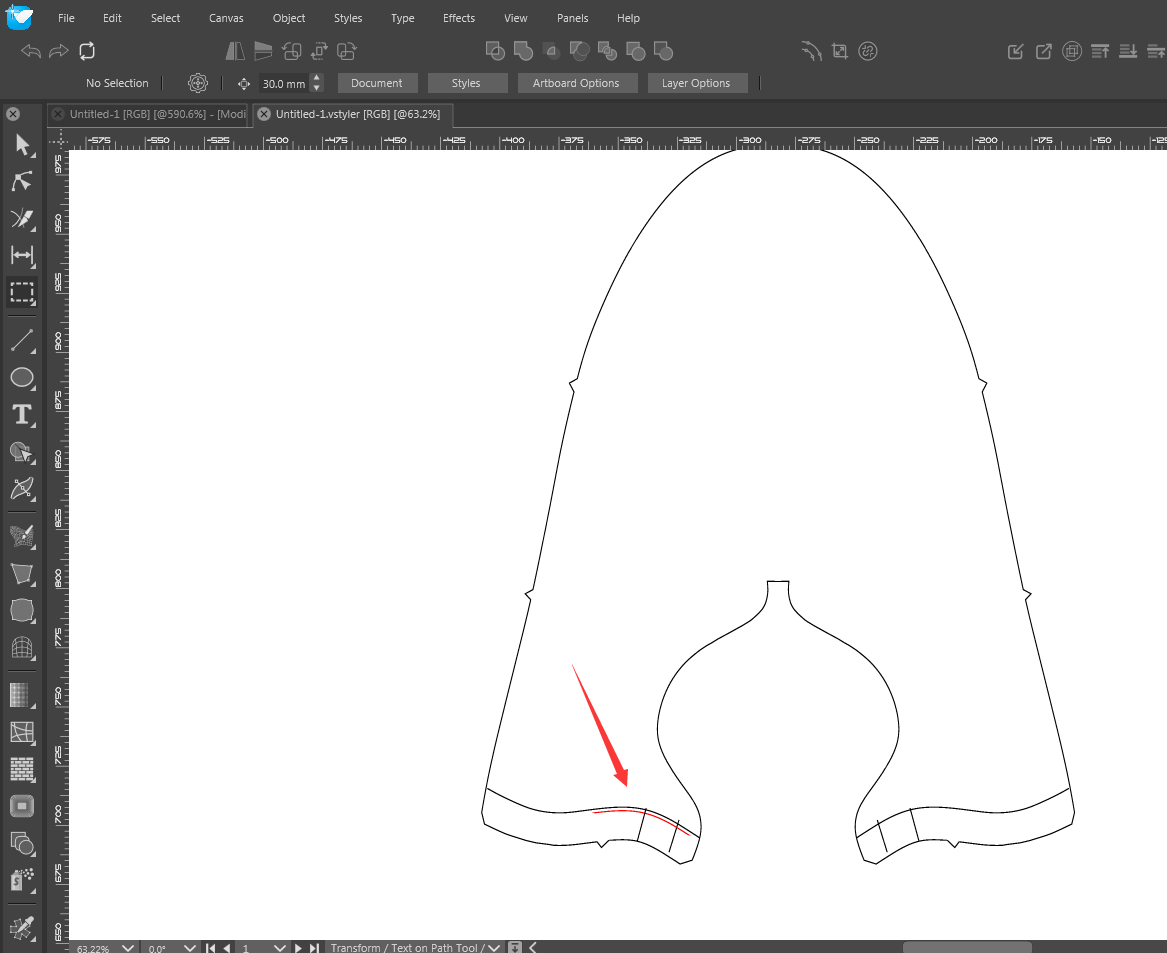
-
 0_1713624002712_Untitled-1.vstyler 1、After the black line path is offset, only a section of the red that appears is red, and it took a long time to find the reason before realizing that the red path is inside the mask of the black path. I hope to fix this bug. I tried to create a new file, paste this graphic, and there was no such problem again.2、At the same time, selecting three paths for offset will disappear. Attached file, please check the reason.
 -
@monsterfox Somehow, the red line ended up inside the black line, in which case the black line will form a clipping path over the red line.
Since the black line is open, the clipping path will be a closed version of it (by connecting the two ends with a lines, you can see this by filling it with a color).
This will clip the red line around halfway.So just ungroup the whole thing and the full red line will be visible.
Also: I noticed that these paths contain lots of nodes. You can use the Object -> Simplify Path tool to reduce the number of nodes, by first converting them to curves (most of these are lines).
-
@VectorStyler This is a problem caused by the dxf file I imported from the outside. The operation of simplifying the path is relatively uncontrollable, which easily causes the curve to deform. In most cases, people just need to reduce the anchor points and do not want the curve to deform too much.And the second problem I mentioned above also exists at the same time. Still, please find the cause and fix the problem.THANK YOU.
