Pressing and holding the spacebar to activate the pan tool sometimes creates a rectangle box instead
-
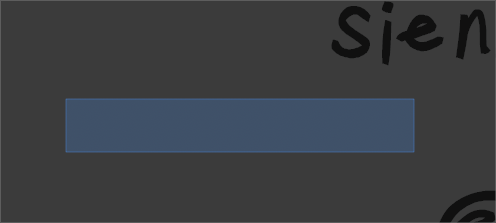
Sometimes when I press and hold the spacebar to activate the pan tool, I instead create a light blue square/ rectangle selection box instead. I end up having to click away and then try again and it works fine.
I was able to capture this and I included the screenshot below. My cursor was on the bottom right corner of the blue rectanfle in the image attached. The cursor was not included in the screenshot, but it is there in real life. The selection box (if that's what it actually is) changes size based on where I pulled the cursor, but it doesn't have any purpose and it keeps me from being able to pan with the shortcut of the space bar. This doesn't happen all the time, but it does happen often enough, but I wanted to bring it to your attention. I don't know if it's because I'm clicking and grabbing too quickly or there's a bug. Thanks for your help.
-
@Boldline I will try to replicate this.

