VectorStyler
    • Categories
    • Unread
    • Recent
    • Tags
    • Popular
    • Register
    • Login

    I found a solution for all issues with the drawing tablet and stylus pen
    Scheduled Pinned Locked Moved Bugs in VectorStyler
    13 Posts 3 Posters 13.2k Views 3 Watching
    Loading More Posts
    • Oldest to Newest
    • Newest to Oldest
    • Most Votes
    Reply
    • Reply as topic
    Log in to reply
    This topic has been deleted. Only users with topic management privileges can see it.
    • VectorStylerV Offline
      VectorStyler @Harry
      last edited by

      @Harry said in I found a solution for all issues with the drawing tablet and stylus pen:

      Could you please enable WinTab (Wacom compatibile) driver?

      I will try to add this.

      H 1 Reply Last reply Reply Quote 1
      • H Offline
        Harry @VectorStyler
        last edited by

        @VectorStyler said in I found a solution for all issues with the drawing tablet and stylus pen:

        @Harry said in I found a solution for all issues with the drawing tablet and stylus pen:

        Could you please enable WinTab (Wacom compatibile) driver?

        I will try to add this.

        Great! You are The Boss 👍

        Win 11, XP Pen Deco 01 V2 graphic tablet

        1 Reply Last reply Reply Quote 0
        • debraspicherD Offline
          debraspicher
          last edited by

          I did the same thing, I disabled Windows Ink and I've been using it with less problems. Will keep it off and see if other problems reappear or not.

          Windows 11 Build 26200.7171 (25H2)
          AMD Ryzen 7 9700X with Gigabyte X870E Aorus Pro Ice
          32GB RAM @ 6000MHz
          PNY NVIDIA RTX 5070 Ti 16GB; Display 1: 4K @150%; Display 2: 4K @200%
          Wacom Intuos Pro L (2025); Wacom Intuos Pro M; Epson ET-8550; Siser Romeo

          1 Reply Last reply Reply Quote 1
          • VectorStylerV Offline
            VectorStyler @Harry
            last edited by

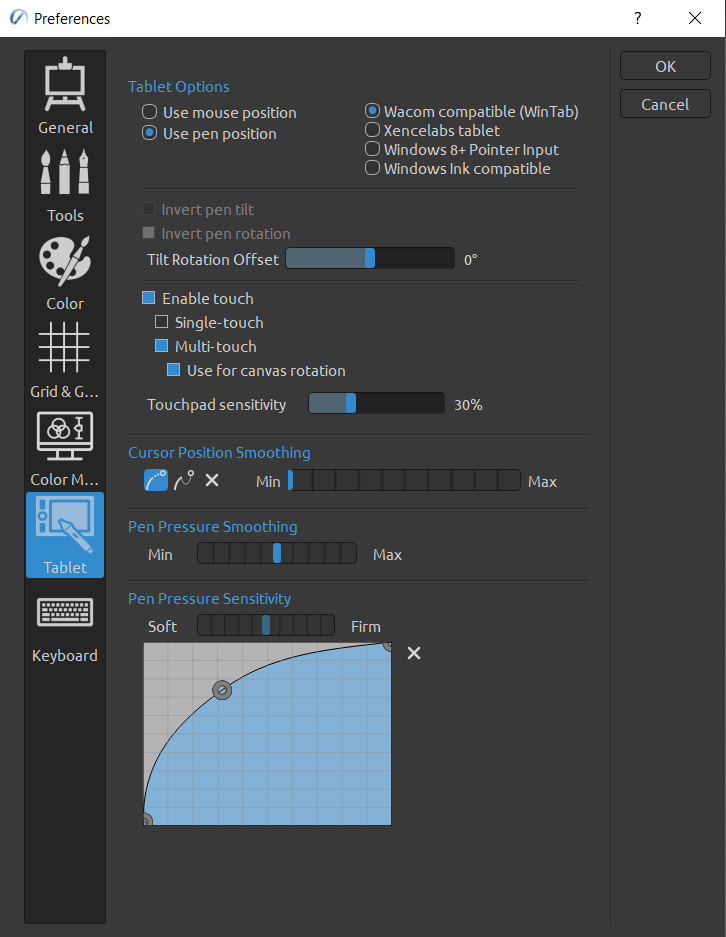
            @Harry The WinTab driver is now supported by VectorStyler also, it can be enabled in Settings -> Application -> Use Tablet Driver

            H 1 Reply Last reply Reply Quote 0
            • H Offline
              Harry @VectorStyler
              last edited by

              @VectorStyler Unfortunately after enabling Tablet Driver I can only move the cursor with the stylus. No tooltips, no selection, no drawing paths. Only shortcut buttons on the tablet work.

              Win 11, XP Pen Deco 01 V2 graphic tablet

              VectorStylerV 1 Reply Last reply Reply Quote 1
              • VectorStylerV Offline
                VectorStyler @Harry
                last edited by

                @Harry said in I found a solution for all issues with the drawing tablet and stylus pen:

                No tooltips, no selection, no drawing paths.

                Does this mean that you cannot draw using the stylus?

                H 1 Reply Last reply Reply Quote 0
                • H Offline
                  Harry @VectorStyler
                  last edited by

                  @VectorStyler said in I found a solution for all issues with the drawing tablet and stylus pen:

                  Does this mean that you cannot draw using the stylus?

                  Yes, nothing works with the stylus and by clicking on the color wheel there are some artifacts (lines).
                  Here's the video with Tablet Driver enabled in VS and only the stylus in action.
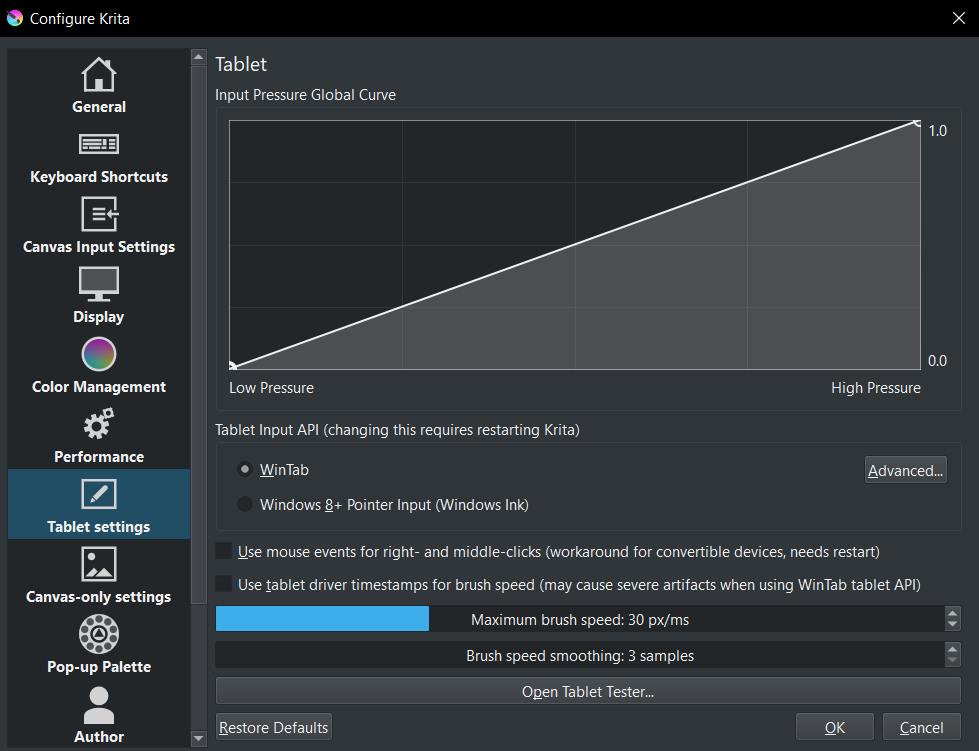
                  In Krita and other apps, the stylus works fine.

                  Win 11, XP Pen Deco 01 V2 graphic tablet

                  VectorStylerV 3 Replies Last reply Reply Quote 0
                  • VectorStylerV Offline
                    VectorStyler @Harry
                    last edited by

                    @Harry Is Windows Ink on or off?

                    H 1 Reply Last reply Reply Quote 0
                    • VectorStylerV Offline
                      VectorStyler @Harry
                      last edited by

                      @Harry This was tested with the WinTab driver from Wacom, there might be issues with other brands.

                      1 Reply Last reply Reply Quote 0
                      • VectorStylerV Offline
                        VectorStyler @Harry
                        last edited by

                        @Harry What is the type/brand of the tablet you use?

                        1 Reply Last reply Reply Quote 0
                        • H Offline
                          Harry @VectorStyler
                          last edited by

                          @VectorStyler said in I found a solution for all issues with the drawing tablet and stylus pen:

                          @Harry Is Windows Ink on or off?

                          Windows Ink was off but there is no difference if it's on or off

                          @VectorStyler said in I found a solution for all issues with the drawing tablet and stylus pen:

                          @Harry What is the type/brand of the tablet you use?

                          XP Pen Deco 01 V2 with XPPenWin_3.4.14.240603 driver on Windows 11.

                          Win 11, XP Pen Deco 01 V2 graphic tablet

                          VectorStylerV 1 Reply Last reply Reply Quote 1
                          • VectorStylerV Offline
                            VectorStyler @Harry
                            last edited by VectorStyler

                            @Harry Tested it with the XP Pen tablet (deco1 v2) and indeed there are a lot of problems. It turns out that the XP Pen driver does not follow the wacom spec for the wintab interface.
                            I will try to have a fix for this in the next build.

                            1 Reply Last reply Reply Quote 2
                            • First post
                              Last post