VectorStyler
    • Categories
    • Unread
    • Recent
    • Tags
    • Popular
    • Register
    • Login

    Kind of pattern selection using the Colorize feature
    Scheduled Pinned Locked Moved Tutorials
    21 Posts 3 Posters 28.2k Views 3 Watching
    Loading More Posts
    • Oldest to Newest
    • Newest to Oldest
    • Most Votes
    Reply
    • Reply as topic
    Log in to reply
    This topic has been deleted. Only users with topic management privileges can see it.
    • S Offline
      Subpath
      last edited by Subpath

      @monsterfox , @VectorStyler
      .
      .
      You can't simply create a color palette and color
      your shapes with it.

      There is a little more to do then this

      Either
      You need to determine the object order and adjust the
      colors in your palette to that order.

      Or create the objects of your Design according to a specific system/order
      so that the order in which the objects are created are always the same.

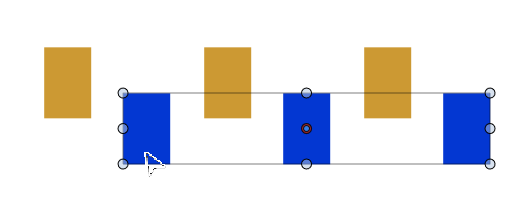
      In addition, the number of shapes in the design must match
      the number of colors in the color palette.

      The Shape Builder trick can only be used to a limited extent here,
      and only with objects that don't overlap.

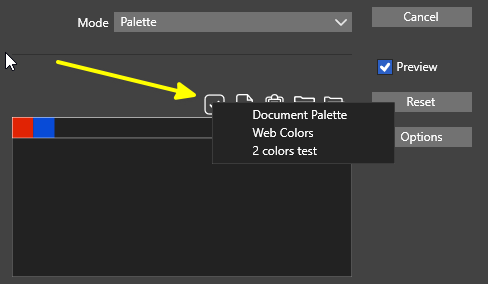
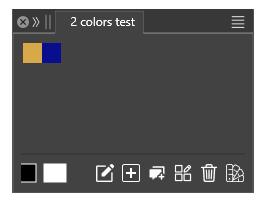
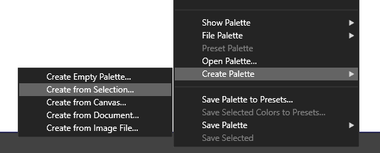
      Here is a video where I created a color palette according to
      the selection order of your design.

      Here the video

      Win 11
      CPU: AMD Ryzen 5 9600X, 6-core.
      GPU: Nvidia Geforce RTX 5070.

      1 Reply Last reply Reply Quote 0
      • First post
        Last post