VectorStyler
    • Categories
    • Unread
    • Recent
    • Tags
    • Popular
    • Register
    • Login

    Making a Windrose

    Scheduled Pinned Locked Moved Tutorials
    3 Posts 2 Posters 4.4k Views 2 Watching
    Loading More Posts
    • Oldest to Newest
    • Newest to Oldest
    • Most Votes
    Reply
    • Reply as topic
    Log in to reply
    This topic has been deleted. Only users with topic management privileges can see it.
    • F Offline
      FastVector
      last edited by FastVector

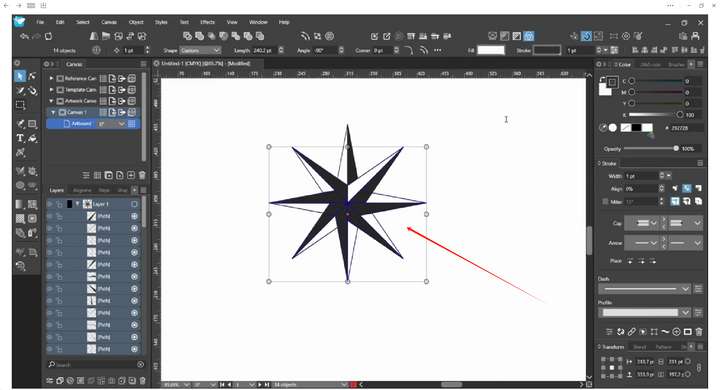
      Here a video of how I made a windrose.

      (Still have to practice how to record, because when I open a panel it is not visible and on my screen the keys I pressed in where visible but not in the recording)

      Windows 10 | 1920x1080 | 125%

      M 1 Reply Last reply Reply Quote 6
      • M Offline
        monsterfox @FastVector
        last edited by

        @FastVector 0_1744988106410_mmexport1744988084207.png Is this operation a function that appears in the Menu > Transform > Rotate?

        F 1 Reply Last reply Reply Quote 1
        • F Offline
          FastVector @monsterfox
          last edited by FastVector

          @monsterfox Yes, you can go to Object > Transform > Rotate or you can use the the keys Shift+Alt+R.

          Windows 10 | 1920x1080 | 125%

          1 Reply Last reply Reply Quote 0
          • First post
            Last post