VectorStyler
    • Categories
    • Unread
    • Recent
    • Tags
    • Popular
    • Register
    • Login

    Technical consultation
    Scheduled Pinned Locked Moved General Discussion
    7 Posts 2 Posters 5.2k Views 2 Watching
    Loading More Posts
    • Oldest to Newest
    • Newest to Oldest
    • Most Votes
    Reply
    • Reply as topic
    Log in to reply
    This topic has been deleted. Only users with topic management privileges can see it.
    • M Offline
      monsterfox
      last edited by

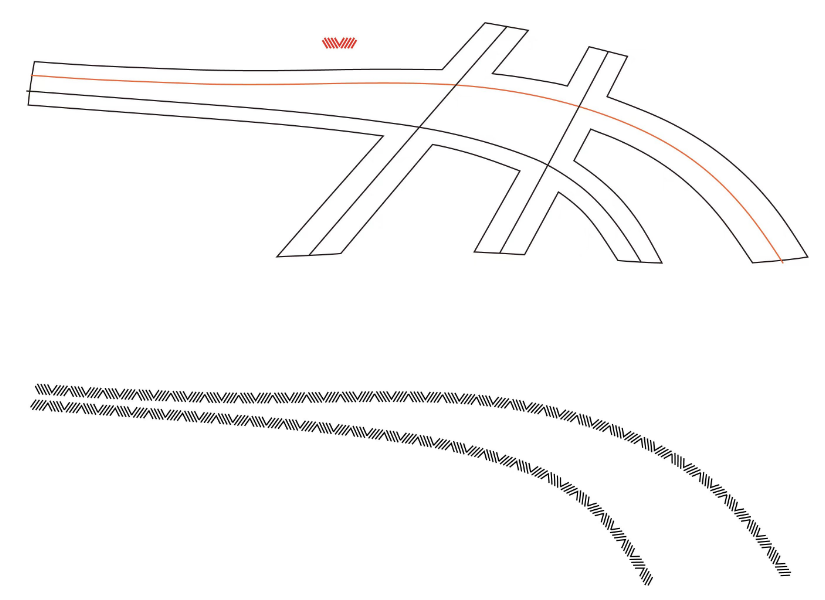
      0_1746975322857_mmexport1746975274093.png
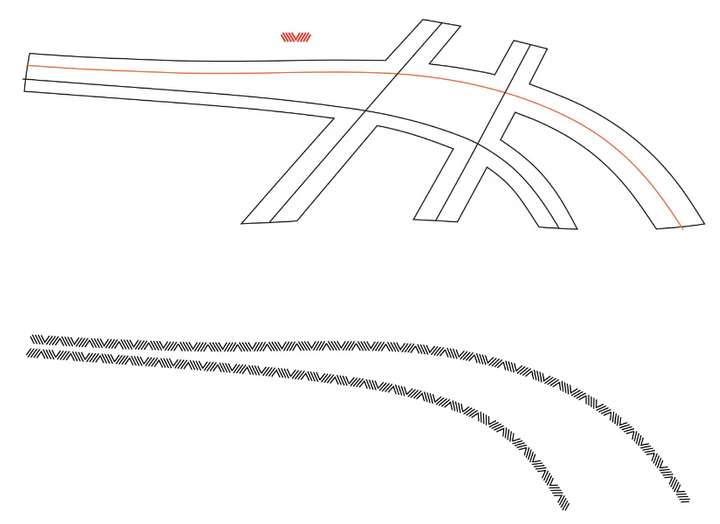
      The small red graphic above is the sample, which needs to be distributed along the entire path. The effect is shown in the following figure. How can I operate in VS to make it convenient and quick? Thank you.

      1 Reply Last reply Reply Quote 0
      • S Offline
        Subpath
        last edited by Subpath

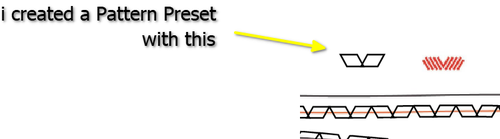
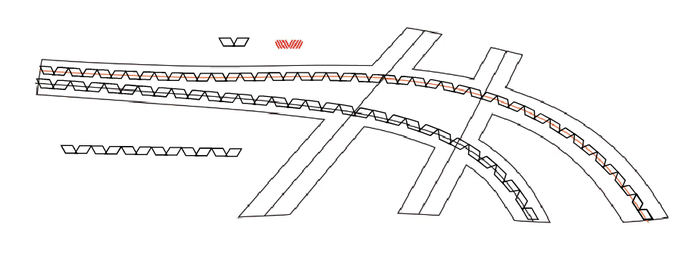
        Create a Pattern Brush Preset ?

        I created a stylized version of the red graphic. Since your
        pattern consists of strokes, you may need to combine them.
        The height of the pattern corresponds to the stroke width.

        Here a pic
        0_1746979139840_Path Pattern.png

        0_1746979058943_Pattern along a path.png

        Win 11
        CPU: AMD Ryzen 5 9600X, 6-core.
        GPU: Nvidia Geforce RTX 5070.

        M 2 Replies Last reply Reply Quote 2
        • M Offline
          monsterfox @Subpath
          last edited by

          @Subpath Thank you. I'll try out this function later.

          1 Reply Last reply Reply Quote 1
          • M Offline
            monsterfox @Subpath
            last edited by

            @Subpath Actually, I still haven't fully mastered this method. If convenient, could you record a video? Thank you. By the way, can this method make the brush preset the same size as the sample?

            S 1 Reply Last reply Reply Quote 0
            • S Offline
              Subpath @monsterfox
              last edited by

              @monsterfox

              It would be nice if you had made a video showing
              what you failed at.

              Regarding the question about the size, I don't have
              any other example than the picture you posted. So I
              don't know what your point is with this.

              Here a Video how i made the Pattern Brush

              and here an additional video how to flip that pattern brush

              Win 11
              CPU: AMD Ryzen 5 9600X, 6-core.
              GPU: Nvidia Geforce RTX 5070.

              M 2 Replies Last reply Reply Quote 0
              • M Offline
                monsterfox @Subpath
                last edited by

                @Subpath Thanks, your video cleared up my confusion. This isn't as simple to operate as Inkscape—my image was completed using it. There's a "pattern along path" effect that makes things quicker.

                1 Reply Last reply Reply Quote 1
                • M Offline
                  monsterfox @Subpath
                  last edited by

                  @Subpath But VS seems to have more settings options. I haven't experienced it deeply yet, but it should be able to handle some more complex graphic scenarios.

                  1 Reply Last reply Reply Quote 1
                  • First post
                    Last post