VectorStyler
    • Categories
    • Unread
    • Recent
    • Tags
    • Popular
    • Register
    • Login

    Kind of Guilloche Pattern

    Scheduled Pinned Locked Moved Tutorials
    2 Posts 1 Posters 2.0k Views 1 Watching
    Loading More Posts
    • Oldest to Newest
    • Newest to Oldest
    • Most Votes
    Reply
    • Reply as topic
    Log in to reply
    This topic has been deleted. Only users with topic management privileges can see it.
    • S Offline
      Subpath
      last edited by Subpath

      For anyone interested, I'll show you the steps
      I took to create this pattern.
      All is made inside VS.
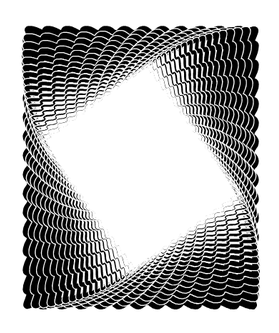
      0_1761315643726_Guilleoch-like-Pattern.png

      Everything started finding this picture frame very nice
      and thinking creating something similar. My first Idea was
      to create a rectangle and apply zigzag outline effect with
      wave mode selected onto it.
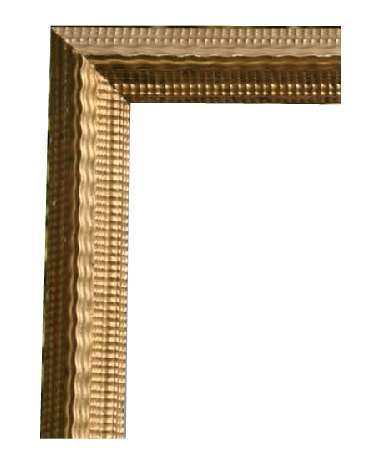
      0_1761315722287_Picture-Frame.png
      .
      .
      So, lets create a rectangle, convert it to curves
      (not necessary but i do it)

      0_1761315780639_rectangle.png

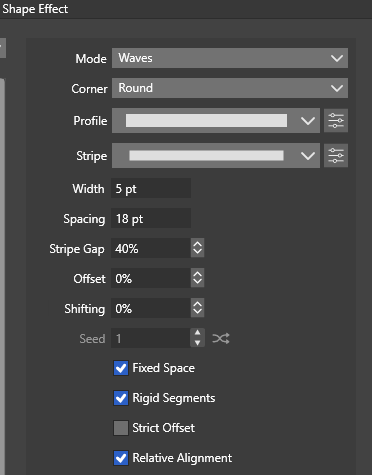
      Apply a Outline ZigZag Shape Effect onto it select wave as the Mode.
      (Menu > Effects > Outline > Outline ZigZag)
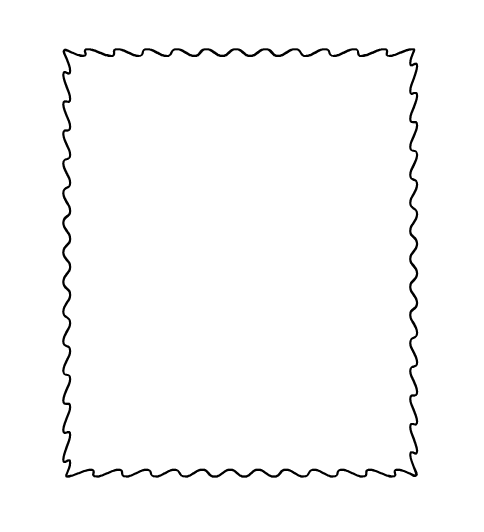
      0_1761315843790_outline zigzag.png

      Set the following Parameters.
      0_1761315894170_settings-1.png
      .
      .
      My next thought was about copying this rectangle path
      a few times inward and scaling it.
      (Menu > Object > Transform > Transform)
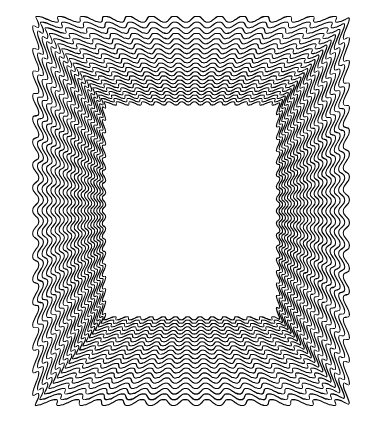
      0_1761315939124_scaled.png

      After the scaled copies Transformation, I had the idea of ​​trying
      an additional rotation step. I liked the result, so i left it as it
      was.
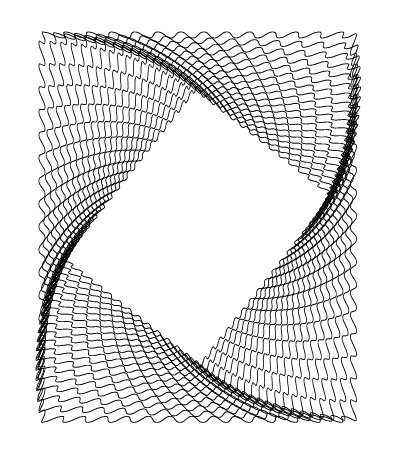
      0_1761315969301_scaled rotated.png

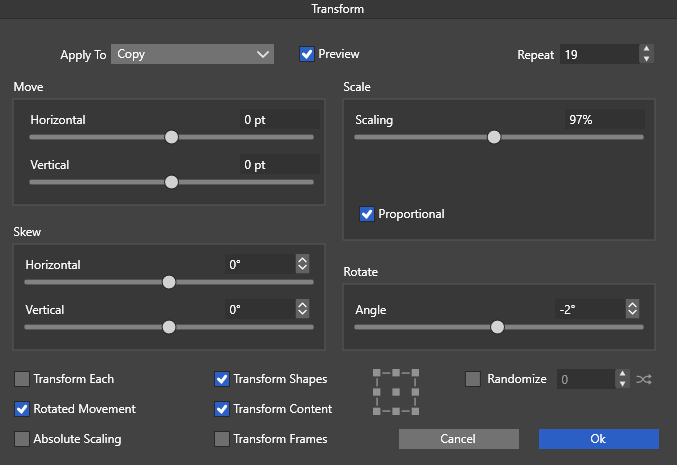
      The Parameters for Transform
      0_1761315999786_Transform Parameter.png
      .
      .
      Then I wanted to create a gradient using a blend via Strokes
      and apply the stroke color to other paths using the Style Picker.

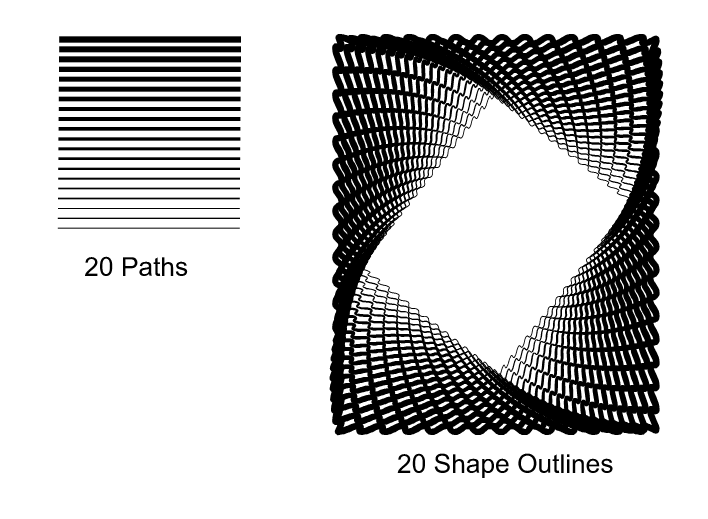
      But I had another idea and decided to create the blend using
      different line weights and apply these results to the shape
      outlines using the Style Picker. I liked the result, too, so I kept it.
      0_1761317686526_StylePicker.png

      0_1761316065631_blend line weight.png

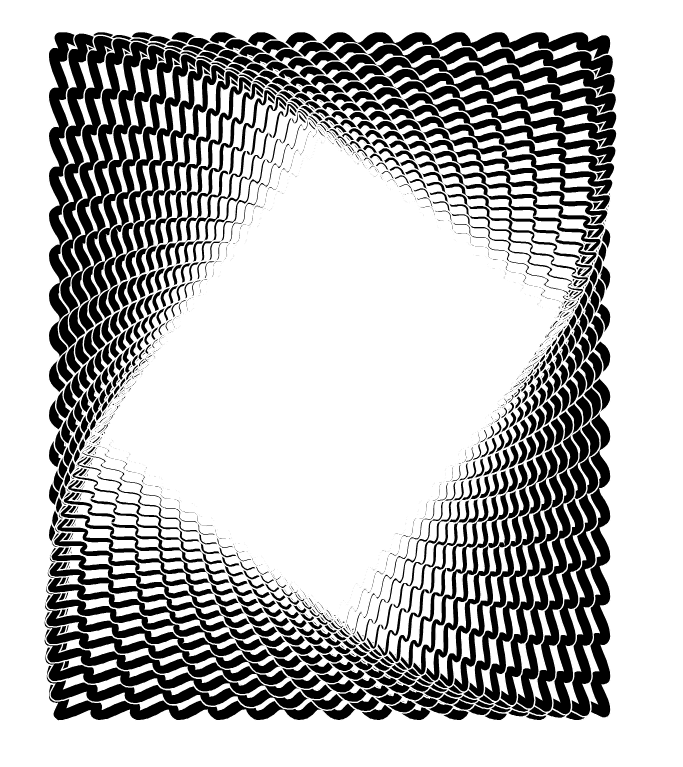
      In the final step, I use "Expand Stroke" to convert the outlines
      to shapes that still look like Outlines. I occasionally use this
      step when coloring a large number of strokes to outline them
      with a thin, contrasting color.
      0_1761316123284_Expanded Outlines.png

      Thats all, have fun being creative ☺

      Win 11
      CPU: AMD Ryzen 5 9600X, 6-core.
      GPU: Nvidia Geforce RTX 5070.

      1 Reply Last reply Reply Quote 2
      • S Offline
        Subpath
        last edited by

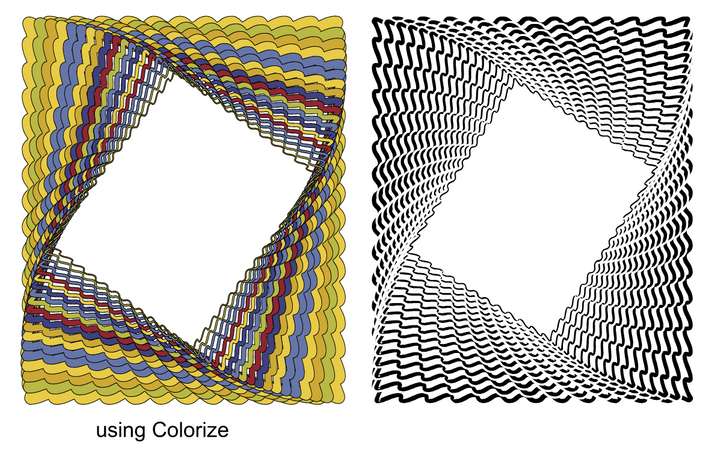
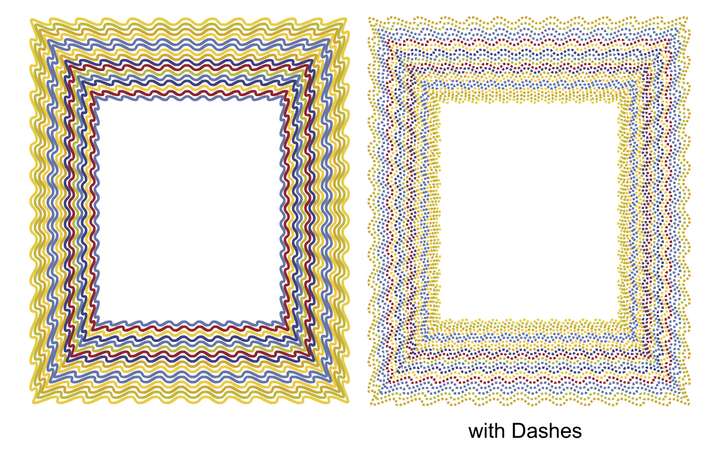
        her a few other tries of mine

        0_1761316960086_colorize.png

        0_1761316977208_dashes.png

        Win 11
        CPU: AMD Ryzen 5 9600X, 6-core.
        GPU: Nvidia Geforce RTX 5070.

        1 Reply Last reply Reply Quote 4
        • First post
          Last post