Paragraph Style Using Labeling Not Working
-
Hi:
iMac
Retina 4K, 21.5-inch, 2017 (Intel)
Processor: 3.6 GHz Quad-Core Intel Core i7
Graphics: Radeon Pro 560 4 GB
macOS: Ventura 13.7.8
Hardware acceleration: On Metal
US - English
VectorStyler 1.3.008Problem: Paragraph Style Using Labeling Not Working
The labeling option seems not to be working as expected. Trying to create a simple numbered list, like:
- Test line.
- Test line.
Text paragraph with a different paragraph style goes here.
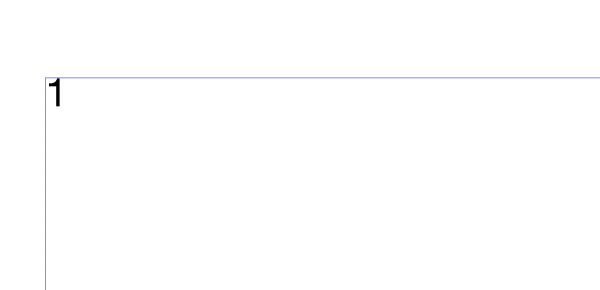
The first problem is that when the style is applied the I-beam does not show at the insertion point. If you start typing text will appear but it is confusing not to have an insertion point (Screenshot 1).
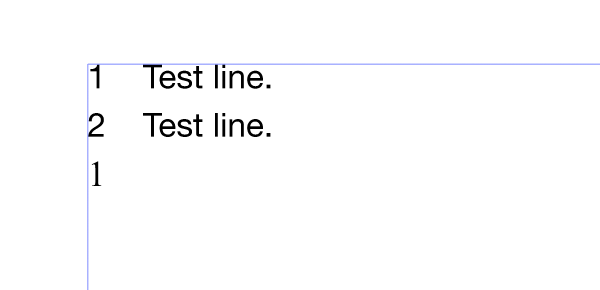
The second problem is a paragraph style applied after a paragraph style using the labeling option does not work. In the test document I created a paragraph style using the labeling option. I applied it to the text frame and typed two text lines that start with numbers.
If I then press the return key after the second line and double click the default paragraph style from the Paragraph Styles Panel the number one (1) appears on that line. The default paragraph style does not use the labeling option but the number 1 appears at the start of that text line, which should not be there. Also, at this point I can no longer type any text (Screenshot 2).
Please see the attached document.
Attachment: Test Document.zipRegards,
MWK -
@MWK I opened a bug on this
