8- VectorStyler | Quick Stroke Color | Alt-Click Color Palette
-
Quick tip for speeding up your workflow in VectorStyler. In this video, I show how to quickly set the stroke color using a simple Alt-click directly from the color palette. It’s a small shortcut, but it can save a lot of time when you're working with strokes constantly.
This is especially useful if you're trying to stay focused on styling without jumping between panels or breaking your flow.
Big thanks to @ericp for pointing this out!
If you have any more interesting suggestions, I'll try to replicate them and make a video.
I have all my video editing setup, so I can publish quickly!
I want to fill YouTube with tutorials. Generally, when you start using new competing software, like Nomad Sculpt, it's similar to what you already know, but having all the tutorials for other software often limits your perspective. So my plan is to create tons of tutorials for new softwares.
By the way, does anyone know how to delete sections created in the artistic brush tool?
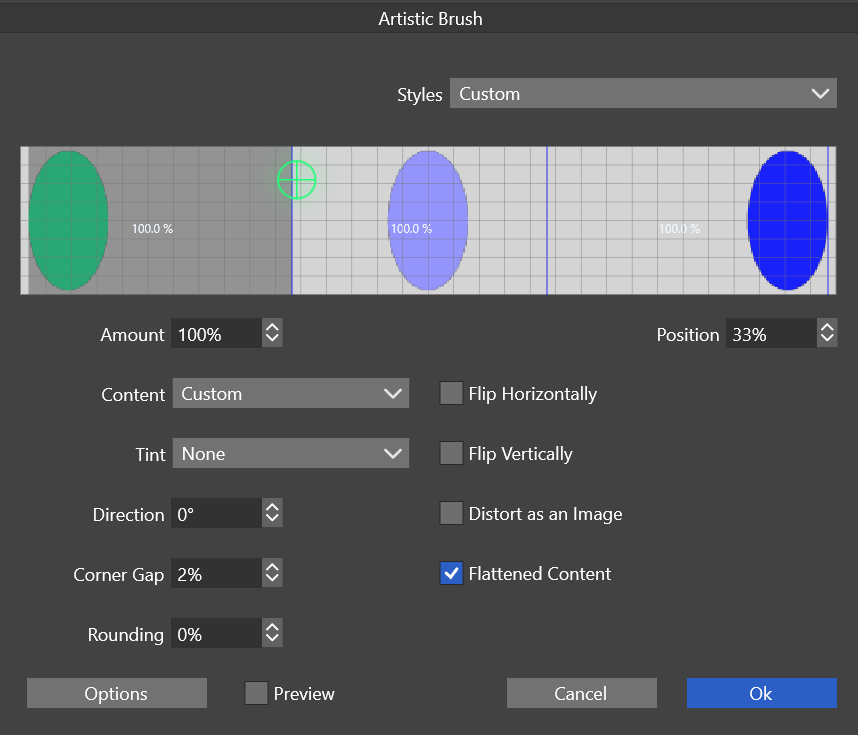
https://www.vectorstyler.com/documentation/brushes/artistic/
-
... quickly set the stroke color using a simple Alt-click directly from the color palette ....
didnt know that
But you could also just use the right Mouse Button
to do that, there is no need to press an addional key.Left Mouse Button for fill color.
Right Mouse Button for Stroke color
