Extra slight colors must be accounted for in color count in image trace
-
The image trace feature has come a long way and I want to use it more. I'm running into an issue where it appears VS determines colors incorrectly and I am left with a result that does not capture the correct colors I need.
For example, I pasted an image of a splatter into VS and had image capture trace it. I set the number of colors to 2 total because the image is a white background with a solid black splatter - so white and black colors.
The result came back incorrectly as all white results. I believe what happened was the image capture detected a secondary white and so it registered two different shades of white instead of the more obvious black and white in the image.
I had then set the number of colors to 3, then tried 4 colors to get it to recognize the black.
In the images below, I set the artboard color itself to blue to help show clearly what was happening with the black and white image and the result:
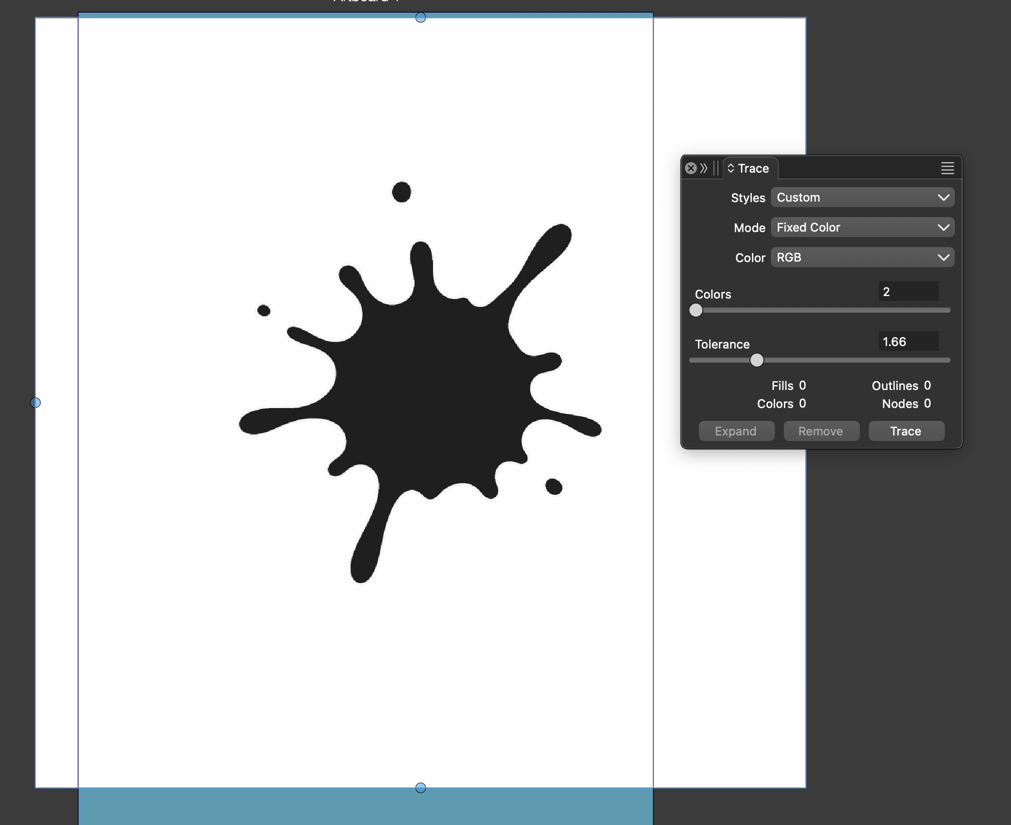
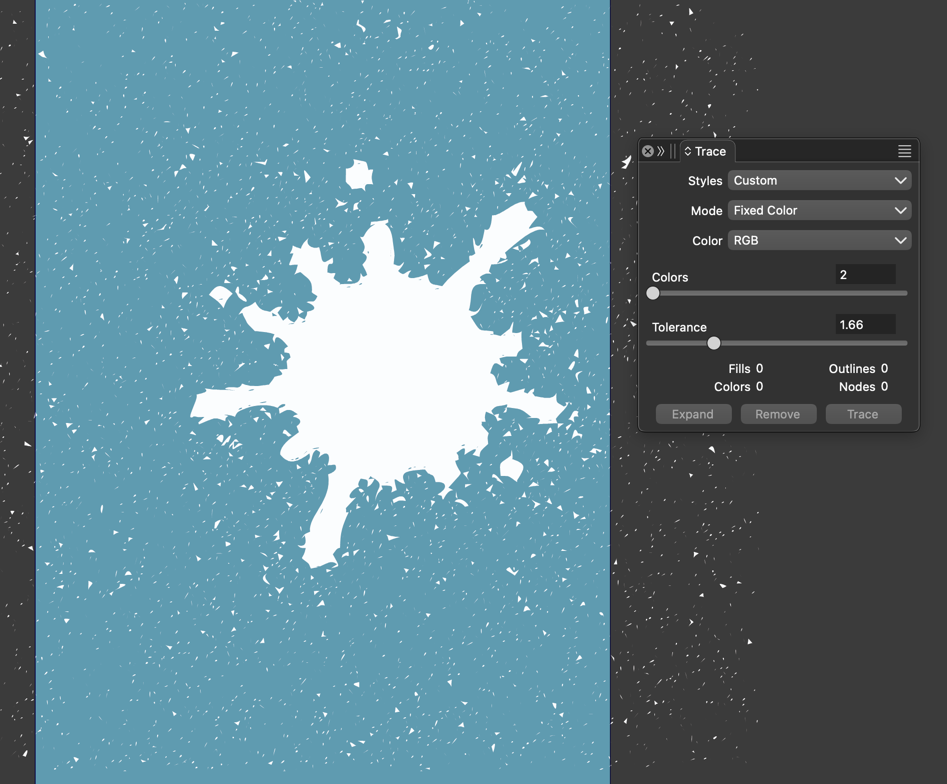
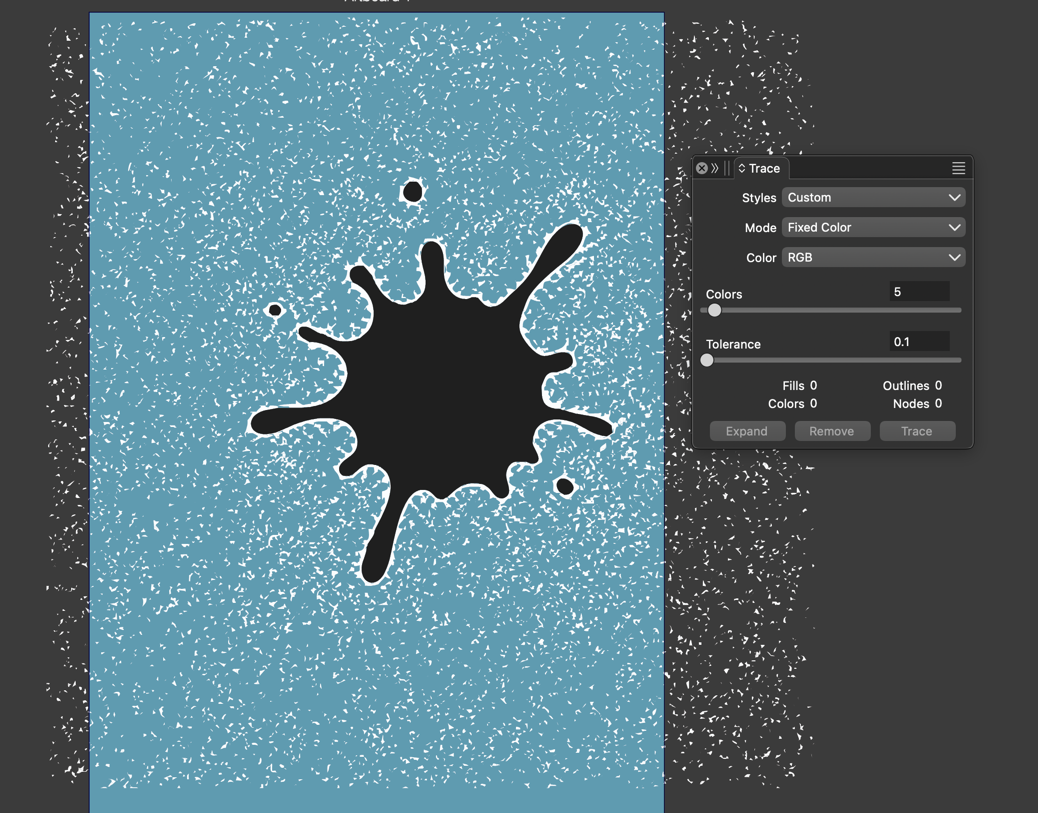
here is the original file:splatter image trace test.vstyler
🍎 macOS Tahoe 26.2, Mac mini (M1, 2020), Chip Apple M1, Memory 16 GB
Cintiq 27QHD Display and LG Ultra HD Display -
UPDATE: I did get much better results using the "grayscale" preset in the image mode. I am guessing this could still be an issue for other images that have more colors - it would be hard to know which ones VS chose without testing it over and over; adding a higher color count to the trace
-
@Boldline There is an "Ignore While" option in the trace panel menu. If enabled it turns these white regions into transparent. In this case it should be disabled.
Also: the backdrop in the image is not a clear white tone, it has a noise with a small intensity

