GPU view problem with Nvidia
-
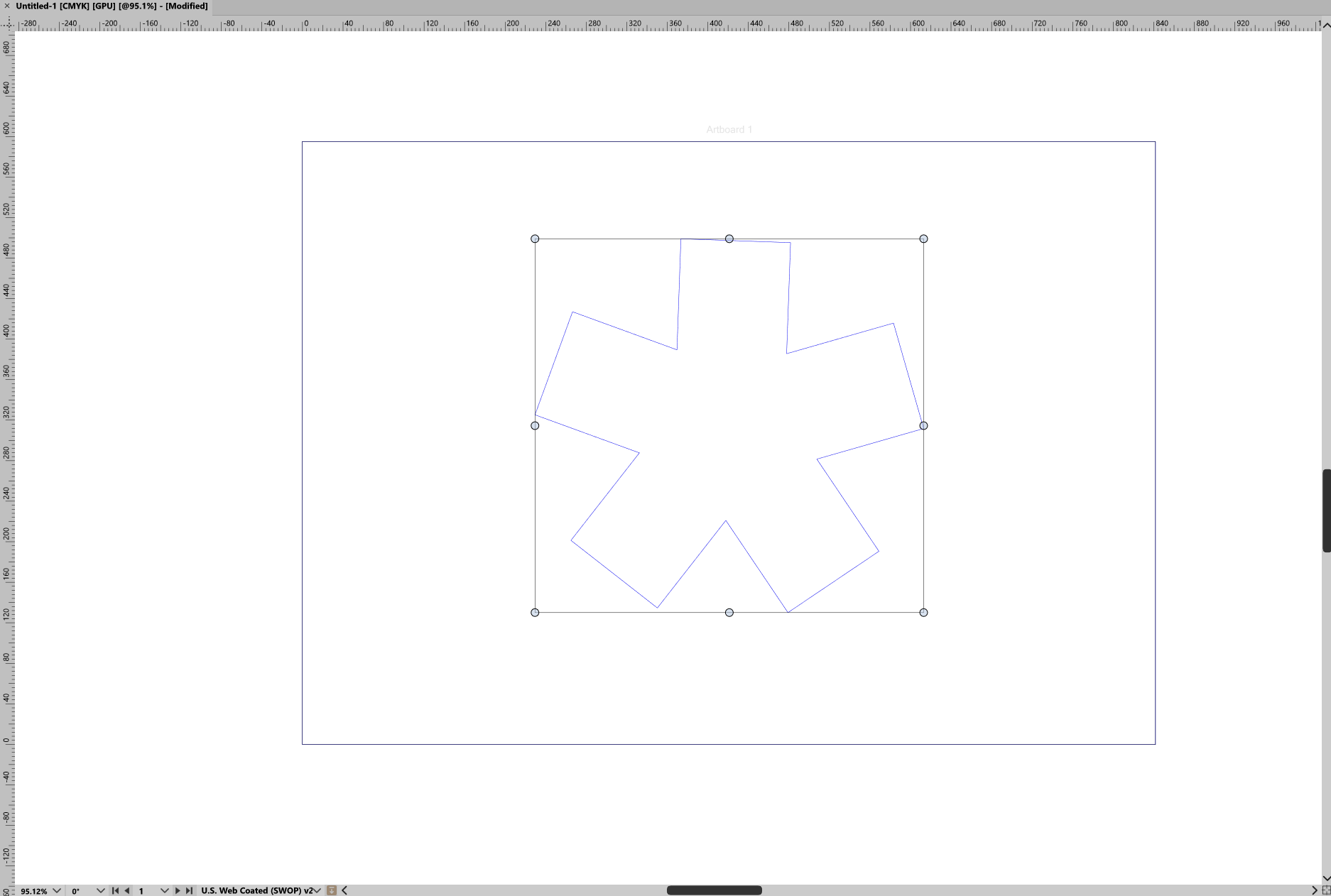
When i switch to gpu view mode everything is white ( even outside of artboard ) and like wireframe.
This issue just happen in this mode:
Compute Engine : Nvidia Cuda
Compute Device : Nvidia Geforce RTX 2060
but gpu view works fine with OpenCl.
I use last version of vector styler ( 1.3.018 ) on Win 11 with the latest nvidia studio driver.
-
@Mohammadreza I will open a bug on this and will try to find out more
Please tell me the CUDA driver version also.One thing to try is to set CUDA compute engine in VectorStyler, use the normal CPU rendering mode and draw some gradients or use some image effects, can those be displayed and is there a slowdown (indicating that the driver use fails).
-
@VectorStyler as i remember i do not install Nvidia CUDA driver separately, i've just installed studio driver, but when i run ( nvidia-smi ) in terminal it says CUDA Version: 13.2
but as i reproduce what you said i notice delay after applying gradient and blur effect, ( before even when i play with nodes and pen tools or for example moving the curves and shape i've notice some sort of lag or delay and the moving is not smooth ) i dont know if i have to install cuda driver seperatly or not because i dont have this problem in any other vector base or raster base software like illustrator or photoshop.
ps: sorry for my broken and bad English
-
@Mohammadreza Should be no need to install a separate CUDA driver.
It seems that for some reason VectorStyler cannot use this CUDA version. I will test it and find a solution for this. -
@VectorStyler Thanks!
-
update about v 1.3.019
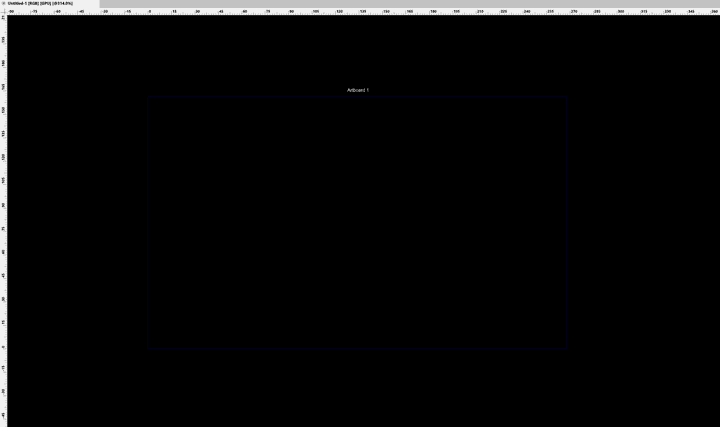
the problem still exist but now everything is black!!
-
@Mohammadreza said in GPU view problem with Nvidia:
is the gradient rendering with CUDA working (with CPU view mode, and CUDA compute)?
-
@VectorStyler yes and working with gradinet and moving a gradinet object is much smoother than previous verison
-
@Mohammadreza Save a file VectorStyler with the GPU view mode enabled and send it to my email: csraba at vectorstyler.com
-
@VectorStyler done!
-
after updating to 1.3.020 the problem still exists

-
and its also crash with opencl when switching to GPU mode
-
@Mohammadreza Yes this was not solved yet, as I could not replicate it.
I will test the opencl crash
