VectorStyler
    • Categories
    • Unread
    • Recent
    • Tags
    • Popular
    • Register
    • Login

    TEXT enveloppe deform
    Scheduled Pinned Locked Moved Questions and Support
    3 Posts 2 Posters 18 Views 2 Watching
    Loading More Posts
    • Oldest to Newest
    • Newest to Oldest
    • Most Votes
    Reply
    • Reply as topic
    Log in to reply
    This topic has been deleted. Only users with topic management privileges can see it.
    • ZATOPEKZ Offline
      ZATOPEK
      last edited by

      Hello

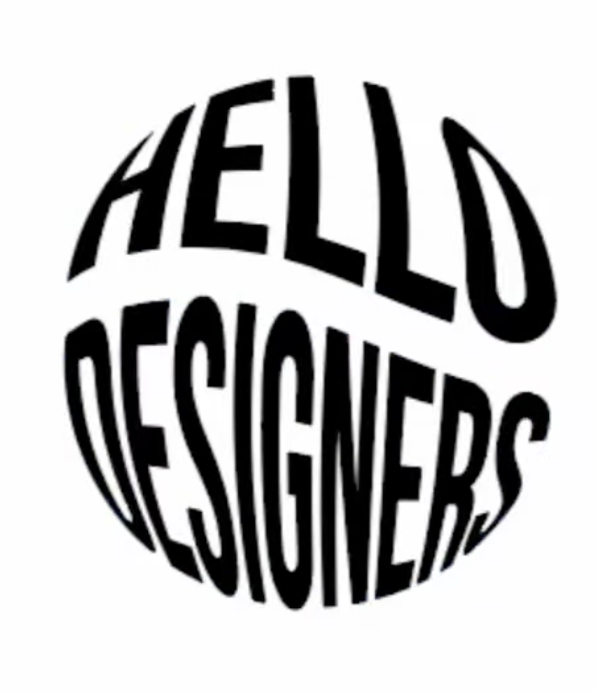
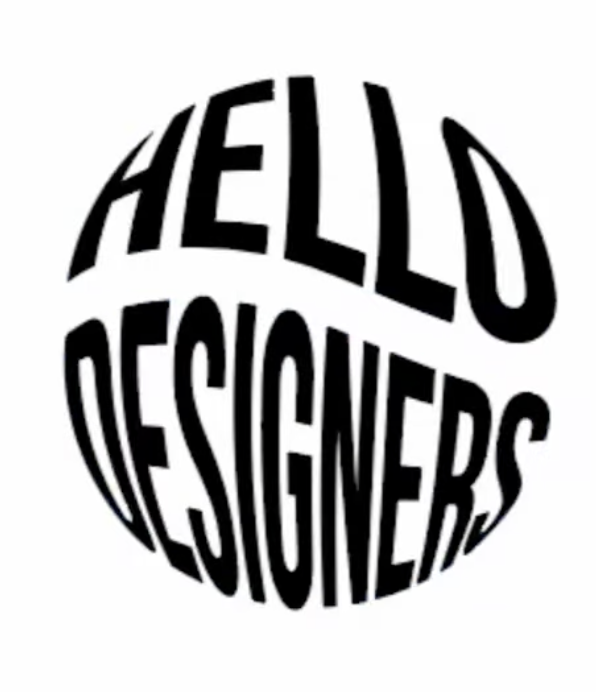
      Is there a way on VectorStyler to deform a text according to a vector shape (see illustrator capture)?THINKTANK 2026-05-14 à 20.38.45.png

      Cordialement Votre

      VectorStylerV 1 Reply Last reply Reply Quote 1
      • VectorStylerV Offline
        VectorStyler @ZATOPEK
        last edited by

        @ZATOPEK Yes:

        • Create the text (the two words must be separated and resized to the same width)
        • Add an Envelope effect from the Shape Effects panel
        • Draw a circle and select both the text and circle
        • In the Shape Effects panel menu select Pick Shape
        • Open the Envelope options and uncheck Envelope (there might be a bug here and this is not applied, so you need to press Enter in the smoothness field for example)
        • Activate the effect editor (panel bottom, second button)
        • Insert new mesh point with double click
        • Adjust the mesh shape to get the internal waving
        1 Reply Last reply Reply Quote 2
        • ZATOPEKZ Offline
          ZATOPEK
          last edited by

          Thanks it's work fine

          Cordialement Votre

          1 Reply Last reply Reply Quote 0
          • First post
            Last post