Nudge Moving Distance Issues
-
@vectoradmin,
A couple bugs with the Nudge Moving Distance feature.
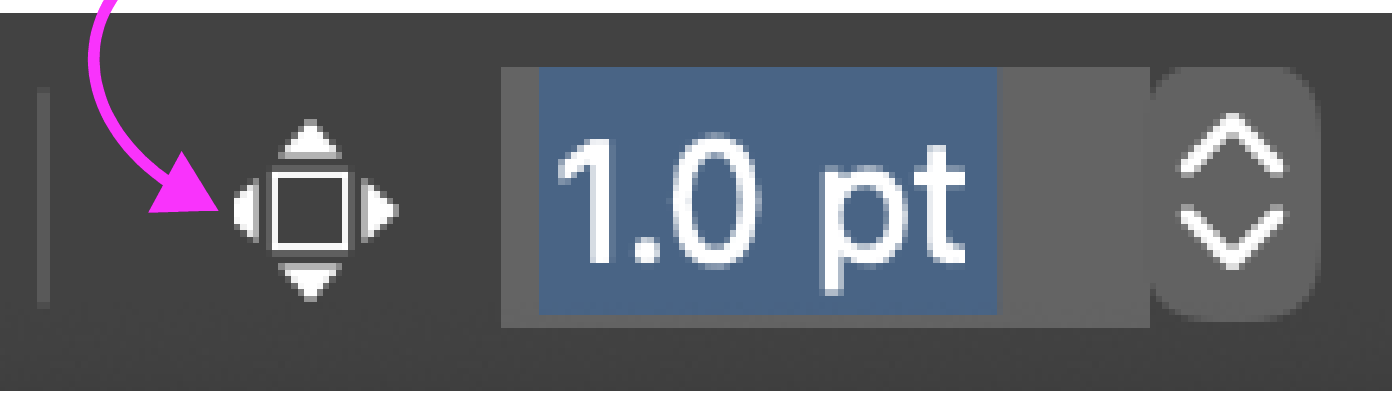
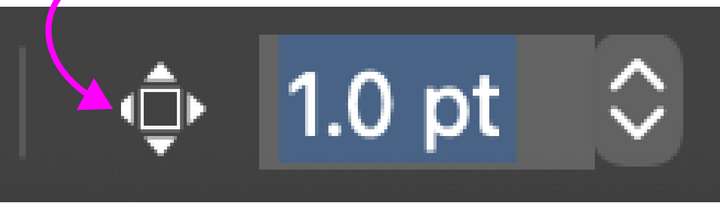
1, Icon glitch: The "point" of the left pointing arrow in the icon is “clipped off”.
.
2. After entering the desired Move Distance value in the Direct Entry Field, pressing the Enter Key does not “visually set” the distance value by removing the blinking cursor from the box and returning the box to the darker black background. I think it should do so to “exit” out of the Nudge Field.
.
3. Using the Slider Bar also causes the Artboard within Navigator Panel to be solid Red when pressing and holding down the arrow keys continuously, as mentioned in other bug posts.
.
4. Upon reflection, I think it makes sense to have the Nudge Move Distance feature show in the Toolbar all the time, rather than just on selection, in the same Workspace position that you currently have it. Could you change that?
.
5. Not a bug, but I think it would be preferable to have the traditional “Incremental” separate Up and Down Arrow icons to adjust the value instead of the slider bar for this particular feature. -
@Vector-Rock I will add these to the backlog. They are all fixable.
-
@Vector-Rock said in Nudge Moving Distance Issues:
@vectoradmin,
- Upon reflection, I think it makes sense to have the Nudge Move Distance feature show in the Toolbar all the time, rather than just on selection, in the same Workspace position that you currently have it. Could you change that?
I think that showing all the time is not a good option. In most tools the nudge is not needed, and the context panel is crowded as it is. For example when using the text tools, the context panel will not fit into most screens.
(the other points will be fixed in the next build)
-
@Vector-Rock This has been fixed in build 1.0.044
