VectorStyler
    • Categories
    • Unread
    • Recent
    • Tags
    • Popular
    • Register
    • Login

    sample colors from document for fill and stroke in context bar
    Scheduled Pinned Locked Moved Implemented Features
    5 Posts 3 Posters 7.2k Views 2 Watching
    Loading More Posts
    • Oldest to Newest
    • Newest to Oldest
    • Most Votes
    Reply
    • Reply as topic
    Log in to reply
    This topic has been deleted. Only users with topic management privileges can see it.
    • BoldlineB Offline
      Boldline
      last edited by

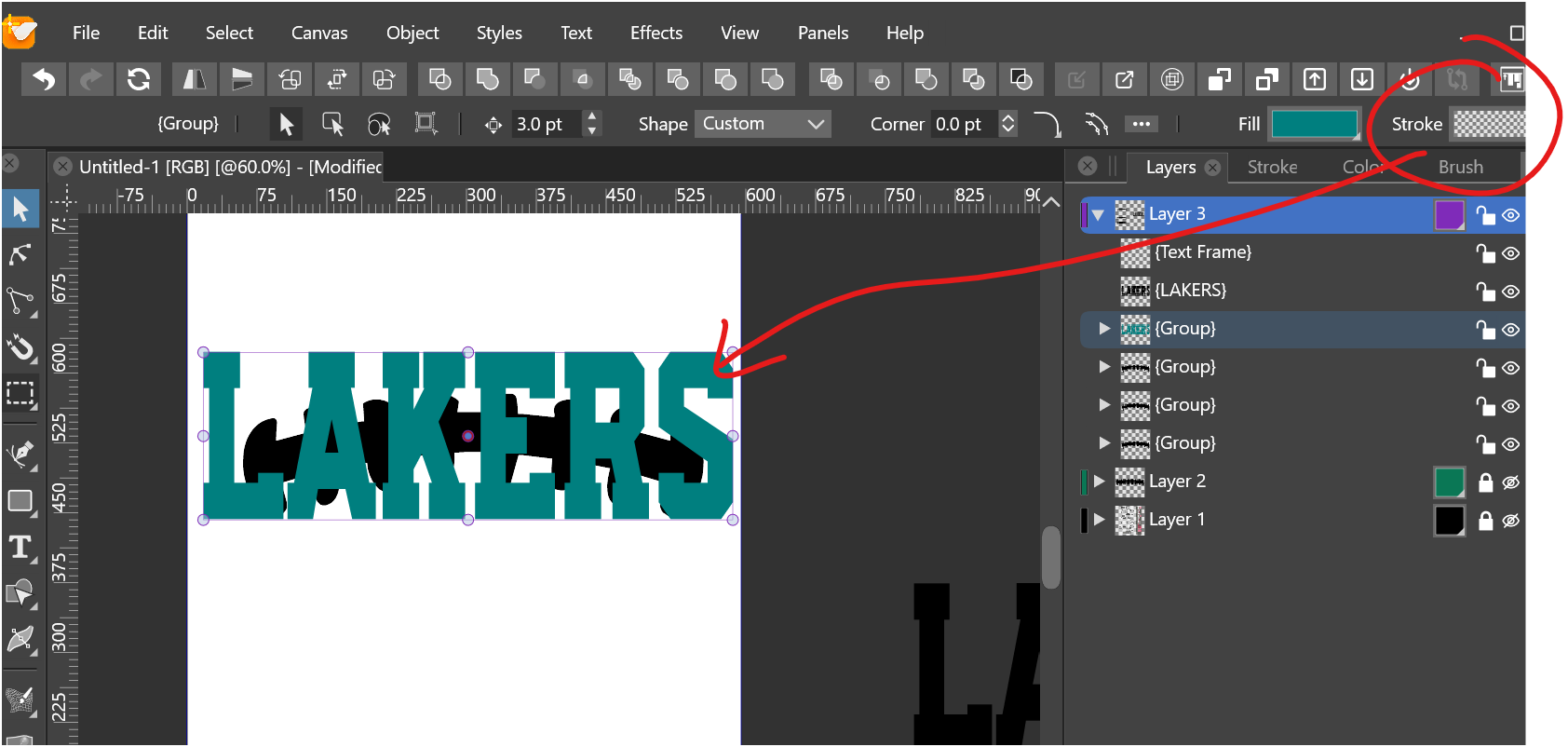
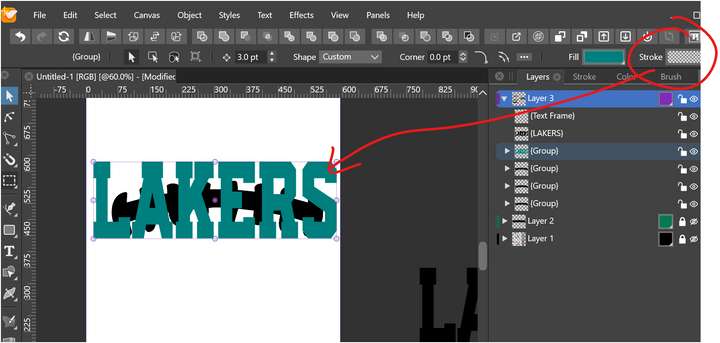
      The fill and stroke panels in the context bar are great for quick views of what is going on in the file. I think the rectangles could be more like squares, making more room./
      My main thought was being able to easily sample a color from the artboard using the eyedropper tool, or dragging the stroke or color fill box to the color you wanted in the document
      0_1629045508514_f9b85d4b-a884-4b73-a774-279f71d83d52-image.png

      🍎 macOS Tahoe 26.2, Mac mini (M1, 2020), Chip Apple M1, Memory 16 GB
      Cintiq 27QHD Display and LG Ultra HD Display

      b77B VectorStylerV 2 Replies Last reply Reply Quote 0
      • b77B Offline
        b77 @Boldline
        last edited by b77

        @Boldline You can sample a color from the artboard and from around the artboard if you use Shift with the eyedropper (shortcut: I).

        I guess the swatches are wide for when you have gradients and patterns — I don't want to see them too small/compressed.

        MacBook Pro (Intel) running Monterey 12.6.4

        BoldlineB 1 Reply Last reply Reply Quote 1
        • BoldlineB Offline
          Boldline @b77
          last edited by

          @b77 thanks. That is good. I think I was trying to find a way to make the fill color in the artboard become the stroke color. I see that it works if I am using a color that is already a fill or stroke and I am wanting to change to that color in the same manner.
          Good point about the patterns and fills. I cans ee why the wider panels for colors would be helpful

          🍎 macOS Tahoe 26.2, Mac mini (M1, 2020), Chip Apple M1, Memory 16 GB
          Cintiq 27QHD Display and LG Ultra HD Display

          b77B 1 Reply Last reply Reply Quote 0
          • b77B Offline
            b77 @Boldline
            last edited by b77

            @Boldline If you want to pick a color for the stroke of the object, first press X to switch the color button in the Color panel from Fill to Stroke, then picking a color with the eyedropper will assign it to the stroke.

            MacBook Pro (Intel) running Monterey 12.6.4

            1 Reply Last reply Reply Quote 0
            • VectorStylerV Offline
              VectorStyler @Boldline
              last edited by

              @Boldline There is a color sampling button now in the Color Panel.

              1 Reply Last reply Reply Quote 0
              • First post
                Last post
