VectorStyler
    • Categories
    • Unread
    • Recent
    • Tags
    • Popular
    • Register
    • Login

    Artboard disappeared right after pasting vector from Illustrator
    Scheduled Pinned Locked Moved Resolved Issues
    3 Posts 2 Posters 5.1k Views 1 Watching
    Loading More Posts
    • Oldest to Newest
    • Newest to Oldest
    • Most Votes
    Reply
    • Reply as topic
    Log in to reply
    This topic has been deleted. Only users with topic management privileges can see it.
    • BoldlineB Offline
      Boldline
      last edited by

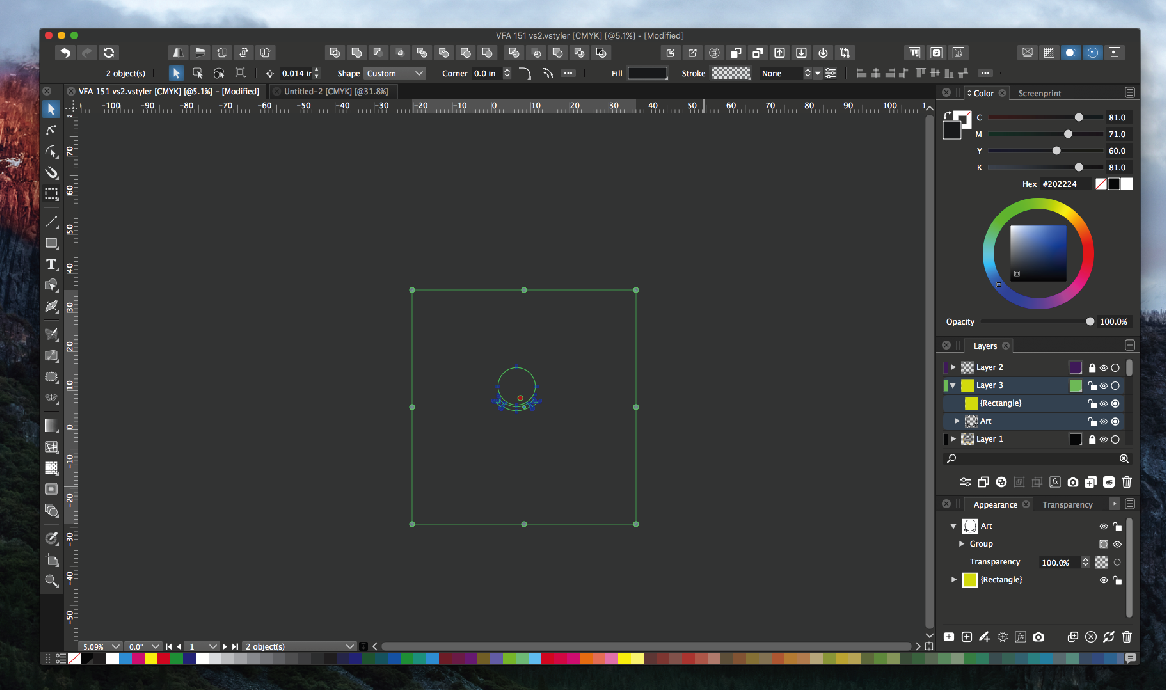
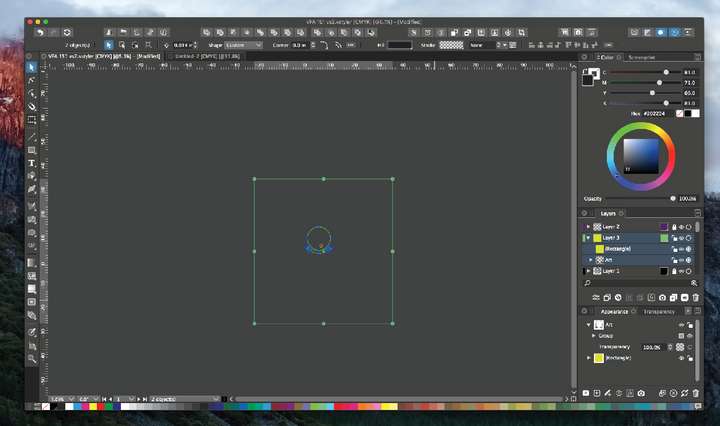
      Strange occurrence - I pasted a vector started in VS into Illustrator and edited it there and then pasted it back into VS and almost immediately, the art board disappeared and the pasted vector was invisible. I was unable to zoom in or out. I was able to select all and found it but it was as it shows in the screenshot - there was nothing I could do about it. I tried to save the file right there to be able to send over but VS froze completely as soon as I tried to save it. So the next crash notice you get from me will be in regards to this crazy issue.
      0_1633622436428_0334bd92-3073-482e-afe5-8e6b37f135a4-image.png

      🍎 macOS Tahoe 26.2, Mac mini (M1, 2020), Chip Apple M1, Memory 16 GB
      Cintiq 27QHD Display and LG Ultra HD Display

      VectorStylerV 2 Replies Last reply Reply Quote 0
      • VectorStylerV Offline
        VectorStyler @Boldline
        last edited by

        @Boldline Can you still add an artboard with the artboard tool? Just as a workaround. This could be a bug with the AI importing.

        1 Reply Last reply Reply Quote 0
        • VectorStylerV Offline
          VectorStyler @Boldline
          last edited by

          @Boldline This issue should be fixed in the new build 1.1.002 (beta)

          1 Reply Last reply Reply Quote 0
          • First post
            Last post
