VectorStyler
    • Categories
    • Unread
    • Recent
    • Tags
    • Popular
    • Register
    • Login
    1. Home
    2. Questions and Support
    Log in to post
    Load new posts
    • Recently Replied
    • Recently Created
    • Most Posts
    • Most Votes
    • Most Views
    • BoldlineB

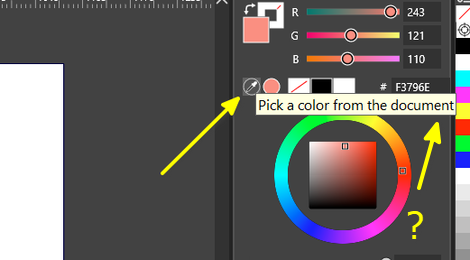
      confusion about how the style/color picker chooses what color or other attributes to copy and apply to the selected object.

      Watching Ignoring Scheduled Pinned Locked Moved
      5
      1 Votes
      5 Posts
      4k Views
      VectorStylerV
      @Boldline This should be fixed in the 1.2.060 build
    • BoldlineB

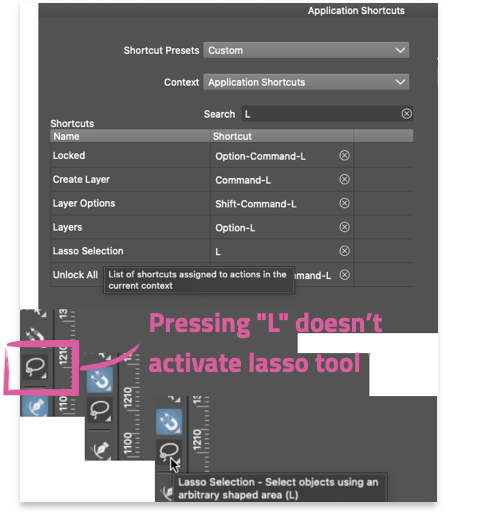
      Unable to switch back to the pen tool by pressing the "p" key, from the stroke width tool to the pen tool

      Watching Ignoring Scheduled Pinned Locked Moved
      5
      1
      0 Votes
      5 Posts
      4k Views
      VectorStylerV
      @Boldline This should be fixed in the 1.2.060 build
    • O

      Group Selection Tool?

      Watching Ignoring Scheduled Pinned Locked Moved
      11
      1
      1 Votes
      11 Posts
      7k Views
      VectorStylerV
      @oleGraf In the new build, clicking on selected objects with the "direct" select tool will select the parent (similar as in AI).
    • S

      Edit Shape Effect is shown on Objects without any Shape effect

      Watching Ignoring Scheduled Pinned Locked Moved
      4
      2
      1 Votes
      4 Posts
      3k Views
      VectorStylerV
      @Subpath said in Edit Shape Effect is shown on Objects without any Shape effect: Or is there another option? In the Layers panel there will be a shape effect editing icon shown in the object row.
    • BoldlineB

      Could edits to a gradient made in gradient panel and modified in repeater update the repeater result?

      Watching Ignoring Scheduled Pinned Locked Moved
      5
      3
      1 Votes
      5 Posts
      4k Views
      VectorStylerV
      @Boldline I will test these presets.
    • BoldlineB

      Allow for more immediate custom color choice in colorize panel?

      Watching Ignoring Scheduled Pinned Locked Moved
      2
      2
      1 Votes
      2 Posts
      2k Views
      VectorStylerV
      @Boldline I will try to add this to the colorizer as it would be a much simpler solution than the replace color.
    • BoldlineB

      How do I change the color of the repeater results prior to expanding it?

      Watching Ignoring Scheduled Pinned Locked Moved
      2
      1
      1 Votes
      2 Posts
      2k Views
      VectorStylerV
      @Boldline Only by editing the repeated object color. This can be done by opening the repeater (Symbol Set) object in the Layers panel, selecting the object and then changing the color.
    • BoldlineB

      Bitmaps placed in VS now lack a transparent background

      Watching Ignoring Scheduled Pinned Locked Moved
      5
      1
      1 Votes
      5 Posts
      4k Views
      BoldlineB
      @VectorStyler cool! just tried it out. thanks for the info - no rush on updating the documentation. I was making sure it was known to be added eventually
    • syllieS

      Align to pixel grid

      Watching Ignoring Scheduled Pinned Locked Moved
      2
      2 Votes
      2 Posts
      2k Views
      VectorStylerV
      @syllie It is an object attribute, but it applies to all objects inside the group having this attribute. But it does not apply to the patter content by default. For that you need to create the pattern content using this attribute on the objects. I will think of a way to make a global attribute that does this.
    • BoldlineB

      If I pull document tab out from its main position, how do I get it to snap back to its original location?

      Watching Ignoring Scheduled Pinned Locked Moved
      2
      1
      0 Votes
      2 Posts
      2k Views
      VectorStylerV
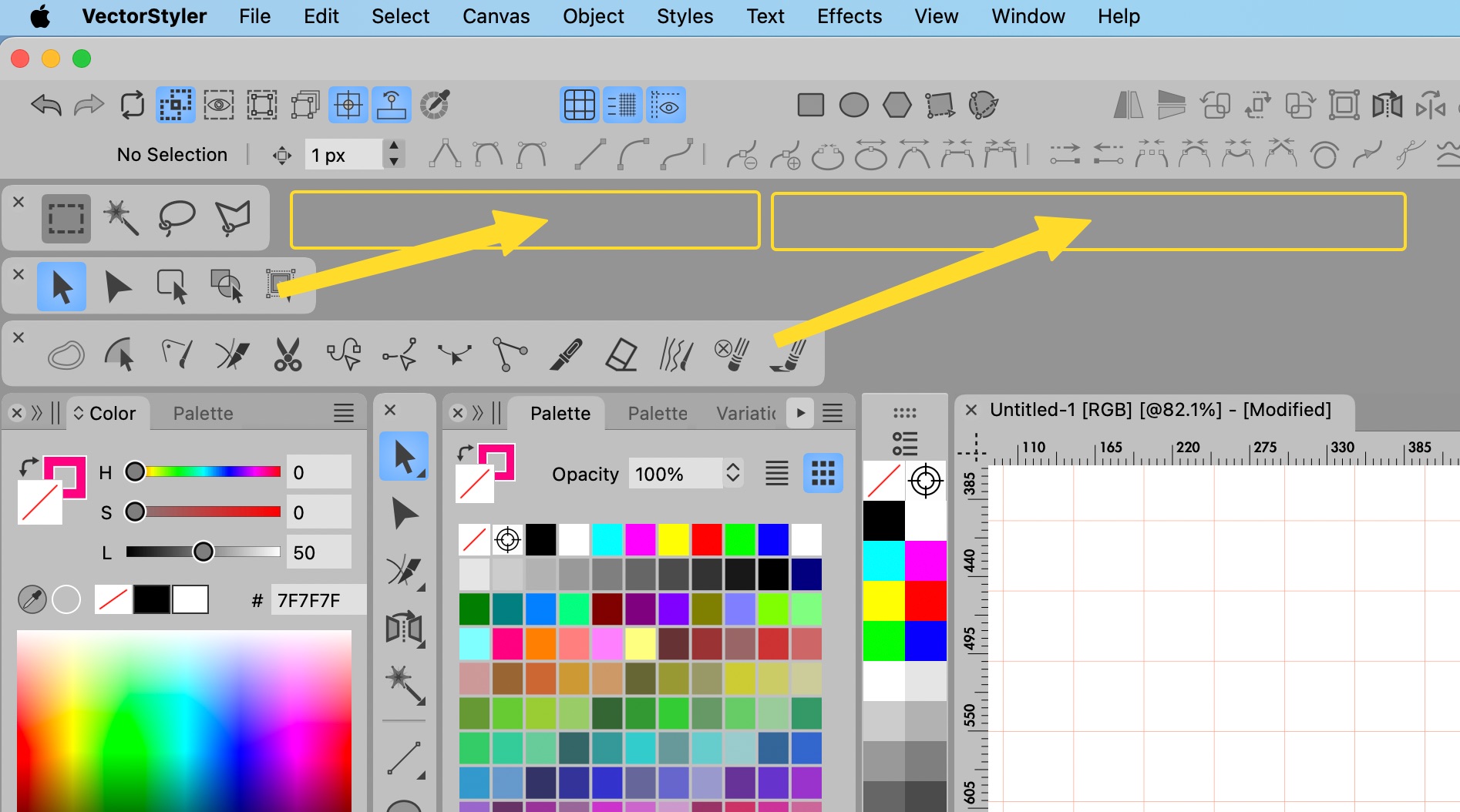
      @Boldline Drag the detached document from its title leaf (the "Untitled..." text in the image) and drag it over the area where the attached title leafs supposed to be. There is a thin gray line indicating the area.
    • BoldlineB

      How do I pull out a tabbed panel from a group?

      Watching Ignoring Scheduled Pinned Locked Moved
      5
      1
      1 Votes
      5 Posts
      4k Views
      BoldlineB
      @VectorStyler Thanks. I realized that I had to click off on the "lock all panels" to allow the tabs to be easily pulled out from a grouping.once I unlocked it, I was able to edit the groups of panels as you showed in the video
    • K

      Specific values in Grid

      Watching Ignoring Scheduled Pinned Locked Moved
      3
      1
      1 Votes
      3 Posts
      3k Views
      K
      @VectorStyler Thanks for the support. Will try that.
    • BoldlineB

      Repeated clicking does not drill down to lower objects to select

      Watching Ignoring Scheduled Pinned Locked Moved
      2
      1
      1 Votes
      2 Posts
      2k Views
      VectorStylerV
      @Boldline Only if double clicked for isolation. Or with Option+Click to select an object inside a group.
    • A

      VS update?

      Watching Ignoring Scheduled Pinned Locked Moved
      2
      1 Votes
      2 Posts
      2k Views
      VectorStylerV
      @asan The next build should be on app store also (this week).
    • J

      Performance issues with Illustrator brushes

      Watching Ignoring Scheduled Pinned Locked Moved
      5
      1 Votes
      5 Posts
      5k Views
      VectorStylerV
      @JuurGroove said in Performance issues with Illustrator brushes: Though still not as smooth as in Illustrator as far as I can remember When ypu have time, test those scatter brushes against any of the recent Illustrator releases
    • syllieS

      Confused about transform

      Watching Ignoring Scheduled Pinned Locked Moved
      15
      2
      3 Votes
      15 Posts
      10k Views
      debraspicherD
      @VectorStyler I'll get some examples next time I start fiddling especially now that I know the zoom matters for snapping
    • debraspicherD

      Bug Report Window Suggestion

      Watching Ignoring Scheduled Pinned Locked Moved
      2
      1 Votes
      2 Posts
      2k Views
      VectorStylerV
      @debraspicher I will fix this.
    • RaaskotR

      Altered pivot point doesn't apply

      Watching Ignoring Scheduled Pinned Locked Moved
      8
      0 Votes
      8 Posts
      6k Views
      RaaskotR
      Very nice upgrade v. 1.2.057 Now transforming with Transform tool (V) works fine. [image: 1737467958863-5ebaca52-23b2-4d66-a6b7-3080a9c4cb95-image-resized.png]
    • M

      About page

      Watching Ignoring Scheduled Pinned Locked Moved
      31
      3
      0 Votes
      31 Posts
      39k Views
      M
      @VectorStyler I don't think it's necessary. This seems like an action where there are two steps: 1. Create a new canvas, 2. Maximize the canvas display. The shortcut key operation is just for the convenience of adding a canvas. I have also set a separate shortcut key for maximizing the canvas display. I believe most people share my view. This is more in line with the actual operating habits.
    • B

      Roadmap & website

      Watching Ignoring Scheduled Pinned Locked Moved
      3
      1 Votes
      3 Posts
      3k Views
      B
      @VectorStyler thanks, I always end up finding it... I humbly think that this information is interesting for those who visit the website without being particularly interested in the forum.