Vertical and Horizontal Scaling Distorts Strokes
-
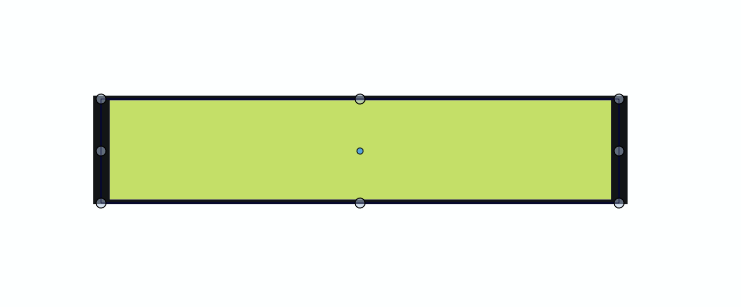
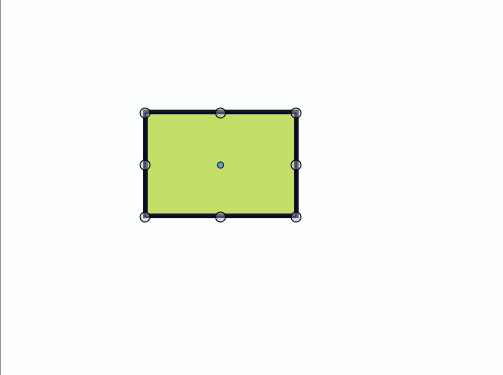
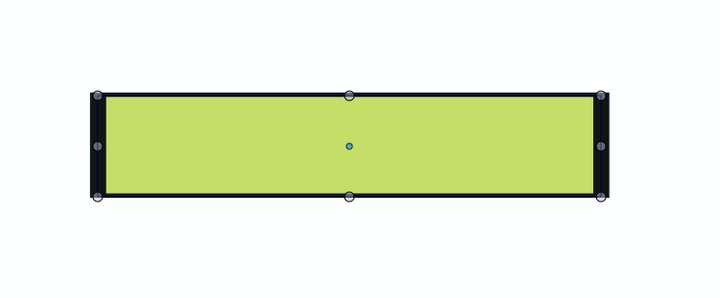
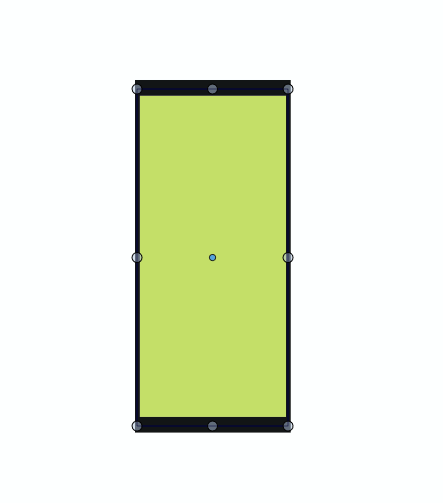
I was going through CorelDraw forums and I came across a long-standing issue in CorelDRAW: The disproportionate scaling of strokes when you have Scale with Object turned on. The problem arises when you scale an object vertically or horizontally. Note: not pulling by the corners but by pulling or pushing the middle transform handles. VS also shares the same problem when you have Transformed Stroke turned on (Refer to attached images). Corel, I can forgive them what with their notorious habit of nurturing bugs possibly due to their using legacy code, but with VS, I cannot fathom. In Illustrator scaling of strokes works as expected.
Whichever way you look at it, whether this is by design or not, the whole thing doesn’t feel right. I believe this function of distorting strokes rightfully belongs to the Stroke Width tool.
-
@William-Kansepa Yes, and this is by design (probably in Corel as well), not a bug.
BTW: this is how calligraphic stroke works also.But I think it would be possible to add an option to the stroke to scale it in an uniform way.
Would such an option help? -
@VectorStyler said in Vertical and Horizontal Scaling Distorts Strokes:
@William-Kansepa Yes, and this is by design (probably in Corel as well), not a bug.
BTW: this is how calligraphic stroke works also.But I think it would be possible to add an option to the stroke to scale it in an uniform way.
Would such an option help?@VectorStyler Thank you. There should be a clear distinction between a uniform and calligraphic stroke if I am choosing to work with either one of the two. Yes, an option would be ideal.
-
@VectorStyler This thread seems to be related to the similar issue I brought up here
My request was for the shape tools to not perform this altered stroke effect because they are not technically a path tool (as far as I view it) - this does not change until convert to curves is applied. The shape tools are more like building blocks to creating more complex shapes

