VectorStyler
    • Categories
    • Unread
    • Recent
    • Tags
    • Popular
    • Register
    • Login

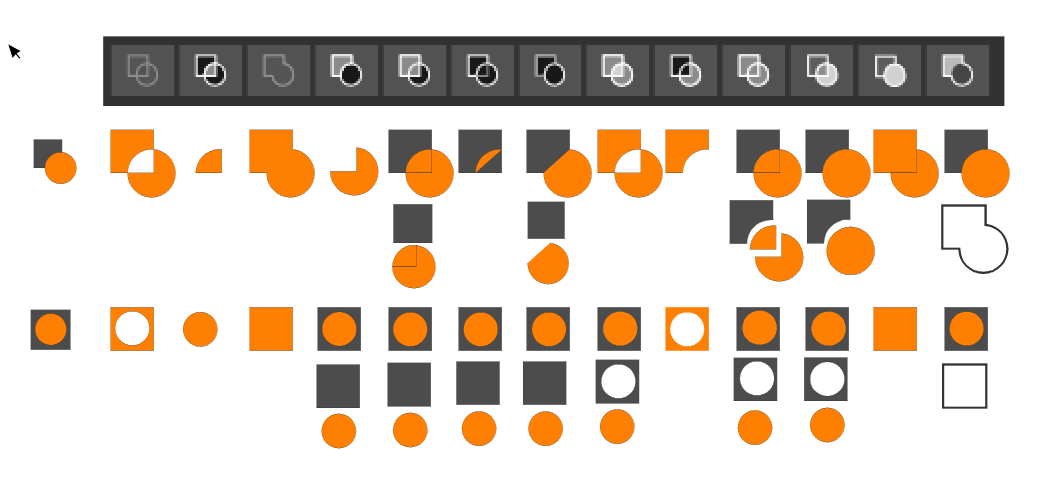
    Your ideas for improvement Boolean operations panel
    Scheduled Pinned Locked Moved Implemented Features
    33 Posts 6 Posters 73.4k Views 1 Watching
    Loading More Posts
    • Oldest to Newest
    • Newest to Oldest
    • Most Votes
    Reply
    • Reply as topic
    Log in to reply
    This topic has been deleted. Only users with topic management privileges can see it.
    • BoldlineB Offline
      Boldline @VectorStyler
      last edited by

      @vectoradmin I'm still using El Capitan - if that helps narrow down the issue

      🍎 macOS Tahoe 26.2, Mac mini (M1, 2020), Chip Apple M1, Memory 16 GB
      Cintiq 27QHD Display and LG Ultra HD Display

      VectorStylerV 1 Reply Last reply Reply Quote 0
      • VectorStylerV Offline
        VectorStyler @Boldline
        last edited by

        @Boldline This is what I get on El Capitan:

        0_1625936597245_contextpanel.png

        BoldlineB 1 Reply Last reply Reply Quote 0
        • BoldlineB Offline
          Boldline @VectorStyler
          last edited by

          @vectoradmin hmmm
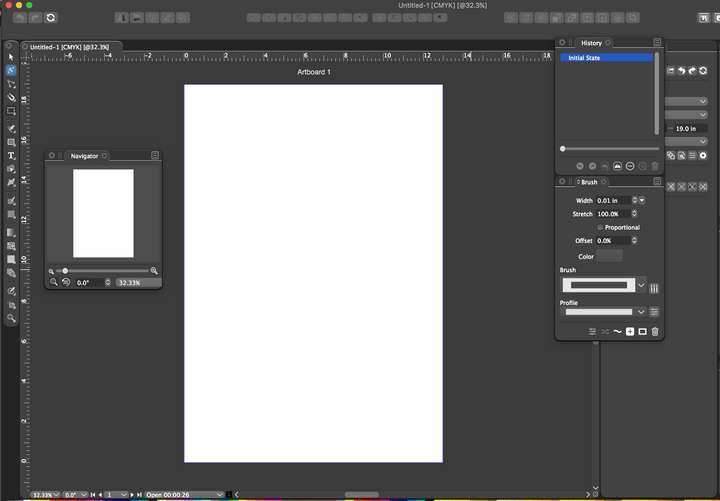
          I closed the app and restarted it - it appears smaller again on my end.... maybe it's something on my end?
          0_1625937251119_257888d8-1281-4552-9522-3087f7dbe2ce-image.png

          🍎 macOS Tahoe 26.2, Mac mini (M1, 2020), Chip Apple M1, Memory 16 GB
          Cintiq 27QHD Display and LG Ultra HD Display

          VectorStylerV 1 Reply Last reply Reply Quote 0
          • VectorStylerV Offline
            VectorStyler @Boldline
            last edited by

            @Boldline Send me the workspace.xml file from ~/Library/Application Support/NumericPath/vecvtorStyler1.0/vector/data/resources/ folder by email

            1 Reply Last reply Reply Quote 0
            • A Offline
              Aegis7 @VectorStyler
              last edited by

              @vectoradmin Thank you.

              1 Reply Last reply Reply Quote 0
              • encartE Offline
                encart
                last edited by

                I dig out the topic.

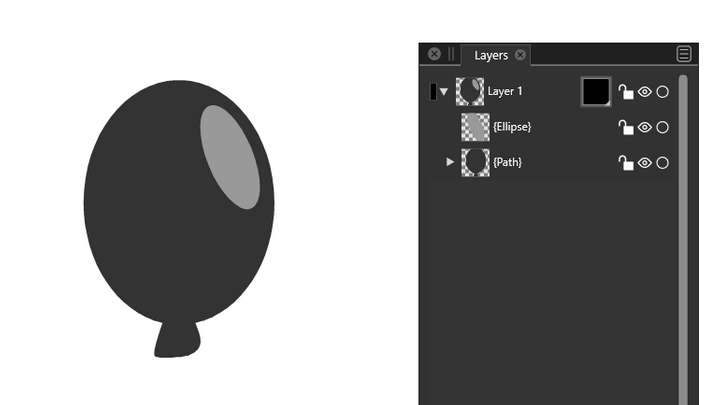
                I can't find what we agreed about the Exclude feature.
                I know the principle , but it would be nice to improve it when the selection is done by dragging. In this case, the objects on top should cut out the object at the bottom. Currently, the opposite is true, and as a result, the entire object disappears. That may be confusing for new users.
                0_1631194035068_screenshot_20210909_152227.png

                MacBook Air M4 24Gb, Tahoe 26.2

                VectorStylerV 1 Reply Last reply Reply Quote 1
                • VectorStylerV Offline
                  VectorStyler @encart
                  last edited by

                  @encart There is an option in the Path panel menu "Exclude Last". Once enabled, it will exclude the top object. The option will stay persistent after exiting and restarting.

                  b77B 1 Reply Last reply Reply Quote 0
                  • b77B Offline
                    b77 @VectorStyler
                    last edited by b77

                    @vectoradmin It would make more sense and be more user-friendly for this option to be enabled by default, IMO. It's a visual approach on the user's end, not a programmer's approach.

                    Also because of this, maybe also rename it to 'Exclude Top Object', because we think in these terms (top object, bottom object) instead of "The app counts the bottom object as the first selected and the top one as the last selected" (when selecting both with click-and-drag). We don't think like that.

                    MacBook Pro (Intel) running Monterey 12.6.4

                    VectorStylerV 1 Reply Last reply Reply Quote 2
                    • VectorStylerV Offline
                      VectorStyler @b77
                      last edited by VectorStyler

                      @b77 Renamed to "Exclude Top Object" in build 1.0.048. And it is on by default now.

                      b77B 1 Reply Last reply Reply Quote 2
                      • b77B Offline
                        b77 @VectorStyler
                        last edited by

                        @vectoradmin Great!

                        MacBook Pro (Intel) running Monterey 12.6.4

                        1 Reply Last reply Reply Quote 0
                        • First post
                          Last post
