VectorStyler
    • Categories
    • Unread
    • Recent
    • Tags
    • Popular
    • Register
    • Login

    Can't print direct from VS
    Scheduled Pinned Locked Moved Resolved Issues
    14 Posts 4 Posters 15.9k Views 3 Watching
    Loading More Posts
    • Oldest to Newest
    • Newest to Oldest
    • Most Votes
    Reply
    • Reply as topic
    Log in to reply
    This topic has been deleted. Only users with topic management privileges can see it.
    • VectorStylerV Offline
      VectorStyler @Dazmondo
      last edited by

      @Dazmondo There might be an issue with the specific printer.
      Try first to select in the Printer the PDF File mode. This will not use the printer driver to create the PDF file.
      Let me know if that works.

      1 Reply Last reply Reply Quote 0
      • DazmondoD Offline
        Dazmondo
        last edited by

        It creates a PDF as expected
        not had problems with the Xerox before apart from Affinity only supporting pre rip rasterising and only RGB resulting in terrible results, all adobe apps print as expected printing pretty decent proofs

        b77B VectorStylerV 2 Replies Last reply Reply Quote 0
        • b77B Offline
          b77 @Dazmondo
          last edited by b77

          @Dazmondo Is the test file one of the PDFs available here on FOGRA's website?

          https://fogra.org/en/downloads/work-tools/image-quality-test-forms

          MacBook Pro (Intel) running Monterey 12.6.4

          1 Reply Last reply Reply Quote 0
          • VectorStylerV Offline
            VectorStyler @Dazmondo
            last edited by

            @Dazmondo I will try to install that Xerox driver, maybe I can replicate the error.

            1 Reply Last reply Reply Quote 0
            • DazmondoD Offline
              Dazmondo
              last edited by

              @b77 said in Can't print direct from VS:

              @Dazmondo Is the test file one of the PDFs available here on FOGRA's website?

              https://fogra.org/en/downloads/work-tools/image-quality-test-forms

              It's a page I've used for years using my own colour bar and the image which I think was a a high resolution version of what used to be bundled with photoshop

              @vectoradmin said in Can't print direct from VS:

              @Dazmondo I will try to install that Xerox driver, maybe I can replicate the error.

              Wow that would be a big help - here's a link to the driver: https://www.support.xerox.com/en-us/product/phaser-6180/downloads?platform=macosx1011&category=&language=en_GB&attributeId=

              VectorStylerV 1 Reply Last reply Reply Quote 0
              • VectorStylerV Offline
                VectorStyler @Dazmondo
                last edited by

                @Dazmondo I tried to install the Xerox driver on ElCapitan (10.11) as that is the last supported MacOS, but could not get it working (the driver).

                DazmondoD 1 Reply Last reply Reply Quote 0
                • DazmondoD Offline
                  Dazmondo @VectorStyler
                  last edited by

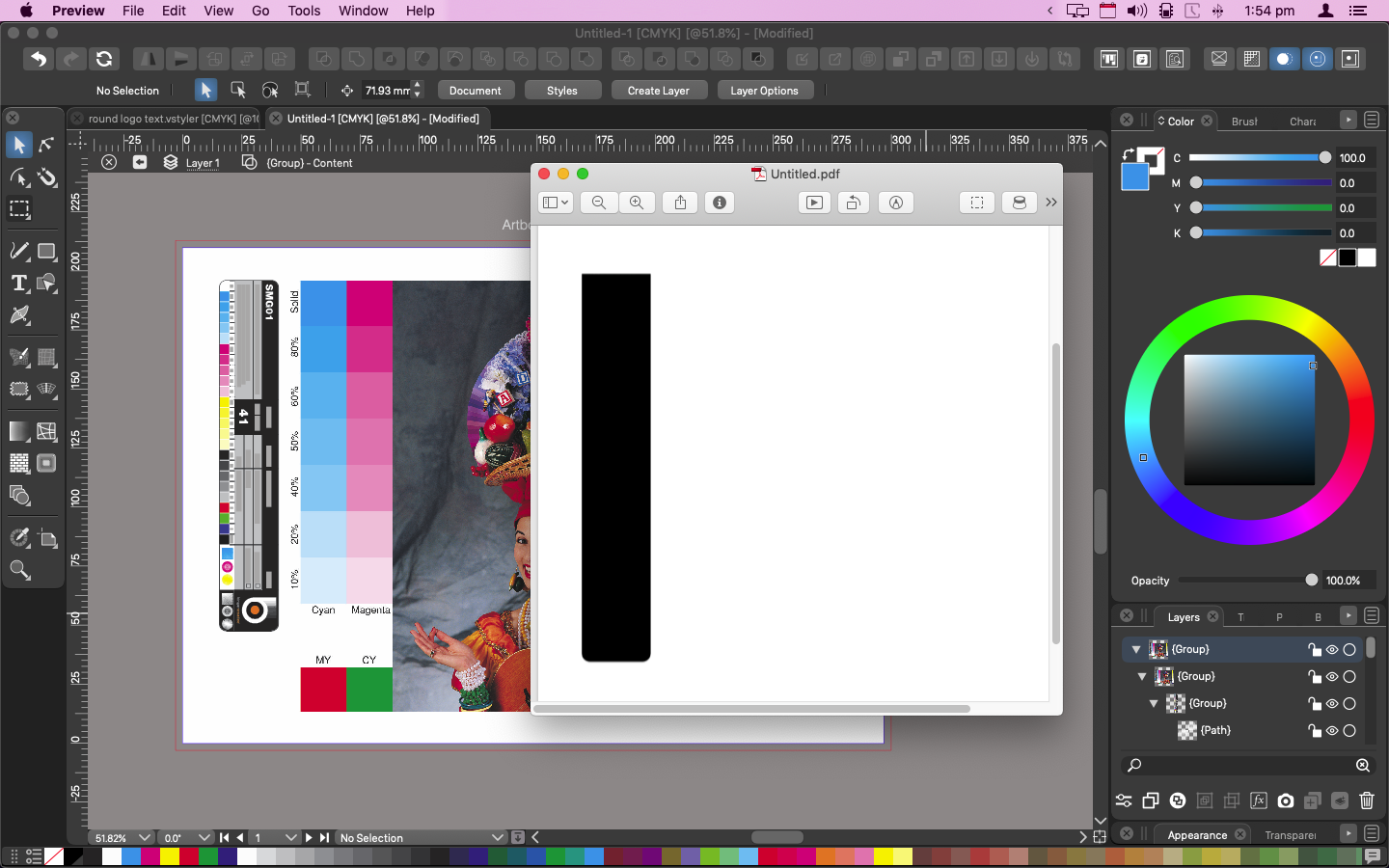
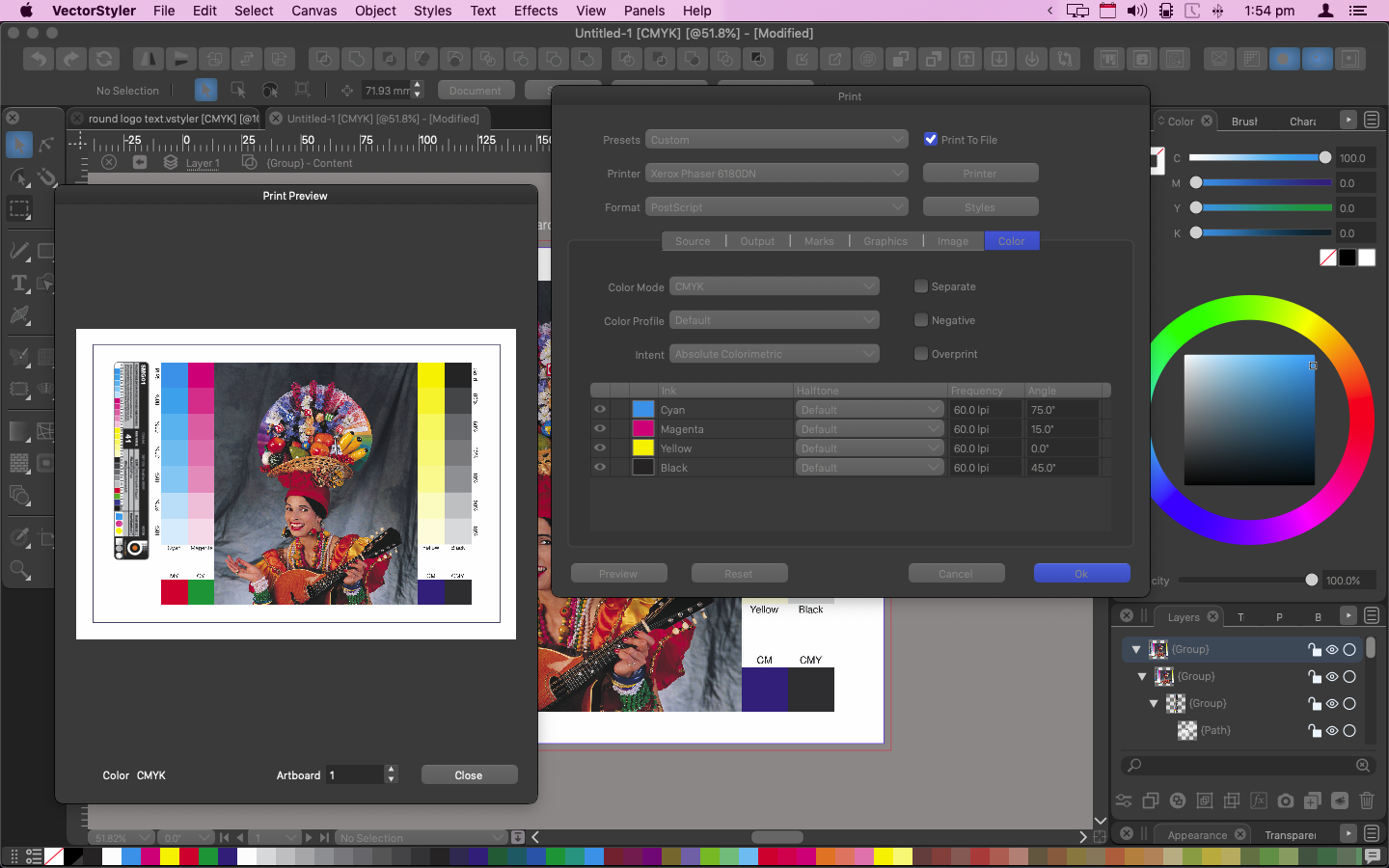
                  @vectoradmin - really appreciate you giving it a try - I'm on Mojave and still fine with the driver - Guess I'm stuck in Mojave with Acrobat9 for proofing - I also have the exact same issue printing to file via a Xerox iGen 5 press v1.1 driver - the result in the .ps file is the same as what gets printed from the Phaser 6180 just a black fill-in of the colour bar which features on the proof page, no photo or colour information

                  VectorStylerV 1 Reply Last reply Reply Quote 0
                  • VectorStylerV Offline
                    VectorStyler @Dazmondo
                    last edited by

                    @Dazmondo I keep the issue open. I also tried on Mojave the same, and the driver did not show in printers.
                    A question: when selecting "Postscript File" as a printer in VS, can it print correctly?

                    DazmondoD 1 Reply Last reply Reply Quote 0
                    • DazmondoD Offline
                      Dazmondo @VectorStyler
                      last edited by

                      @vectoradmin no just a black bar where the vector information and text should be - tried using Xerox iGen / 6180DN + EPSON SX435 all the same result :0_1635790530377_Screen Grab 2021-11-01 at 18.11.48.png 0_1635790540753_Screen Grab 2021-11-01 at 18.13.08.png

                      VectorStylerV 1 Reply Last reply Reply Quote 0
                      • VectorStylerV Offline
                        VectorStyler @Dazmondo
                        last edited by

                        @Dazmondo Managed to install the Xerox printer driver and replicated the printing issue.
                        In the new build 1.1.024 the printing should work.

                        DazmondoD 1 Reply Last reply Reply Quote 0
                        • DazmondoD Offline
                          Dazmondo @VectorStyler
                          last edited by

                          @vectoradmin BRILLIANT!

                          BoldlineB 1 Reply Last reply Reply Quote 0
                          • BoldlineB Offline
                            Boldline @Dazmondo
                            last edited by

                            @Dazmondo If this is now working for you - would you help me figure out the settings to get spot colors to print just black and with full opacity? Perhaps we could start a thread diving deeper into this topic as it relates to printing screen print films? I was trying to help a client print a file in VS and the subject matter was pure black (0,0,0,100k) but it still gave me a halftone RIP on print preview implying it was not 100% opaque

                            🍎 macOS Tahoe 26.2, Mac mini (M1, 2020), Chip Apple M1, Memory 16 GB
                            Cintiq 27QHD Display and LG Ultra HD Display

                            DazmondoD 1 Reply Last reply Reply Quote 0
                            • DazmondoD Offline
                              Dazmondo @Boldline
                              last edited by

                              @Boldline Sorry this is a late reply -- I can now print to my Xerox Phaser 6180DN, providing its just A4 with no bleed - CMYK is pure, but can't get trim guides to work as expected or separations to print --- How do you get halftones to work?

                              1 Reply Last reply Reply Quote 0
                              • First post
                                Last post