VectorStyler
    • Categories
    • Unread
    • Recent
    • Tags
    • Popular
    • Register
    • Login

    Can't print direct from VS
    Scheduled Pinned Locked Moved Resolved Issues
    14 Posts 4 Posters 15.9k Views 3 Watching
    Loading More Posts
    • Oldest to Newest
    • Newest to Oldest
    • Most Votes
    Reply
    • Reply as topic
    Log in to reply
    This topic has been deleted. Only users with topic management privileges can see it.
    • b77B Offline
      b77 @Dazmondo
      last edited by b77

      @Dazmondo Is the test file one of the PDFs available here on FOGRA's website?

      https://fogra.org/en/downloads/work-tools/image-quality-test-forms

      MacBook Pro (Intel) running Monterey 12.6.4

      1 Reply Last reply Reply Quote 0
      • VectorStylerV Offline
        VectorStyler @Dazmondo
        last edited by

        @Dazmondo I will try to install that Xerox driver, maybe I can replicate the error.

        1 Reply Last reply Reply Quote 0
        • DazmondoD Offline
          Dazmondo
          last edited by

          @b77 said in Can't print direct from VS:

          @Dazmondo Is the test file one of the PDFs available here on FOGRA's website?

          https://fogra.org/en/downloads/work-tools/image-quality-test-forms

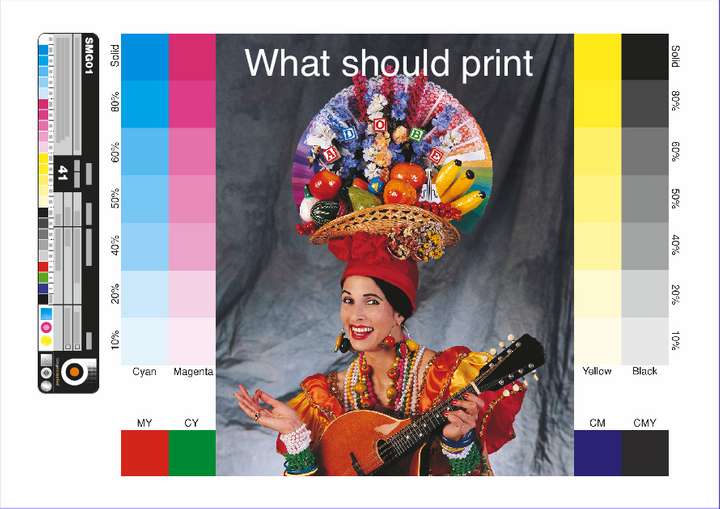
          It's a page I've used for years using my own colour bar and the image which I think was a a high resolution version of what used to be bundled with photoshop

          @vectoradmin said in Can't print direct from VS:

          @Dazmondo I will try to install that Xerox driver, maybe I can replicate the error.

          Wow that would be a big help - here's a link to the driver: https://www.support.xerox.com/en-us/product/phaser-6180/downloads?platform=macosx1011&category=&language=en_GB&attributeId=

          VectorStylerV 1 Reply Last reply Reply Quote 0
          • VectorStylerV Offline
            VectorStyler @Dazmondo
            last edited by

            @Dazmondo I tried to install the Xerox driver on ElCapitan (10.11) as that is the last supported MacOS, but could not get it working (the driver).

            DazmondoD 1 Reply Last reply Reply Quote 0
            • DazmondoD Offline
              Dazmondo @VectorStyler
              last edited by

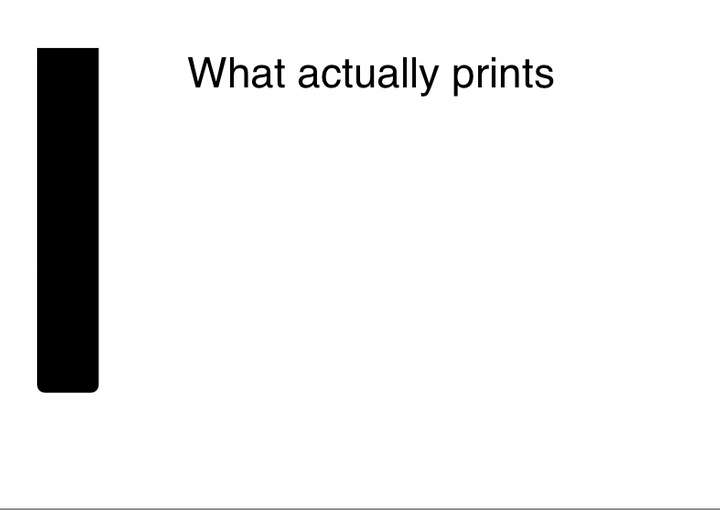
              @vectoradmin - really appreciate you giving it a try - I'm on Mojave and still fine with the driver - Guess I'm stuck in Mojave with Acrobat9 for proofing - I also have the exact same issue printing to file via a Xerox iGen 5 press v1.1 driver - the result in the .ps file is the same as what gets printed from the Phaser 6180 just a black fill-in of the colour bar which features on the proof page, no photo or colour information

              VectorStylerV 1 Reply Last reply Reply Quote 0
              • VectorStylerV Offline
                VectorStyler @Dazmondo
                last edited by

                @Dazmondo I keep the issue open. I also tried on Mojave the same, and the driver did not show in printers.
                A question: when selecting "Postscript File" as a printer in VS, can it print correctly?

                DazmondoD 1 Reply Last reply Reply Quote 0
                • DazmondoD Offline
                  Dazmondo @VectorStyler
                  last edited by

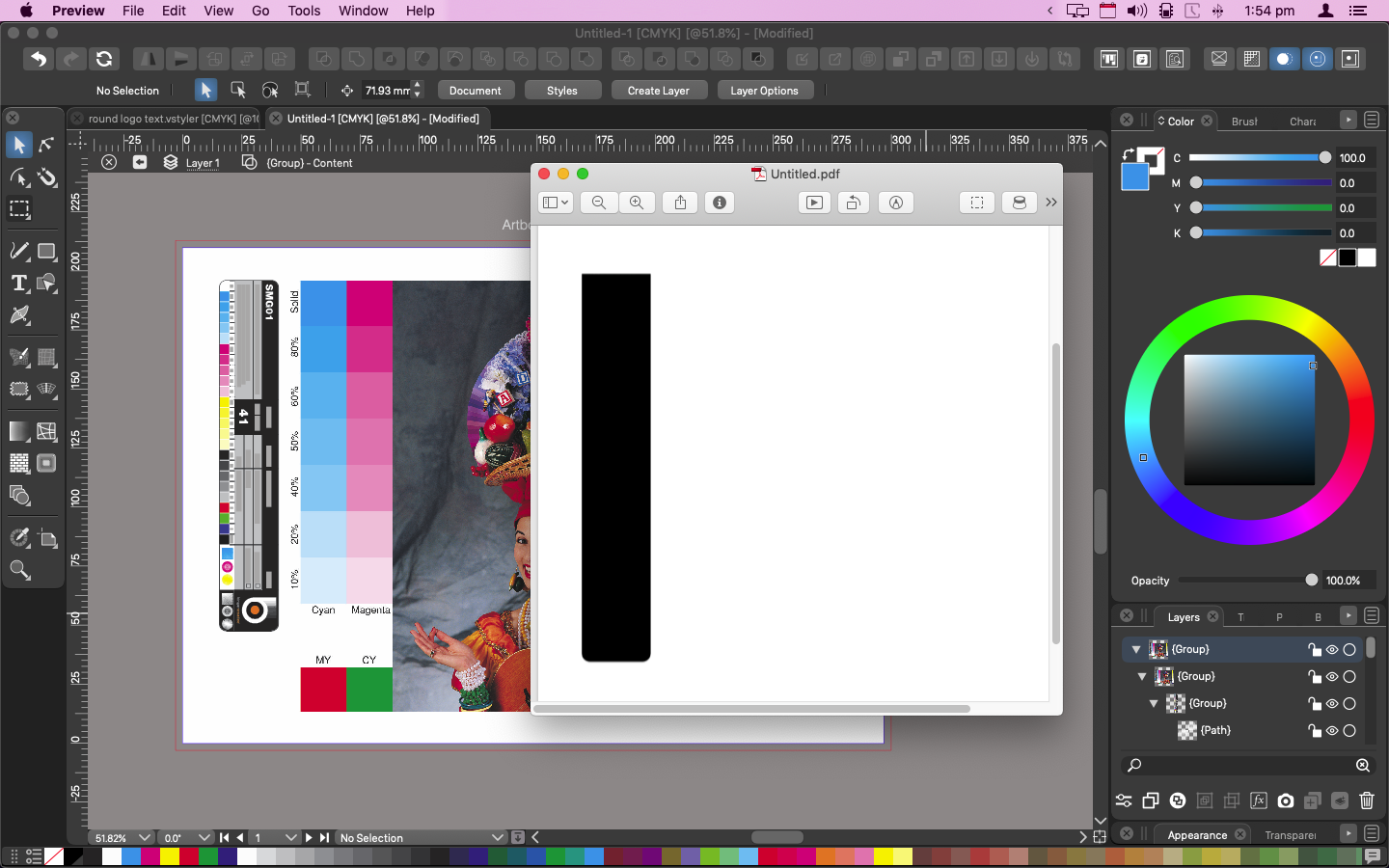
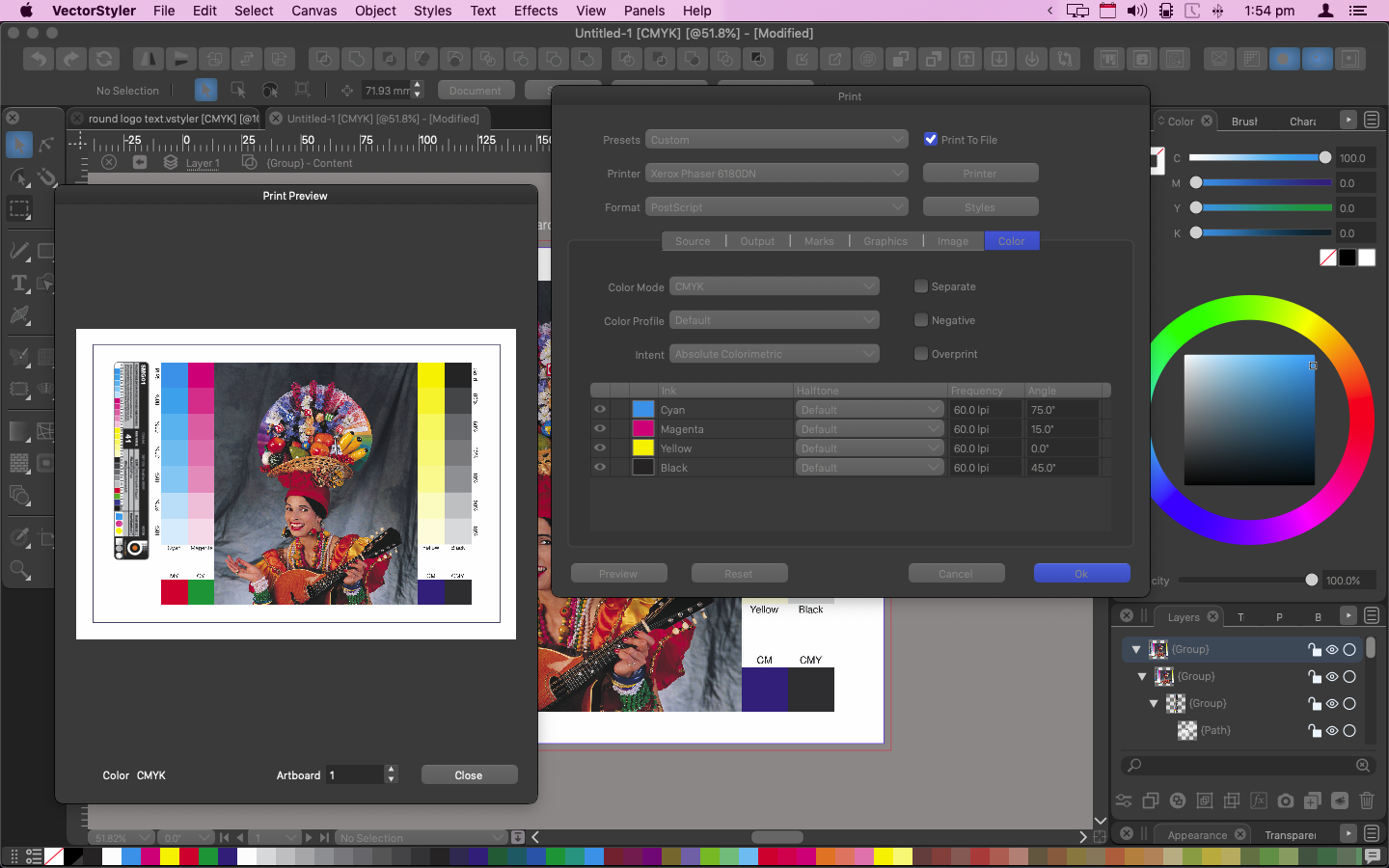
                  @vectoradmin no just a black bar where the vector information and text should be - tried using Xerox iGen / 6180DN + EPSON SX435 all the same result :0_1635790530377_Screen Grab 2021-11-01 at 18.11.48.png 0_1635790540753_Screen Grab 2021-11-01 at 18.13.08.png

                  VectorStylerV 1 Reply Last reply Reply Quote 0
                  • VectorStylerV Offline
                    VectorStyler @Dazmondo
                    last edited by

                    @Dazmondo Managed to install the Xerox printer driver and replicated the printing issue.
                    In the new build 1.1.024 the printing should work.

                    DazmondoD 1 Reply Last reply Reply Quote 0
                    • DazmondoD Offline
                      Dazmondo @VectorStyler
                      last edited by

                      @vectoradmin BRILLIANT!

                      BoldlineB 1 Reply Last reply Reply Quote 0
                      • BoldlineB Offline
                        Boldline @Dazmondo
                        last edited by

                        @Dazmondo If this is now working for you - would you help me figure out the settings to get spot colors to print just black and with full opacity? Perhaps we could start a thread diving deeper into this topic as it relates to printing screen print films? I was trying to help a client print a file in VS and the subject matter was pure black (0,0,0,100k) but it still gave me a halftone RIP on print preview implying it was not 100% opaque

                        🍎 macOS Tahoe 26.2, Mac mini (M1, 2020), Chip Apple M1, Memory 16 GB
                        Cintiq 27QHD Display and LG Ultra HD Display

                        DazmondoD 1 Reply Last reply Reply Quote 0
                        • DazmondoD Offline
                          Dazmondo @Boldline
                          last edited by

                          @Boldline Sorry this is a late reply -- I can now print to my Xerox Phaser 6180DN, providing its just A4 with no bleed - CMYK is pure, but can't get trim guides to work as expected or separations to print --- How do you get halftones to work?


                          1 Reply Last reply Reply Quote 0
                          • First post
                            Last post