VectorStyler
    • Categories
    • Unread
    • Recent
    • Tags
    • Popular
    • Register
    • Login

    Action folders collapse once Action Panel is moved
    Scheduled Pinned Locked Moved VectorStyler 1.1 Bugs
    2 Posts 2 Posters 2.9k Views 2 Watching
    Loading More Posts
    • Oldest to Newest
    • Newest to Oldest
    • Most Votes
    Reply
    • Reply as topic
    Log in to reply
    This topic has been deleted. Only users with topic management privileges can see it.
    • P Offline
      pentool
      last edited by pentool

      1. Open an action folder. (If you need one with a couple of action for testing, you can download the transforms I uploaded in the tutorials here: https://www.vectorstyler.com/forum/topic/3334/axonometric-transform-actions)
      2. Go to Panels > Presets > Actions
      3. Expand the folders
      4. Move the Action Panel. All open folders will get collapsed.

      Video:
      https://www.youtube.com/watch?v=UAMOdnqH3-k

      VS 1.1.097

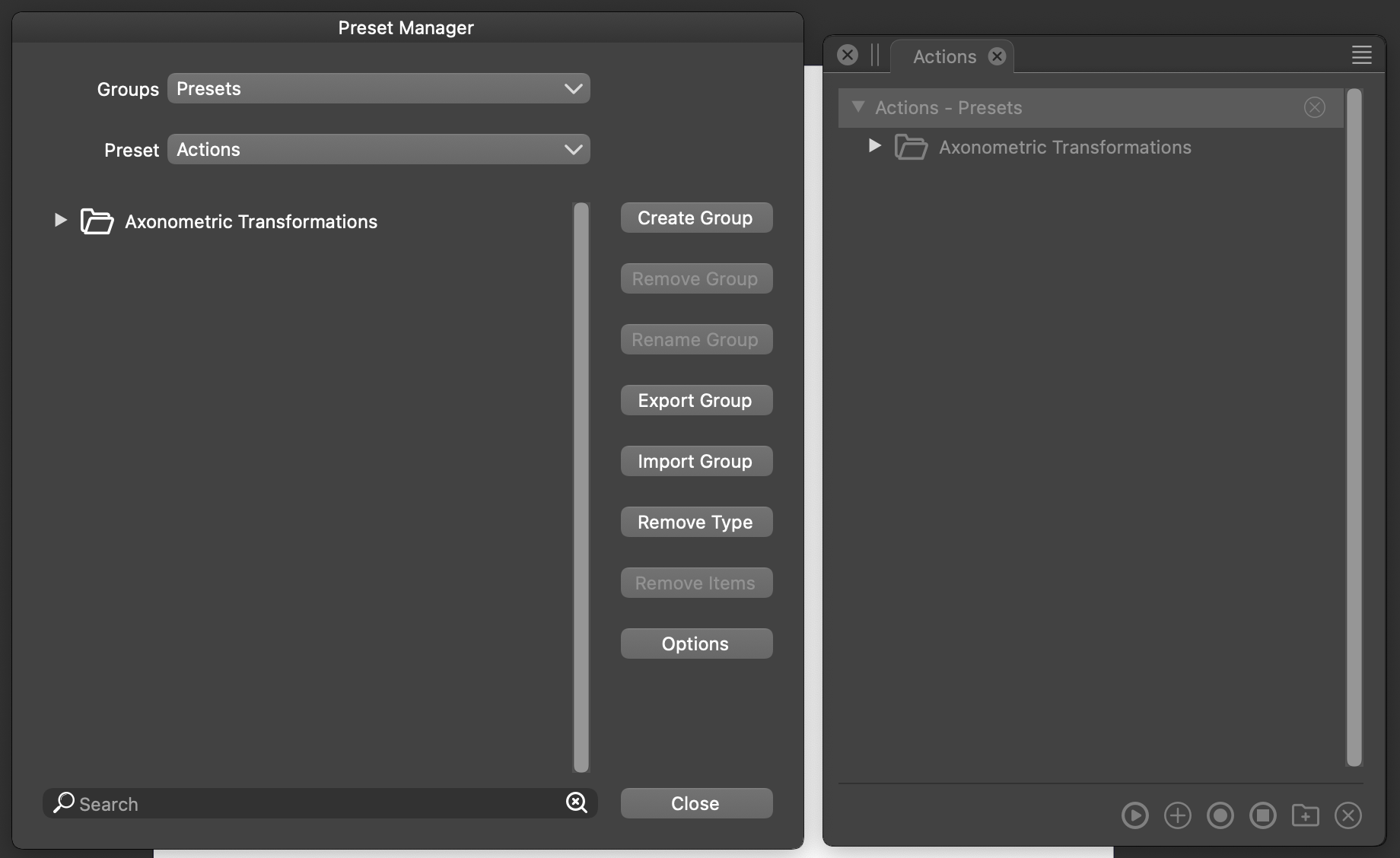
      I'm not sure if this matters but I have the actions added to the Preset Manager so they can be there all the time, as opposed to keep loading them every time from the file.
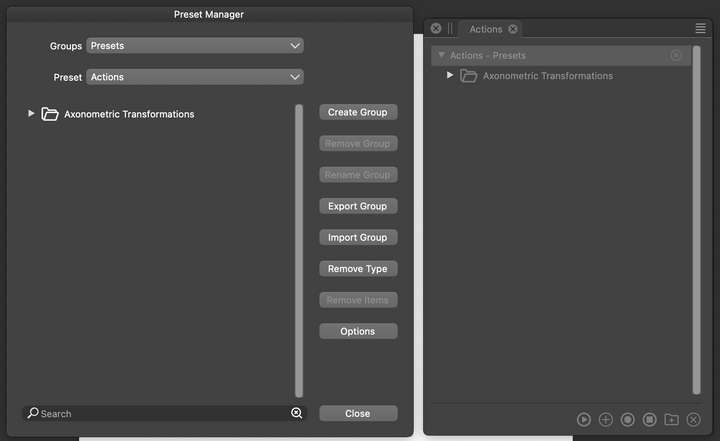
      0_1691345969397_Screen Shot 2023-08-06 at 8.18.06 PM.png

      MacBook Pro 13" early 2015 8G | Intel Iris Graphics 6100 1536 MB | macOS Monterey 12.7.6

      VectorStylerV 1 Reply Last reply Reply Quote 1
      • VectorStylerV Offline
        VectorStyler @pentool
        last edited by

        @pentool Added to the backlog.

        1 Reply Last reply Reply Quote 0
        • First post
          Last post
