Bug List for Version 1.3

-
1. Unable to import the DXF file I provided。0_1764082455598_420(64).DXF.zip

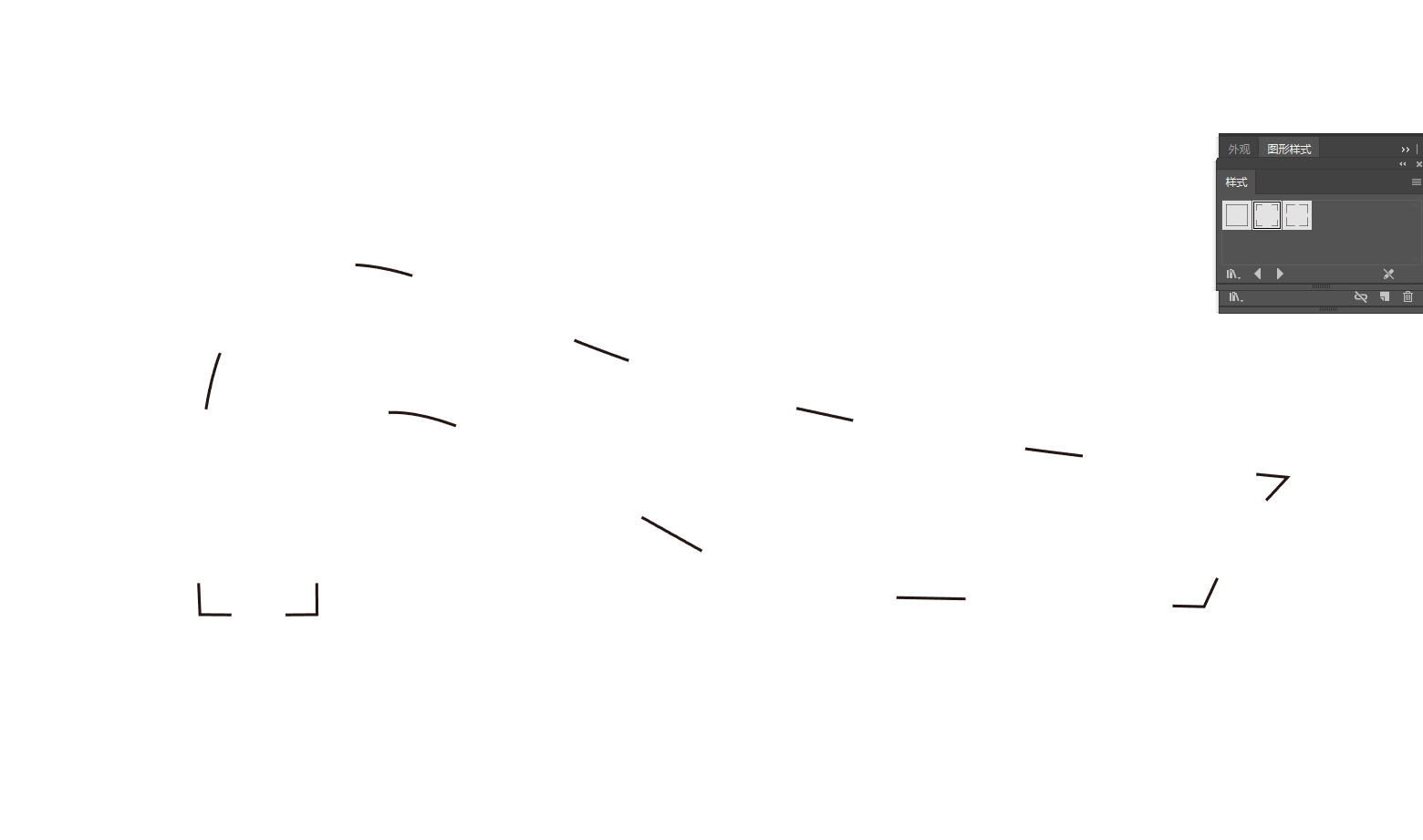
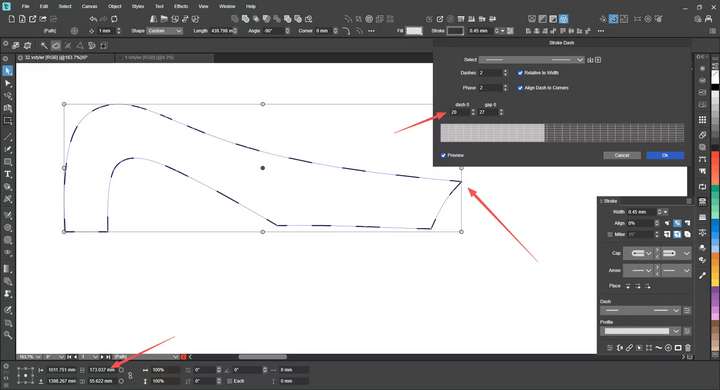
2. The units in the dashed line settings do not match the millimeters I set, and the layout cannot be evenly distributed at certain corners—this works perfectly in Adobe Illustrator (AI).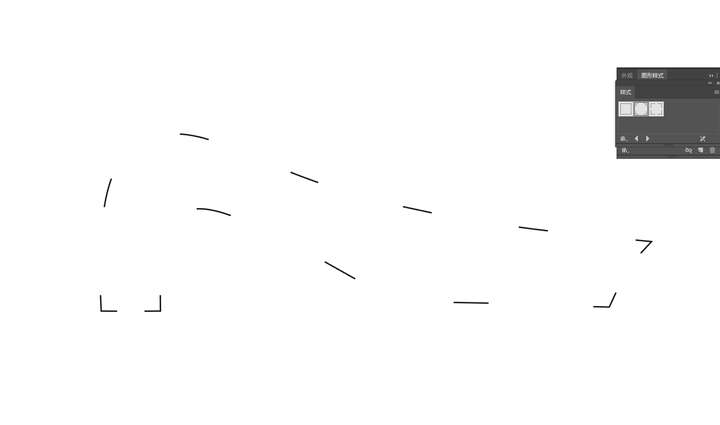
3. Even when checking "Transform Each " in the Move dialog box, the incremental movement effect for individual objects still cannot be achieved—these objects move synchronously. This bug has persisted for a long time, and I hope it can be resolved.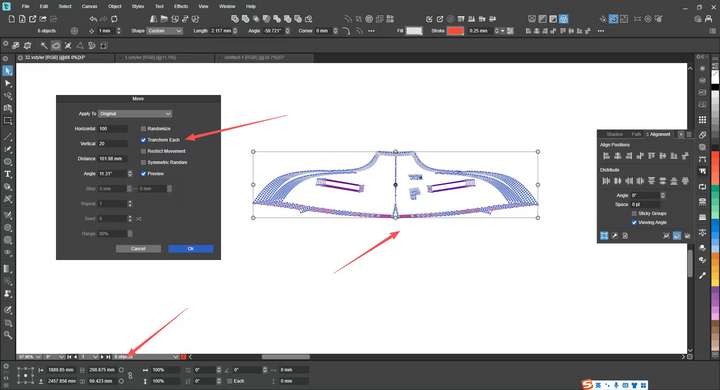
-
@monsterfox I opened a bug on this one
-
@VectorStyler 0_1764255173527_对齐到对象.zip
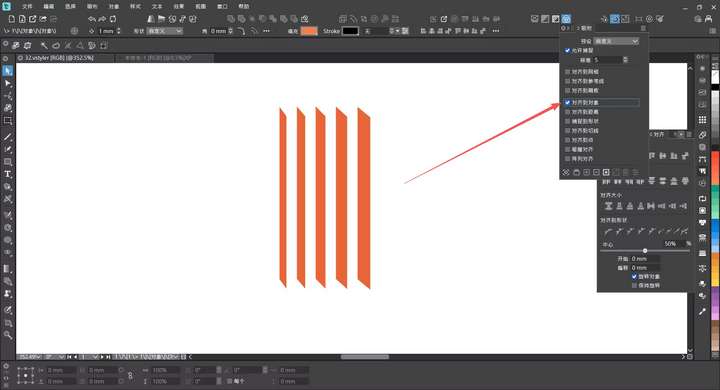
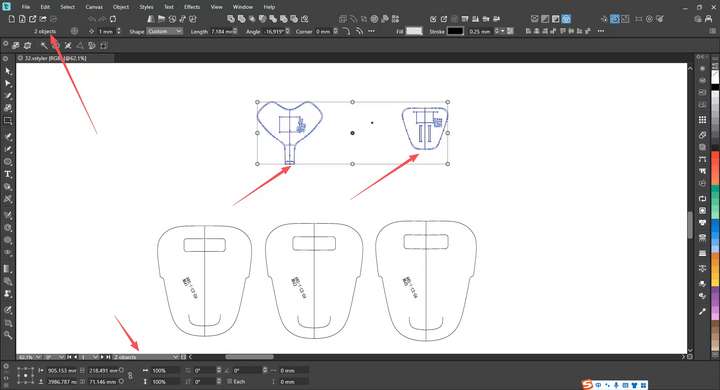
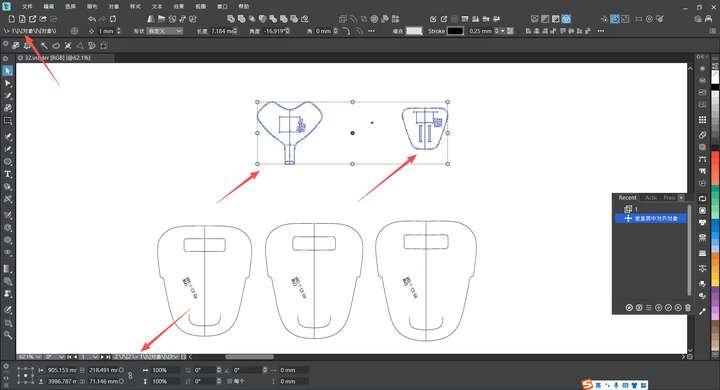
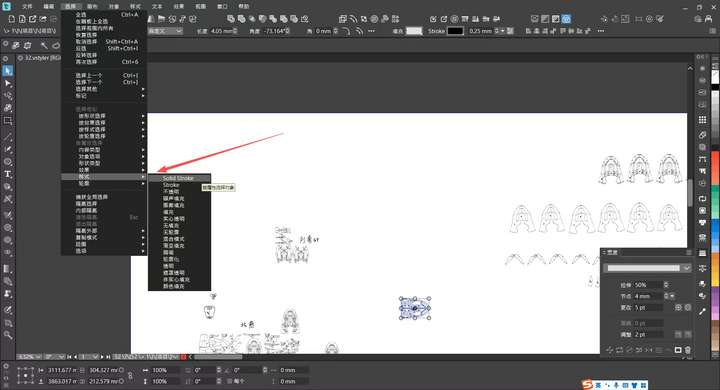
4. There is a bug in the Snap to Objects function in the file—it is malfunctioning and unusable. It seems that some other snap functions are also not working properly.
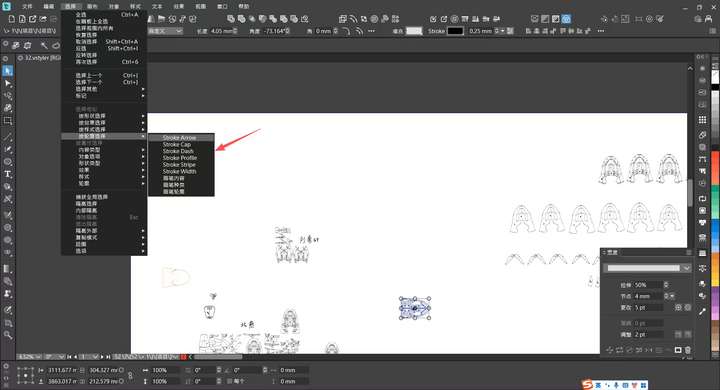
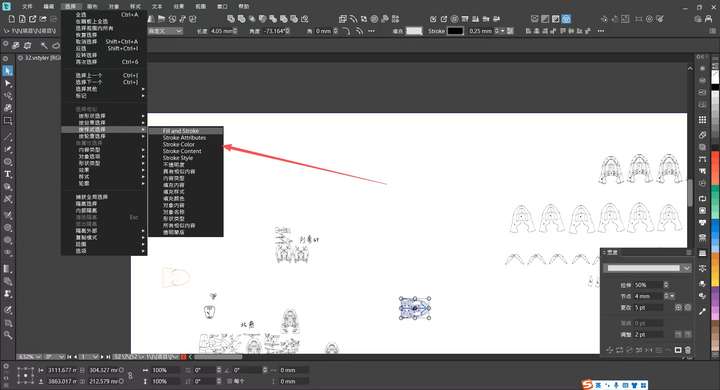
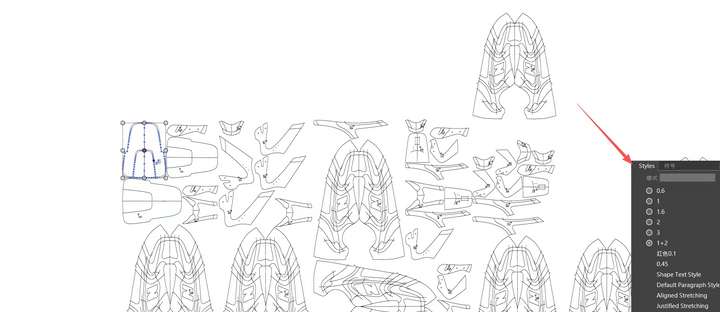
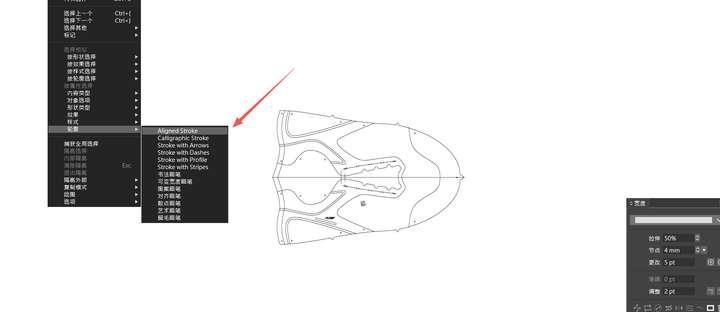
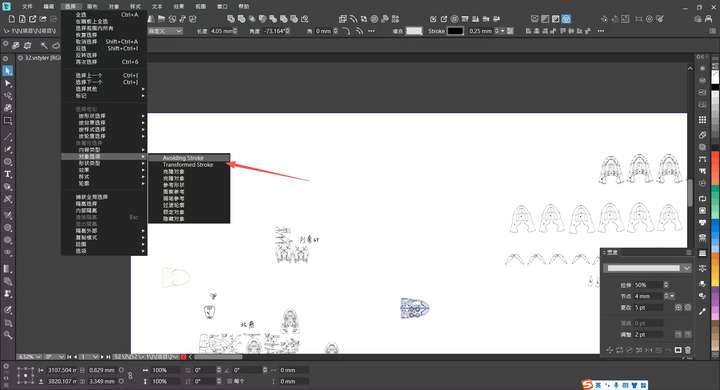
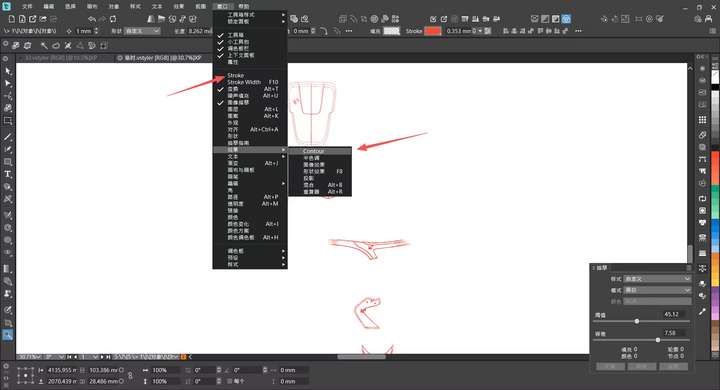
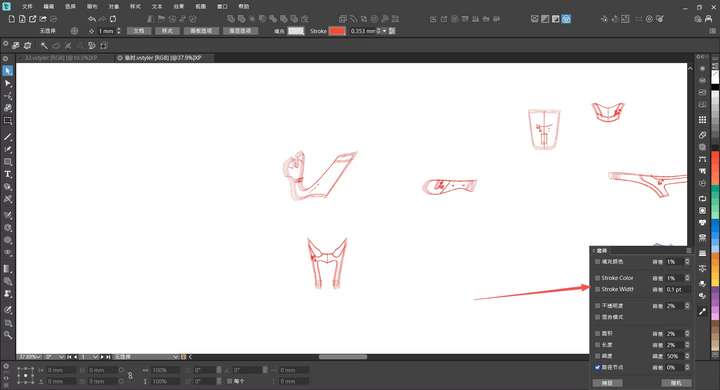
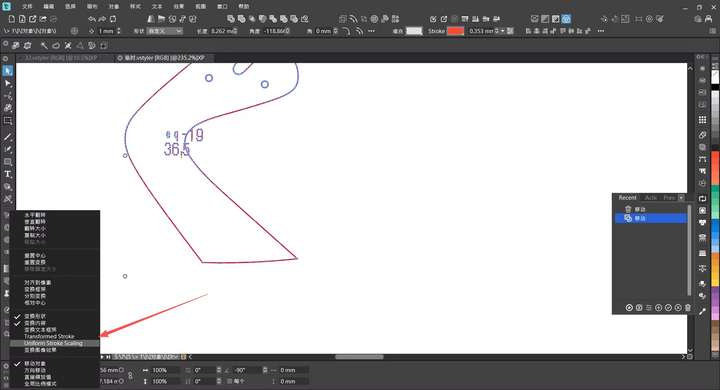
5.There are still many areas where the translation has not been fully refined
!
-
@monsterfox This can be replicated, and I will try to fix it.
The issue with the snapping is the complex document. In the Snapping panel the second icon from the bottom can enable "Rolling Snapping" to snap to a few (4 in this case) previously selected objects. The number of objects in rolling snapping can be set in the Snapping Options.
-
@VectorStyler
6. Convert to Curves is not in the list on the right.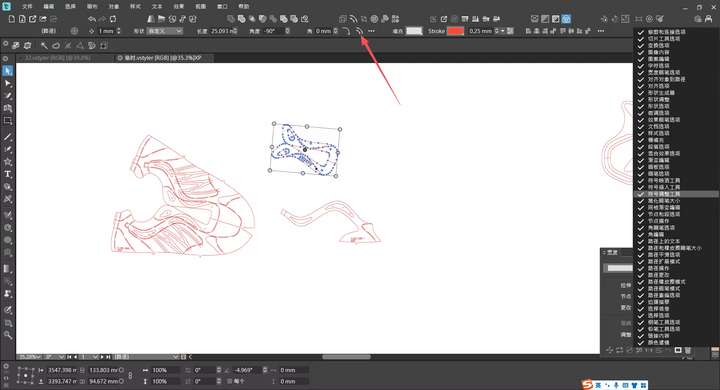
-
@monsterfox said in Bug List for Version 1.3:
Convert to Curves is not in the list on the right
The internals of each panel section (in this case a Shape), cannot be customized. The "shape properties" will be a single unit for customization
-
@VectorStyler
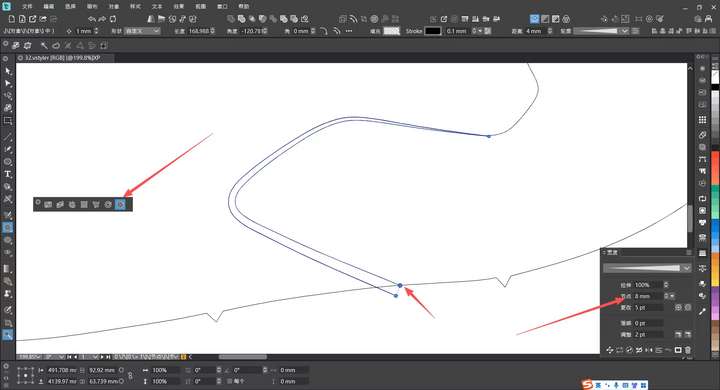
7,When using the Path Offset effect, an error occurs when modifying the offset parameter in the Width Panel: for example, if you input 2mm, the actual offset is only 1mm. This error arises because the Width Tool and the Contour Path Tool adopt the same offset mode (offset on both sides). -
@monsterfox said in Bug List for Version 1.3:
@VectorStyler
7,When using the Path Offset effect, an error occurs when modifying the offset parameter in the Width Panel: for example, if you input 2mm, the actual offset is only 1mm. This error arises because the Width Tool and the Contour Path Tool adopt the same offset mode (offset on both sides).Yes, this indeed what happens, I will try to fix this.
-
@VectorStyler
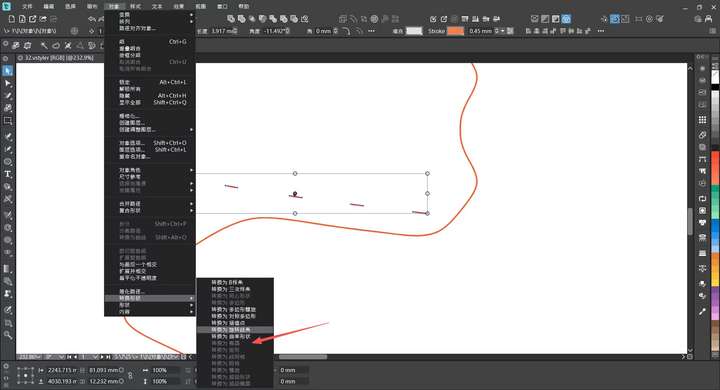
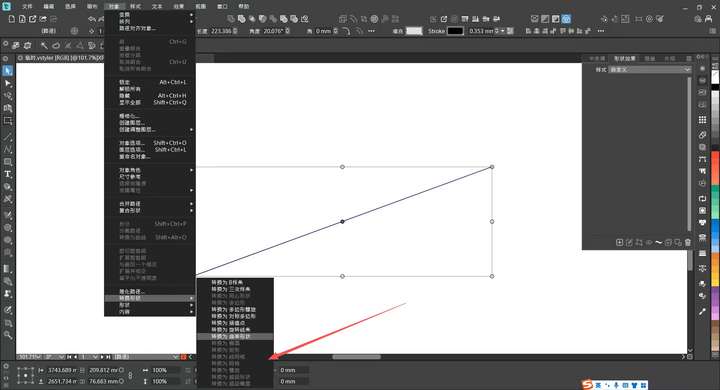
8.The Convert Shape function is not working properly yet; it only supports parametric shapes, and regular paths or paths converted to curves will all fail.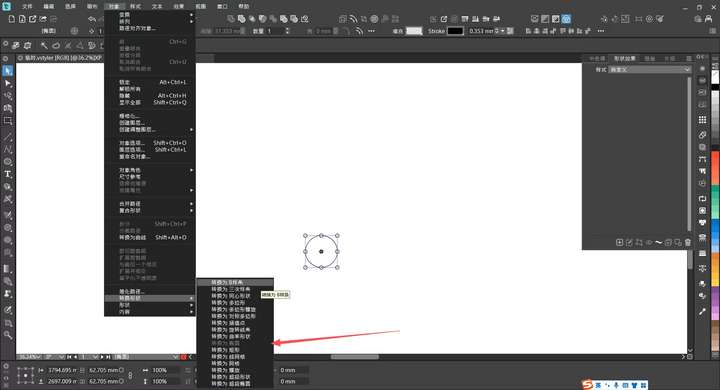
-
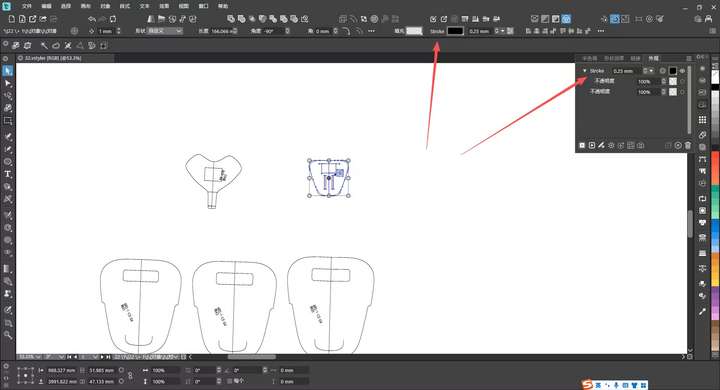
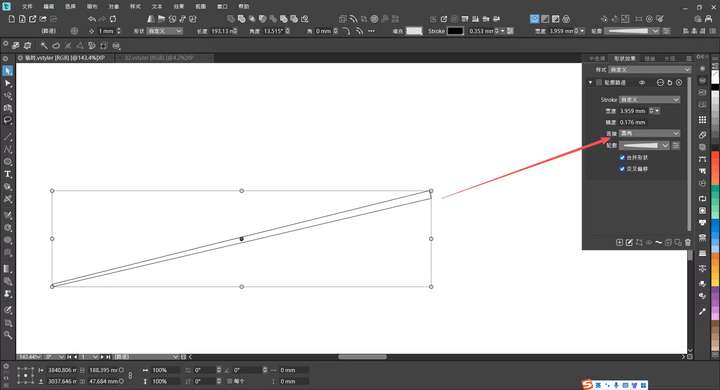
@VectorStyler 9. The corner rounding function of the Contour Path effect is invalid.
-
@monsterfox said in Bug List for Version 1.3:
@VectorStyler
8.The Convert Shape function is not working properly yet; it only supports parametric shapes, and regular paths or paths converted to curves will all fail.In general closed shapes cannot be used as corner shape. Send me a shape that fails.
-
@VectorStyler The case in this error is a straight line.
-
- The corner rounding function of the Contour Path effect is invalid
This one is not clear. From the image I can see the effect applied on a straight line, that has no corners so corner selection has no effect on this.
If you need to set the endings (rounded, etc), that can be accessed by expanding the effect options with the rightmost knob after the effect name -
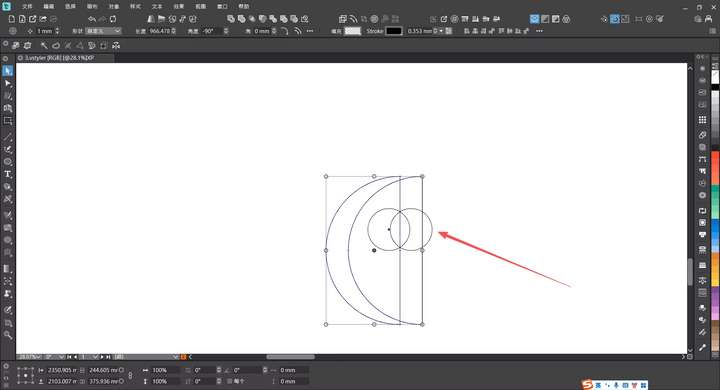
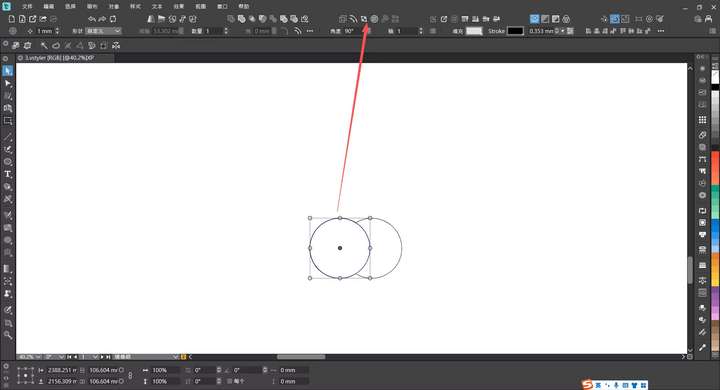
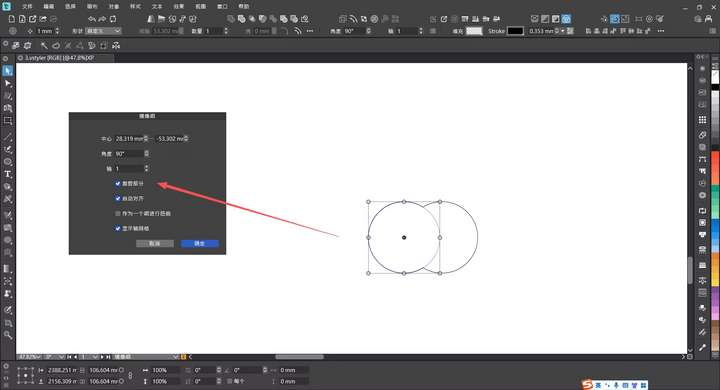
@VectorStyler 10.Using the mirror group and enabling the crop section will cause errors when expanding the graphics
-
@monsterfox I added this to the backlog. Can you send me the file with the cropped mirror, just before expanding? Thanks!
-
-
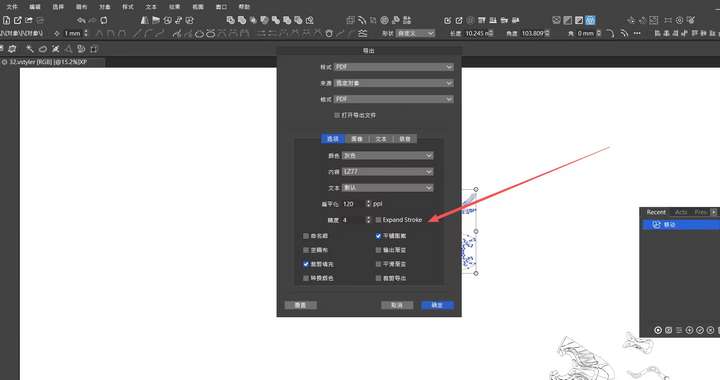
@VectorStyler 11,Paths without color information still cannot be imported or exported.
Hope this issue can be fixed. -
@monsterfox said in Bug List for Version 1.3:
Paths without color information still cannot be imported or exported.
I will review this how it is done in other apps, but in VS this is by design, if a shape has no style, then it is not exported to vector formats
-
@monsterfox said in Bug List for Version 1.3:
10.Using the mirror group and enabling the crop section will cause errors when expanding the graphics
Can be replicated, will be fixed in the next build
-
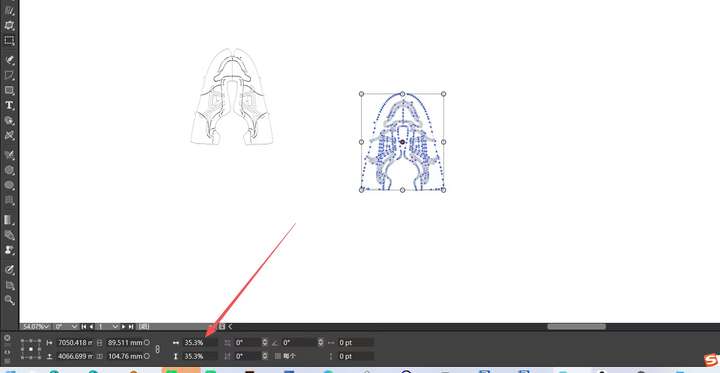
@VectorStyler Error 1 Addendum: DXF files can now be imported, but there are still a few issues: 1. The imported DXF file does not have the correct size. 2. Dragging the provided file into the canvas converts it into an image. 3. The DXF file exported by VS also has an incorrect size, which is larger than the original file. These issues need to be fixed.
https://youtu.be/WRUsV2ZrsAc?si=4HZ9Wf5hfPOux_Fj
https://youtu.be/HZpdocZXR0g?si=pw3XJ6jDU637AThx
0_1765467212712_Picture.DXF.zip
