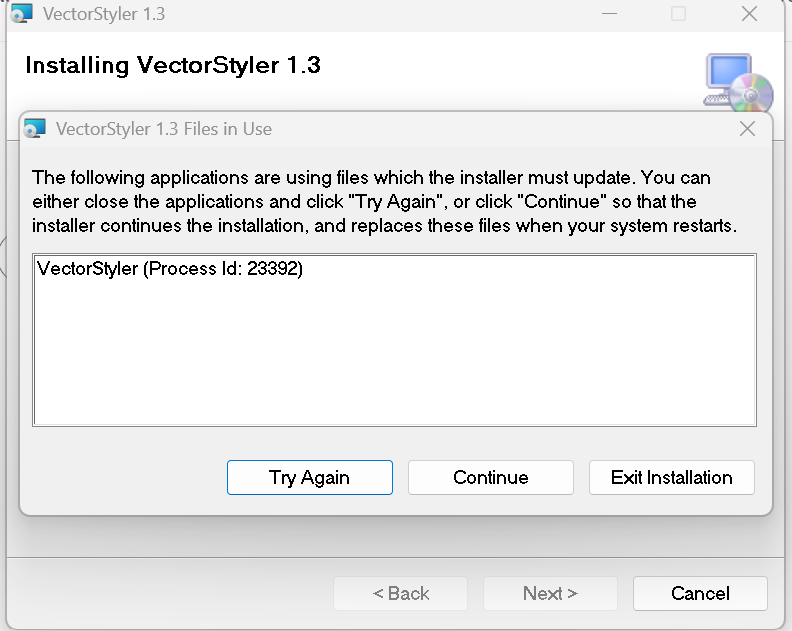
the following applications are using files which the installer must update (failed several times)
-
-
Solution: The installer couldn't update the files because VectorStyler was still running in the background, even though the application window was closed.
Fix:
Open Task Manager (Ctrl + Shift + Esc).
Find VectorStyler.exe under the Processes tab.
Right-click it and select End Task.
Go back to the installer and click Try Again.After ending the background process, the installation completed successfully. Using Continue wasn't necessary and avoids having files replaced only after a reboot.
-
@Clippy-notes Yes, if it is running in the background this will cause this.
It should not run if the window is closed

