Strange results and behavior while editing inside a clipping mask
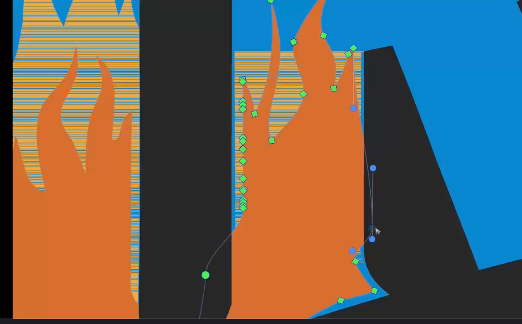
-
@Boldline Could not replicate this here
-
@VectorStyler just sent you by email the workspace settings files - in case that helps
-
@VectorStyler I have tested this on both macOS and Windows, and the issue illustrated in the image occurs on both platforms.
-
@Boldline Can be replicated with the workspace you sent.
-
@VectorStyler Awesome! thanks for checking that. I'm guessing @li-xiao has a similar workspace setting that allows it to occur on his computer as well.
-
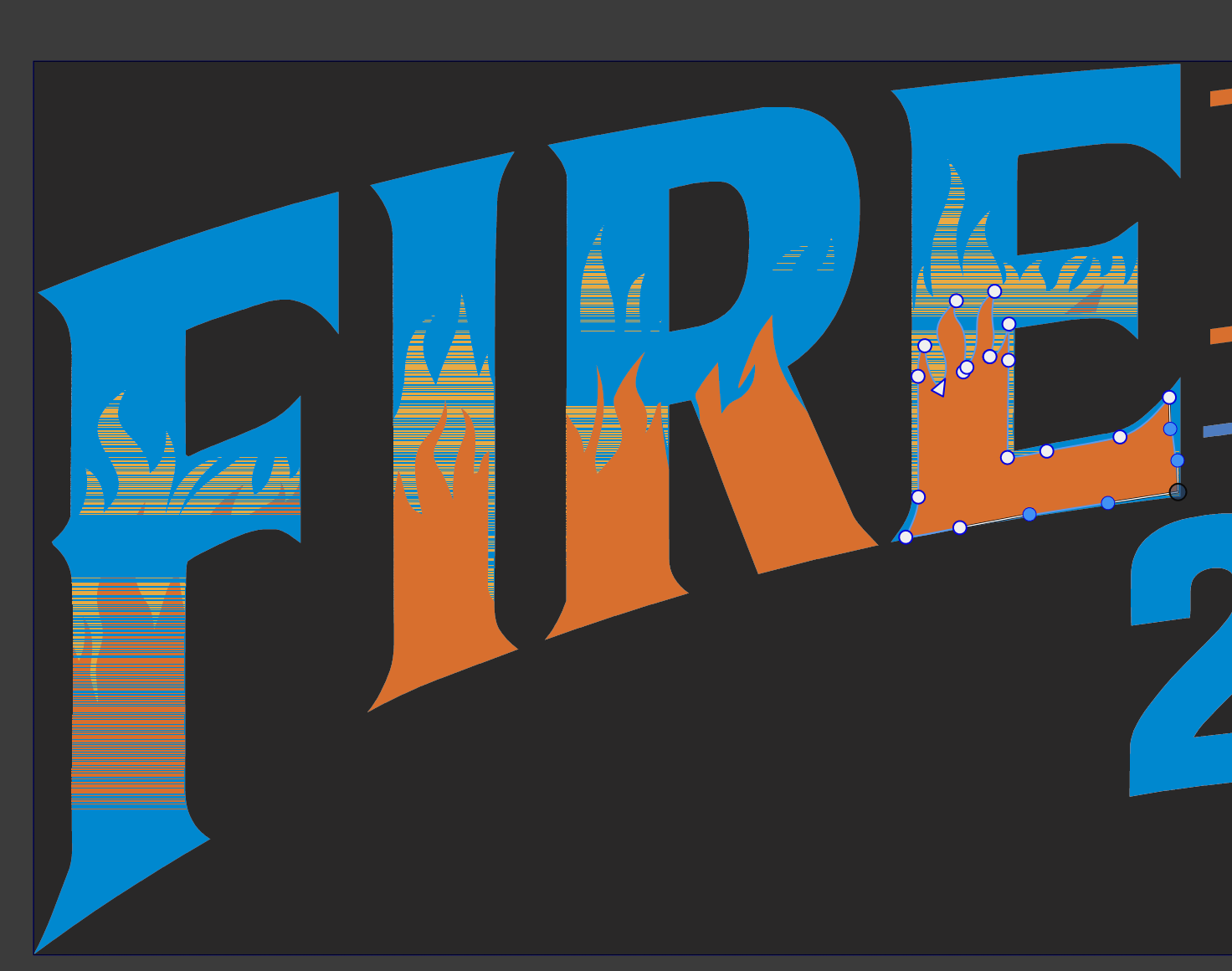
@VectorStyler This issue seems to be resolved in build 23 that you released today! I created a new example with a couple vector objects clipped inside a shape and then edited them and it worked perfectly. I went back to the old example from this thread and the issue remains, but instead of flashing, the shape stays visible outside the clipping shape when actively edited. What I did notice was that in this example, the orange was always the issue even when it was the yellow shape I was editing.
Here is a video where I show both examples - the new one that works and the old one that still has an issue in build 23Here is the file from a couple weeks ago uploaded again for comparison with the new build 23 fixes.
-
@Boldline said in Strange results and behavior while editing inside a clipping mask:
the shape stays visible outside the clipping shape when actively edited.
I will try to replicate and fix this
-
@VectorStyler I had a little more time to investigate. The old file works perfectly in default settings on Tahoe. It still has the issue I made a screen video of today when I am using my custom settings. My custom settings in Tahoe were no issue with the new sample I used in the screen video. I can send you those settings
-
@Boldline send me the settings
-
@VectorStyler just sent! thanks

