Subcategories

  • These features and ideas have been implemented in VS as suggested

    180 Topics
    1k Posts
    VectorStylerV
    @Ayo said in About the Snap feature: Wouldn't it be better to change "Snap to Visible Only" to "Snap to View Extend Only" or shorter "Snap to Viewport Only" or even shorter "Snap to View Only" ? There is a big chance of confusion with the term 'visible' which is mainly linked to the layer system. I added this to the backlog.
  • A suggestion for the Font Panel

    3
    2 Votes
    3 Posts
    429 Views
    M
    Great. Im reading my post, i believe i dont expressed right. I believe that the Last used font must be at top, below the font used previously, and so on. Sorry my english is harsh.
  • Up&Down arrows behaviour

    3
    1 Votes
    3 Posts
    497 Views
    E
    @marce said in Up&Down arrows behaviour: instead of it you popup a slider. So, you need to move your mouse again and slide to the desired value Personally, I like to scroll values up or down by clicking on the field name and moving the mouse up or down. Very efficient. It avoids having to move your mouse to fetch the slider ball. Works on most fields (except ones with 2 input fields)
  • Text Wrap Panel and Text Wrap Options

    2
    1
    1 Votes
    2 Posts
    372 Views
    VectorStylerV
    @marce I added this to the backlog
  • Add sub-categories to the repeater presets menu area?

    12
    1
    1 Votes
    12 Posts
    2k Views
    VectorStylerV
    @Boldline said in Add sub-categories to the repeater presets menu area?: When I go up a level and into the presets folder, I see one repeater preset listed. I don't see the default repeater presets that come with VS or the several custom presets I already created. That file contains all the current repeater presets. The default presets file is in the VectorStyler bundle (similar location), but it was copied to this file. When I look in the Window>Presets Flyout menu, I see dedicated options for brush presets, document presets, an option to open a brush preset file. I was confused why the brush presets options are listed but not the other presets, but I assume that's because users are most commonly importing brush presets? Brush presets have a separate menu command because it is quite common to use these and there are typically many of them. Other presets could have a separate panel, but then it gets too crowded with menu commands. You can drag out a section from the Presets panel into a separate panel. When I go to the presets panel, repeater brushes are not listed at all. You mentioned it might be a bug, but I have an old windows laptop I had yet to upgrade to VS1.3, so it was still using VS1.2. On that laptop, the same presets panel also lacks a repeater preset folder I will fix this
  • 0 Votes
    2 Posts
    386 Views
    VectorStylerV
    @marce No such option at this time.
  • 1 Votes
    3 Posts
    408 Views
    S
    @VectorStyler No problem, it was just a thought and I also suspected there was a reason for it.
  • Transform Object lacking preview option

    2
    1 Votes
    2 Posts
    295 Views
    VectorStylerV
    @William-Kansepa I will try to add this if possible.
  • Shape Builder : Option to use color of first shape

    2
    1 Votes
    2 Posts
    342 Views
    VectorStylerV
    @EricP I added this to the backlog
  • Repeater : snap to grid

    3
    2 Votes
    3 Posts
    868 Views
    E
    @VectorStyler thank you
  • image blending

    2
    1 Votes
    2 Posts
    326 Views
    VectorStylerV
    @monsterfox Not supported, there are no image blending features in VS and no plans to add these. It would be more suitable for a photo editing app.
  • Quick radial tool

    11
    1 Votes
    11 Posts
    2k Views
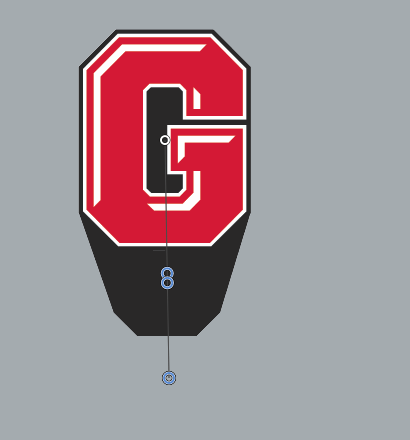
    F
    Just played a little around with this. Here a video how you can easily change the shape that is in the repeater [image: 1764974063770-artboard-6-resized.jpg]
  • 1 Votes
    7 Posts
    1k Views
    BoldlineB
    Playing devil's advocate a little here - what is the next logical step by the user after they click "styles>repeater>create repeater" ? You see the repeater activate, but you are unable to edit the repeater in any way and the odds are, the repeater result would need some adjustments
  • Smooth tool

    20
    0 Votes
    20 Posts
    3k Views
    BoldlineB
    @Daniel I love the ideas you've shared for the "simplify path" tool. I may end up using it a lot more as those ideas get added as @VectorStyler sees fit. I appreciate that VS has options for designers who need precise and exact edits to their curved paths and another option for those who are going for what looks good by sight for their art and are not needing something technical
  • Mirror Group Tool

    2
    2 Votes
    2 Posts
    446 Views
    VectorStylerV
    @FastVector I have this in the backlog already.
  • The ability to create bevel and extrude effects in VS

    4
    2 Votes
    4 Posts
    4k Views
    VectorStylerV
    @Ancientruines said in The ability to create bevel and extrude effects in VS: What is the status of this feature in VS? Not supported yet.
  • Bezigon Tool

    14
    5 Votes
    14 Posts
    10k Views
    DanielD
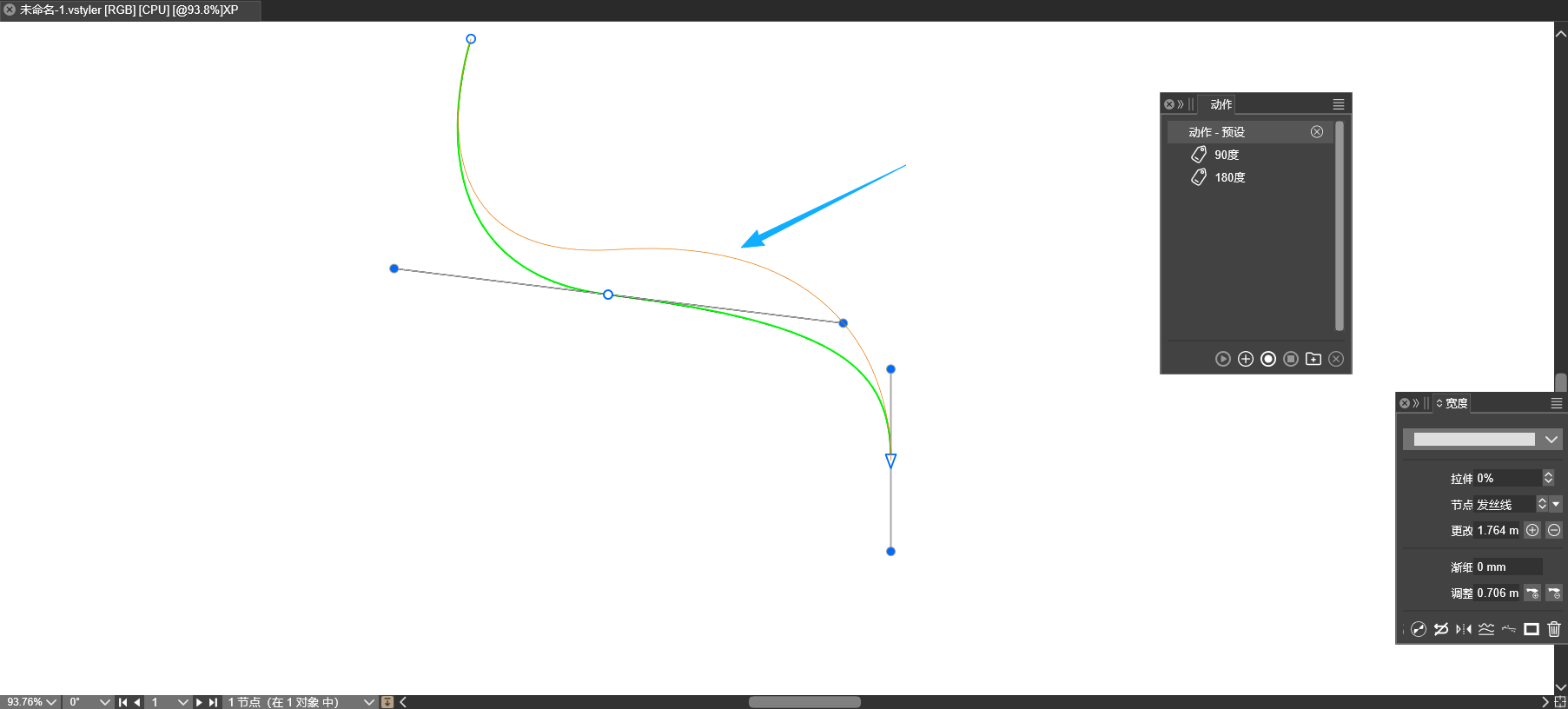
    My vociferous campaigning to get this tool into more apps has paid off in one more place: PhotoLine now has Bezigon as a subfunction of the curve creation tool!
  • middle tilt

    3
    1
    1 Votes
    3 Posts
    698 Views
    M

    @VectorStyler https://youtu.be/wCb5HcgfmEA?si=QiaFkjTKRxOoLgrb A shoe has a medial side and a lateral side. If it can support middle tilting, I can create graphics for both the medial and lateral sides simultaneously, instead of making one half first and then mirroring it to the other side. This will greatly improve my efficiency. I've found several similar cases for your reference.0_1764686719634_555.vstyler
  • Alignment to Shape/Path

    2
    1 Votes
    2 Posts
    461 Views
    VectorStylerV
    @FastVector said in Alignment to Shape/Path: If it is possible then I would like to see that the Align to Path Tool will also work when you've used the the Align to Shape out of the Align Panel. This would only work as an option of the Alignment panel, to create a "live" alignment group. Currently the "Align to Shape" from the panel will change the object position and rotation, but the result will not be a "live" effect. I will open a new feature for this.
  • GUI: Please improve Border-Visibility of Windows and Dialogs

    3
    1
    2 Votes
    3 Posts
    606 Views
    chessboardC
    @VectorStyler Thank you very much!
  • 1 Votes
    3 Posts
    689 Views
    E
    @VectorStyler thank you. Yes, I meant use the new Effect Editor tools, not the Node tool