Subcategories

  • These features and ideas have been implemented in VS as suggested

    180 Topics
    1k Posts
    VectorStylerV
    @Ayo said in About the Snap feature: Wouldn't it be better to change "Snap to Visible Only" to "Snap to View Extend Only" or shorter "Snap to Viewport Only" or even shorter "Snap to View Only" ? There is a big chance of confusion with the term 'visible' which is mainly linked to the layer system. I added this to the backlog.
  • "-" (minus) key to delete nodes inserted with the "+" key ?

    3
    1 Votes
    3 Posts
    3k Views
    S
    @VectorStyler i know i can delete using the Delete key but only for newly inserted Nodes i was talking about reverse these Steps (delete the Nodes) in the direction there was inserted Here a video about it . . But I would say forget about this suggestion for now, this may be perhaps a too special case It is a bit more complicated but in the end you can select the nodes you want to delete.
  • Talking about popup windows...

    2
    1
    1 Votes
    2 Posts
    3k Views
    VectorStylerV
    @Ayo I opened a bug on this. The drop shadow is controller by MacOS, but I think it can be disabled.
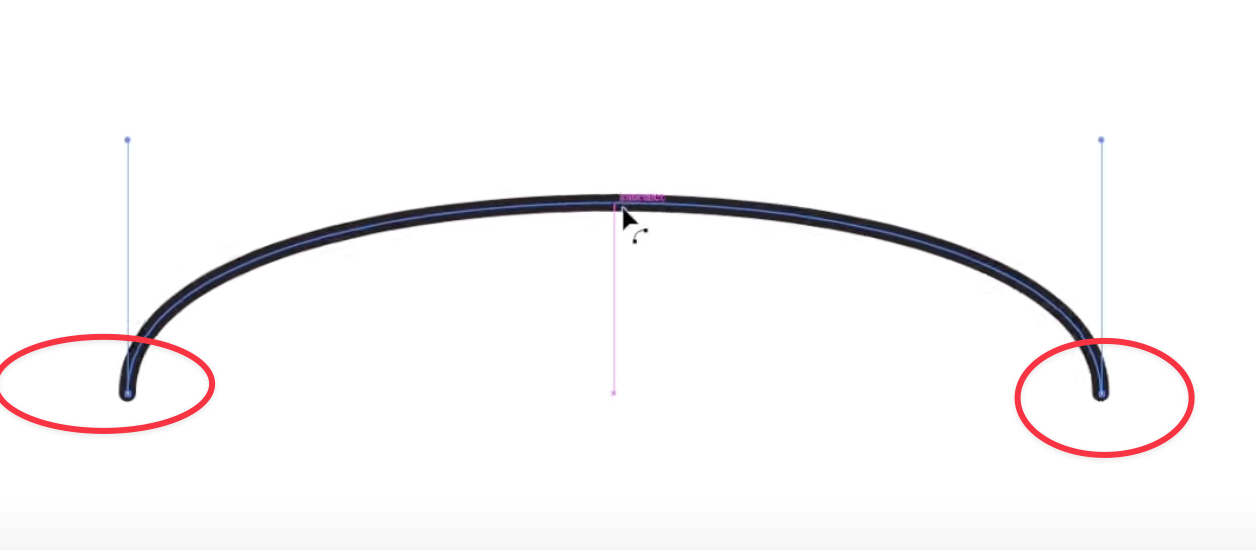
  • Inverted wave, zig zag, with the "Outline Zigzag" shape effect

    3
    1
    2 Votes
    3 Posts
    4k Views
    S
    @VectorStyler thank you I have already tried "shift" on open paths, but that didn't work, so it only works on closed paths. The interwine effect of the 3rd image, the circle, is not needed. That was just an example of what would be possible. I created it with the shape builder forgot to mention it
  • text color indicator

    15
    1
    2 Votes
    15 Posts
    13k Views
    861475_VctSt8
    @VectorStyler Thanks. ver. 1.2.052. The charactor palete now has a slider bar to set the opacity of the text color.
  • Panel Input Considerations

    4
    1 Votes
    4 Posts
    4k Views
    debraspicherD
    @VectorStyler The criticism was that it wasn't deactivating the field input together when clicking away from that panel, not that it didn't have that outcome (edit: Though I can see why that's unclear). It should ideally do that when clicking off somewhere in VS and it shouldn't be reactivated for input when moving back to that specific panel. But looking at the video, it could be a matter of an extended click zone for the type size field in particular in the Character Panel. I clicked in between the word Leading and Kerning (in-between those field labels) and it reactivated the type size area just now in testing... Other areas of the interface are like this that when looking for dead space to focus panels or dialogs, it reactivates areas for input. It creates friction because it often is a habit with many users to either Escape or close out input by clicking white space in panels, etc. Edit: In most cases (if not all), it's usually input fields that take keyboard entry, aka text, that causes the most slowdown in this way.
  • Option to auto-scale live text to same height or width easily

    3
    1 Votes
    3 Posts
    3k Views
    BoldlineB
    @VectorStyler thanks for showing me!
  • Shortcuts for color manipulation

    11
    1
    2 Votes
    11 Posts
    11k Views
    VectorStylerV
    @861475_VctSt said in Shortcuts for color manipulation: they work on fill even when stroke is selected. I will try to improve this.
  • Move "Show Grid Margins" to global?

    2
    1
    1 Votes
    2 Posts
    2k Views
    VectorStylerV
    @Ayo I added this to the backlog.
  • Resetting the Rotation and Skew commands

    5
    1
    1 Votes
    5 Posts
    7k Views
    VectorStylerV
    @hbalcic I will try to find a solution for this. Meanwhile, use the Angle value in the Transform panel.
  • Arrange - Reverse Z-Order

    2
    1
    1 Votes
    2 Posts
    2k Views
    VectorStylerV
    @hbalcic Can be customized with Customize Toolboxes and selecting "Context Panel" in the Toolbox drop down.
  • Dragging Panels

    3
    1
    1 Votes
    3 Posts
    3k Views
    VectorStylerV
    @4f00d I added this to the backlog.
  • Option to rearrange Artboards

    10
    2
    0 Votes
    10 Posts
    9k Views
    VectorStylerV
    @monsterfox The Canvas -> Create Artboard command can add multiple artboards in one step.
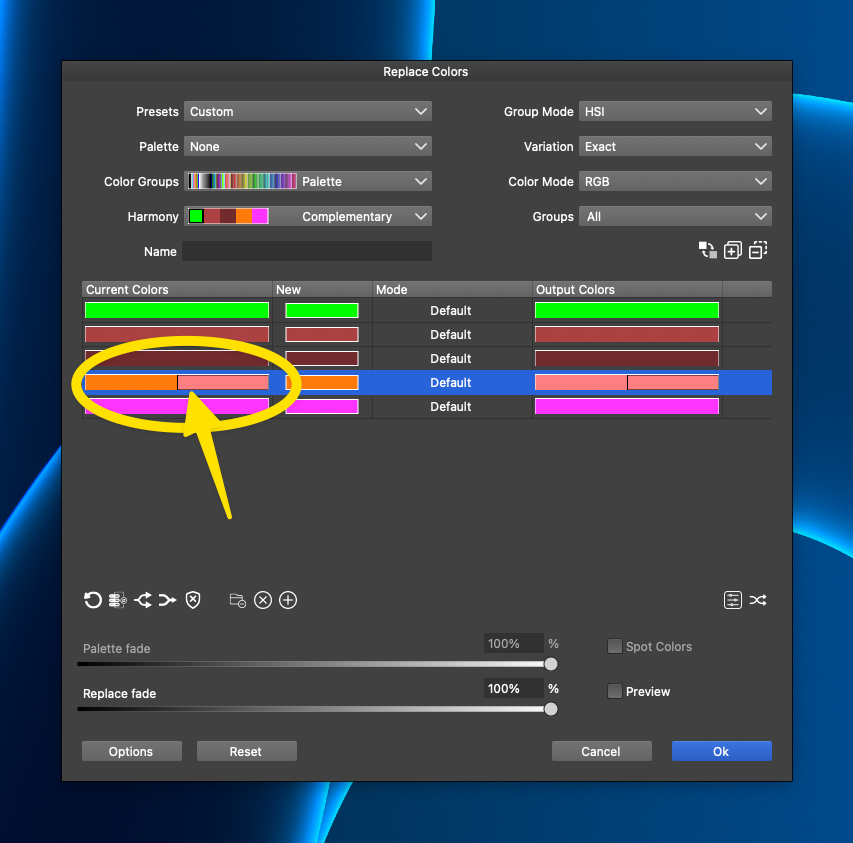
  • Ideas for updating the color replacement panel further

    2
    3
    1 Votes
    2 Posts
    2k Views
    VectorStylerV
    @Boldline I added this tot eh features backlog.
  • Path Length option in Contextual Menu hard to control

    2
    2
    1 Votes
    2 Posts
    3k Views
    VectorStylerV
    @Boldline said in Path Length option in Contextual Menu hard to control: Could it favor a lower range of sizes? I will change this.
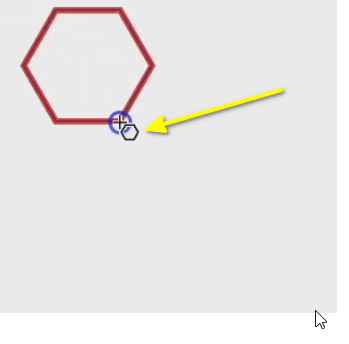
  • Improving the aesthetics of the temporary shift guides

    2
    1
    1 Votes
    2 Posts
    3k Views
    VectorStylerV
    @Boldline I added this to the backlog
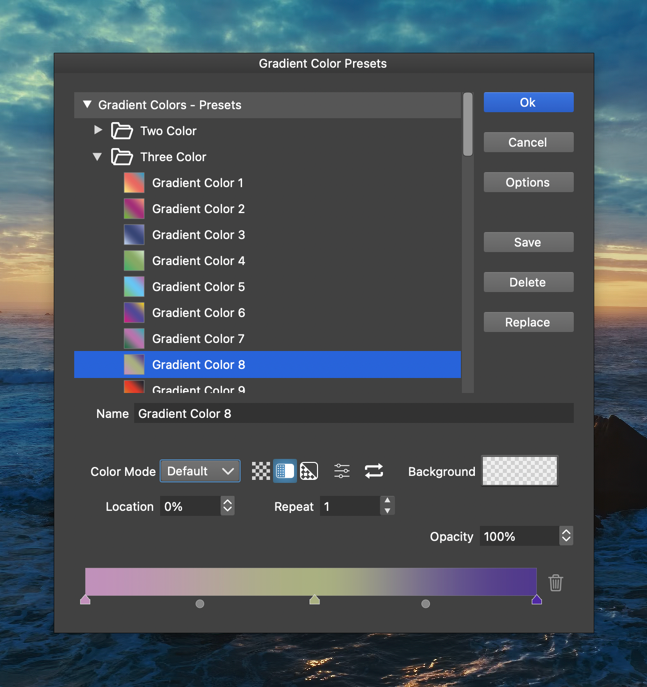
  • Reversing the order of a color Palette

    2
    1
    1 Votes
    2 Posts
    3k Views
    VectorStylerV
    @Subpath I added this to the features backlog.
  • Paste on All Artboards option

    4
    2
    1 Votes
    4 Posts
    4k Views
    VectorStylerV
    @monsterfox said in Paste on All Artboards option: Is it possible to copy 10 objects and paste them to the centers of 10 pages to achieve easy and free typesetting? No such feature.
  • 2 Votes
    2 Posts
    3k Views
    VectorStylerV
    @Boldline Added this to the backlog
  • Node selection, simplification and deletion.

    4
    1 Votes
    4 Posts
    4k Views
    VectorStylerV
    @monsterfox The linked recording was about the gradient error.
  • Temporary guides for aligning text on a path

    3
    3
    3 Votes
    3 Posts
    4k Views
    M
    @Boldline https://www.vectorstyler.com/forum/topic/4737/about-text I think this operation should be the same as the function of adjusting the text spacing in my post.