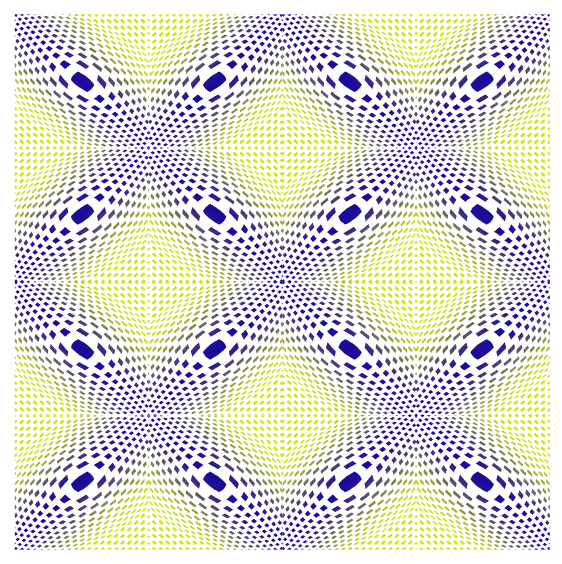
Just a Pattern
-
@Subpath Cool !

-
@Devil-Dinosaur, thank you
Indeed.
Will do a little Tutorial and show a few Tricks. -
Some optical illusion, i made a while ago.
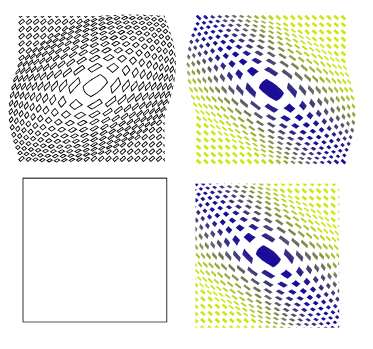
The base was simple a yellow stroke where i place a pattern Brush
in the same size above and the copy scale and rotate it.Here the Base

.
.
Here the Pattern
-
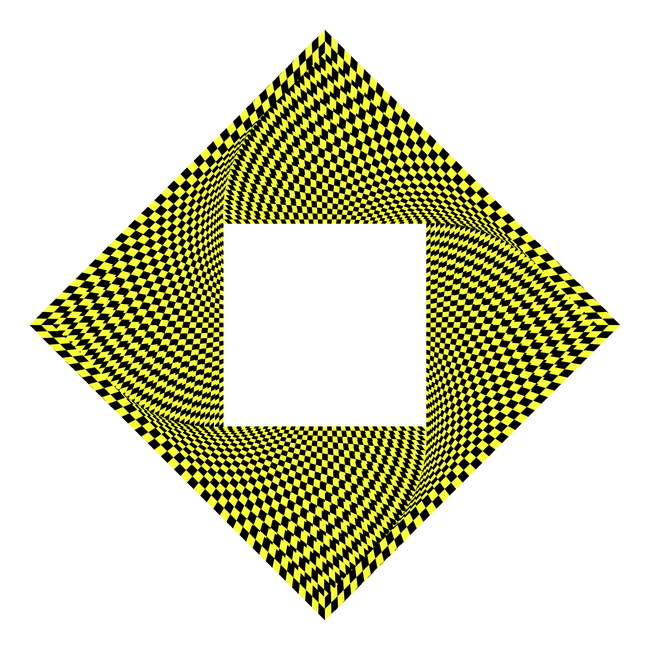
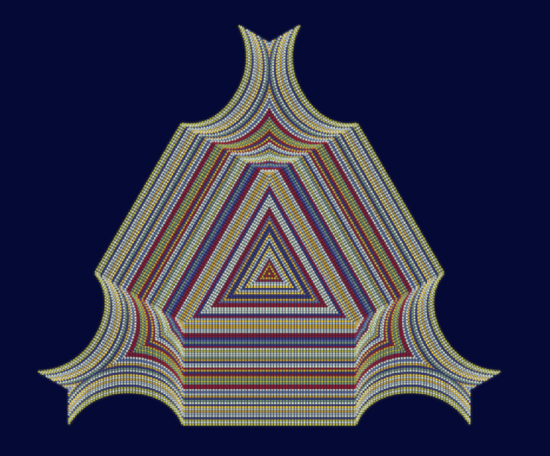
Another interesting optical illusion.
Made in VectorStyler and Black InkVectorStyler
Dashed Lines, random colorized, the whole thing copied, and
two copies placed underneath, each with a Gaussian blur image effectBlack Ink
Only for Symmetry, because of its symmetry Fusion Feature.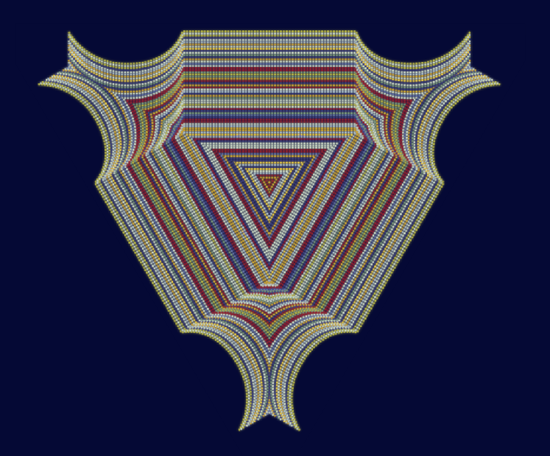
.
.
-
Played a bit with a multiccolor gradient in strokes.
You could look at this little tutorial of mine
https://www.vectorstyler.com/forum/topic/5694/way-to-create-a-multi-color-gradient-from-colors-of-a-color-palette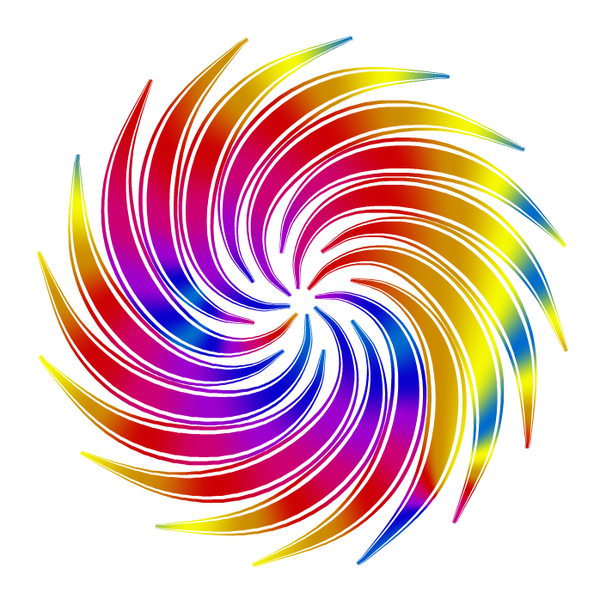
-
@Subpath cool effect !
-
Thank you.
Yes it looks nice and its realtive easy to do.
I just had to relocate some stroke gradientsYes, it looks nice and is relatively easy to create.
I just had to reposition some of the gradients a bit.I did this with separate strokes that weren't combined or grouped.
If you select all the strokes and then apply a gradient (see the method in the link)
over them, the gradients will be in slightly different positions.Ultimately, I actually liked the slightly more chaotic result here even better.
Btw i used a concentric gradient
-
@Subpath Great thread and posts. Thanks. Forum says "you can upvote a user only six times per day", so sorry guys i didnt give the like i wanted meanwhile reading.
-
@marce said in Just a Pattern:
@Subpath "Forum says "you can upvote a user only six times per day",
Very curious, didn't know that.
But dont worry, if my post inspire people or
are helpful then this is fine enough
-
Created using:
The colorize feature in the Repeater, which can also colorize strokes with a bitmap.
(See Manual how)The Style Picker Feature, which allows you to transfer style attributes
from one group of objects to another.
You could take look at this Link
https://www.vectorstyler.com/forum/topic/5851/a-style-picker-tool-feature-and-a-few-strokes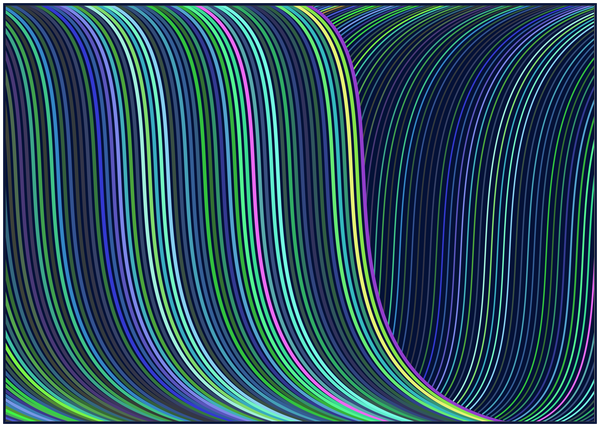
-
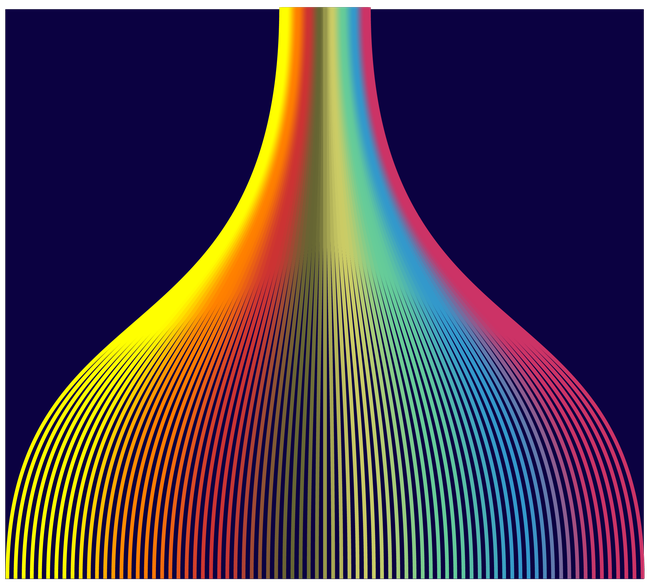
I used a shape with a multi-colored gradient to colorize a bunch of strokes using the Repeater,
and transferred the color (style)—using the new Style Picker Tool Feature— to a bunch of
other Strokes created with the Blend function.The strokes colored with the Repeater

Here the Result
-
Took a a gradient from another App with a screenshot and use
this raster graphics then to colorize a bunch of strokes with the Repeater.This time no Style Picker Feature where used.
I create a a color Palette instead from that bunch of strokes
(create Palette from selected Objects)
and colored a Swirling Lines Shape after converted it to curves
via Colorize with that new palette
-
Made in Vectorstyler, recreate a pattern i found on the Internet
mine look a bit different but i am fine with that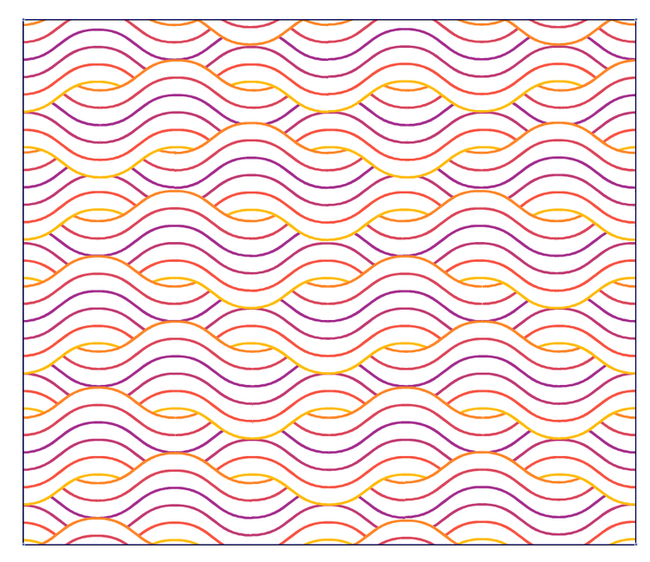
.
.
For anyone who is interested, you need to split the Line
in different pieces to create this pattern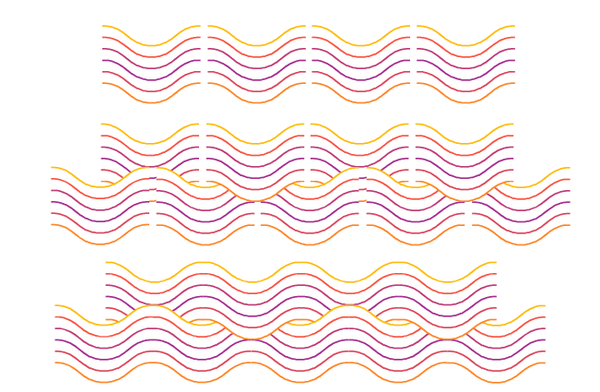
-
I more or less replicated a pattern I found online.
I couldn't resist using the "Along Stroke" feature
in VectorStyler's gradient editor.