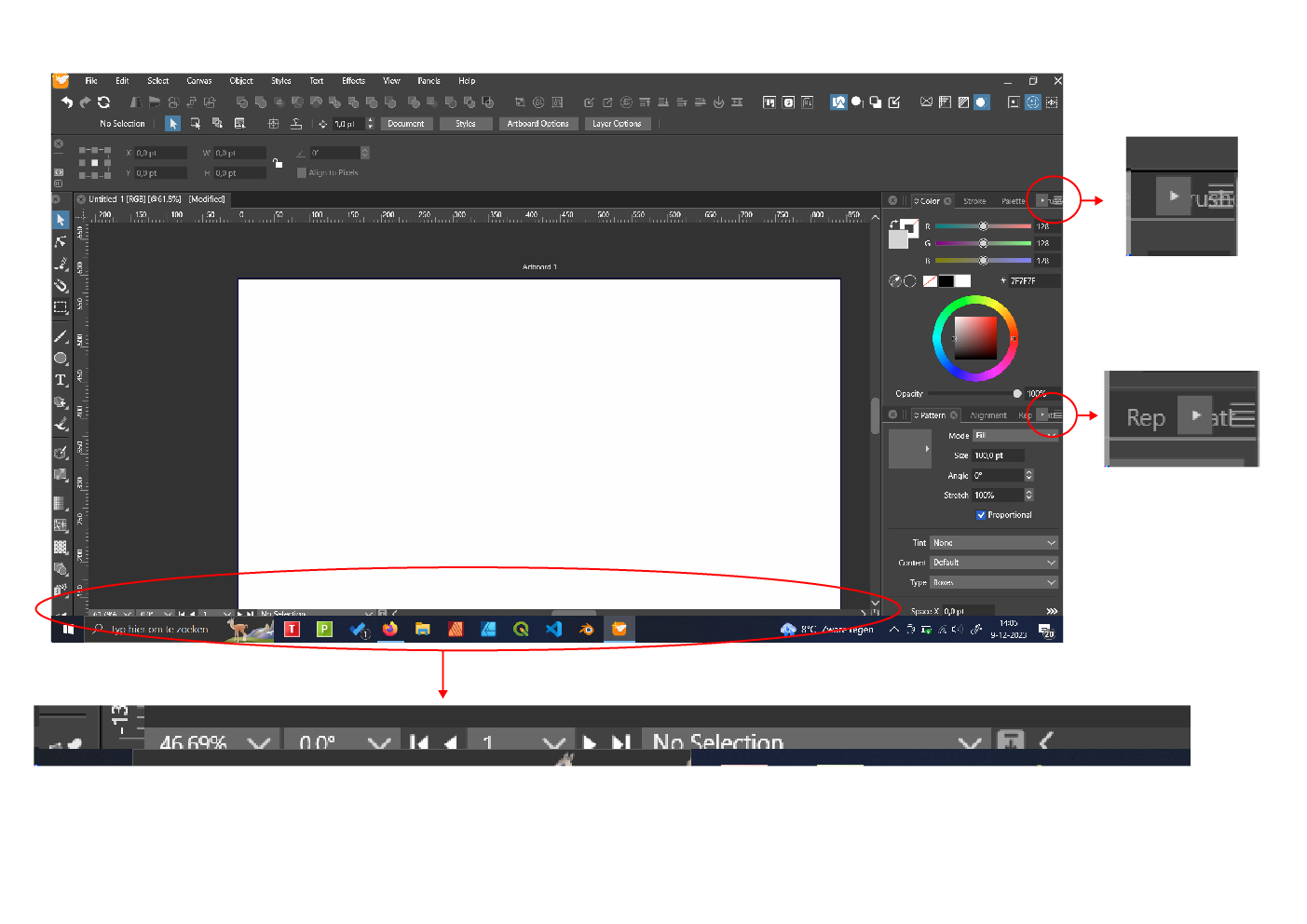
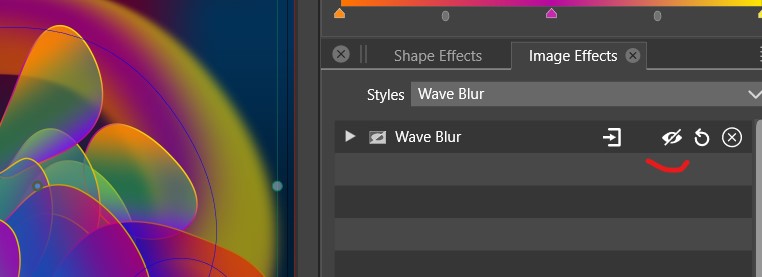
• Strange behaviour colors

    Moved
    6
    0 Votes
    6 Posts
    8k Views
    F
    I've repeated what I've done before, but now everything seems fine. No idea what caused the problem.
  • This topic is deleted!

    Moved
    1
    2
    0 Votes
    1 Posts
    4 Views
    No one has replied
  • UI Display Issues 1.1

    Moved
    5
    1
    0 Votes
    5 Posts
    6k Views
    VectorStylerV
    @FastVector said in UI Display Issues 1.1: But you can also maximize a window by draging them to the top of Windows, and then the problem occurs. Yes, this can be replicated here also. I will try to fix it as soon as possible.
  • duplicate object lag & snap indicators invisible

    Moved
    19
    1
    1 Votes
    19 Posts
    18k Views
    VectorStylerV
    @Iriseg524 You should have a new license now.
  • Png display issues

    Moved
    3
    3
    1 Votes
    3 Posts
    4k Views
    W
    @VectorStyler This issue has been resolved in VS 1.1.116. Thank you so much @VectorStyler!
  • Copy/paste objects from Affinity Designer to Vectorstyler- bug

    Moved
    3
    1 Votes
    3 Posts
    4k Views
    visualrevoltV
    Designer vers 2.2.1
  • Issues with The Artistic Brush

    Moved
    5
    1 Votes
    5 Posts
    6k Views
    L
    @VectorStyler Thanks, I got it
  • Eraser Regression

    Moved
    4
    0 Votes
    4 Posts
    5k Views
    VectorStylerV
    @Igull said in Eraser Regression: assumes that shape shouldn't be broken and the fill removed Yes, it only breaks apart if the eraser results in separate paths.
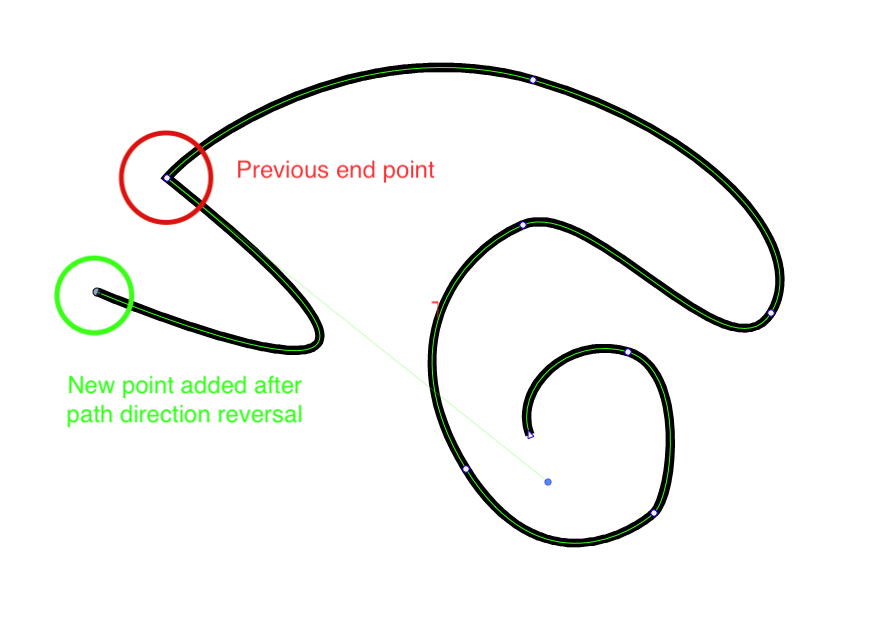
  • Adding a Anchor Point After Path Reversal

    Moved
    6
    1
    1 Votes
    6 Posts
    8k Views
    O
    @Boldline Thank you for your video. It does a good job of illustrating my original post. Appreciatively.
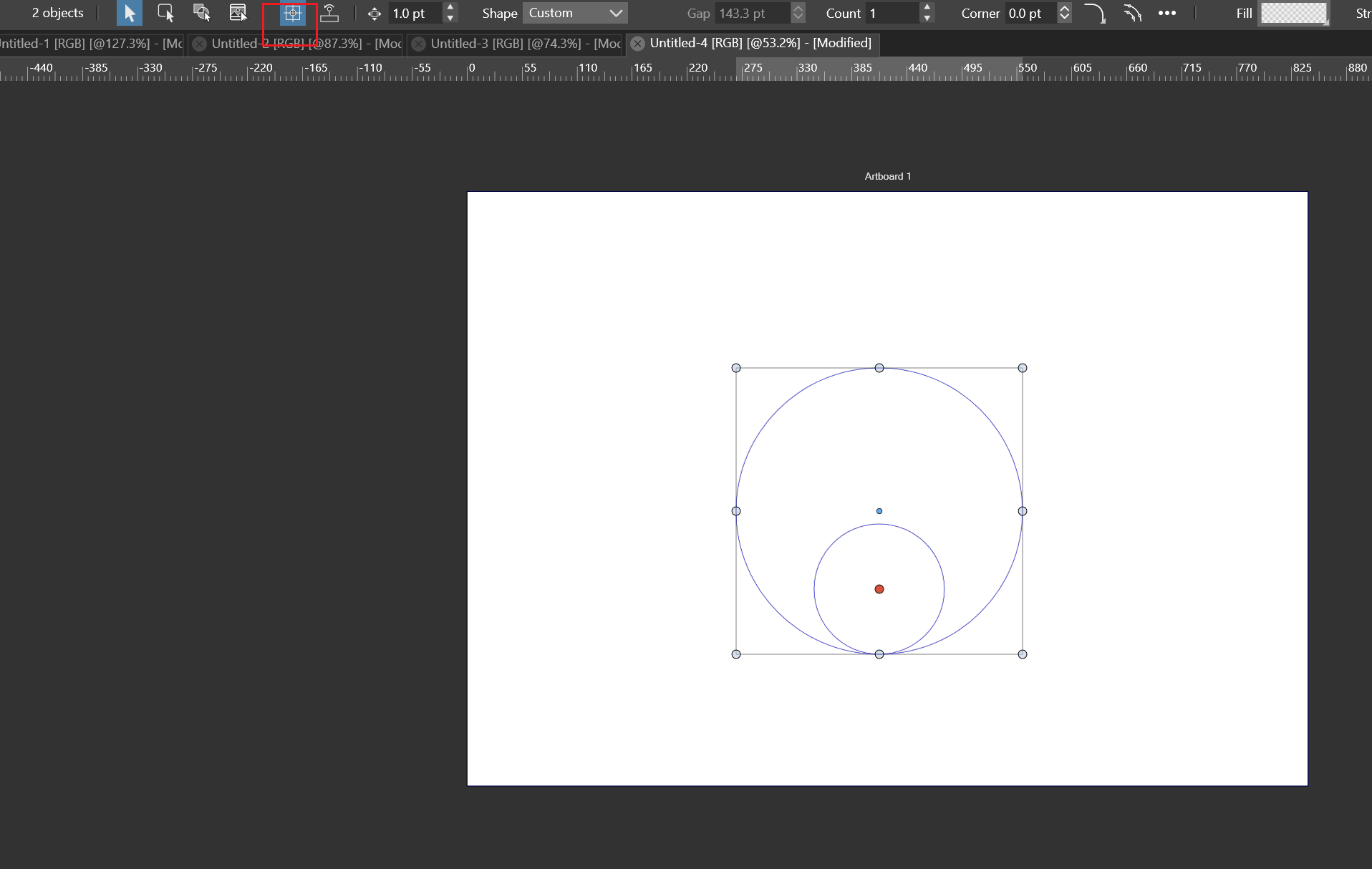
  • The shapes corner bug

    Moved
    3
    0 Votes
    3 Posts
    4k Views
    L
    @VectorStyler The bugs have been fixed Thanks
  • Flip repeater content problem

    Moved repeater
    5
    0 Votes
    5 Posts
    7k Views
    L
    @VectorStyler fixed thanks
  • Beta 1.2: VS crashes when a panel...

    Moved
    8
    0 Votes
    8 Posts
    9k Views
    B
    @VectorStyler said in Beta 1.2: VS crashes when a panel...: @Pat said in Beta 1.2: VS crashes when a panel...: because there is no 'send' button Just use the "Close" button, crash reports should be sent. Fine, it is what I did
  • B1.2: issue when trying to adjust the width of the panels when docked

    Moved
    2
    1
    0 Votes
    2 Posts
    3k Views
    VectorStylerV
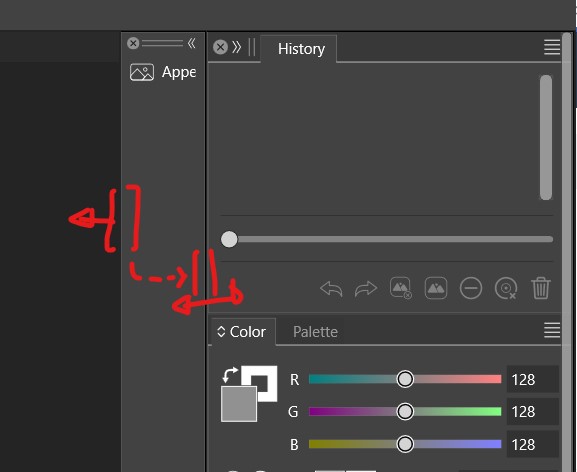
    @Pat Yes, this is by design for now, the first column will just move.
  • Some issues regarding the mesh

    Moved
    3
    1 Votes
    3 Posts
    4k Views
    L
    @VectorStyler said in Some issues regarding the mesh: @Li-Xiao Yes, mesh inside artistic brush will not work for now. I added this to the backlog and will try to find a solution for this in the future. Meanwhile, keep the content of artistic brushes to pure vectors. Looking forward to updates regarding the mesh. I have used Mesh Tormentor and very like it www.meshtormentor.pp.ua
  • Image effect

    Moved
    12
    2
    1 Votes
    12 Posts
    12k Views
    VectorStylerV
    @Pat Got it!
  • Document format - the wrong one

    Moved
    3
    2
    0 Votes
    3 Posts
    4k Views
    B
    @VectorStyler even if I make a new format from scratch, I get the square format back.
  • Shape effect

    Moved
    5
    1
    1 Votes
    5 Posts
    6k Views
    VectorStylerV
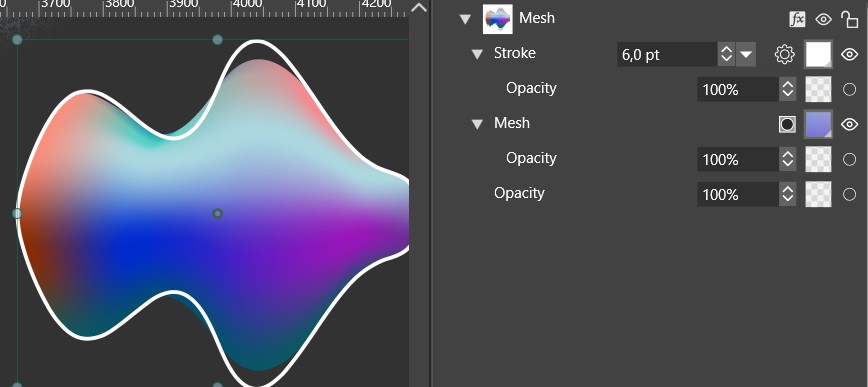
    @Pat said in Shape effect: is it a new feature to be able to get a stroke on an object with a colour mesh ? Yes, it was requested. The problem here is that the shape effects cannot subdivide the mesh, but can subdivide the object shape.
  • Spiral Wire Size and Accuracy Issues

    Moved
    2
    0 Votes
    2 Posts
    3k Views
    VectorStylerV
    @Li-Xiao I added this to the backlog as a bug.
  • The shape text corner bug

    Moved
    3
    0 Votes
    3 Posts
    4k Views
    L
    This error has been fixed. thanks
  • Paning (H or Space shortcut) doesn't work after applying effects

    Moved
    2
    0 Votes
    2 Posts
    3k Views
    VectorStylerV
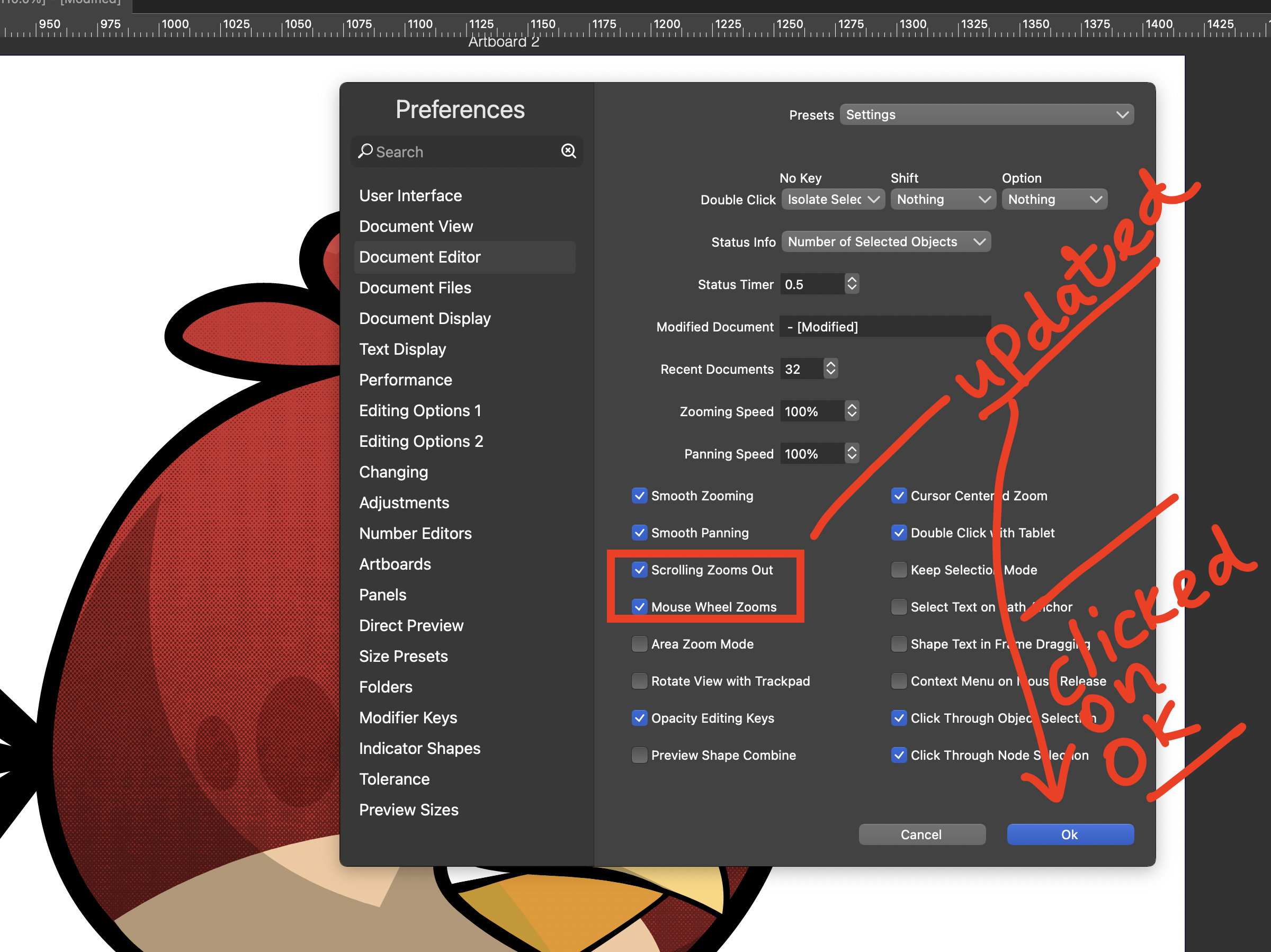
    @Harry Yes, this is by design. The pan tool (or any other tools) are blocked while in a modal view. I will try to improve this in the future if possible. Meanwhile, it is better to use the Shape Effects panel to edit effects and have panning available also