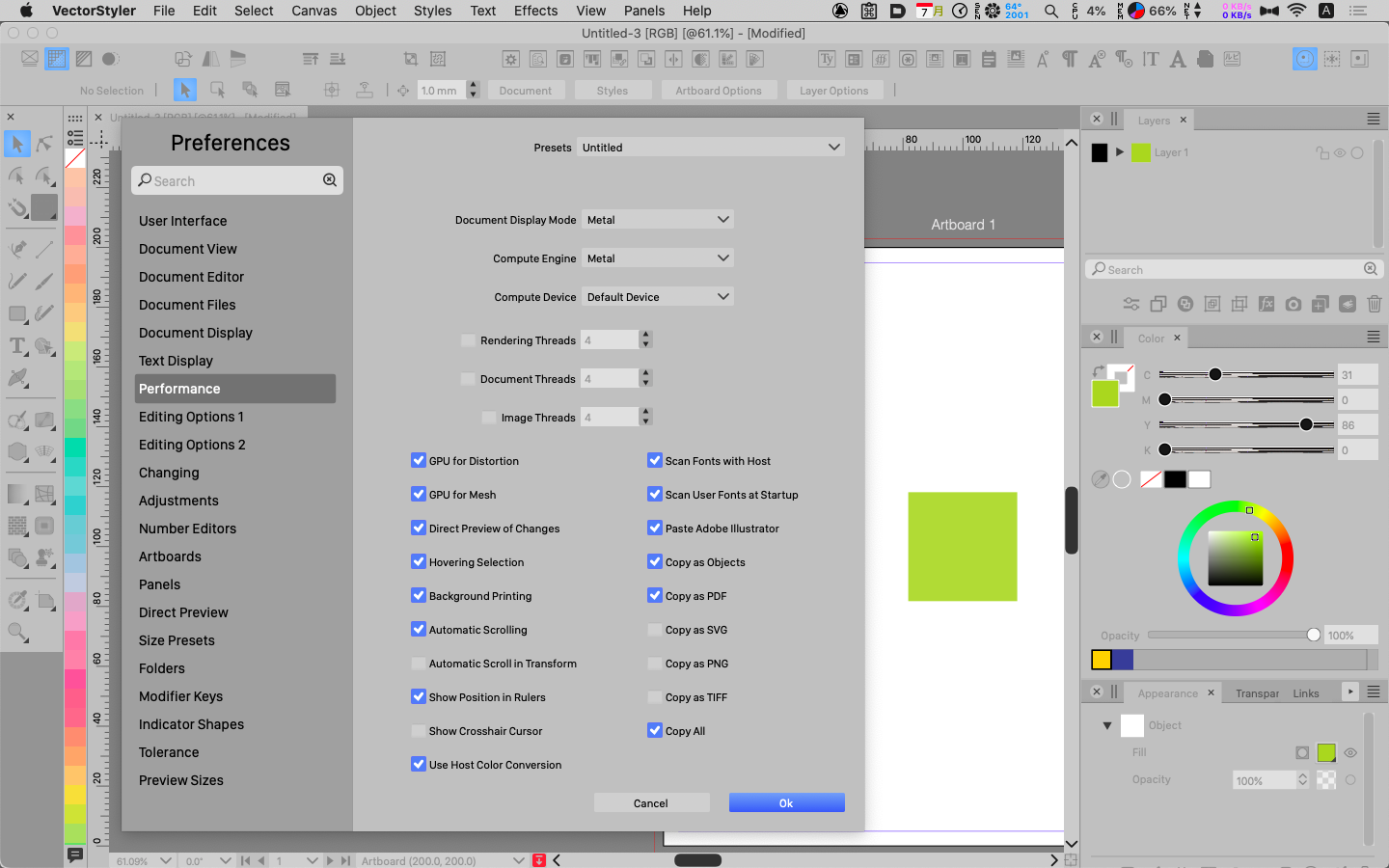
This might be related: The top image is VS's inspectors when VS is the foreground application:
[image: 1693397482538-8b9f8fb6-95ad-47b3-9c83-2c5ddbf3caee-image.png]
However, with another application in the foreground and VS still visible, the middle Layer panel is expanded down, replacing the lower panels:
[image: 1693397572899-07c8e9f2-be02-4613-812f-23fb5501708c-image.png]
This is reversed when VS is again in the foreground. Maybe it is settings related, but it sure is odd. I have for now refrained from changing any settings other than pertaining to the document size, etc. given the number of unexpected behaviors I am experiencing.
Now take a look at the odd resizing behavior in the captured video:
https://app.screencast.com/e8kzaPwwyohRY
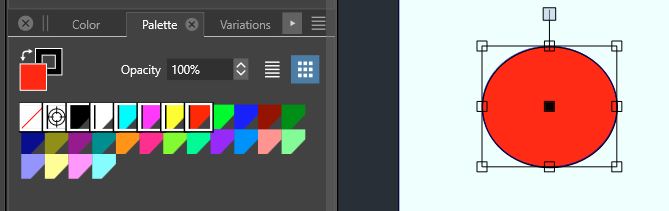
And finally, I somehow ended up like this: and I cannot change it!
[image: 1693397972806-bc43b62c-2688-4663-b040-06ca2e00646e-image.png]