• 0 Votes
    1 Posts
    3k Views
    No one has replied
  • 1 Votes
    11 Posts
    9k Views
    RaaskotR
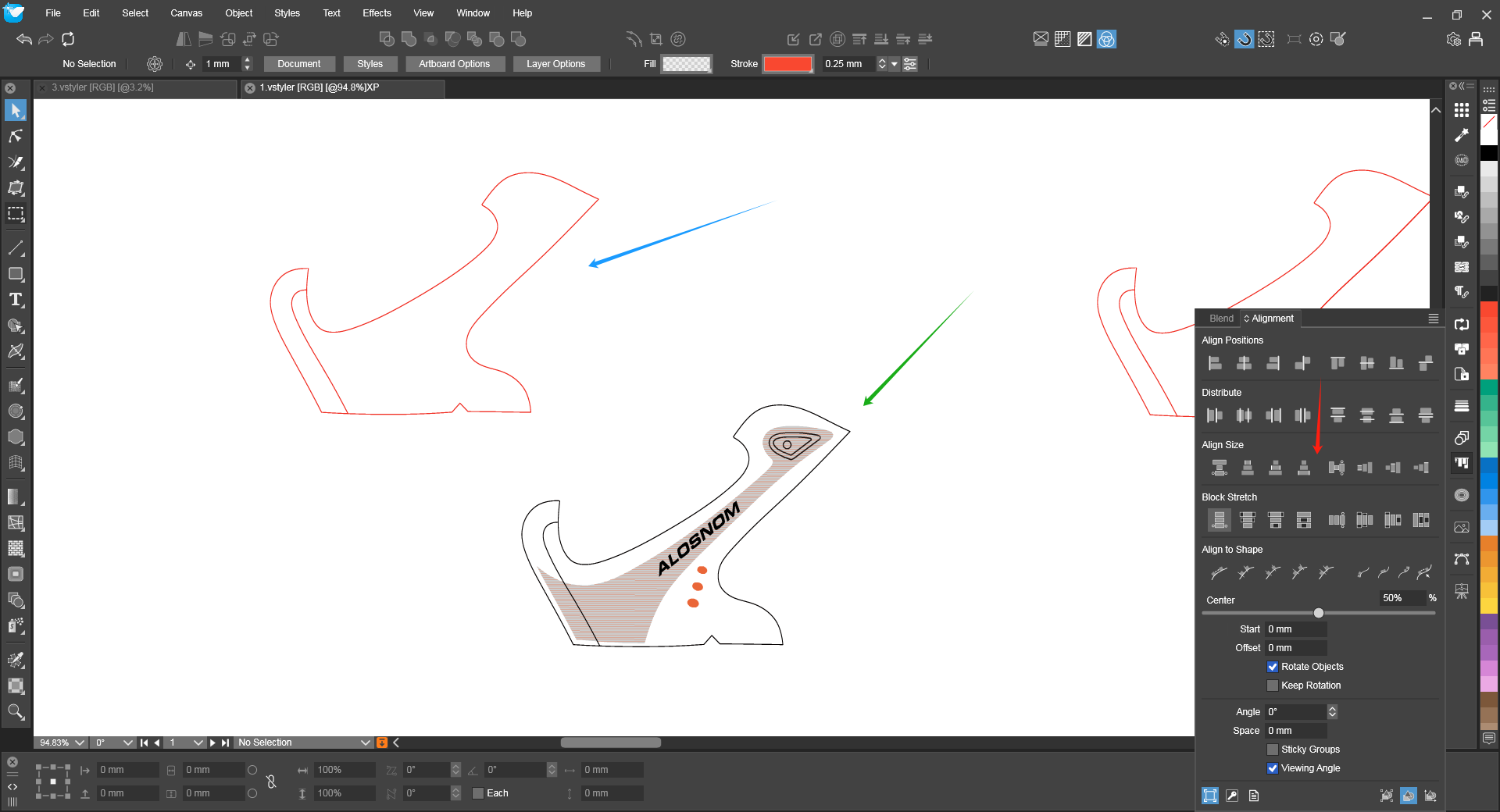
    @Subpath Would make sense with "-" --> node reduction, but it doesn't seems work. And odd: It appears the reduce node function actually works yet on and off only. As if you must deselect and reselect the shape everytime. Strange ...
  • Function absence.

    7
    3
    1 Votes
    7 Posts
    6k Views
    M
    @VectorStyler https://www.vectorstyler.com/forum/assets/uploads/files/1720881867265-mmexport1720881249980.png I mean this problem. The horizontal panel doesn't show the other three checkboxes.I'm used to the horizontal layout. It's very inconvenient without that checkbox.
  • Pencil / Brush tool keyboard shortcuts

    2
    1 Votes
    2 Posts
    3k Views
    VectorStylerV
    @Harry This is not available in the pencil and brush tools, but I will add it for the next build.
  • Calculating a centerline in VS?

    6
    1
    0 Votes
    6 Posts
    6k Views
    RaaskotR
    @VectorStyler Agree, but if the object is closed, meaning hollow (like ie. o's or b's), and more complex, like a freehand drawing, it's too complicated to perform this.
  • 0 Votes
    12 Posts
    9k Views
    VectorStylerV
    @Boldline said in Is there a setting that adjusts the sensitivity of the eyedropper tool when sampling colors in a document?: @VectorStyler What is it picking from when there is no shift modifier? With no shift, it will search for an object pointed by the mouse and pick the style of the object (not just color, but also gradient or pattern).
  • 1 Votes
    2 Posts
    2k Views
    VectorStylerV
    @Subpath Yes, text will convert into a group of objects, one object per glyph. I will try to find a solution for single glyph case.
  • "Convert to curve" will not be deselected

    2
    2 Votes
    2 Posts
    2k Views
    VectorStylerV
    @Subpath I opened a bug on this.
  • 1 Votes
    3 Posts
    3k Views
    S
    @VectorStyler ok
  • 1 Votes
    4 Posts
    4k Views
    VectorStylerV
    @Subpath said in You can not see if a folder contains a color palette by registering the Color palette folder.: Maybe just show all files a folder contains? I will try to solve this. Mostly depends on the folder selector panel provided by the system.
  • Apply style before drawing

    6
    0 Votes
    6 Posts
    4k Views
    F
    Thank you very much. I purchased the software and I find it absolutely awesome. I'm looking forward for a next update.
  • Is the Snapping Panel overkill?

    11
    1
    1 Votes
    11 Posts
    9k Views
    debraspicherD
    Here is an observation: [image: 1733278104697-440fb07c-7dfa-4592-82dd-8eeb2eb2c3f7-image.png] Panel: This is my current settings. I was clicking through each of those toggles before I got to this point (below The Tolerance: 3 area) because I was searching for how to match up points along the X-axis... So I would expect "Size References" or "Snap to Points" to perhaps work for this task, but I'd just be guessing. In this case though nothing is activated in the immediate options area, it is snapping to the references I need, so it's rather confusing what is/isn't possible with this option spread depending on what is toggled at a glance. Hopefully that makes sense. [image: 241203-debraspicher-snapping-to-point-along-adjacent-x-axis.gif] Snap to X-axis (for points): I couldn't tell easily that the small text was indicating it was snapping to points. The pen icon is overshadowing the little point and the point is larger, so it makes it difficult to know if it's actually "on" or not. If I were to have other things toggled and it were picking up quite a few connections, then I'd have to check sometimes in Transform panel to see if it is snapping where I expect. I think having a line that cuts across from the other point would be helpful to know which point is snapping to, much like how it is done in other programs. That said, I do appreciate the minimalism and it shows the distance with precision also, which is a very nice feature in VS.
  • 0 Votes
    2 Posts
    2k Views
    VectorStylerV
    @Boldline said in How do I unlock items on a specific layer without unlocking all other layers as well?: option to only unlock items on a specific layer without unlocking all other layers as well Select the layer where the items are (to be unlocked). The layer can be selected with the round knob in the layers panel. Then use Select (menu) -> Select Others -> Select All Members. The uncheck the Object -> Locked menu.
  • Pressure sensitive brush tool using a Wacom tablet?

    19
    1 Votes
    19 Posts
    20k Views
    VectorStylerV
    @creative said in Pressure sensitive brush tool using a Wacom tablet?: More something like the pressure curve in Procreate on iPad. I will add this.
  • Is this normal with flipped Objects?

    2
    1
    1 Votes
    2 Posts
    2k Views
    VectorStylerV
    @debraspicher said in Is this normal with flipped Objects?: adjusting this manually, whether keeping the negative in place or not, it causes the Object to unflip. I tested this now. Yes, the negative scaling value is correct, it means that the object is flipped (this is nondestructive flip). But if you edit the scaling value and it stays negative, the object should not unflip. If the value becomes positive, then of course it unflips. You can "flatten" the nondestructive transforms (flipping) with a convert to curves.
  • A new Document always enable snapping

    7
    1 Votes
    7 Posts
    5k Views
    S
    @VectorStyler said in A new Document always enable snapping: @Subpath Then it will use the snapping associated with the document (or document template in case of new documents). One thing to try is to save a document template with snapping disabled. Thank you, I think I solved it now. I've deleted my document template file in which snapping were disabled. So that it can't be called up. Then I started VS and set the global snapping options. After this i created a new file, turned snapping off and closed VS. Everything is fine now and snapping is disabled when creating a new file. But I could swear that I didn't change any settings before.
  • “Caching mechanism”。

    7
    1 Votes
    7 Posts
    6k Views
    BoldlineB
    @monsterfox said in “Caching mechanism”。: The file is too large to be uploaded. I will send it to your email. @monsterfox - I use a free service called "Wetransfer" to upload larger files cannot be uploaded to the forum. I also use it when I have a lot of files to send or if i don't want to take up space in my email storage to do so. It gives the option to send an email or create a link you can copy and paste. I prefer the second option They have paid plans but the free one works well for me. You do have to sign up for an account.
  • Is Grouping broken ?

    19
    0 Votes
    19 Posts
    15k Views
    debraspicherD
    @VectorStyler Yes double click for isolation is working.
  • Gradient tool adding stroke and affecting that instead of main fill

    3
    3
    0 Votes
    3 Posts
    3k Views
    VectorStylerV
    @Boldline This could be caused by selection in the Appearance panel.
  • Color panel discrepancies - which to believe?

    9
    1
    1 Votes
    9 Posts
    6k Views
    VectorStylerV
    @Raaskot said in Color panel discrepancies - which to believe?: What does "Default" then? "Global RGB" means "Default RGB"