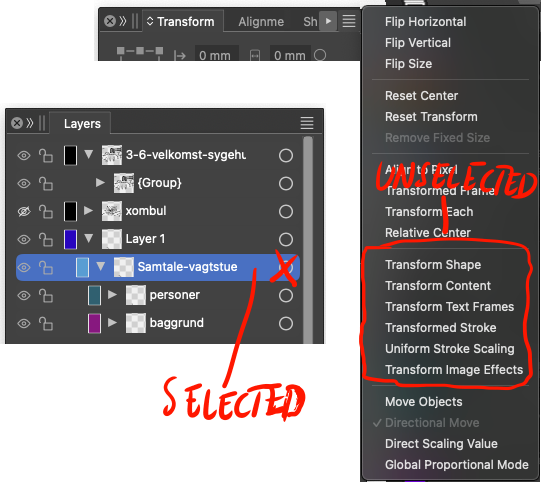
• Confused about transform

    15
    2
    3 Votes
    15 Posts
    10k Views
    debraspicherD
    @VectorStyler I'll get some examples next time I start fiddling especially now that I know the zoom matters for snapping
  • Bug Report Window Suggestion

    2
    1 Votes
    2 Posts
    2k Views
    VectorStylerV
    @debraspicher I will fix this.
  • Altered pivot point doesn't apply

    8
    0 Votes
    8 Posts
    6k Views
    RaaskotR
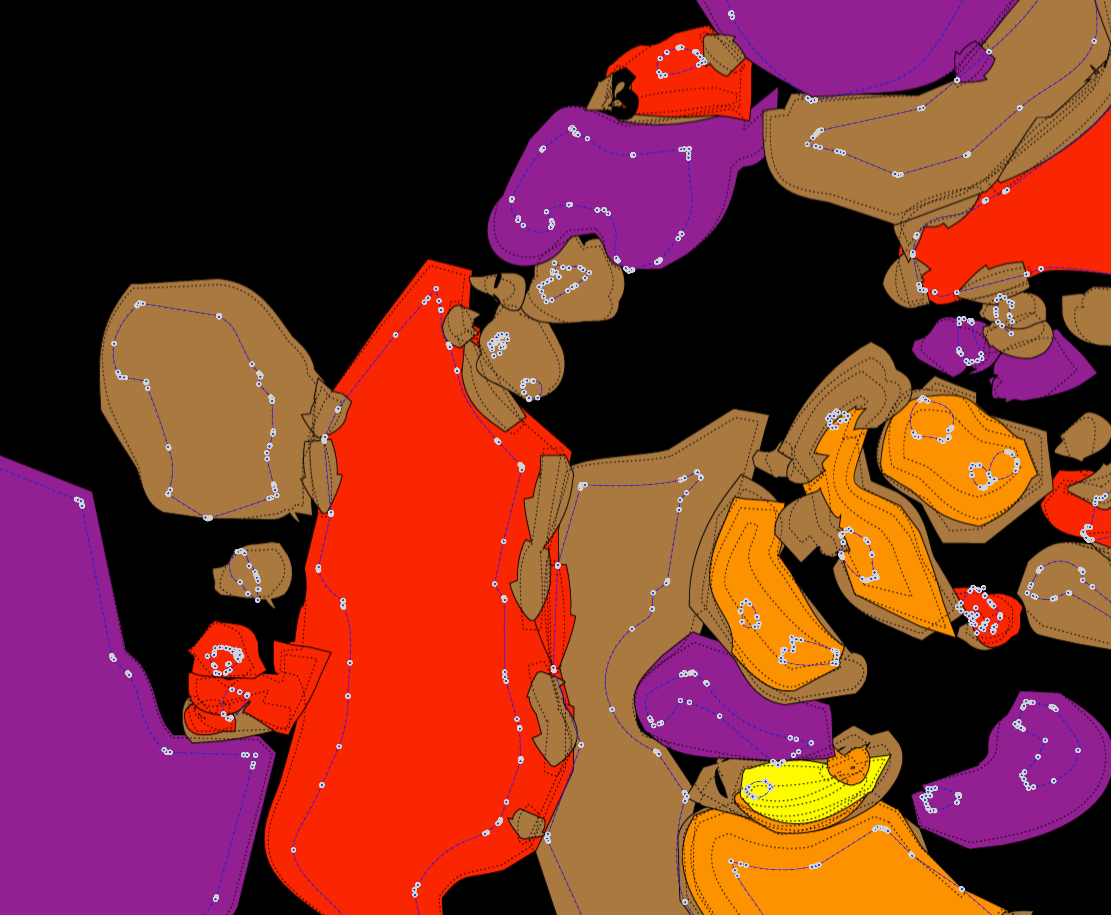
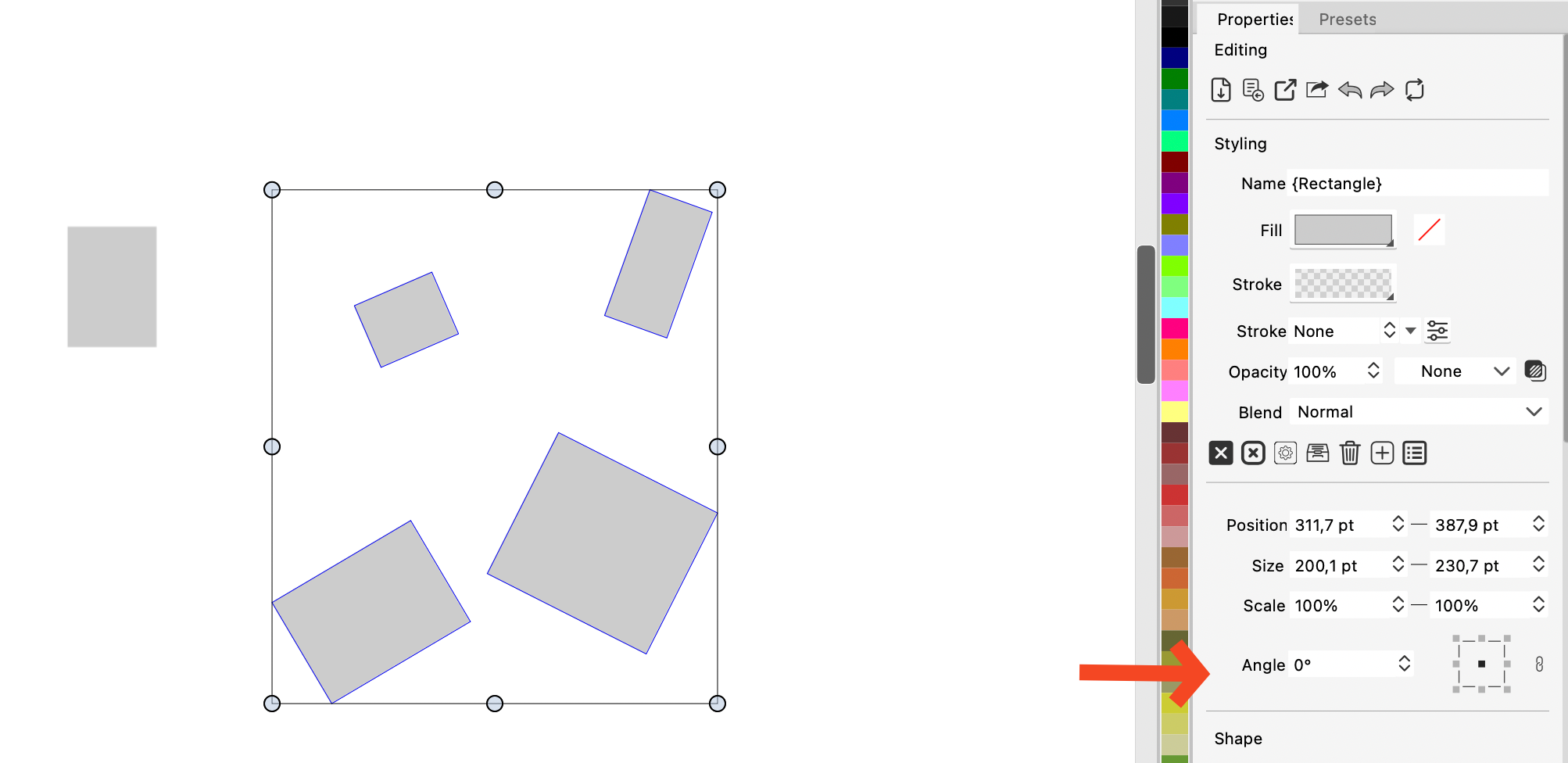
    Very nice upgrade v. 1.2.057 Now transforming with Transform tool (V) works fine. [image: 1737467958863-5ebaca52-23b2-4d66-a6b7-3080a9c4cb95-image-resized.png]
  • About page

    31
    3
    0 Votes
    31 Posts
    39k Views
    M
    @VectorStyler I don't think it's necessary. This seems like an action where there are two steps: 1. Create a new canvas, 2. Maximize the canvas display. The shortcut key operation is just for the convenience of adding a canvas. I have also set a separate shortcut key for maximizing the canvas display. I believe most people share my view. This is more in line with the actual operating habits.
  • Roadmap & website

    3
    1 Votes
    3 Posts
    3k Views
    B
    @VectorStyler thanks, I always end up finding it... I humbly think that this information is interesting for those who visit the website without being particularly interested in the forum.
  • How to disable value fields scrolling?

    4
    3 Votes
    4 Posts
    6k Views
    VectorStylerV
    @JuurGroove In Settings -> Number Editors -> Scrolling Mode you can select when you are able to scroll a field.
  • How do I links to email and urls i VS?

    15
    1
    1 Votes
    15 Posts
    13k Views
    J
    @Boldline I have only basic understanding of how software development works, but I wouldn't be so confident in hoping you could just like that reutilize VS's framework for building up a totally new raster application without massive amounts of development work. This right here seems to be one of my main issues with Affinity Designer, that it has never been built up as a true vector application, and till this day it's struggling a lot with even the most basic vector functions. Most of its "vector" features seem to be in fact just mimicking vector behavior, but. the output is still bitmap. Like patterns or even brushes, which they have the audacity to market and sell as "vector" brushes on their store. FWIW Affinity Photo is a great Photoshop replacement, if you don't rely on generative AI that is.
  • Website carousel navigation missing

    2
    1
    2 Votes
    2 Posts
    3k Views
    VectorStylerV
    @syllie Yes, it is fixed now!
  • Keyboard Shortcuts for Alignment and Distribute Functions

    2
    2 Votes
    2 Posts
    3k Views
    VectorStylerV
    @JuurGroove This is only possible now as a recorded action (using Actions panel). But I can add some predefined actions of the common alignment types.
  • How to use color picker in color panel?

    7
    1
    0 Votes
    7 Posts
    5k Views
    RaaskotR
    @Li-Xiao @VectorStyler So cool. Thanks. Now I got it (this image for my own VS-guide): [image: 1736336590071-68ac48da-3501-45cd-a08c-fb1a84bed344-image.png]
  • Wide Color Gamut

    3
    1 Votes
    3 Posts
    3k Views
    D
    I appreciate the quick response. I have attached the Display P3.icc file. It is part of the macOS system. I tried the 16-bit setting in Display Options, but there was no change in VectorStyler. Regards, David Brown 0_1735939455626_Display P3.icc.zip
  • 1 Votes
    11 Posts
    12k Views
    A
    @VectorStyler said in 1.2.054 update caused dark interface with menus/menu texts invisible (also dark), how to return to light interface?: @Arte said in 1.2.054 update caused dark interface with menus/menu texts invisible (also dark), how to return to light interface?: After deleting the backup config file it worked normal again. was this the "config.ini" file? Yes
  • Software interoperability

    8
    1 Votes
    8 Posts
    7k Views
    M
    @VectorStyler 22.0.1
  • License verification failed

    6
    0 Votes
    6 Posts
    7k Views
    debraspicherD
    FWIW, I had the same error when I registered just now on a separate machine and it claimed server couldn't be connected. I hit Retry and heard nothing back, saw it had the "Remove License" option in the Help menu... on restart, no nag screen, so I guess it is registered...
  • 0 Votes
    9 Posts
    10k Views
    BoldlineB
    @VectorStyler said in How Do I select tints and original spot colors at the same time using the Select menu?: But I can try adding support for spot color tints. I appreciate your willingness to try it and see if it's possible. That would add a lot of power to my workflow and keep things consistent on the artboard; there wouldn't be some tints maintaining their spot color info and others that look the same not having any connection
  • 1 Votes
    5 Posts
    4k Views
    BoldlineB
    @VectorStyler yes that makes sense about the single color. Could that also work if the tints of the single spot color are moved to a different layer by themselves and the main layer turned off?
  • 0 Votes
    4 Posts
    4k Views
    VectorStylerV
    @Boldline said in If I delete a palette color, does it only delete from that specific panel?: VS is essentially warning me that deleting the color from the palette is a permanent change to that specific color palette. Yes
  • Rename "Select" to "Select Unused" or "Select Unused Colors"

    2
    1
    1 Votes
    2 Posts
    2k Views
    VectorStylerV
    @Boldline I will make this change.
  • I noticed a few things when using the Eraser tool.

    8
    1 Votes
    8 Posts
    7k Views
    S
    @VectorStyler thank you, as i wrote a square would be totally fine for me
  • 1 Votes
    33 Posts
    49k Views
    VectorStylerV
    @monsterfox I have this in the feature backlog for 1.3, I will tyr to bring it forward.