• Export .SVG in mm (millimeter) instead of pixels

    5
    1 Votes
    5 Posts
    4k Views
    M
    @VectorStyler Wonderful! Thank you so much for all your updates to the software. It has become my "go to" vector app.
  • 'Clear all character overrides' - what does it do ?

    4
    1
    0 Votes
    4 Posts
    3k Views
    VectorStylerV
    @encart said in 'Clear all character overrides' - what does it do ?: What about tracking, scaling, etc? Am I able to reset all of the parameters? Everything that was applied locally (not the whole text)
  • Option to offset and position the text on a path has disappered

    3
    1
    0 Votes
    3 Posts
    2k Views
    RaaskotR
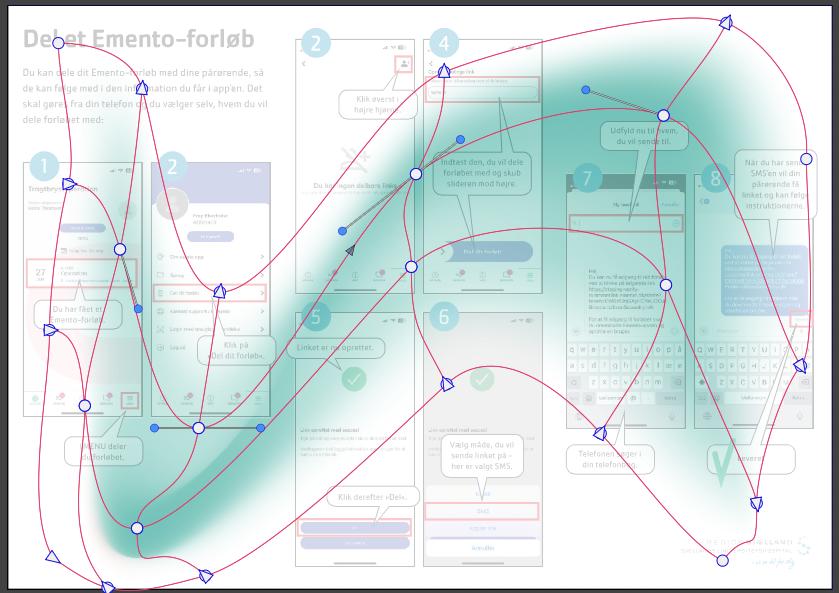
    @VectorStyler Cool, thanks! [image: 1745489804323-9a09fa92-baad-44ec-9832-154e4252b073-image.png]
  • How do I select and import multiple images into VS?

    3
    1
    1 Votes
    3 Posts
    3k Views
    RaaskotR
    @VectorStyler Wonderful, confirmed, thanks!
  • No multiple PDF page export

    3
    1
    1 Votes
    3 Posts
    4k Views
    VectorStylerV
    @Raaskot I think that the "Selected Artboard" might be misleading labeling. it refers to the artboard indexes listed in the Artboards field below (also the 1-4 type of selection works). The "Export Artboards" UI is more intuitive for this.
  • Unwanted Space (gap) in Text Frame

    text frame
    4
    2
    1 Votes
    4 Posts
    4k Views
    VectorStylerV
    @MWK Got the, file. Here I can drag the text frame up the the baseline of the 3rd line. Or was the problem with the double+click resizing?
  • I spot a shortcut key difference.

    2
    1
    1 Votes
    2 Posts
    3k Views
    VectorStylerV
    @Subpath Yes, there are known some issues with the default shortcuts and keyboards with other languages.
  • Can tilted text be aligned along a path?

    2
    1 Votes
    2 Posts
    3k Views
    VectorStylerV
    @monsterfox The transforms (and effects) on the text are not used when the text is aligned to a path. You can group the text with the path and then apply an effect on the group.
  • Webpage error

    2
    1 Votes
    2 Posts
    2k Views
    VectorStylerV
    @monsterfox said in Webpage error: but it doesn't show up in the Recent page Posts form the tutorials section do show up here on the Recent list.
  • Is it possible to load hex codes as a color palette

    3
    1 Votes
    3 Posts
    3k Views
    S
    @VectorStyler Thanks, no action required. I just wanted to know.
  • Spiral Polygon

    2
    1
    2 Votes
    2 Posts
    2k Views
    VectorStylerV
    @monsterfox yes it is better, I will add this to the backlog of features, to improve the polygonal spiral
  • how to exporting selected layer slices ?

    2
    1 Votes
    2 Posts
    3k Views
    VectorStylerV
    @lilith Not possible. In VectorStyler slices are markers of areas of the canvas to be exported. So this will cover any layer that intersects with the slice area. Maybe what you need in this case is the Object Export feature, where you can mark objects using the Object Export panel (Panels -> Editing) and then export these.
  • Loading a color palette doesn't work as expected

    4
    1 Votes
    4 Posts
    3k Views
    S
    @VectorStyler thanks, would be helpful
  • Type 1 (PostScript) fonts in VectorStyler on Mac

    2
    4
    1 Votes
    2 Posts
    2k Views
    VectorStylerV
    @Buntstift I opened a bug on this. You can also try to add the Type 1 font into the internal font manager of VectorStyler (Text -> Font Manager).
  • (Artistic) Text tool

    4
    0 Votes
    4 Posts
    4k Views
    VectorStylerV
    @FastVector said in (Artistic) Text tool: But is it than still possible to get frame text or do you first have to uncheck this in the settings? I will try to find out the issue here.
  • File currently being used

    2
    1 Votes
    2 Posts
    2k Views
    VectorStylerV
    @monsterfox Actually, the replacing of an opened file is a feature. One can change the file form some other tool and if the file was not modified in VS, it will be automatically updated when VS gets to foreground. (BTW: you can save a VS file into JSON or XML format, and edit it with a text editor , and if the file is open in VS it is automatically updated ) I will have to check the delete part.
  • How to paste vector objects from VS to Inkscape/Cavalry?

    6
    1 Votes
    6 Posts
    7k Views
    VectorStylerV
    @Harry said in How to paste vector objects from VS to Inkscape/Cavalry?: I hope VS can do it someday! I will try to add this ASAP.
  • Just out of curiosity

    3
    1 Votes
    3 Posts
    3k Views
    M
    @VectorStyler Thrilled to hear 80% of the features will land in v1.3
  • Non Desctructive

    5
    1 Votes
    5 Posts
    5k Views
    S
    @VectorStyler interesting and pretty cool
  • Question about using Paths with Composite Shape Boolean

    4
    0 Votes
    4 Posts
    4k Views
    S
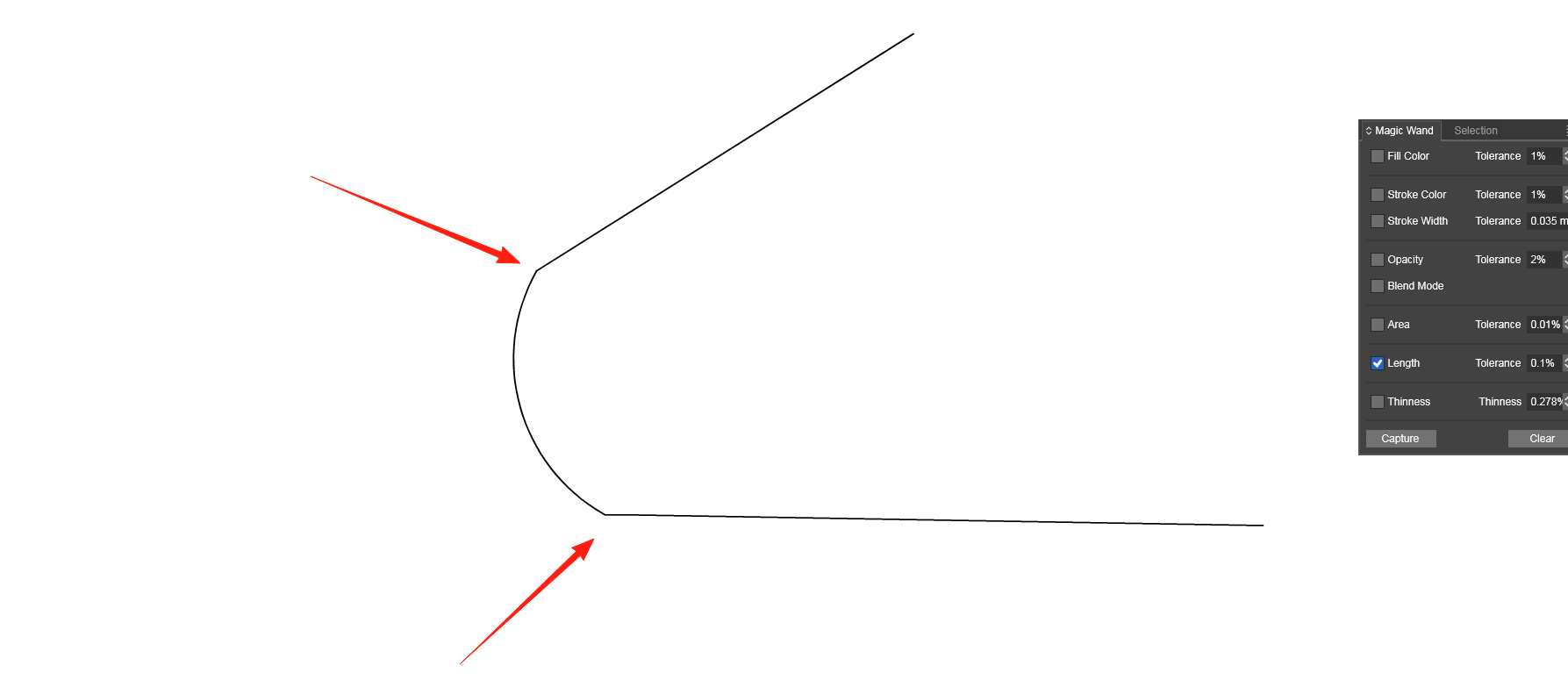
    @VectorStyler said in Question about using Paths with Composite Shape Boolean: First create group from the 4 lines. Thanks! Seems that this was the solution, to group the paths first and then applying the composite shape mode. Its working so far. Made a Video for everyone who is interested. To create a "normal" Shape from that use "Expand Appearance" Here the Video which shows the Steps