@Ayo said in About the Snap feature:
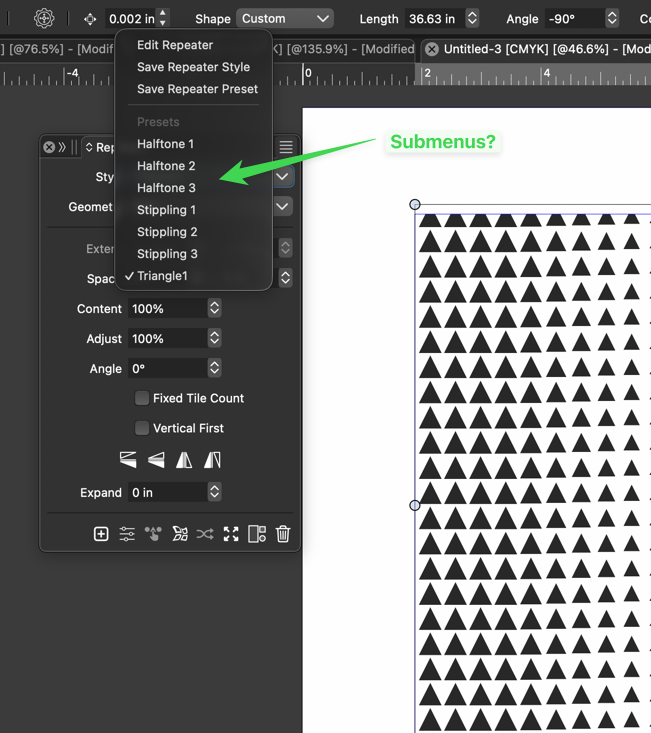
Wouldn't it be better to change "Snap to Visible Only" to "Snap to View Extend Only" or shorter "Snap to Viewport Only" or even shorter "Snap to View Only" ?
There is a big chance of confusion with the term 'visible' which is mainly linked to the layer system.
I added this to the backlog.
@Albaris said in Add the option/alt key modifier to the Repeat action tool:
For example, if I switch between the node tool (A) and Shift + C (anchor point), it deselects,
I will try to replicate and fix this.
@Harry thanks - yes that is another way to accomplish it but I'm more referring to situations where you have an object on a different part of the canvas and want to paste a copy of it on a very different part of the canvas. It doesn't make sense in that situation to make a copy and then have to literally drag it over there to use. I like the option in settings to decide if you want it to default to pasting in place, but the ability to use a modifier to get the opposite would be helpful.
@Usuario
Hi, I don't know if you'd only use vector graphics
for your kanji writing. There can of course be several
reasons for this.
Anyway, wanted to draw your attention to an app.
That may interest you. Don't know if you already know
it. This app tries to imitate Chinese watercolors and brushes.
It's called "Expresii."
Here's a link.
https://www.expresii.com/
@Subpath @VectorStyler OK thank you. that makes more sense. Maybe I was confused because the option for transparent was there automatically when i started editing the settings under bmp.
@VectorStyler Yes, there are still some issues with the collision effect at the moment. I look forward to you demonstrating a better version for me first.
@VectorStyler thanks
I need to explore the color scheme panel more, but It seems to apply a single color to all selected objects. I'm looking for ways to vary colors across objects using different patterns.
I think colorize effect is more suited for this. I have to understand how the variations work in colorize effect. I do not always get the expected results, maybe by misunderstanding how the feature is supposed to work
@Boldline
i made a video about a workaround in VS
to simulate a kind of Mirror / Symmetrie Tool
which may be helpful in the meantime
you could look here:
https://www.vectorstyler.com/forum/topic/5313/symmetrie-tool-feature-workaround
@monsterfox said in New Magic Wand function:
@VectorStyler By the way, what percentage of version 1.3 has been completed? And roughly how long will it take to release?
I will try to have 1.3 out by end of November. Most important large features are done, but some smaller ones missing still
@VectorStyler thank you! I had written to Eagle as well and I forwarded you my initial email and their response in case it helps us figure out what causes the issues in VS export of the SVG files
@encart Before dedicated functionality is available, using Split Object should quickly address this issue. I have recorded a video for reference.
https://youtu.be/Ahwv-3wKwQo
@Jayanta-Das said in Draw multiple line from a node:
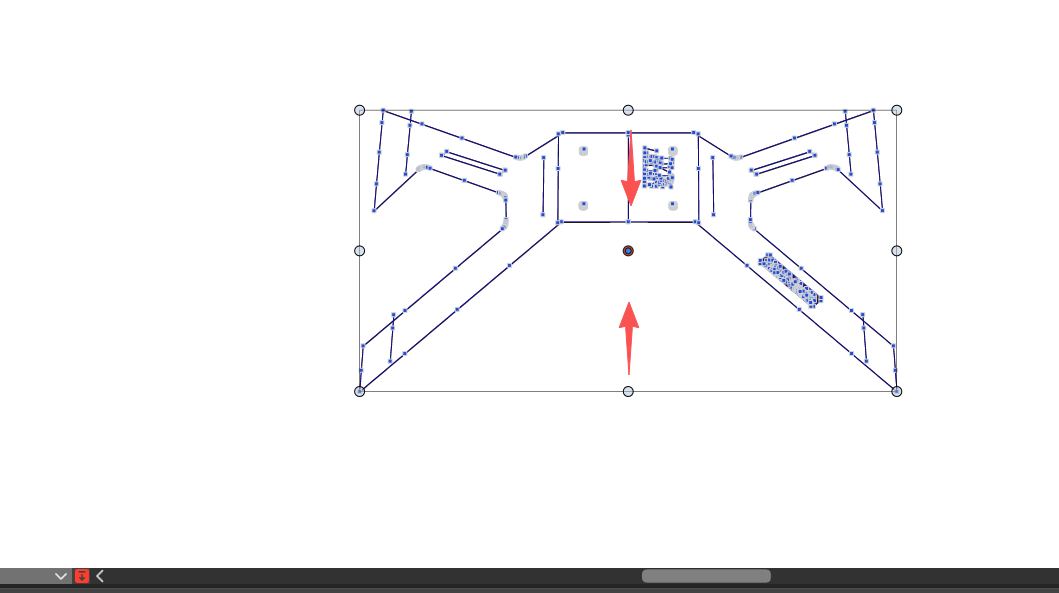
Requesting for a feature where we can draw multiple line from a node.
Yes, this is in the backlog, but not sure if can be done by 1.3