VectorStyler
    • Categories
    • Unread
    • Recent
    • Tags
    • Popular
    • Register
    • Login
    1. Home
    2. Popular
    Log in to post
    • All Time
    • Day
    • Week
    • Month
    • All Topics
    • New Topics
    • Watched Topics
    • Unreplied Topics

    • All categories
    • BoldlineB

      Access guideline rotate tool at any point on guideline with modifier key

      Watching Ignoring Scheduled Pinned Locked Moved Features and Ideas
      4
      2
      1 Votes
      4 Posts
      203 Views
      VectorStylerV
      @Boldline @Subpath I added this sto the backlog opf features for 1.4
    • B

      I would like to make a brush... a simple brush

      Watching Ignoring Scheduled Pinned Locked Moved Questions and Support
      28
      1
      0 Votes
      28 Posts
      34k Views
      S
      @FanVidder I don't find the basic steps all that complicated. CorelDraw was my main application before VS, i know a few other vector graphic apps too. It took me a while to get used to the new terminology. It might look complicated, and some functions are harder to understand. Just take your time and go step by step. Yes, there aren't many tutorials on YouTube, probably due to the still small user base. I do post tutorials here in the forum from time to time, but I have no interest in dealing with YouTube; it's just too much effort. The best thing to do is search the forum, check out the tutorial section, or simply ask.
    • BoldlineB

      Difficulty with selecting Guidelines

      Watching Ignoring Scheduled Pinned Locked Moved Questions and Support
      5
      1
      1 Votes
      5 Posts
      416 Views
      BoldlineB
      @VectorStyler said in Difficulty with selecting Guidelines: @Boldline Send me a file where guidelines are difficult to select. About the Layers panel, guidelines will not be selectable here as they are not objects (these are objects in Illustrator). A guideline can also be selected (turn red) by selecting it in the Guidelines panel. Just emailed you the file. I understand the selection option in the layers panel will not work for the guides, I was suggesting that the same principal feature be added to the gudies panel - where you can select the guide by clicking on a similar circle added to the guides panel. You mentioned here that the user should be able to click on the guide itself in the guide panel and have the corresponding guide be activated on the canvas, but that is not working for me. When I click on the guide in the guide panel, nothing activates.
    • VectorStylerV

      update 1.3.006

      Watching Ignoring Scheduled Pinned Locked Moved Announcements and News
      4
      15 Votes
      4 Posts
      757 Views
      BoldlineB
      @VectorStyler Impressive list of improvements! Thank you for your continuous efforts to improve VS. version 1.3 gets better all the time
    • R

      UI bug: panel widths shrinking

      Watching Ignoring Scheduled Pinned Locked Moved Bugs in VectorStyler
      3
      1 Votes
      3 Posts
      238 Views
      VectorStylerV
      @Raven I could not replicate this. I tried it on Macos 10.12 (Sierra) with a retina display (iMac 27")
    • IngolfI

      macOS shortcuts / “Close View” placement

      Watching Ignoring Scheduled Pinned Locked Moved Features and Ideas
      3
      2 Votes
      3 Posts
      369 Views
      VectorStylerV
      @Ingolf I checked this in other apps (AI, AD), and the "Close" command is the same as the Close View in VectorStyler, it closes a single view of a multiple view document
    • L

      A bug with the measurement variable using frame text

      Watching Ignoring Scheduled Pinned Locked Moved Bugs in VectorStyler
      3
      1 Votes
      3 Posts
      376 Views
      L
      Fixed. thanks.
    • L

      A small bug in the Concentric Warp effect

      Watching Ignoring Scheduled Pinned Locked Moved Bugs in VectorStyler
      3
      1
      1 Votes
      3 Posts
      305 Views
      L
      Fixed. thanks
    • encartE

      Personalized popup menu with shortcuts and macros

      Watching Ignoring Scheduled Pinned Locked Moved Features and Ideas
      18
      1
      3 Votes
      18 Posts
      20k Views
      encartE
      @dezenho The only problem I have is that the side mouse buttons don't trigger.
    • B

      Support a Blob type of vector brush

      Watching Ignoring Scheduled Pinned Locked Moved Features and Ideas
      38
      0 Votes
      38 Posts
      16k Views
      B
      @VectorStyler I'm using the Wacom Movink DTH135 pen tablet display
    • BoldlineB

      Drag select a second object with shift modifier deselects first seection (& attempted second selection)

      Watching Ignoring Scheduled Pinned Locked Moved Bugs in VectorStyler
      3
      2 Votes
      3 Posts
      397 Views
      VectorStylerV
      @Boldline @Subpath this is a bug, will be fixed ASAP
    • DanielD

      Pentagonal Knotting Pattern using Symbols

      Watching Ignoring Scheduled Pinned Locked Moved Tutorials
      3
      3
      5 Votes
      3 Posts
      610 Views
      S
      @Daniel Interesting. I'm wondering why you need symmetry guides in CSP do draw along a vector path? Because you could use a vector layer with a symmetry guide in CSP and apply any brushstroke to a vector path then and be even able to tweak them. By the way, exchanging vector graphics between VectorStyler and CSP works quite well via the clipboard. Set "Copy as SVG" in VS Settings.
    • W

      Style Picker doesn't work after using Node Tool

      Watching Ignoring Scheduled Pinned Locked Moved General Discussion
      3
      1 Votes
      3 Posts
      477 Views
      W
      Now working as expected. @VectorStyler thank you for fixing this!
    • M

      How to simplify a path?

      Watching Ignoring Scheduled Pinned Locked Moved Questions and Support
      10
      0 Votes
      10 Posts
      1k Views
      M
      @marce Here goes the shape, the video shows how is different the simplify between inkscape and VS. Inkscape start to delete nodes, making smooth the shape until it become totally lost. VS reduce some nodes, but shape become more kind of square. https://icedrive.net/s/Gv6S2gw45ygCi6Wv6CXvBFShhuVP [image: 1766886332992-test-simplify.svg] 0_1766886340876_Test Simplify.vstyler
    • VectorStylerV

      update 1.3.008

      Watching Ignoring Scheduled Pinned Locked Moved Announcements and News
      2
      4 Votes
      2 Posts
      141 Views
      E
      @VectorStyler thank you so much for the quick update. Both svg imports issues have been corrected !
    • E

      Image is off canvas when opening an svg file

      Watching Ignoring Scheduled Pinned Locked Moved Bugs in VectorStyler
      2
      1
      1 Votes
      2 Posts
      202 Views
      VectorStylerV
      @EricP I opened a bug on this
    • R

      Gradient along a path

      Watching Ignoring Scheduled Pinned Locked Moved Questions and Support
      2
      1 Votes
      2 Posts
      161 Views
      VectorStylerV
      @rodbot When selecting a gradient for the stroke in the Gradient panel, you can select the stroke mode in the Stroke field
    • L

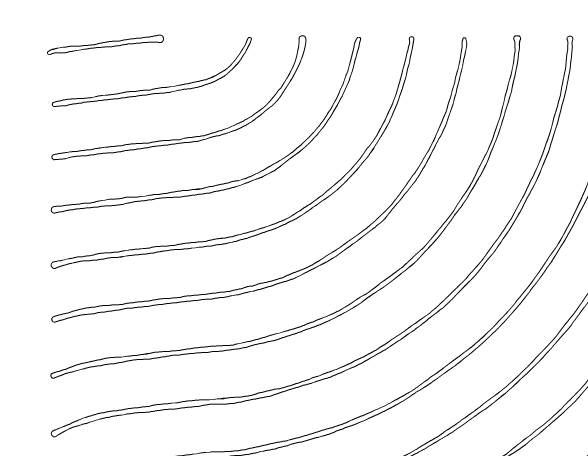
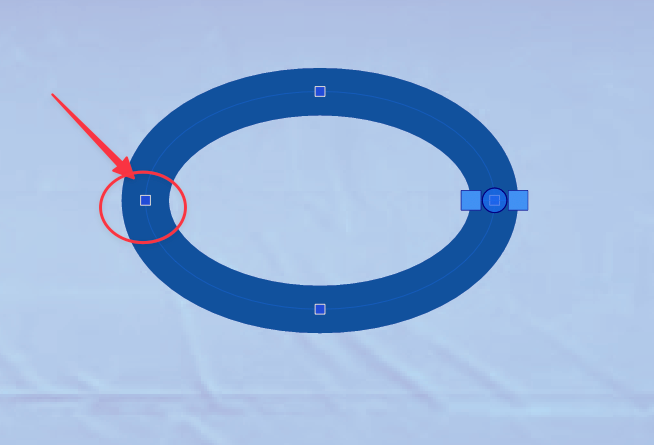
      Both the Offset Spiral shape and Spiral Offset effect need improved

      Watching Ignoring Scheduled Pinned Locked Moved Bugs in VectorStyler
      2
      1
      1 Votes
      2 Posts
      231 Views
      VectorStylerV
      @Li-Xiao I will try to fix these
    • S

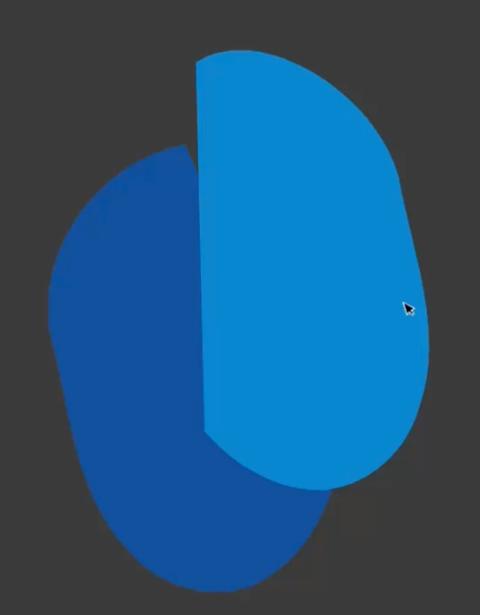
      A setting that preserves the original objects after a Boolean intersection

      Watching Ignoring Scheduled Pinned Locked Moved Features and Ideas
      2
      1 Votes
      2 Posts
      353 Views
      VectorStylerV
      @Subpath I added this to the features list
    • R

      Layers: Auto selection of layer contents when visibility or lock is toggled

      Watching Ignoring Scheduled Pinned Locked Moved Questions and Support
      2
      1 Votes
      2 Posts
      292 Views
      VectorStylerV
      @Raven Cannot be disabled, I will try to fix this for the next build