Subcategories

  • These issues have been resolved and closed

    863 Topics
    5k Posts
    VectorStylerV
    @debraspicher I will try to replicate and fix this.
  • Everyone makes mistakes. Help us correct ours. Let us know how to improve VectorStyler.

    10 Topics
    41 Posts
    VectorStylerV
    @jpsimmons Yes, this can be replicated and it is a bug. I will try to fix it for the next build.
  • Everyone makes mistakes. Help us correct ours. Let us know how to improve VectorStyler.

    579 Topics
    3k Posts
    G
    @VectorStyler said in Slow Typing Performance: @gotanidea I'm testing these issues with slow typing performance. The new document has no issue with speed (the old is till slow). What configuration you use for these tests? and which text is edited in the new document. I'm trying to replicate as close as possible. Can you please click the first text box ("Before rigging any character geometry ....") at the top-left region of the new document using the Text Tool, then hold the "a" key? I use: VectorStyler v1.3.001 Windows 11 Home 64-bit AMD Ryzen 7 5800H with Radeon Graphics (16 CPUs) ~3.2GHz 16384MB RAM NVIDIA GeForce RTX 3060 Laptop GPU
  • Bug reports on the 1.2 beta of VectorStyler

    289 Topics
    2k Posts
    W
    Update: I found out why these PDFs were failing to display; I had the Import AI Data from PDF setting enabled and as soon as I disabled it, the PDFs are now opening in VS without any issues!
  • These bugs were posted for 1.2 and should be resolved

    229 Topics
    1k Posts
    W
    Now fixed in VS 1.3.017. Thank you @VectorStyler!
  • 1 Votes
    2 Posts
    2k Views
    VectorStylerV
    @Boldline I cana replicate this issue here also. Select the Object -> Shape -> Clear Shape Builder State, this will reset all previous shape builder states.
  • Bug

    2
    1
    1 Votes
    2 Posts
    2k Views
    VectorStylerV
    @monsterfox I opened a bug on this.
  • HSL sliders behaviour in CMYK document

    7
    1 Votes
    7 Posts
    4k Views
    E
    @VectorStyler lot's of options. That's great. Thanks for this great software and your perfect support
  • Rotating a Repeater object causes a crash

    4
    1 Votes
    4 Posts
    3k Views
    L
    @VectorStyler No more crashes when rotating. Thanks!
  • Rounding Tool

    1
    0 Votes
    1 Posts
    1k Views
    No one has replied
  • Two Bugs

    6
    5
    1 Votes
    6 Posts
    3k Views
    M
    @VectorStyler https://youtu.be/uQ7xkmFEKWQ?feature=shared
  • Four errors

    7
    1 Votes
    7 Posts
    5k Views
    VectorStylerV
    @monsterfox said in Four errors: When using the rounded corner tool in Outline mode, ghosting was found I opened a bug on this.
  • Gradient copy paste to Affinity

    4
    2
    1 Votes
    4 Posts
    3k Views
    E
    thanks for the bug fix in last release. Fantastic support !
  • Node Bump's “Randomized” issue

    3
    1 Votes
    3 Posts
    2k Views
    L
    @VectorStyler Thanks for the fast fixes.
  • rounded corner damage

    2
    1 Votes
    2 Posts
    2k Views
    VectorStylerV
    @monsterfox I opened a bug on this.
  • “SAME FILE NAME”

    5
    0 Votes
    5 Posts
    3k Views
    M
    @VectorStyler Yes.
  • Inverted gradient when importing an '.ai' file

    2
    1 Votes
    2 Posts
    2k Views
    VectorStylerV
    @adrian Salut! Replicated and fixed! New build will be available in a day.
  • Copy and paste does not work after Windows 11 wake-up

    3
    1 Votes
    3 Posts
    3k Views
    encartE
    @VectorStyler After doing this the problem does not occur.
  • 'Bug

    5
    1 Votes
    5 Posts
    3k Views
    VectorStylerV
    @monsterfox Yes, it can be replicated easily, and it is a bug. The fix will be in the next build.
  • Snapping forces orthogonal

    11
    0 Votes
    11 Posts
    7k Views
    F
    @VectorStyler said in Snapping forces orthogonal: if the "Allow Snapping" (in Snapping panel) is disabled, then is there an issue? no issues when "Allow snapping" is disabled. I'm not having any problems at the moment with the snapping. I'll let you know. Thanks
  • stroke sizing popup remains permanently on the screen

    3
    1
    1 Votes
    3 Posts
    2k Views
    M
    @Boldline I often encounter this problem too, but I just had a flash of inspiration. Maybe refreshing can solve it. You can try it next time.
  • 1 Votes
    3 Posts
    4k Views
    encartE
    @VectorStyler Thank you for fixing that in latest build. Until now, I have had to use the import window. That was real pain in the neck.
  • Circles with corners?

    2
    1
    1 Votes
    2 Posts
    2k Views
    VectorStylerV
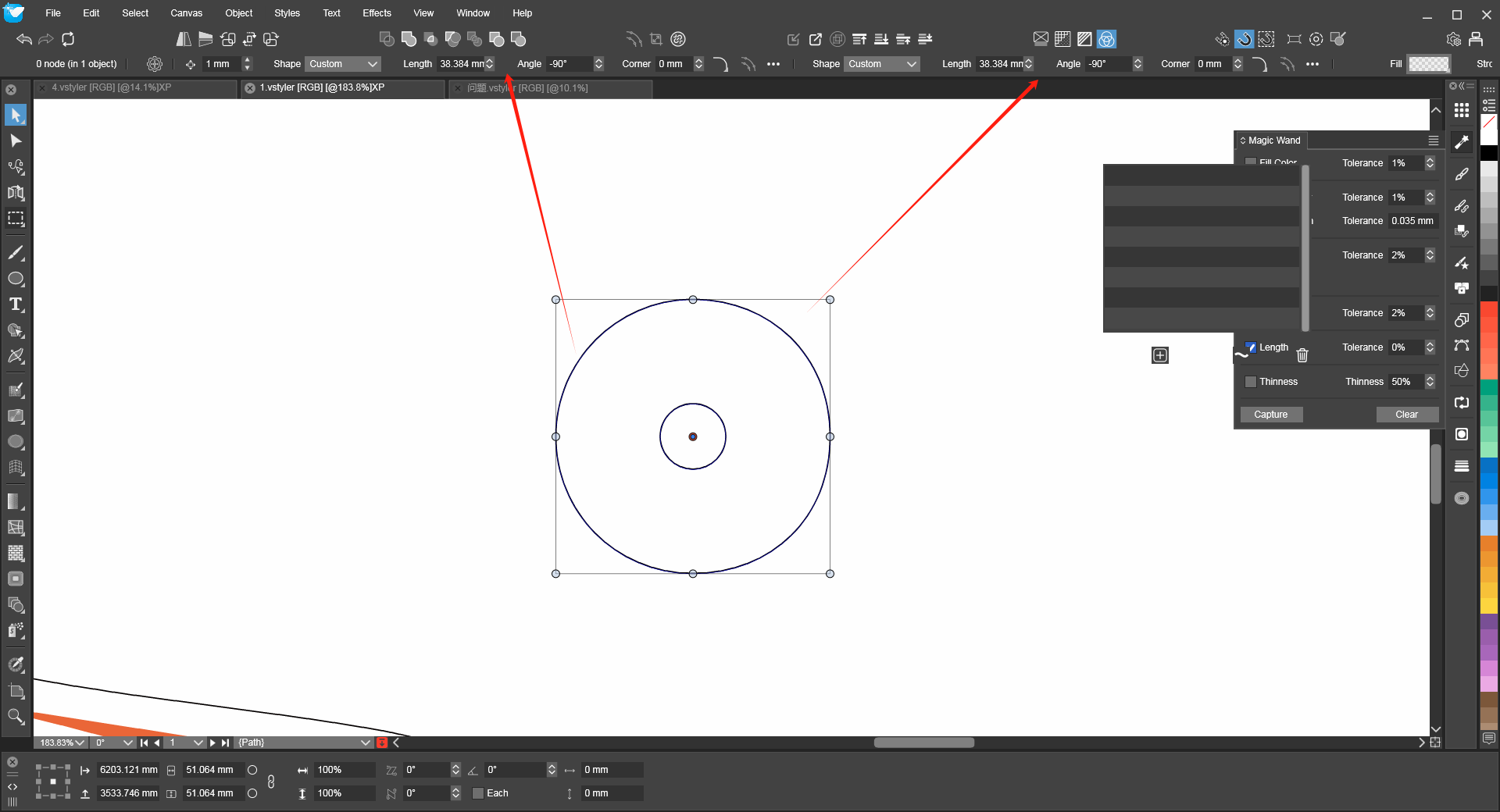
    @Ingolf The corner option is shown for the case where the ellipse is a pie (starting and ending angle can be set in the Shape panel).
  • Strange behavior observed when drawing concentric ellipses

    2
    2
    1 Votes
    2 Posts
    2k Views
    VectorStylerV
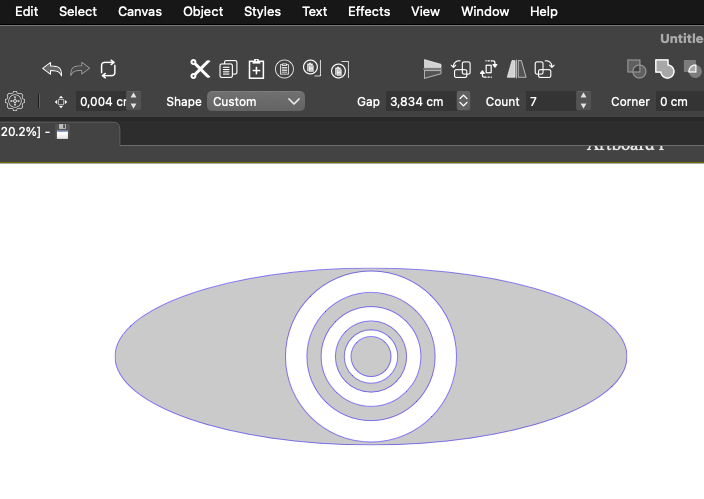
    @Ingolf Yes, this is a bug.
  • Noise fill doesn't apply

    4
    1 Votes
    4 Posts
    3k Views
    E
    I've just downloaded 1.2.072 and I see that the bug is fixed. Thank you !