• Isolating grouped paths –– no edit-select in viewport

    Moved
    2
    0 Votes
    2 Posts
    3k Views
    VectorStylerV
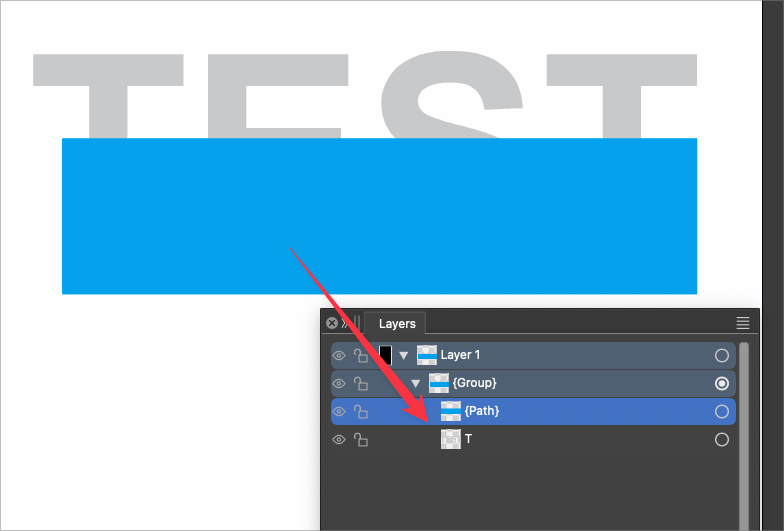
    @Raaskot Yes, this is by design. There are two isolation modes (now in 1.2). In the old (double+click) isolation mode (Isolate Inside) the content of an object is edited, but the object itself is not directly accessible. For example, if we have a clipping path, and we double click, the content (clipped objects) are edited. This is true even if there is no content, as we can draw new objects inside an other object. There is a new isolation mode (Isolate Selected), that can also be assigned to the double+click in settings. In this new mode, the isolation is on the object (not its content), so the object is editable. Also: the Node tool does not need isolation to select inside a group. It might have issues selecting inside clipped groups, depending on the click location.
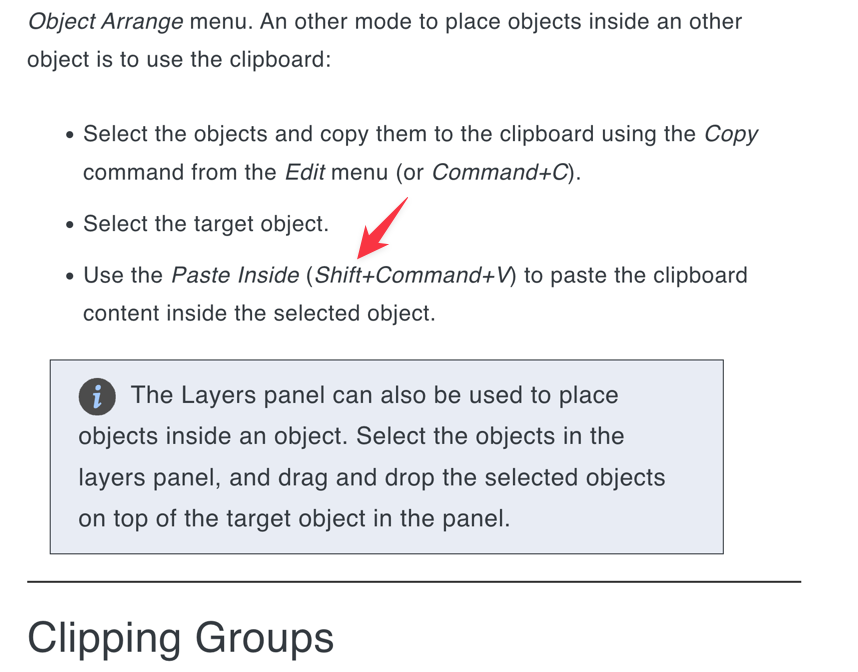
  • Paste Inside shortcut in VS documentation is wrong

    Moved
    2
    2
    0 Votes
    2 Posts
    3k Views
    VectorStylerV
    @Boldline Will be fixed!
  • 1 Votes
    5 Posts
    5k Views
    VectorStylerV
    @Boldline said in Move inside Last usually reqires a second step to achieve full clipping effect: Is there a reason why a composite group cannot be treated by VS as if it were one shape? The problem here is that these are still "groups", can be ungrouped, can be isolated, etc. And they will (and should) act like groups for Arrange operations also. This is the way Illustrator works - composite shapes are consider "one shape" Composite groups act as shapes in VS also when styled and displayed, but they act as groups for editing actions. I did not find a "Move Inside Last" command in Illustrator, but otherwise composite groups act as groups there also (except styling and rendering). To have a "real" composite shape to act as a shape in all cases (including move inside last) you can create a composite shape (Object -> Composite Shape) instead of a group. In this case we have an actual shape, and that can be used for clipping also. There will be no isolation mode for this, but the individual shapes can be selected in the Layers panel or in the Shape select tool. Also, shapes resulting from a composite group can be set up as styles (add a name and the Shape role to the composite group) and then these Shape Styles can be used as clipping shapes that are dynamically linked to the shape resulting from the composite group.
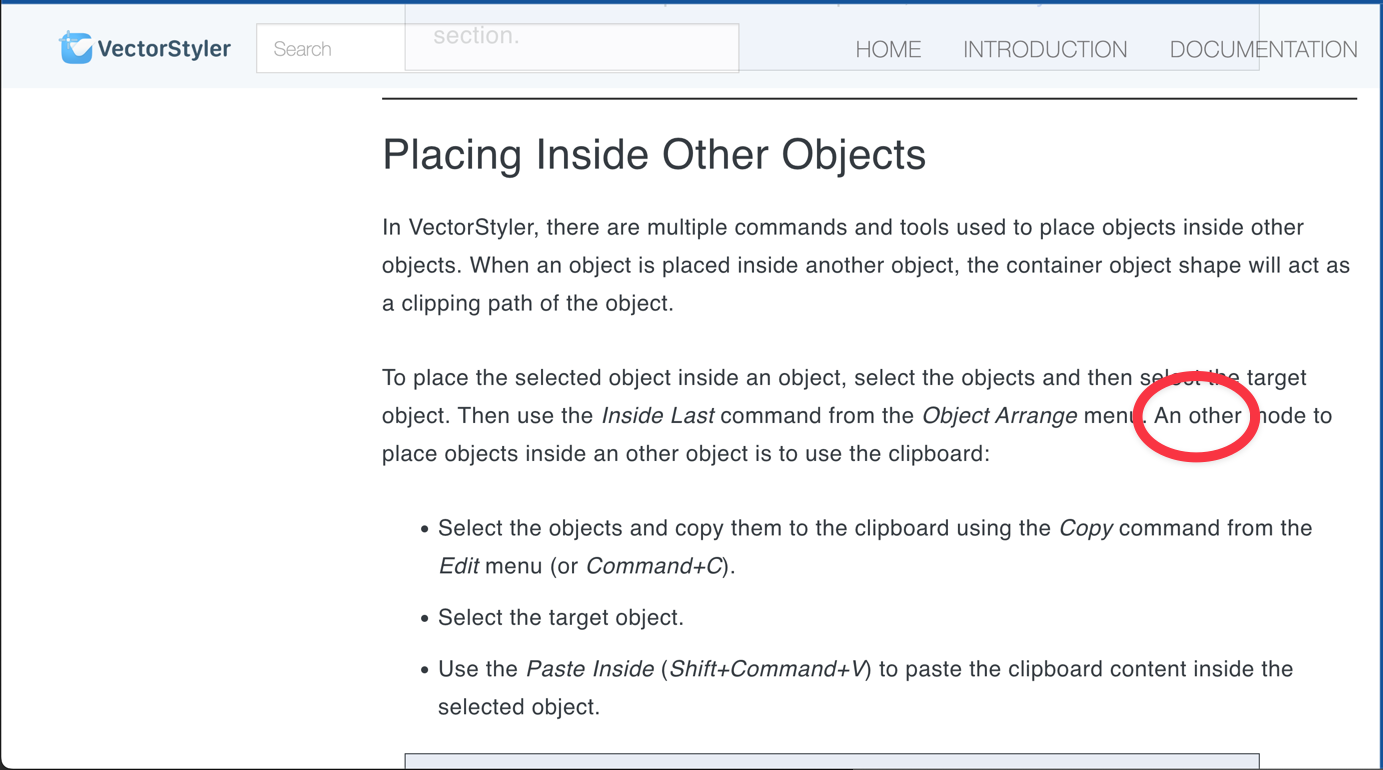
  • spelling error in documentation

    Moved
    2
    1
    1 Votes
    2 Posts
    3k Views
    VectorStylerV
    @Boldline Will be fixed!
  • Hitting tab on the crash report screen skips the email field

    Moved
    3
    1 Votes
    3 Posts
    4k Views
    LoginErrorL
    This is on windows 10.
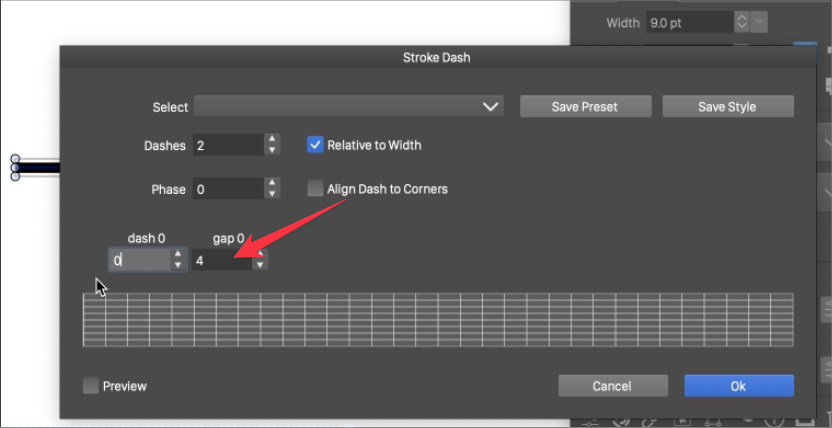
  • VS crashes when cursor swipes gap amount in the Stroke Dash panel

    Moved
    2
    1
    1 Votes
    2 Posts
    3k Views
    VectorStylerV
    @Boldline I replicate this crash, and will try to fix it for the next build.
  • Snap to Artboards - double midpoint?

    Moved
    4
    0 Votes
    4 Posts
    4k Views
    VectorStylerV
    @Harry Found it: it is caused by the bleed (set in the document options). The margins defined by the bleed (and the center of that frame) are also snapping locations.
  • Appearance panel at default size obscures info

    Moved
    2
    1
    0 Votes
    2 Posts
    3k Views
    VectorStylerV
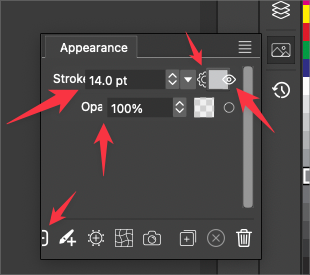
    @Boldline The panel size should be what it was in the previous opened state. Try resizing and then reopening again from the icon.