• Links panel problem with massive info popup still persist

    Moved
    4
    0 Votes
    4 Posts
    4k Views
    VectorStylerV
    @Raaskot I will try to improve this.
  • 1 Votes
    4 Posts
    4k Views
    F
    @VectorStyler said in Color Panel: (RGB) Hex accepts more than 6-7 characters; Also Hex shares field with Name?: The long copy pasta showing up in the name field You really need to watch out for that spaghetti code... it can really come back to byte you after a while.
  • Holding SHIFT while hitting Backspace doesn't delete

    Moved
    2
    2 Votes
    2 Posts
    3k Views
    VectorStylerV
    @debraspicher I opened a bug on this.
  • Mesh gradient: Artefacts appear when exporting to pdf

    Moved
    8
    1
    1 Votes
    8 Posts
    12k Views
    RaaskotR
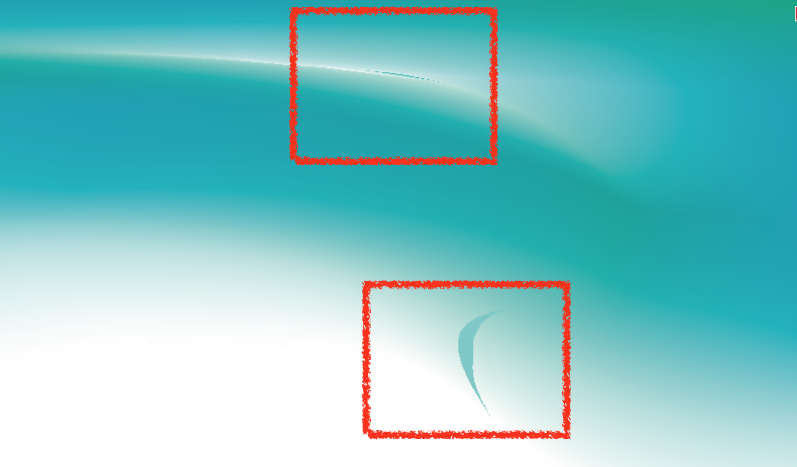
    @Li-Xiao @VectorStyler Just for the record: I notice the issue has been discussed further but just add this from another, newer MacOS workstation as promised earlier. Conclusion: The VS outputted pdf's with mesh grad. appear with artefacts on Mac Imageviewers and on printers only. [image: 1715326833565-e517216c-d38a-4a7f-a35c-0b662d639c69-billede-resized.png]
  • Export Size not showing up consistently/accurately

    Moved
    3
    1
    1 Votes
    3 Posts
    4k Views
    debraspicherD
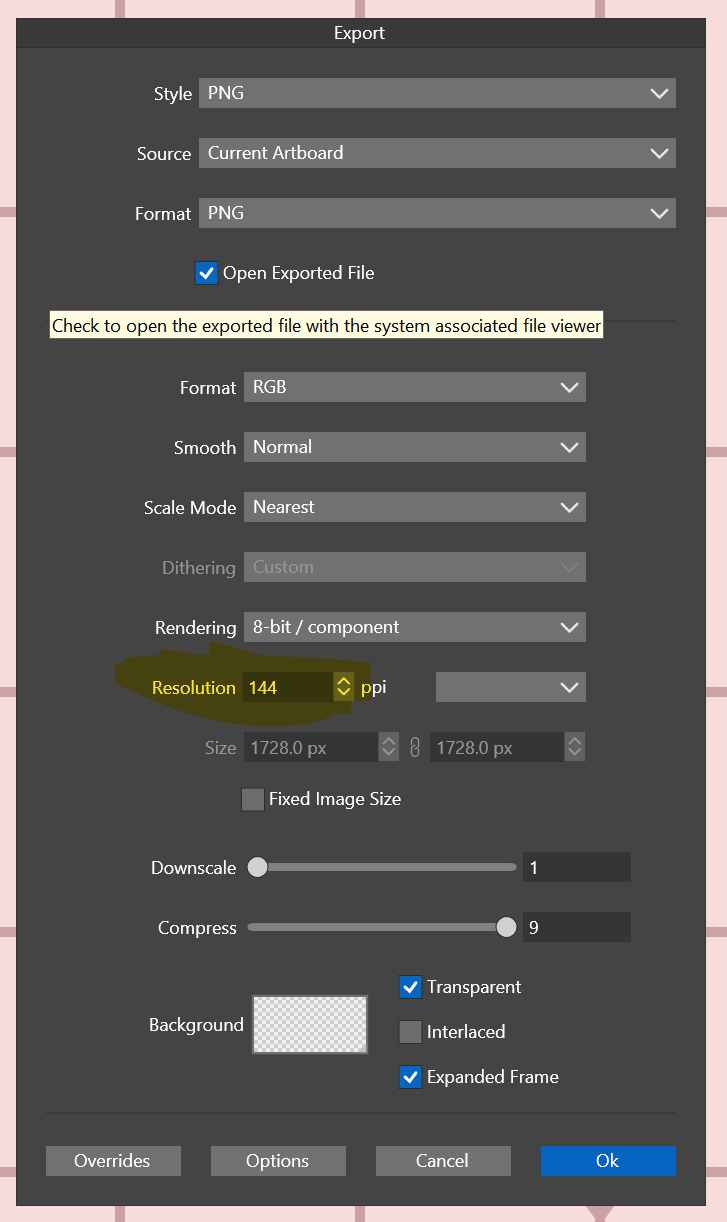
    @VectorStyler It's fine to set that field to mirror a default, but optionally, it could be empty/deactivated until actually needed. Perhaps prefill with the document resolution or a sticky value (ex: "last used"), etc. A benefit of the field being deactivated without user input is that it would be more user friendly to add additional "hard coded" values such as 96, 144, etc, to the dropdown instead of "Low, Medium, High". This is an aid for people working with web/screen graphics or needing it for other requirements. Since the activation of the field is "not required" to export, then having those extra options available is an added convenience rather than a nuisance since they are both not having to write out a common unlisted value each time and they don't have to use the drop down at all if they've set it in document. Where odd-ball DPI/PPIs are used (app design, iconography... maybe?...), perhaps then a "last used" sticky value could be remembered in that field, but I personally almost never run into that situation. If I did, I'd just set the document up differently. The only other thing I might add is if the field is deactivated by default, be sure to print the PPI value in that area so that the user sees what is actually intended for export. So if the user goes to File>Export, it should say the PPI will be whatever the document was set to... and then optionally below that, the field and the drop downs to change that. I always thought of that area as an optional setting since we've already set the PPI once when setting up the document. There's not many cases I would need to "set it again" unless I were exporting to a different resolution. I hope that was clear.
  • Disabled Size fields draggable in File > Export UI

    Moved
    2
    0 Votes
    2 Posts
    3k Views
    VectorStylerV
    @debraspicher Looks like a bug, added it to the backlog.
  • Copying Group Causes Crash

    Moved
    2
    1 Votes
    2 Posts
    3k Views
    VectorStylerV
    @MWK I opened a bug on this.
  • Linked file concept in VS overall works bad and unfinished

    Moved
    7
    2 Votes
    7 Posts
    6k Views
    VectorStylerV
    @William-Kansepa said in Linked file concept in VS overall works bad and unfinished: Are there future plans to incorporate something similar to Affinity's Save as Package or Adobe Illustrator's Package feature where all assets (fonts and linked images) are collected for output? Yes
  • Arkipelago font problem

    Moved
    11
    1
    0 Votes
    11 Posts
    10k Views
    VectorStylerV
    @Harry It looks like this is not a PostScript file. Could be that the printer driver does not produce postscript.
  • VS 1.2.024 - Old files cannot be opened with the app

    Moved
    2
    0 Votes
    2 Posts
    3k Views
    VectorStylerV
    @Pat Got the files. The problem can be replicated I will find a solution for this ASAP.
  • Font is corrupting to Times New Roman

    Moved
    3
    0 Votes
    3 Posts
    3k Views
    W
    @William-Kansepa said in Font is corrupting to Times New Roman: Editing the size of the text using the Transform Tool changes the font to Times New Roman (visually on the artboard), though the Contextual bar is still listing the correct font (NOT Times New Roman). Please not that I also tested with the default settings. VS 1.2.023 I can confirm this problem has been resolved in VS 1.2024. @VectorStyler thank you!
  • Size of cap and arrow symbols

    Moved
    3
    2
    0 Votes
    3 Posts
    4k Views
    IngolfI
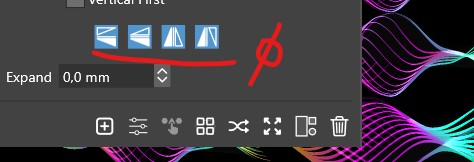
    @VectorStyler said in Size of cap and arrow symbols: @Ingolf You mean the button showing the cap or the menu opened when pressed? The button - largest button/element visible in the entire interface by far. I just thought it wasn't on purpose. Not a great issue. Just grabbed my attention. [image: 1714909098926-b1d97013-1f5b-477d-bd62-a6ff1933f43b-image-resized.png]
  • Text font changes when live text is scaled

    Moved
    2
    0 Votes
    2 Posts
    3k Views
    VectorStylerV
    @Boldline Yes, this is a regression. I will upload a fix today.
  • Text does not render until a new file is created.

    Moved
    3
    2
    1 Votes
    3 Posts
    4k Views
    VectorStylerV
    @LoginError Yes, there was a regression. Sorry about that.
  • Repeater - Flip options

    Moved
    10
    1
    0 Votes
    10 Posts
    9k Views
    B
    @VectorStyler Files sent
  • Text Frame and Text Missing

    Moved
    2
    0 Votes
    2 Posts
    3k Views
    VectorStylerV
    @MWK Update to 1.2.023. There was a regression with some variables / styles.
  • blue selection box around checkbox in the "Artboard Options" panel

    Moved
    2
    1
    1 Votes
    2 Posts
    3k Views
    VectorStylerV
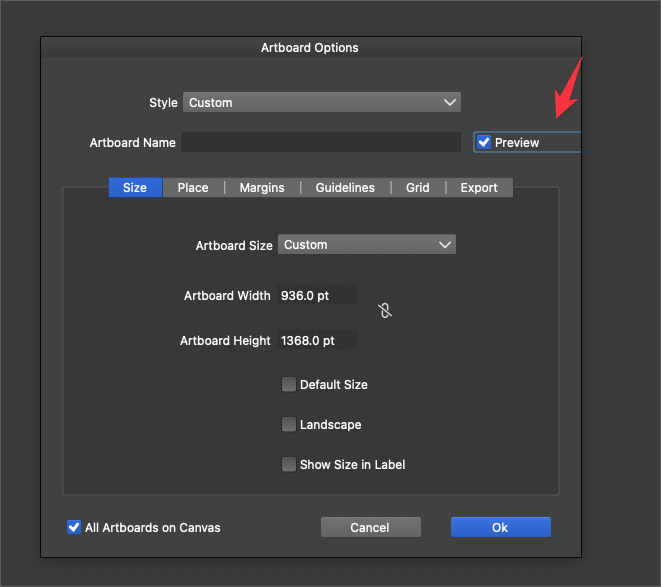
    @Boldline This is a "widget" highlight, it should be visible around widget that can also be changed with the keyboard (space in this case), when focused.
  • Artboard export not lining up with document.

    Moved
    3
    6
    0 Votes
    3 Posts
    3k Views
    VectorStylerV
    @LoginError I opened a bug on this.
  • Color change crashes

    Moved
    3
    1 Votes
    3 Posts
    3k Views
    L
    @VectorStyler Fixed. Thanks
  • Blend tool has an issue

    Moved
    3
    0 Votes
    3 Posts
    3k Views
    L
    @VectorStyler Fixed. Thanks