Navigation

    VectorStyler

    • Register
    • Login
    • Search
    • Categories
    • Unread
    • Recent
    • Tags
    • Popular
    1. Home
    2. Bugs in VectorStyler
    3. Resolved 1.2 bugs
    • Newest to Oldest
    • Oldest to Newest
    • Most Posts
    • Most Votes

    Resolved 1.2 bugs

    • H

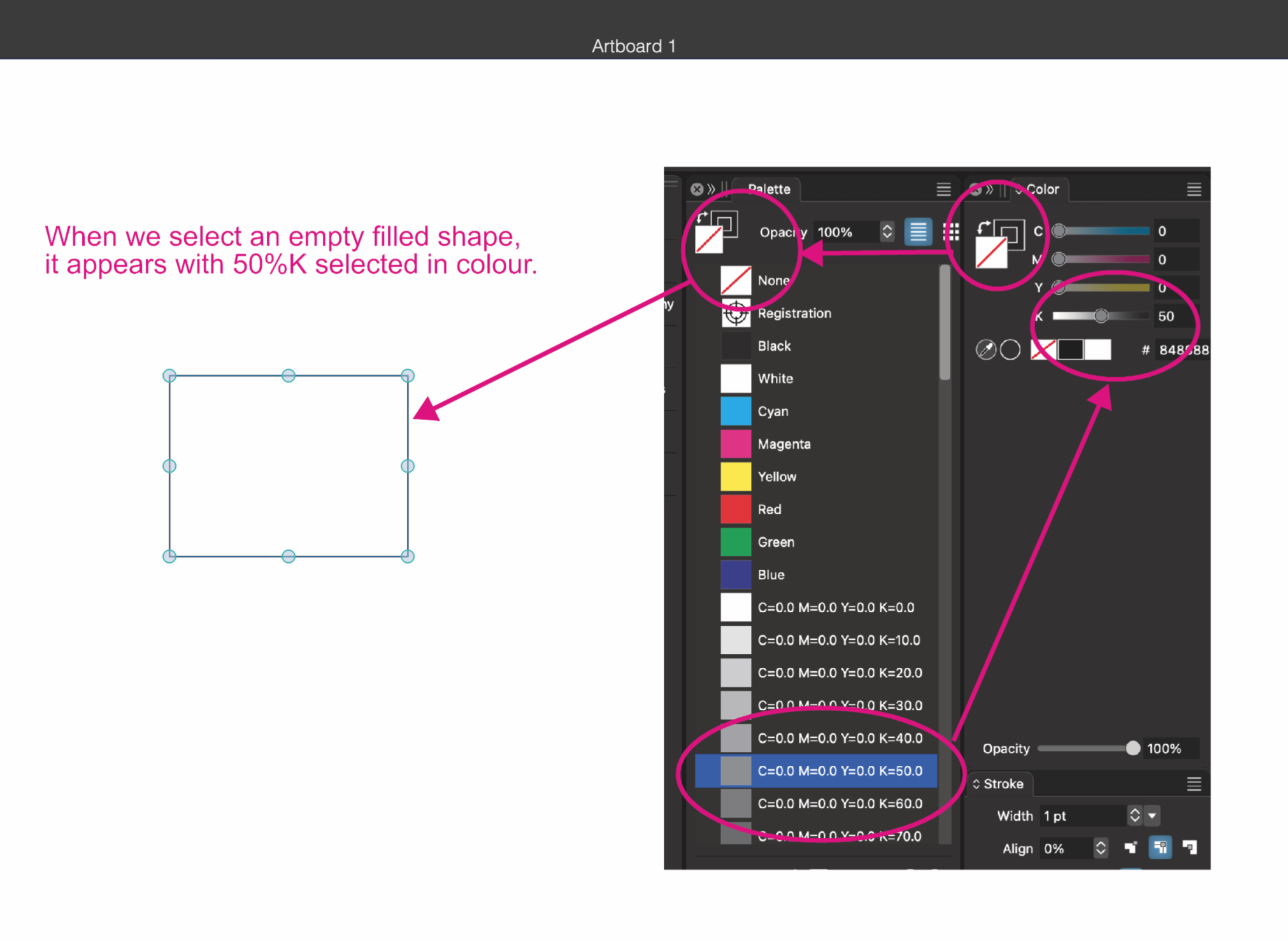
      None Fill - %50 black
      • hbalcic  

      4
      1
      Votes
      4
      Posts
      3705
      Views

      @hbalcic said in None Fill - %50 black: Swatches This term was introduced by Adobe and copied by Affinity and it refers to a mix of color, gradient and pattern definitions. VS choose not to use this because in VS the palette is just a color palette, with only colors allowed. For other things (mix of colors, gradients, patterns, etc) you have the "Presets" in VS (and also the "Styles").
    • H

      About the concealed pallets
      • hbalcic  

      4
      1
      Votes
      4
      Posts
      3882
      Views

      @hbalcic said in About the concealed pallets: It does not hide the palettes inside the window. This is by design. It is only mean to hide floating panels.
    • M

      Abnormal path.
      • monsterfox  

      2
      1
      Votes
      2
      Posts
      2538
      Views

      @monsterfox The stroke is expanded because it has a width profile (small variation). If you open the stroke panel and click on the width profile editing button, you can see the width profile nodes. The clipping is an export option ("Clipped Export" in the export view), that can be disabled.
    • L

      The problematic text crashes when moved
      • Li Xiao  

      3
      1
      Votes
      3
      Posts
      3253
      Views

      L

      @VectorStyler I forgot to check the appearance in text editor mode. now I understand. Thanks. I'll send the crash logs file to you.
    • S

      Outline Path, Shape Effect - very bad Bug
      • Subpath  

      3
      0
      Votes
      3
      Posts
      3152
      Views

      S

      @VectorStyler no problem anymore since the latest build 1.2045
    • M

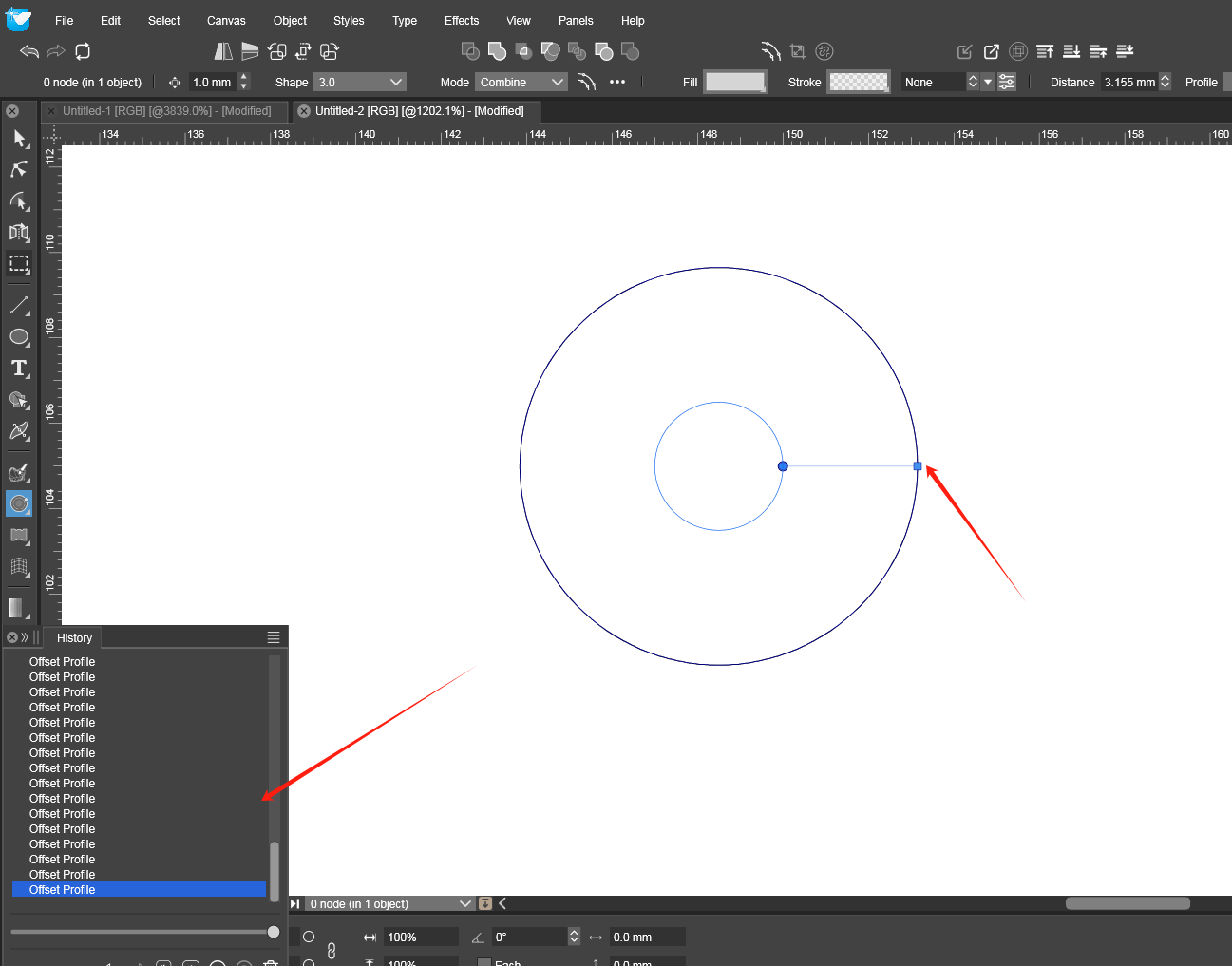
      Offset tool shows a lot of history records
      • monsterfox  

      7
      1
      Votes
      7
      Posts
      6532
      Views

      @monsterfox I will try to replicate this.
    • Node scaling not working/intermittent
      • debraspicher  

      11
      1
      Votes
      11
      Posts
      9843
      Views

      @VectorStyler Yes, I think that is perfect. Thank you!
    • M

      UI Redraw / Refresh Problem - Docked panels missing
      • MWK  

      10
      0
      Votes
      10
      Posts
      10224
      Views

      M

      Hi: @VectorStyler said in UI Redraw / Refresh Problem - Docked panels missing: @MWK This issue should be fixed in build 1.2.038 Thanks for fixing this and the assistance. The new version fixed the problem. Regards, MWK
    • Toolbar Groups unresponsive to clicks; Regularly having trouble opening the group flyout
      • debraspicher  

      9
      0
      Votes
      9
      Posts
      7762
      Views

      The flyout is easier to trigger now, so thanks for this.
    • Ctrl Modifier for Node Tool blocking data entry in Transform Panel
      • debraspicher  

      4
      1
      Votes
      4
      Posts
      4107
      Views

      @VectorStyler Thank you!
    • Style picker tool not working as epected on windows
      • LoginError  

      13
      1
      Votes
      13
      Posts
      14552
      Views

      @LoginError The alternate mode style picker tool issues should be fixed in build 1.2.038
    • S

      Mouse Wheel only "add" a Value
      • Subpath  

      3
      1
      Votes
      3
      Posts
      3411
      Views

      @Subpath Uploaded a fix. But no version increase, so you must manually remove and reinstall VS.
    • Glitches in Transform tab
      • Raaskot  

      8
      0
      Votes
      8
      Posts
      7246
      Views

      @VectorStyler "other transforms already applied" -- makes sense, thank you Yet one should expect transformation always applies to the latest effect layer/state in the stack only (retaining the objects current visible appearance). "... the transform pivot selection is disabled". Cool, very helpful. Got it. Though I must confess, that the options in the rightclick-dropdwn confuses me with combinated layer groups and textframes. As occasional user (and user of other vectordrawing programs) one have to click and try quite a lot to get the right setup ie. when rotating shapes.
    • S

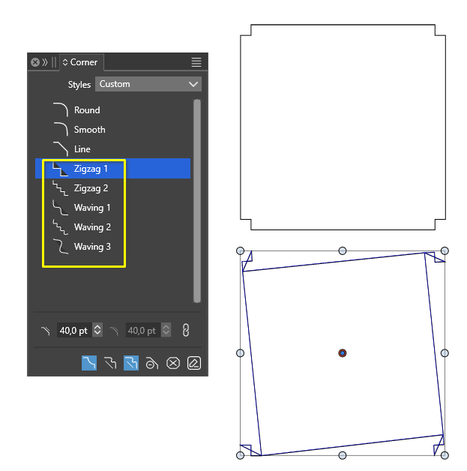
      Corner Panel, some Presets are broken
      • Subpath  

      3
      1
      Votes
      3
      Posts
      3250
      Views

      M

      @VectorStyler This function has been missing for 4 versions (033 - 036).Hope it can be restored as soon as possible.
    • Text on Path gets disconnected when cutting and pasting even when grouped
      • Boldline  

      2
      1
      Votes
      2
      Posts
      2784
      Views

      @Boldline Yes, this is a bug. I will try to fix it as soon as possible.
    • Mouse Wheel variable scroll rate
      • debraspicher  

      8
      1
      Votes
      8
      Posts
      8307
      Views

      @debraspicher https://www.vectorstyler.com/forum/topic/3021/alt-scroll-wheel-creates-new-obcjects-while-changing-width-height-value-in-transform-panel/3 https://www.vectorstyler.com/forum/topic/1442/unpredictable-changing-the-value-by-dragging Hi. I understand what you mean. I have mentioned similar problems in the past. And in fact I am still experiencing them, but I have acccpeted them. It's just that each wheel on the mouse has this noticeable click. And this single click works like a single press of the arrow key. In VS, when scrolling through the project window, the mouse always reacts in the same way by moving it by a fixed specified value, but with number fields it is different - every few times the wheel has to make 2 such clicks to change the value. As if the application is doing the calculations and the rest from the calculations accumulate . I would like the wheel click to act like a button click, just like in other apps.
    • M

      SVG output error
      • monsterfox  

      5
      1
      Votes
      5
      Posts
      5172
      Views

      M

      @VectorStyler Strange phenomenon, the browser is normal, and Inkscape is normal, but the AI is not normal. However, the paths without color information are lost, which is uniform.
    • A

      Crash when trying to save a blend imported from Illustrator EPS
      • Arde  

      5
      1
      Votes
      5
      Posts
      5422
      Views

      A

      This seems to be fixed now in latest release 1.2.036 -- brilliant!
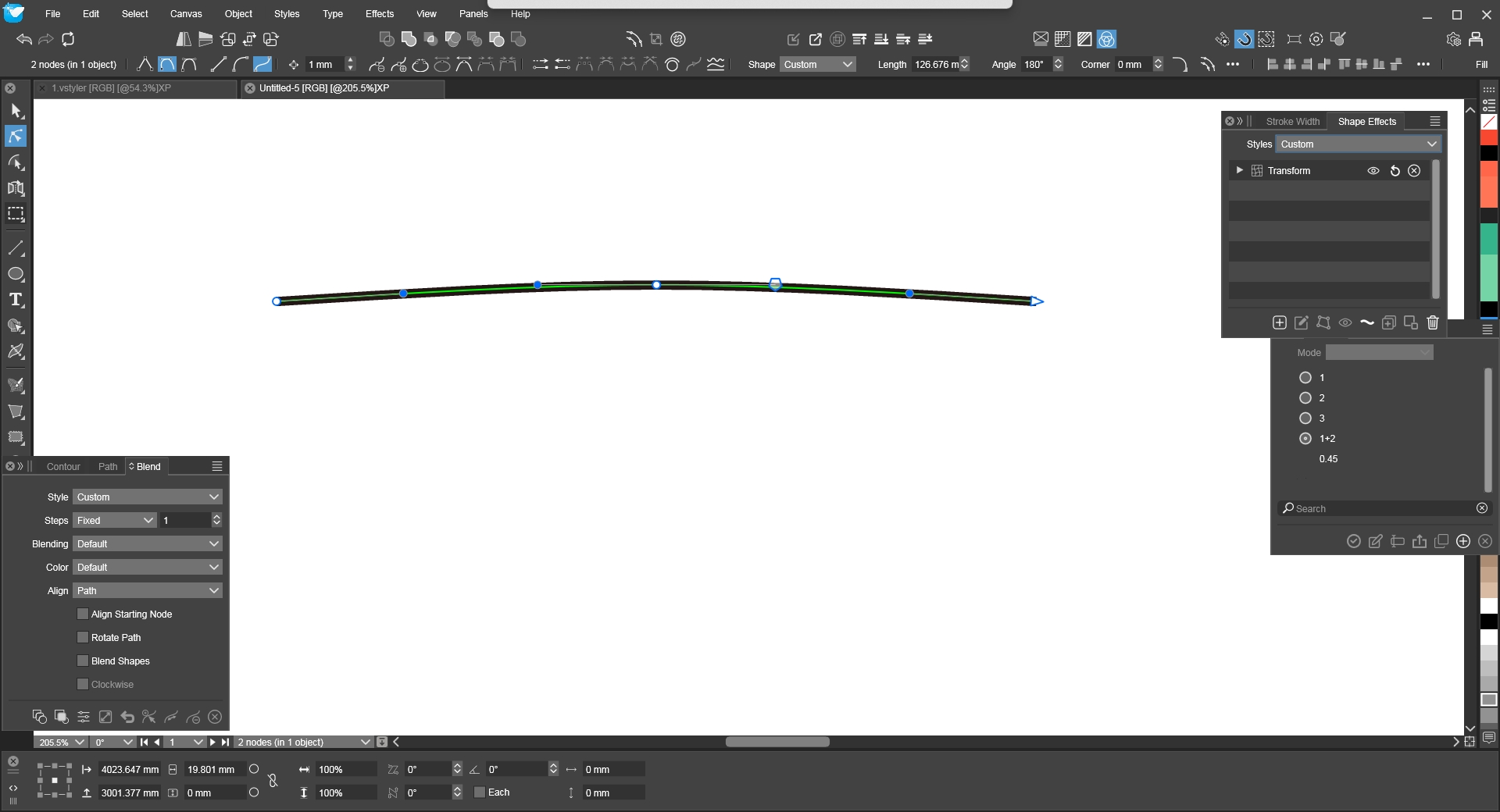
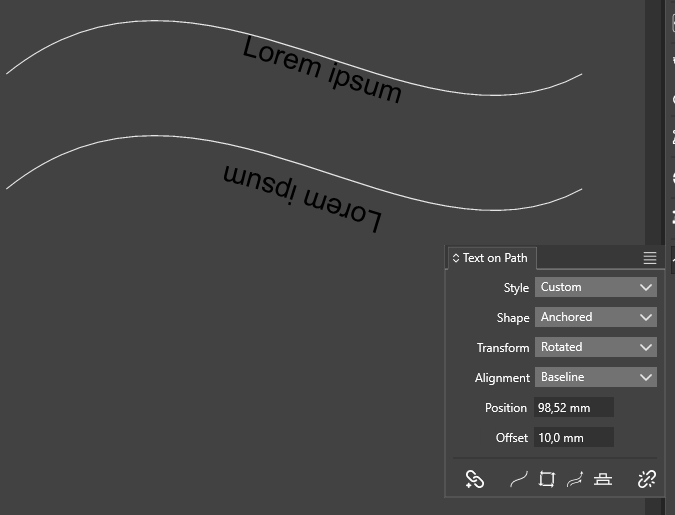
    • [ Text on Path]The offset value does not change to the opposite when the path direction is changed.
      • encart  

      2
      0
      Votes
      2
      Posts
      3010
      Views

      @encart The way the text offset works is that the original pat is offset by the given amount and then the text is placed one or the other side of that offset.
    • Unresponsive up/down arrows in SVG Export dialog
      • debraspicher  

      2
      0
      Votes
      2
      Posts
      2498
      Views

      @debraspicher I added this to the backlog.

    Move Topic