• One stylus pen issue fixed - can this second issue also be fixed?

    11
    1
    1 Votes
    11 Posts
    9k Views
    BoldlineB
    @VectorStyler Thank you - I know you'll find the best solution. I appreciate you hearing me out
  • Difficulty adding node to existing path with double click

    5
    1
    0 Votes
    5 Posts
    5k Views
    BoldlineB
    @VectorStyler so far is always been a literal double tap, but I will try adding that function to a stylus button and see how that goes. I agree the stylus overall is less precise and using a stylus button might help in multiple ways
  • How to break a connexion between clone objects

    18
    0 Votes
    18 Posts
    15k Views
    B
    @VectorStyler Thank you
  • How to Edit Text Background?

    7
    0 Votes
    7 Posts
    6k Views
    G
    @VectorStyler said in How to Edit Text Background?: @b77 @gotanidea The modal character options editor has a bug when working with background / underline and other decorators. Some drop downs don't open. The fix for these will be in the next build. Good to know that. Thanks again
  • More Keyboard Shortcut Conflicts

    25
    0 Votes
    25 Posts
    32k Views
    b77B
    @Igull
  • Rendering artifacts with VS

    19
    3
    0 Votes
    19 Posts
    15k Views
    VectorStylerV
    @Harry Can be replicated.
  • width dialogs

    3
    2
    0 Votes
    3 Posts
    3k Views
    T
    @VectorStyler Thanks for getting on it. Looking forward to the next build!
  • shape paint and gaps

    8
    1 Votes
    8 Posts
    7k Views
    T
    @VectorStyler Thanks for confirming there's a bug. Another issue that might be related is that the "Close Shapes" value in the "Shape Paint Options" dialog does not persist. It gets reset back to the same very small value whenever the dialog is closed and re-opened. @b77 That's a slick workaround you came up with!
  • Trace B/W shape without white

    7
    0 Votes
    7 Posts
    7k Views
    b77B
    @postdes 'Ignore White' is the correct setting for this, not 'Extract Alpha'. My apologies.
  • Transparent Backgrounds?

    7
    1 Votes
    7 Posts
    6k Views
    J
    Ahh! That's what I was looking for! I think I was thrown by the term "grid" since I usually think of the grid as a separate design guide element than the background. Thanks!
  • Reset Transform

    5
    0 Votes
    5 Posts
    5k Views
    b77B
    @Igull
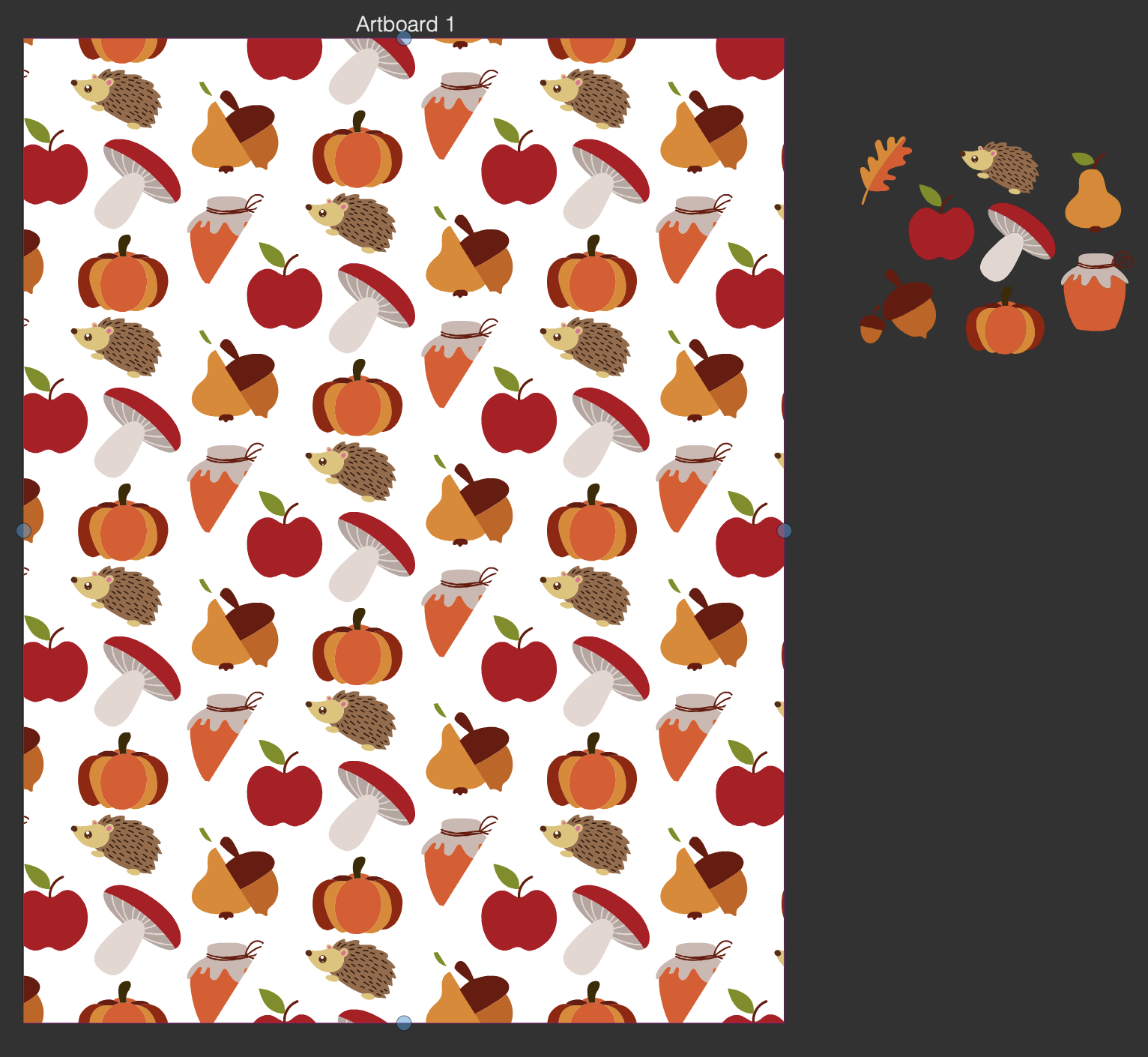
  • Canvases, artboards, clones, actions - designs for Redbubble

    3
    0 Votes
    3 Posts
    4k Views
    H
    @VectorStyler Thanks for this comprehensive answer! Still a long way ahead, but when I master references I feel like i could be great shortcut.
  • How to I make sure Favorite Fonts display?

    3
    3
    0 Votes
    3 Posts
    4k Views
    b77B
    @Boldline You didn't by any chance click the 'Favorite Font' entry in the Character panel's menu? That is a checkmark, and if you click it, the font is deleted from the Favorites list.
  • How to draw "calligraphic" strokes with a stylus?

    2
    0 Votes
    2 Posts
    3k Views
    VectorStylerV
    @Harry Looks like the width profile goes through too much simplification in VS, for long paths. I will improve this.
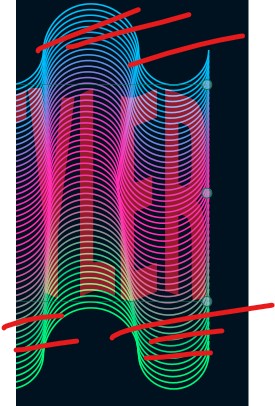
  • Blends are not automatically transferred to cloned curves

    5
    1
    0 Votes
    5 Posts
    5k Views
    S
    @VectorStyler said in Blends are not automatically transferred to cloned curves: @Subpath Just duplicating, or cloning the two ends will not carry the blend over. This is by design. that it does not work with duplicates is clear to me if I manually blend the cloned curves it works as desired but that the blending is not automatically is transferred to the cloned curves, if i blend the two orinal curves had me just wondered.
  • 0 Votes
    12 Posts
    16k Views
    F
    I got this, by grouping the finished blend which made it easier to rotate (from the center I think vs from an edge). Quite a bit of tinkering. Not a bad result. Thanks for the help. 0_1670487017668_Abstract_Knot_Illus_Vctr_FINAL.vstyler
  • Disabling vertical flipping during text scaling?

    3
    2 Votes
    3 Posts
    5k Views
    VectorStylerV
    @encart I added this to the backlog, will do flipping only if both directions are flipped. @Boldline No option for this.
  • Trim and Join and .... Extend (once again)

    4
    1
    2 Votes
    4 Posts
    4k Views
    IgullI
    @VectorStyler said in Trim and Join and .... Extend (once again): @Harry Should it work for lines only, or for curves also? It would really need to work for curves too - that'll make it easier for you Neil
  • 1-bit Bitmap export been added to VS?

    6
    1
    0 Votes
    6 Posts
    6k Views
    VectorStylerV
    @Boldline Got it!
  • Change dimensions for bounding box

    5
    0 Votes
    5 Posts
    5k Views
    S
    @Clausj Also interesting to open and to look at is the "Shape" Panel With it you can edit different parameters of the different Shapes that VS offers Menu > Panel > Shape