VectorStyler
    • Categories
    • Unread
    • Recent
    • Tags
    • Popular
    • Register
    • Login
    1. Home
    2. Recent
    Log in to post
    Load new posts
    • All Topics
    • New Topics
    • Watched Topics
    • Unreplied Topics

    • All categories

    • All tags
    • G

      IMport svg produves rasterized image

      Watching Ignoring Scheduled Pinned Locked Moved Questions and Support
      3
      3
      1 Votes
      3 Posts
      638 Views
      VectorStylerV
      @gentle Can you send me the SVG file ?
    • G

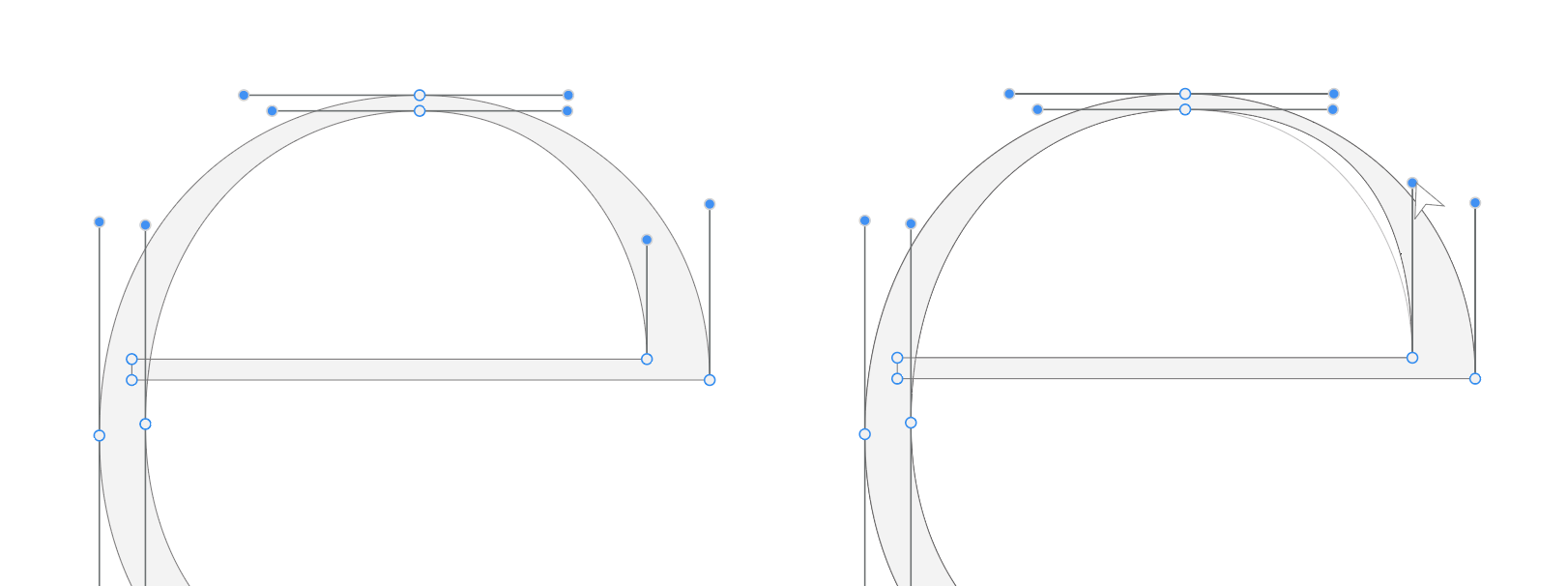
      PEn tool direction handle isn't visible after a few strokes

      Watching Ignoring Scheduled Pinned Locked Moved Questions and Support
      2
      1 Votes
      2 Posts
      478 Views
      VectorStylerV
      @gentle Clearly there is a bug here, I will try to fix this as soon as possible.
    • V

      Grid flashing on mouse movement when using node tool with snap-to-grid enabled

      Watching Ignoring Scheduled Pinned Locked Moved Bugs in VectorStyler
      3
      1 Votes
      3 Posts
      1k Views
      V
      fixed
    • E

      Blend along a path : can objects be shifted vs path ?

      Watching Ignoring Scheduled Pinned Locked Moved Questions and Support
      8
      1
      1 Votes
      8 Posts
      1k Views
      E
      @Li-Xiao thanks for the tip. Yes bending is actually a good idea. I found it easy to control by grouping the path and blended shapes together before applying blending shape effect. Everything stays well connected [image: 1763834044155-eef04f3a-cc32-402b-968a-13fe70973b89-image-resized.png]
    • XRAYX

      Perforance settings bugs

      Watching Ignoring Scheduled Pinned Locked Moved Resolved 1.2 bugs
      4
      1 Votes
      4 Posts
      905 Views
      XRAYX
      @VectorStyler Hi, this is on Windows 11 24H2 and the settings are "checked" inside of performance settings such as !"Direct Preview of Changes" or "GPU for Mesh" and "GPUfor Distortion" but don't seem to actually be working. Selecting ok seems to fix "Direct Preview of Changes" but no way to be sure about the GPU settings.
    • RaaskotR

      Linked Image Content buttons has no effect after first toggle attempt

      Watching Ignoring Scheduled Pinned Locked Moved Bugs in VectorStyler
      3
      1
      1 Votes
      3 Posts
      681 Views
      VectorStylerV
      @Raaskot This can be replicated and the fix will be in the next build.
    • RaaskotR

      Text on path is totally deformed in operation and cmd-z is no help

      Watching Ignoring Scheduled Pinned Locked Moved Bugs in VectorStyler
      3
      2 Votes
      3 Posts
      600 Views
      VectorStylerV
      @Raaskot The horizontal scaling of the characters was set to 4% (can be found in Character panel, expanded with the title knob). I will try to find out more about the undo/redo issues.
    • J

      Bug: Duplicated text frame does not reflow after resize

      Watching Ignoring Scheduled Pinned Locked Moved General Discussion
      5
      1 Votes
      5 Posts
      1k Views
      J
      @VectorStyler I can provide one-it's on my other computer-I'll make a note to upload it. I had problems reproducing this until I remembered that the original graphic was converted from Illustrator. Native VS graphics don't have this problem. Looks like a metadata problem with conversions.
    • BoldlineB

      Selecting Objects in list view in "Object Export" Panel deselects when list is moved offscreen

      Watching Ignoring Scheduled Pinned Locked Moved Bugs in VectorStyler
      4
      2
      0 Votes
      4 Posts
      763 Views
      BoldlineB
      @VectorStyler No problem. No rush on my part, there are workarounds. You have a lot on your plate at the moment.
    • S

      Scaled object copies by 75% are bigger instead smaller when using Randomness.

      Watching Ignoring Scheduled Pinned Locked Moved Questions and Support
      11
      1
      1 Votes
      11 Posts
      2k Views
      VectorStylerV
      @EricP said in Scaled object copies by 75% are bigger instead smaller when using Randomness.: was this changed in a recent release ? Yes, there were changes here.
    • S

      Attempts of a kind of Halftone Lines in VS

      Watching Ignoring Scheduled Pinned Locked Moved Tutorials
      10
      3
      7 Votes
      10 Posts
      12k Views
      S
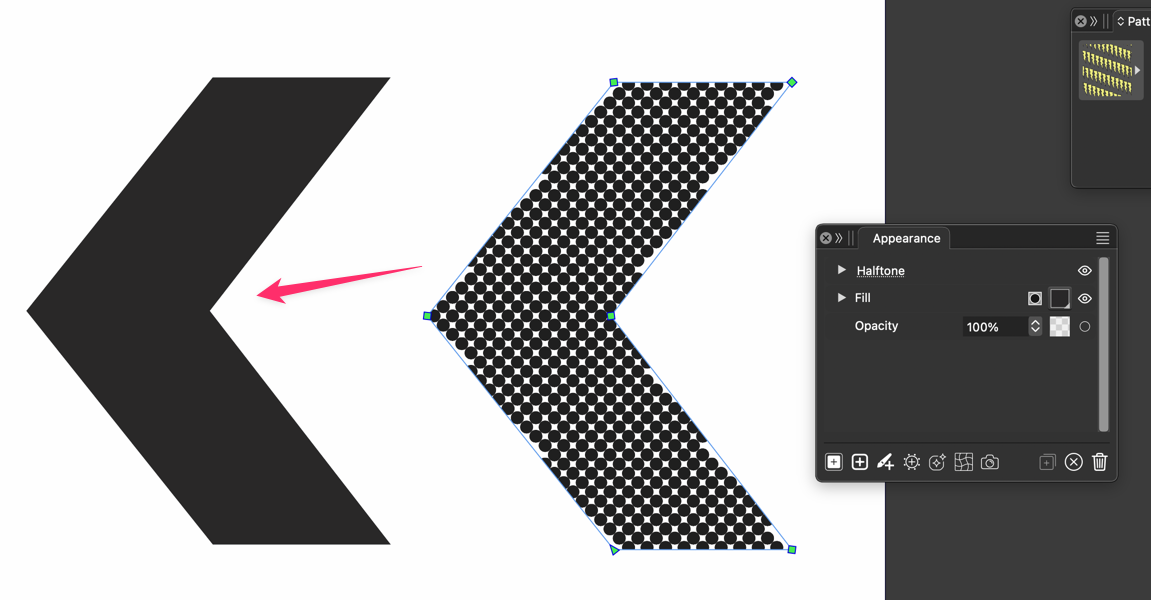
      @EricP Thank you and thank you for watching Then it could be a country-specific problem for @lin
    • AyoA

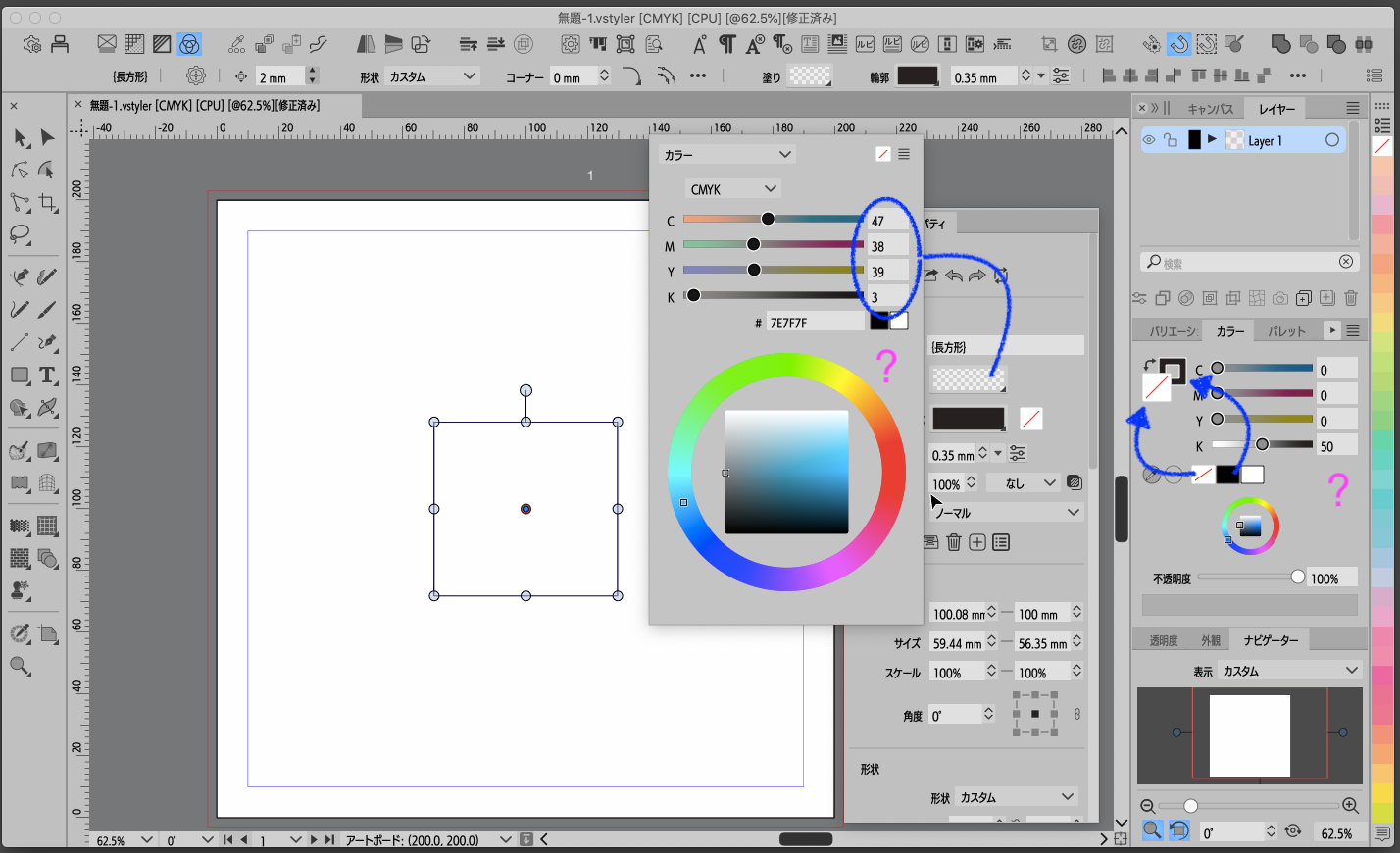
      Is it possible to make the hexadecimal notation in the color window copyable?

      Watching Ignoring Scheduled Pinned Locked Moved Features and Ideas
      3
      0 Votes
      3 Posts
      804 Views
      AyoA
      @VectorStyler said in Is it possible to make the hexadecimal notation in the color window copyable?: hex text it should be copy/pasteable Indeed (after restarting the app.), thanks
    • VectorStylerV

      update 1.2.090

      Watching Ignoring Scheduled Pinned Locked Moved Announcements and News
      3
      8 Votes
      3 Posts
      789 Views
      VectorStylerV
      @ai_slop No changes in rendering. You can try reinstalling the previous build to compare the rendering.
    • E

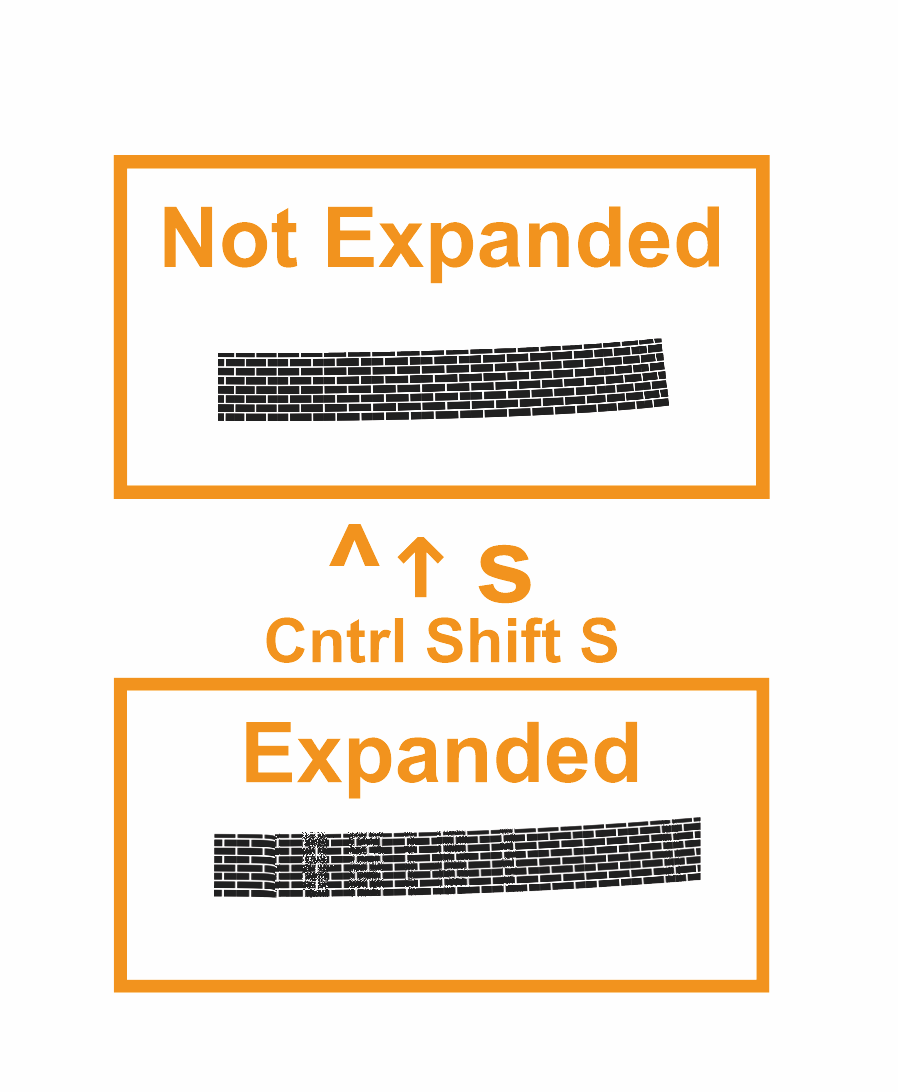
      Flatten Opacities is no longer working predictably

      Watching Ignoring Scheduled Pinned Locked Moved Bugs in VectorStyler
      5
      1 Votes
      5 Posts
      1k Views
      VectorStylerV
      @EricP I will try to fix these.
    • L

      Displacement issue

      Watching Ignoring Scheduled Pinned Locked Moved Bugs in VectorStyler
      4
      1 Votes
      4 Posts
      953 Views
      L
      @VectorStyler fixed(1.2.090), thanks
    • debraspicherD

      Artboard name is clipped by bleed guide

      Watching Ignoring Scheduled Pinned Locked Moved Bugs in VectorStyler
      4
      2
      1 Votes
      4 Posts
      1k Views
      debraspicherD
      Thank you for taking care of this!
    • A

      Bug: selecting multiple nodes and/or handles stops working

      Watching Ignoring Scheduled Pinned Locked Moved Bugs in VectorStyler
      15
      1 Votes
      15 Posts
      3k Views
      A
      No, no other action taken. Just the node tool. I move around some nodes and change the node types and segment types in the context bar. I hold alt adjusting some handles and that's all. Then the bug occurs. I'm on windows 11. If you need any other info about my system, let me know. Feel free to PM also.
    • BoldlineB

      Could we add more options for editing/removing select artboards ?

      Watching Ignoring Scheduled Pinned Locked Moved Features and Ideas
      3
      1 Votes
      3 Posts
      719 Views
      L
      In relation to this: Selecting a single Artboard in the list view of the Canvas panel -> invokes a "Zoom to Artboard" Could this be optional - or work only in combination with a modifier key? I would expect the zoom level to remain. If I select Artboards for rearrangement in the list, bulk formatting or deletion, I don't want a Zoom to an "arbitrary" Artboard. Selecting Artboard(s) in the list view should highlight a selection marquee around corresponding Artboard(s) - at least if the Artboard Tool is active. And vise-versa; selecting Artboards on the Canvas should update Artboard lines in the list view. Drag-moving an Artboard in the list to a different Canvas, then undo-ing will kill/disappear the Artboard. /BR Lars Herold 1.2.086 Mac+Win
    • E

      Keep Original for Offset Path Tool

      Watching Ignoring Scheduled Pinned Locked Moved Features and Ideas
      6
      1
      1 Votes
      6 Posts
      1k Views
      E
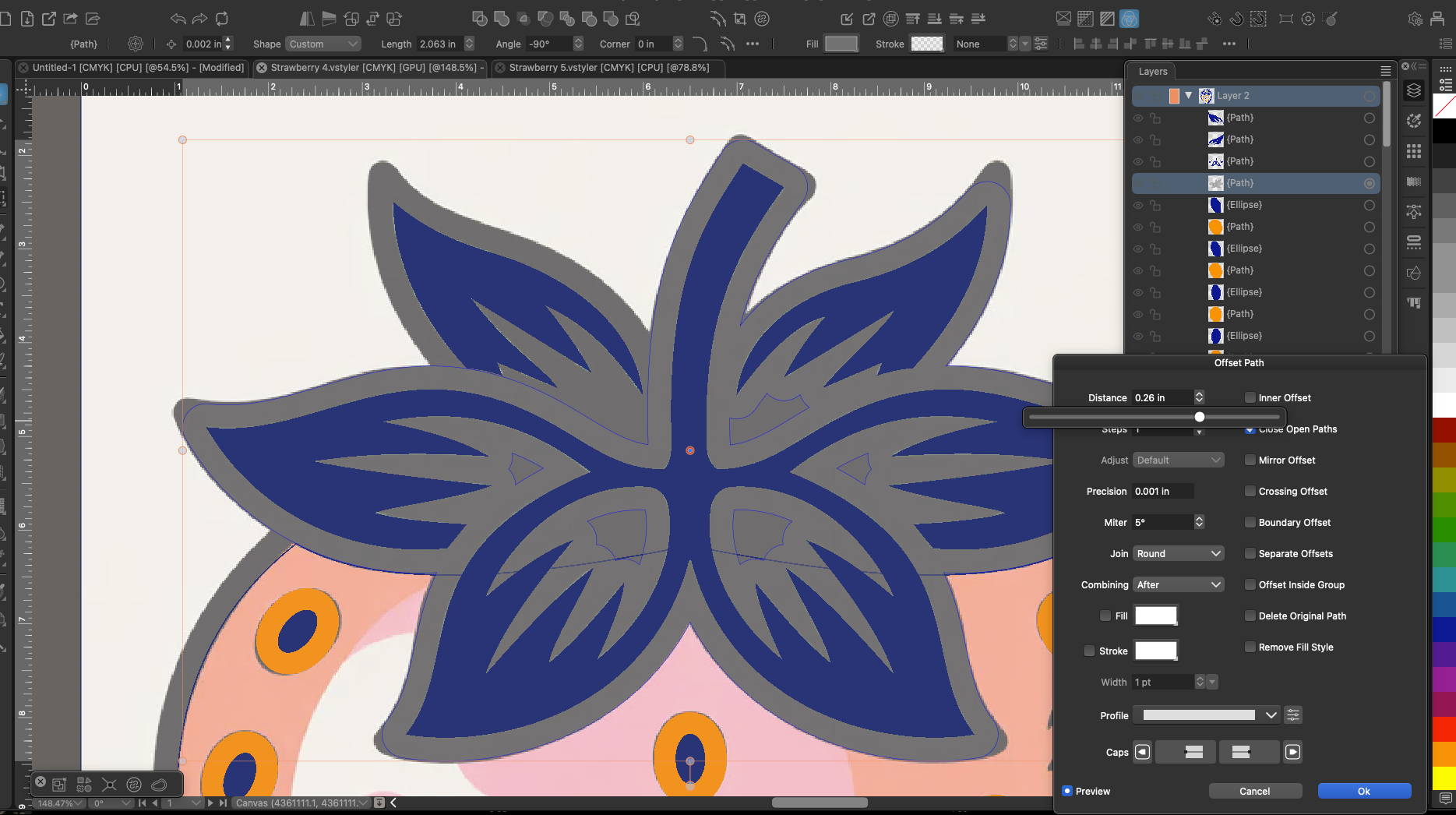
      @Subpath thank you, I will try that
    • BoldlineB

      Shrink the activation click zone for "Fixed Tile Count" and the "Vertical First" checkboxes

      Watching Ignoring Scheduled Pinned Locked Moved Bugs in VectorStyler
      6
      2
      1 Votes
      6 Posts
      1k Views
      S
      @VectorStyler I will gather some examples for you when I have the chance and then post them in this thread.