Subcategories

  • These features and ideas have been implemented in VS as suggested

    180 Topics
    1k Posts
    VectorStylerV
    @Ayo said in About the Snap feature: Wouldn't it be better to change "Snap to Visible Only" to "Snap to View Extend Only" or shorter "Snap to Viewport Only" or even shorter "Snap to View Only" ? There is a big chance of confusion with the term 'visible' which is mainly linked to the layer system. I added this to the backlog.
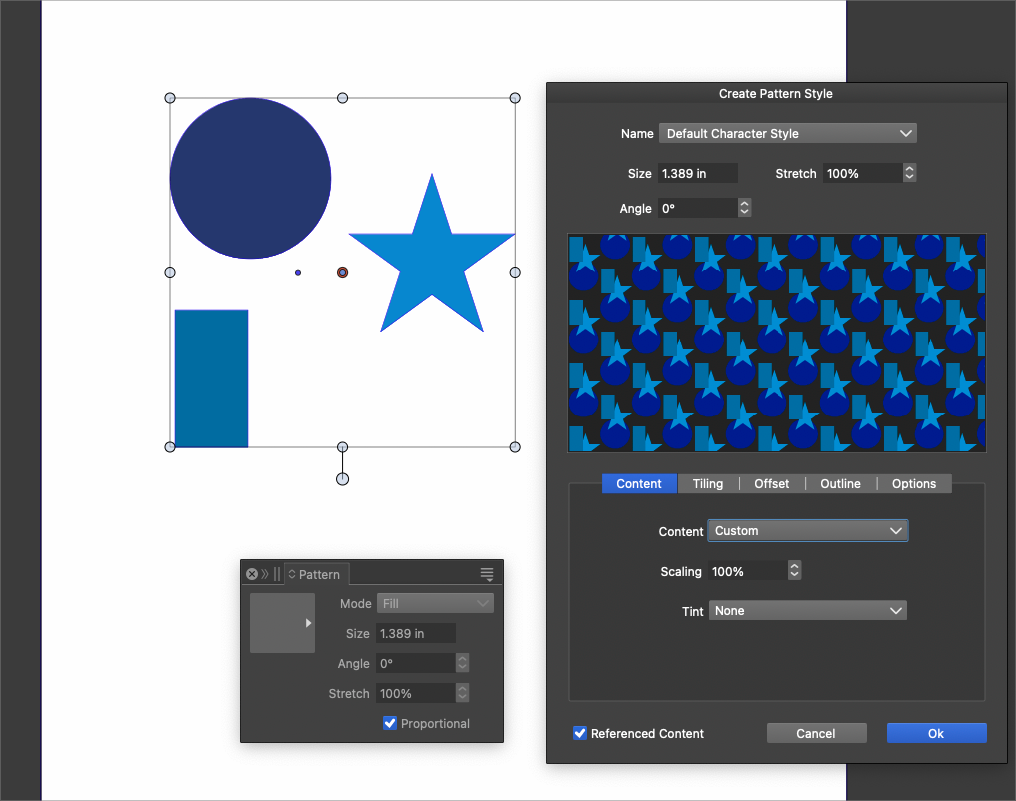
  • Seamless Pattern Editable Generator with Preview

    8
    2
    1 Votes
    8 Posts
    4k Views
    VectorStylerV
    @Boldline Some of these features are already present in the current vector pattern of VS. I will add this to the feature backlog to see of other can be added for 1.4
  • zoom\pan whilst holding a node\object

    4
    1 Votes
    4 Posts
    635 Views
    VectorStylerV
    @Evaelo said in zoom\pan whilst holding a node\object: holding a node\object with the 'Right Mouse button' at the same time, Got it, I will try to add this.
  • Character Vertical and Horizontal scaling options

    2
    1 Votes
    2 Posts
    400 Views
    VectorStylerV
    @William-Kansepa I can add these, but it will not be in the default Character panel state, only when the panel is expanded.

  • Questions about pencil tool

    8
    0 Votes
    8 Posts
    4k Views
    VectorStylerV
    @debraspicher I will try to find out what could be an issue
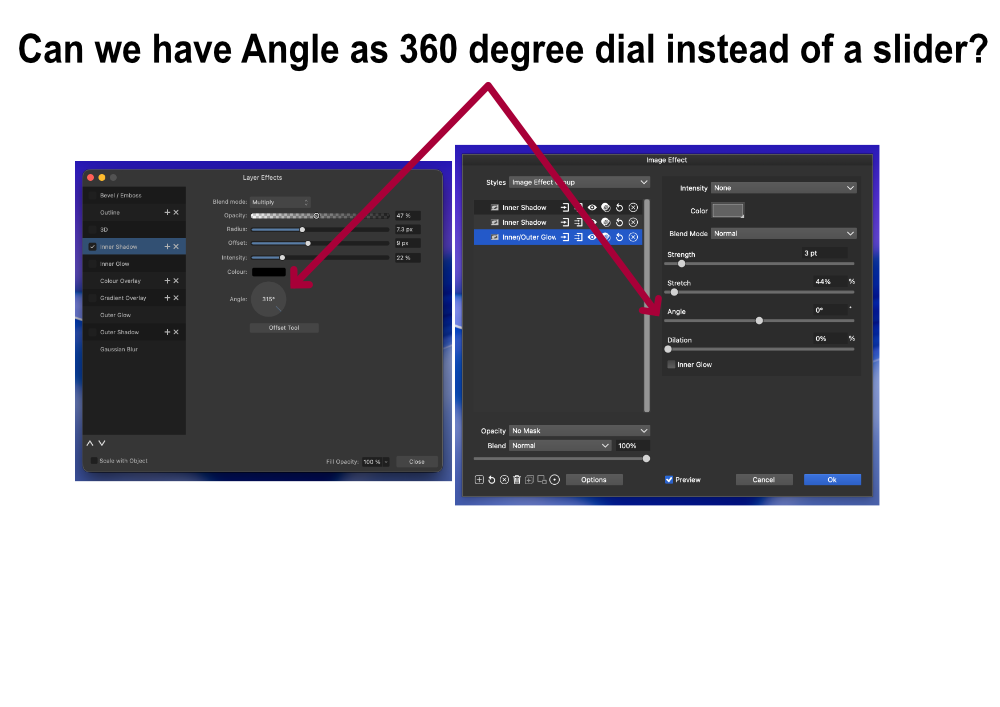
  • Angle 360 degree dial instead of a Slider?

    8
    1
    2 Votes
    8 Posts
    748 Views
    J
    @Ingolf said in Angle 360 degree dial instead of a Slider?: Merry Christmas Merry Christmas
  • Magnetic Selection

    3
    3
    1 Votes
    3 Posts
    463 Views
    M
    @VectorStyler Yes, the magnetic field distance can be set.
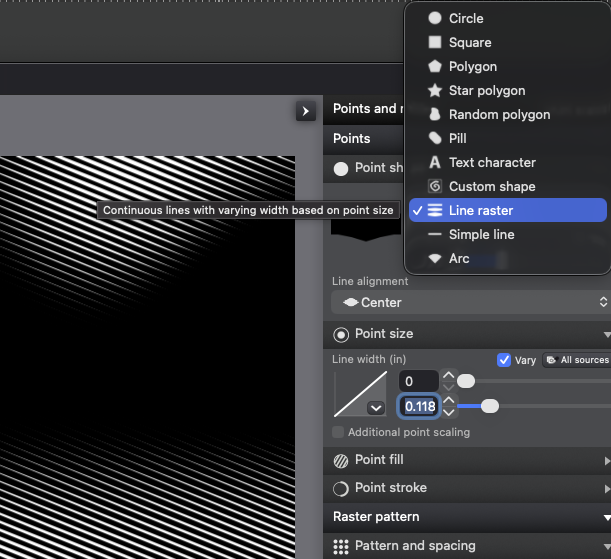
  • Dedicated line halftone option for the new halftone tool and repeater

    11
    1
    1 Votes
    11 Posts
    1k Views
    L
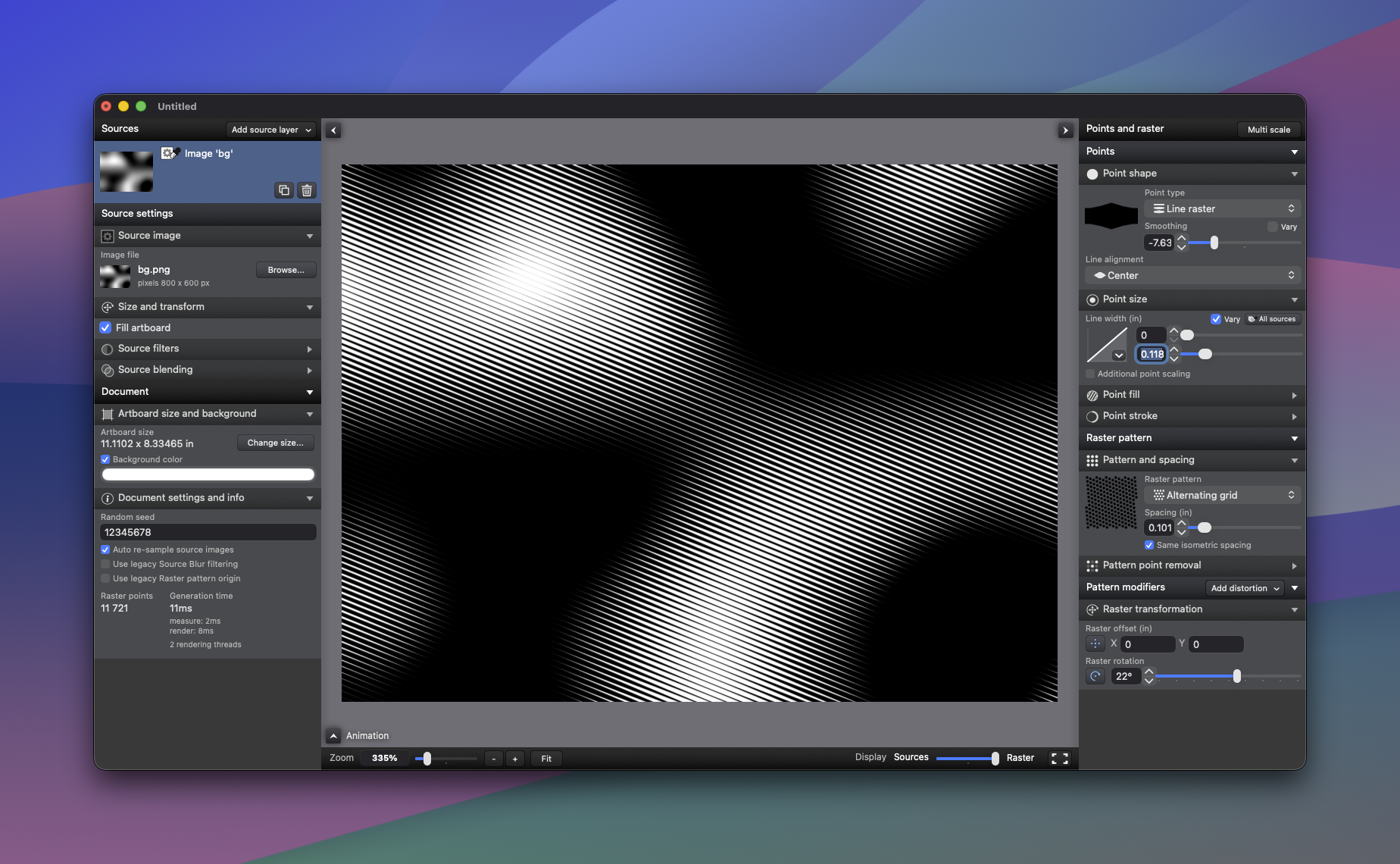
    @EricP A larger Length Limit value does not improve color sampling accuracy, @VectorStyler Image halftoning is the perfect solution. [image: 1765902638956-line-colorize-resized.jpg]
  • Normalize Child Object Opacity to 100% (Group Cleanup Command)

    2
    1
    1 Votes
    2 Posts
    422 Views
    VectorStylerV
    @Boldline said in Normalize Child Object Opacity to 100% (Group Cleanup Command): However, in production workflows it is common for groups to contain child objects with varied reduced opacity values while the group itself remains at 100%. Send me an example file with this case.
  • Group and Hide fonts in the new font panel

    3
    1
    0 Votes
    3 Posts
    468 Views
    VectorStylerV
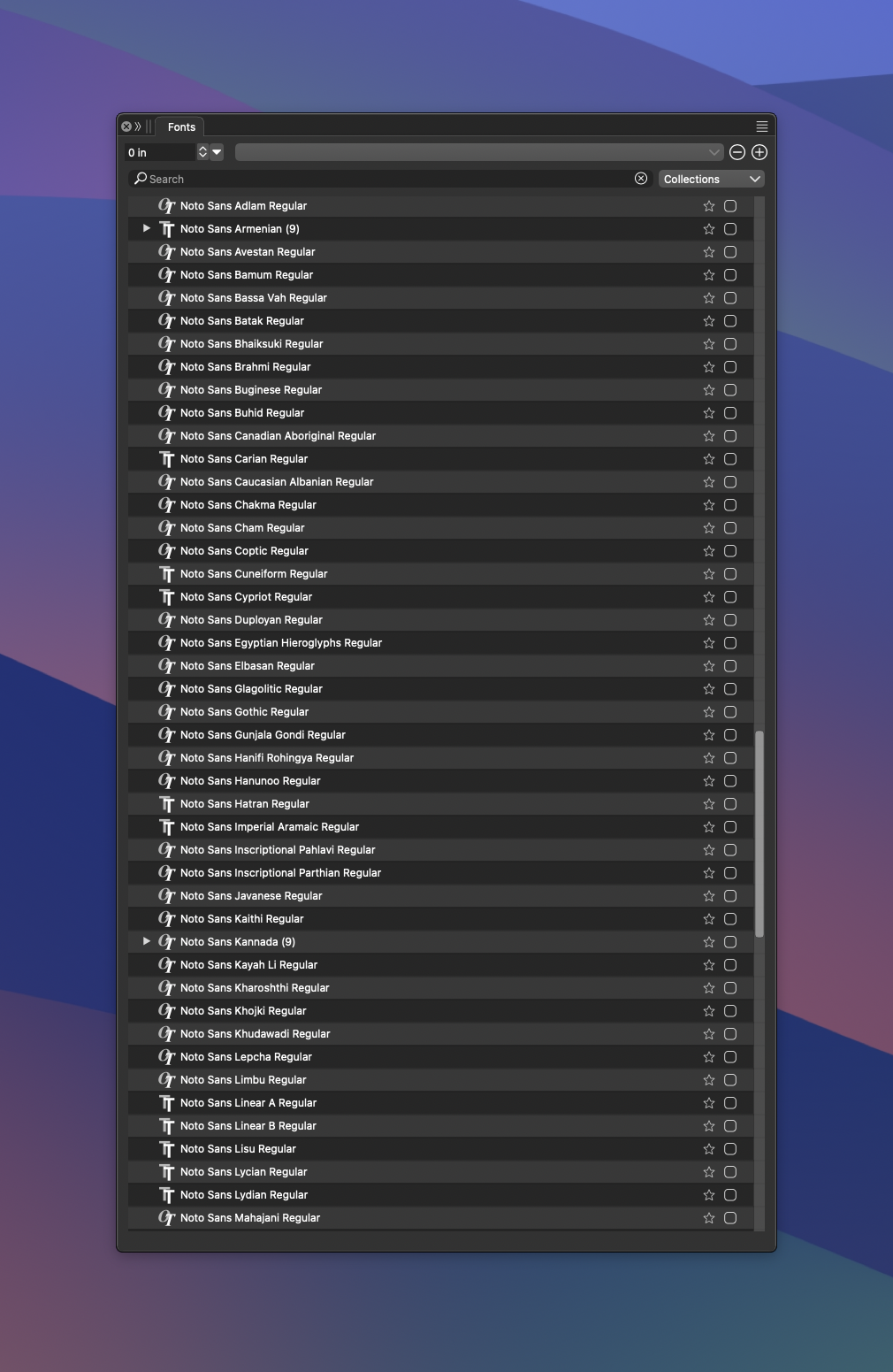
    @Boldline The font manager can be used to organize fonts into groups, but that will not help in the Installed Fonts group. I will think about some new feature on how to organize dynamic font collections (like Installed Fonts) into some sort of folder structure. But this is for later.
  • Texture element generator for halftone

    2
    3
    1 Votes
    2 Posts
    386 Views
    L
    @Boldline [image: 1765857150315-noise-resized.jpg]
  • A suggestion for the Font Panel

    3
    2 Votes
    3 Posts
    429 Views
    M
    Great. Im reading my post, i believe i dont expressed right. I believe that the Last used font must be at top, below the font used previously, and so on. Sorry my english is harsh.
  • Up&Down arrows behaviour

    3
    1 Votes
    3 Posts
    497 Views
    E
    @marce said in Up&Down arrows behaviour: instead of it you popup a slider. So, you need to move your mouse again and slide to the desired value Personally, I like to scroll values up or down by clicking on the field name and moving the mouse up or down. Very efficient. It avoids having to move your mouse to fetch the slider ball. Works on most fields (except ones with 2 input fields)
  • Text Wrap Panel and Text Wrap Options

    2
    1
    1 Votes
    2 Posts
    372 Views
    VectorStylerV
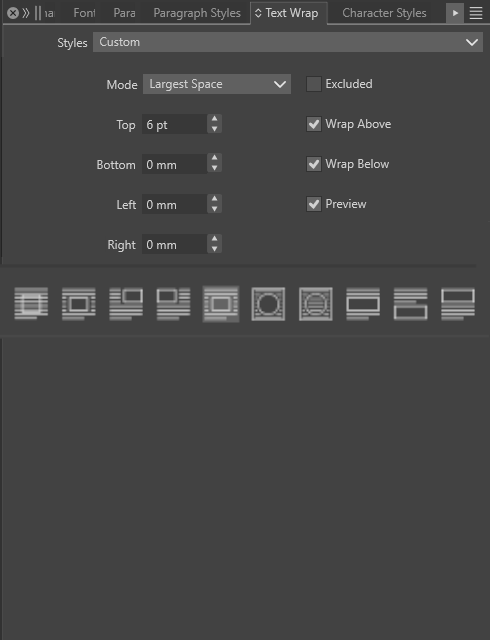
    @marce I added this to the backlog
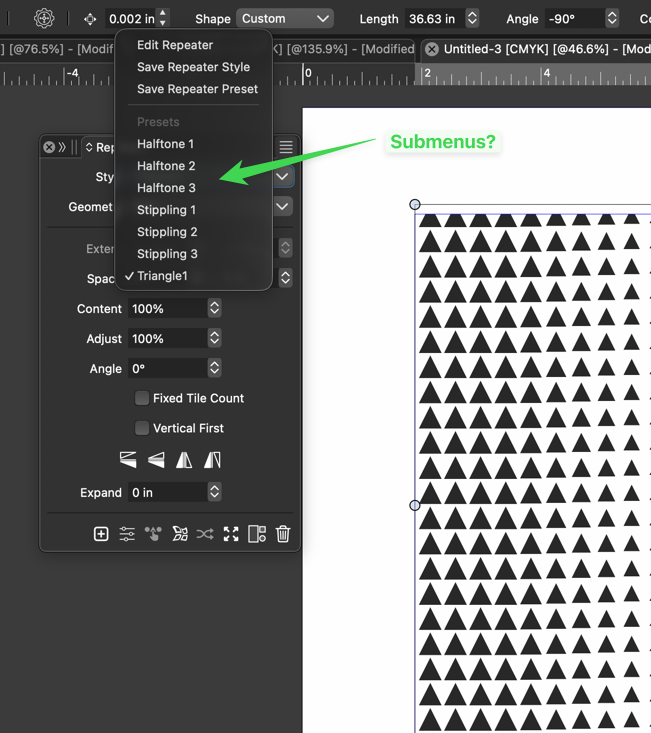
  • Add sub-categories to the repeater presets menu area?

    12
    1
    1 Votes
    12 Posts
    2k Views
    VectorStylerV
    @Boldline said in Add sub-categories to the repeater presets menu area?: When I go up a level and into the presets folder, I see one repeater preset listed. I don't see the default repeater presets that come with VS or the several custom presets I already created. That file contains all the current repeater presets. The default presets file is in the VectorStyler bundle (similar location), but it was copied to this file. When I look in the Window>Presets Flyout menu, I see dedicated options for brush presets, document presets, an option to open a brush preset file. I was confused why the brush presets options are listed but not the other presets, but I assume that's because users are most commonly importing brush presets? Brush presets have a separate menu command because it is quite common to use these and there are typically many of them. Other presets could have a separate panel, but then it gets too crowded with menu commands. You can drag out a section from the Presets panel into a separate panel. When I go to the presets panel, repeater brushes are not listed at all. You mentioned it might be a bug, but I have an old windows laptop I had yet to upgrade to VS1.3, so it was still using VS1.2. On that laptop, the same presets panel also lacks a repeater preset folder I will fix this

  • 0 Votes
    2 Posts
    386 Views
    VectorStylerV
    @marce No such option at this time.
  • 1 Votes
    3 Posts
    408 Views
    S
    @VectorStyler No problem, it was just a thought and I also suspected there was a reason for it.
  • Transform Object lacking preview option

    2
    1 Votes
    2 Posts
    295 Views
    VectorStylerV
    @William-Kansepa I will try to add this if possible.
  • Shape Builder : Option to use color of first shape

    2
    1 Votes
    2 Posts
    342 Views
    VectorStylerV
    @EricP I added this to the backlog
  • Repeater : snap to grid

    3
    2 Votes
    3 Posts
    868 Views
    E
    @VectorStyler thank you
  • image blending

    2
    1 Votes
    2 Posts
    326 Views
    VectorStylerV
    @monsterfox Not supported, there are no image blending features in VS and no plans to add these. It would be more suitable for a photo editing app.