Subcategories

  • These issues have been resolved and closed

    863 Topics
    5k Posts
    VectorStylerV
    @debraspicher I will try to replicate and fix this.
  • Everyone makes mistakes. Help us correct ours. Let us know how to improve VectorStyler.

    10 Topics
    41 Posts
    VectorStylerV
    @jpsimmons Yes, this can be replicated and it is a bug. I will try to fix it for the next build.
  • Everyone makes mistakes. Help us correct ours. Let us know how to improve VectorStyler.

    579 Topics
    3k Posts
    G
    @VectorStyler said in Slow Typing Performance: @gotanidea I'm testing these issues with slow typing performance. The new document has no issue with speed (the old is till slow). What configuration you use for these tests? and which text is edited in the new document. I'm trying to replicate as close as possible. Can you please click the first text box ("Before rigging any character geometry ....") at the top-left region of the new document using the Text Tool, then hold the "a" key? I use: VectorStyler v1.3.001 Windows 11 Home 64-bit AMD Ryzen 7 5800H with Radeon Graphics (16 CPUs) ~3.2GHz 16384MB RAM NVIDIA GeForce RTX 3060 Laptop GPU
  • Bug reports on the 1.2 beta of VectorStyler

    290 Topics
    2k Posts
    L
    There is a workaround that requires using Shape Corner in the Effects panel. However, this only works if all four corners of the rectangle have the same radius. If the corner sizes are inconsistent, Shape Corner doesn't allow for individual corner adjustment, and you have to use the Corner panel instead, which makes this workaround unusable for that scenario. https://youtu.be/akNbqo8wqo8
  • These bugs were posted for 1.2 and should be resolved

    229 Topics
    1k Posts
    W
    Now fixed in VS 1.3.017. Thank you @VectorStyler!
  • Crash while dragging objects between documents

    2
    1 Votes
    2 Posts
    19 Views
    VectorStylerV
    @jpsimmons I will try to replicate it. Did it submit the crash report through the app (the PDF was not uploaded).
  • A bug in the Repeater’s Region that makes the size shorter

    9
    1 Votes
    9 Posts
    72 Views
    L
    @VectorStyler which is the actual repeater feature that this should be in, is it the "Geometry Adjustments"? yes does this mean that for example 4 adjustments take values from 4 different regions? Yes, in most cases they are in different regions, but there are also overlapping parts. For these overlapping areas, it would be best if the effects could stack together, just like they do with many Shape Effects. some example cases on how would this work It's similar to a morphing effect, much like what's described here (https://www.researchgate.net/figure/Showing-the-conventional-2D-display-subpixels-behind-a-slanted-lenticular-lens-sheet_fig2_341806198). The main difference is that I use laser equipment to engrave the graphics directly onto the material, but the underlying principle is very similar to synthesizing composite images for a lenticular lens sheet.
  • Text inside shape area bug

    3
    2
    1 Votes
    3 Posts
    32 Views
    Clippy notesC
    @VectorStyler https://www.mediafire.com/file/gm3c66ix8vff2zf/LOGO_inicial.vstyler/file
  • 1 Votes
    2 Posts
    16 Views
    VectorStylerV
    @Subpath Will be fixed
  • 1 Votes
    3 Posts
    18 Views
    VectorStylerV
    @Clippy-notes Yes, if it is running in the background this will cause this. It should not run if the window is closed
  • Repeater expand regression bug

    2
    1 Votes
    2 Posts
    23 Views
    VectorStylerV
    @Li-Xiao I will try to replicate and fix this.
  • VS lags when transforming masked objects

    4
    1 Votes
    4 Posts
    23 Views
    L
    @VectorStyler I tested this on a base model Mac mini M4. Moving the text in the top left corner is perfectly smooth at first. However, moving the masked object in the bottom right causes lag. After that, moving the text in the top-left becomes laggy as well. https://youtube.com/shorts/Zv0shwdhanc?feature=share
  • Issue with UI text not displaying

    3
    1
    1 Votes
    3 Posts
    26 Views
    L
    @VectorStyler This is working properly on macOS, but it’s a Windows only issue.
  • Frame Text rendering & shifting issues in Transform Group

    3
    1 Votes
    3 Posts
    28 Views
    VectorStylerV
    @Li-Xiao I opened a bug on this and will try to fix it.
  • Bug List for Version 1.3

    86
    3
    1 Votes
    86 Posts
    18k Views
    M
    @VectorStyler https://youtu.be/FZuNl0duLVQ 外观-12.vstyler
  • An issue with the Overlay effect

    2
    1 Votes
    2 Posts
    25 Views
    VectorStylerV
    @Li-Xiao I opened a bug on this
  • GPU view problem with Nvidia

    13
    1
    1 Votes
    13 Posts
    75 Views
    VectorStylerV
    @Mohammadreza Yes this was not solved yet, as I could not replicate it. I will test the opencl crash
  • Textbox scaling issue

    4
    1
    1 Votes
    4 Posts
    48 Views
    M
    I have submitted it before, and when the shape text is converted into frame text, it becomes like this in the video. It should be a bug.
  • The spline tool has a bug

    3
    1 Votes
    3 Posts
    41 Views
    L
    @VectorStyler Version 1.3.020 has fixed. Thanks
  • Buggy Behavior in Colors Palette Panel + Undo

    3
    0 Votes
    3 Posts
    37 Views
    D
    @VectorStyler Sorry for the long delay - I will get the files to you when I can with a reference to this. Thank you for your patience.
  • Potential (Small) Bug in Appearance Panel

    4
    1 Votes
    4 Posts
    62 Views
    debraspicherD
    @DreamS Yes I reported this bug during a prior version, so probably it was fixed by then. Very funky.
  • Redrawing screen hide toolbars and then show them again

    12
    1 Votes
    12 Posts
    100 Views
    M
    said in Redrawing screen hide toolbars and then show them again: @VectorStyler In 017 it also does the same. For some reason 018 does it but not so often. I was believen it was fixed, but at last, it did it. I know you couldnt find the casus still, but anyway i believed was good to know.
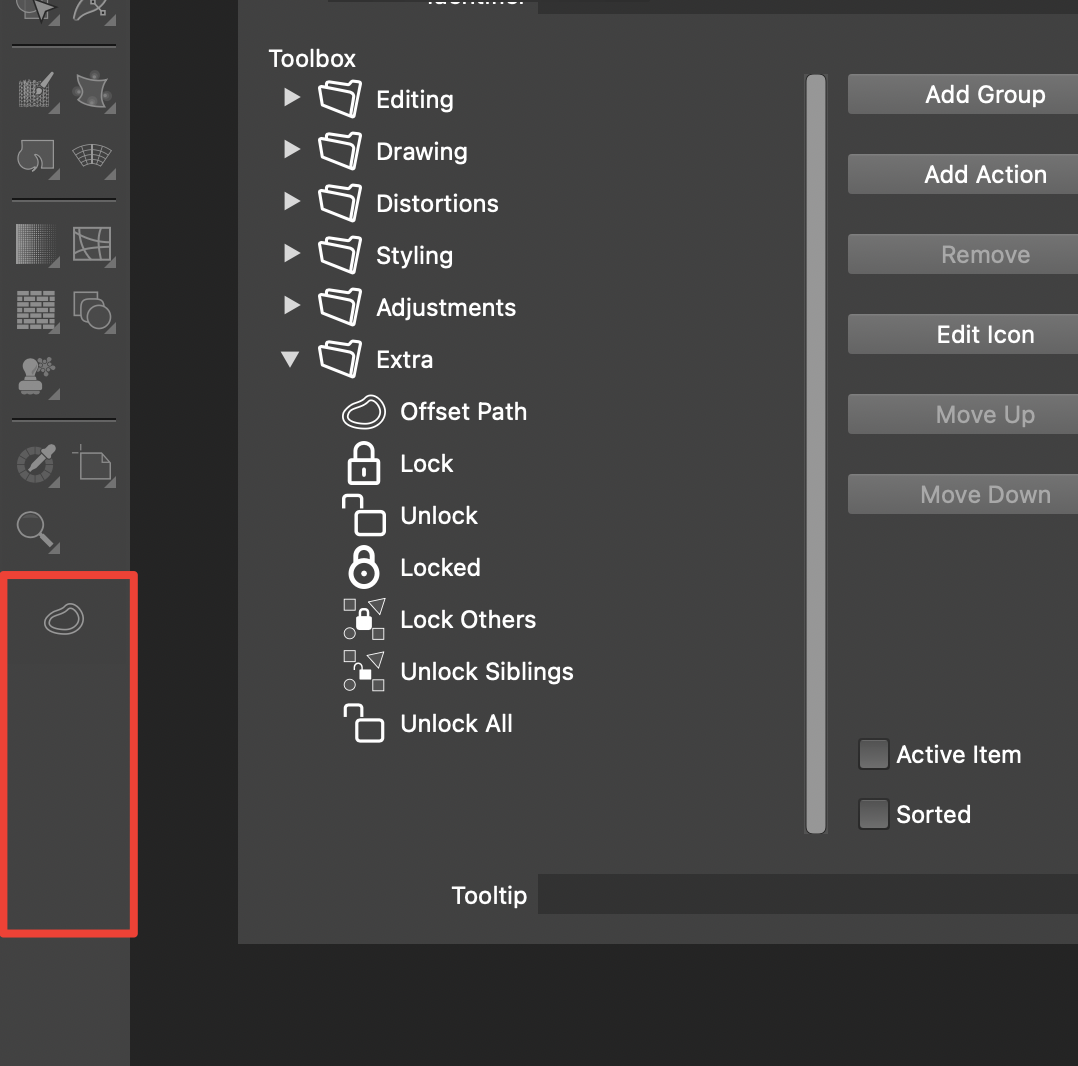
  • Offset Path Froze While "View Using GPU" is Activated

    13
    1
    2 Votes
    13 Posts
    71 Views
    H
    @VectorStyler System: MacBook Pro M1 Pro, 16GB RAM, macOS Tahoe 26.3.1 (25D2128)
  • Pattern Brush made into Art brush will not expand Properly

    3
    3
    1 Votes
    3 Posts
    30 Views
    RidgehammerR
    @VectorStyler Thank you for looking into it, and helping me find a solution.
  • The behavior of the "remove color" button is strange.

    3
    1
    1 Votes
    3 Posts
    43 Views
    861475_VctSt8
    @VectorStyler 1.3.017 Thanks It finally cleared up the confusion I’ve been feeling for years.